




Skip to content
View in the app

A better way to browse. Learn more.

Pokemon Revolution Online

A full-screen app on your home screen with push notifications, badges and more.

To install this app on iOS and iPadOS
  1. Tap the Share icon in Safari
  2. Scroll the menu and tap Add to Home Screen.
  3. Tap Add in the top-right corner.
To install this app on Android
  1. Tap the 3-dot menu (⋮) in the top-right corner of the browser.
  2. Tap Add to Home screen or Install app.
  3. Confirm by tapping Install.

Me11ancholy

Registered User
  • Joined

  • Last visited

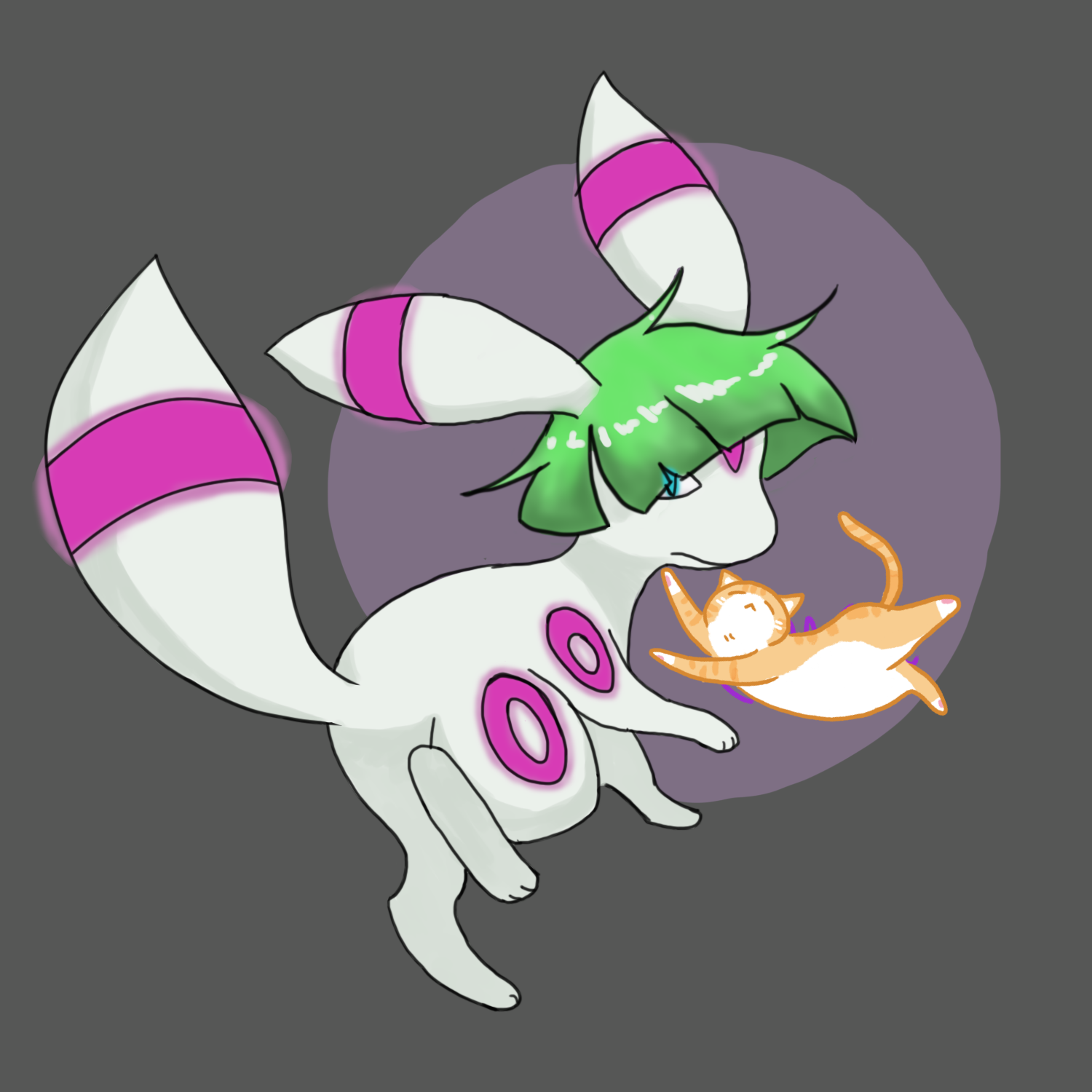
  1. Aloha. My player name, in game is; Mellancholy. I've been playing for 77 hours, like from now. My favorite Pokemon is Umbreaon, and my favorite legendary Pokemon is Meloetta. I'm from the UK🇬🇧 ❤️✨ I'm not really comfortable saying how old I am publically. (We could speak in private maybe?) I'm playing in the silver server. Thank you! As a bonus I've posted a drawing of Umbreon combined with Ralts. (Don't mind the cat sticker, I just had to censor my name)🙏
Account

Navigation

Search

Search

Configure browser push notifications

Chrome (Android)
  1. Tap the lock icon next to the address bar.
  2. Tap Permissions → Notifications.
  3. Adjust your preference.
Chrome (Desktop)
  1. Click the padlock icon in the address bar.
  2. Select Site settings.
  3. Find Notifications and adjust your preference.