




New Trade Zone
Trade Zone is now live
Use the new Trade Zone for auctions and instant-price trades so Pokemon and item offers are easy to find.


m1dnight00
Suspended
-
Joined
-
Last visited
Everything posted by m1dnight00
-
weavile c.o is 220k right now 😗
-
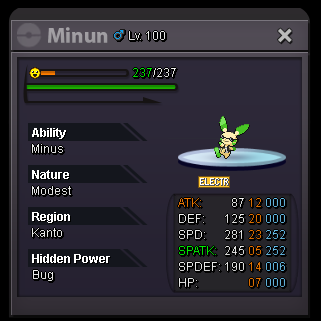
Sorry but I can only take ur Dedenne bid and if u want to bid on Minun and Plusle, u must type down the amount u want to bid, like ur Dedenne's bid. Thank you ❤️
-
C.O Dedenne is back to 170k by Mainvijay
-
yes sir ❤️
-
63h left
-
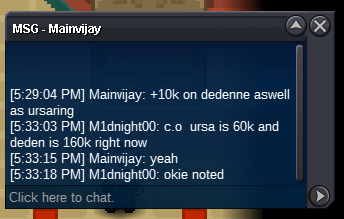
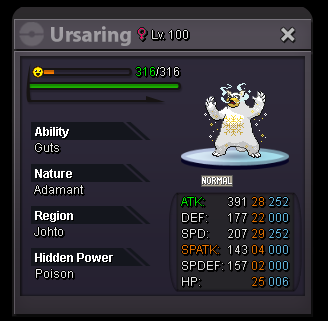
C.O Ursaring 70k and C.O Dedenne 170k by Mainvijay
-
- Christmas Theme: C.O: 350k Min bid: 10k No insta Has ended ------------------------------------ C.O: 460k Min bid: 10k No insta Has ended --------------------------------------- C.O: 470k Min bid: 10k No insta Has ended --------------------------------------- - Easter Theme: C.O: 310k Min bid: 10k No insta Has ended --------------------------------------- C.O: 100k Min bid: 10k No insta Has ended --------------------------------------- C.O: 400k Min bid: 10k No insta Has ended --------------------------------------- - Halloween Theme: C.O: 950k Min bid: 10k No insta Has ended --------------------------------------- C.O: 110k Min bid: 10k No insta Has ended


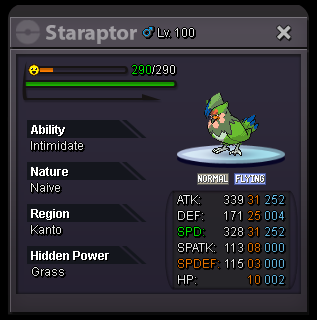
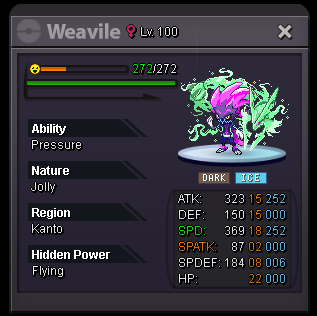
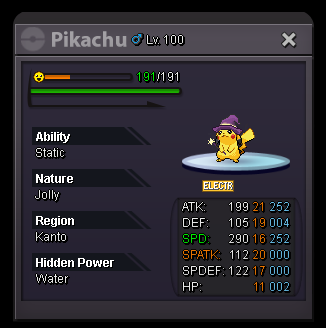
-
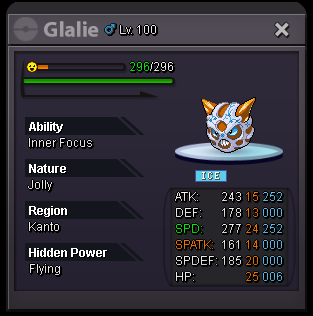
Sorry, I'm carelessly take the picture which is missing the price at the bottom. The total is 250k.
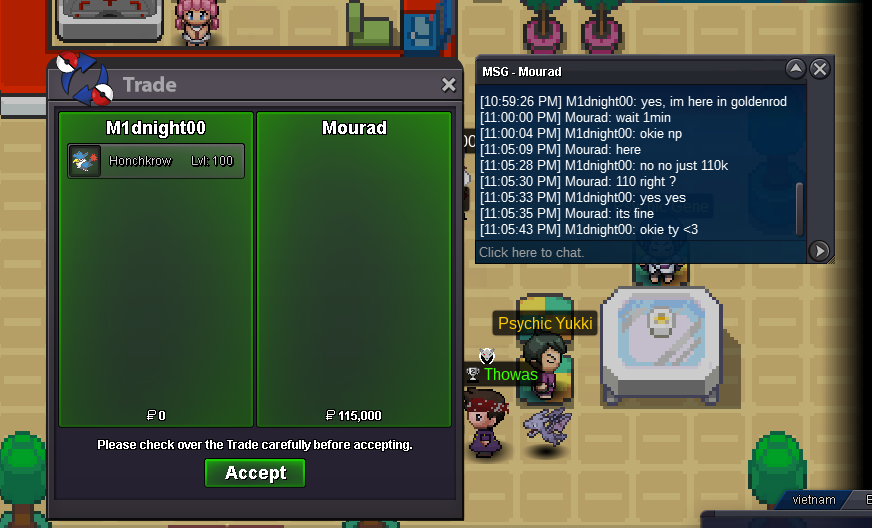
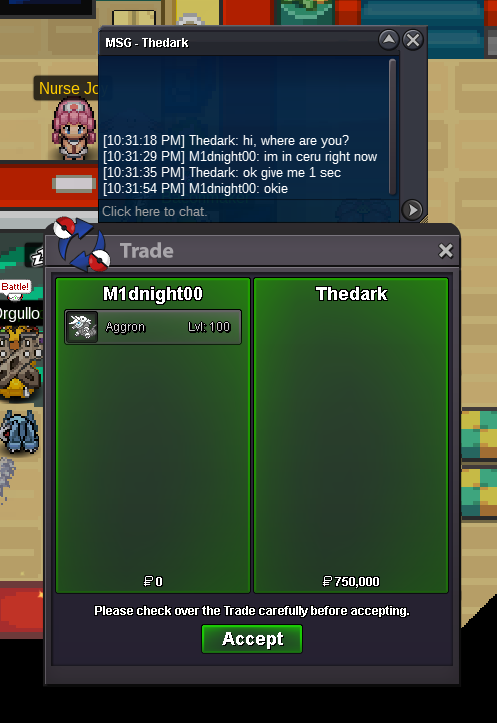
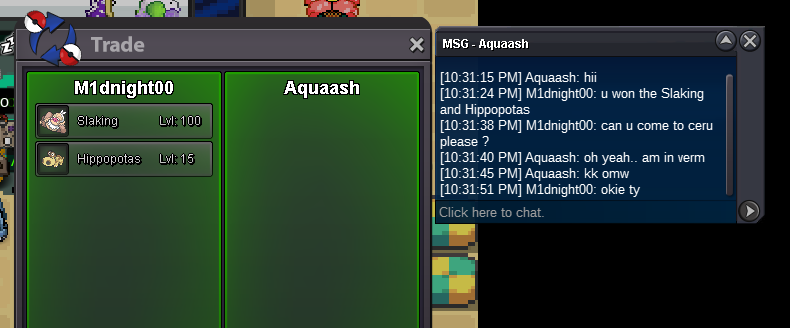 @Aquaash won Hippopotas and Slaking. @Mourad won Honchkrow. @Thedark won Aggron. Here is my in-game username: M1dnight00 My Discord: _.m1dnight._ or previous name: G48 KS M1dnight#2811Honchkrow, Slaking and Hippo have ended.yes sir ❤️sorry u late 1 min for Honchkrow :((Slaking end in 13 mins Aggron end in 15 mins27 mins left for Slaking 34 mins left for othersaggron c.o 140k right now, u can bid to 150k1h left5h left7h left10h left23h leftHonchkrow 100k by Senoxx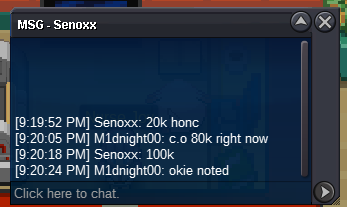




Account
Navigation
Search
Configure browser push notifications
Chrome (Android)
- Tap the lock icon next to the address bar.
- Tap Permissions → Notifications.
- Adjust your preference.
Chrome (Desktop)
- Click the padlock icon in the address bar.
- Select Site settings.
- Find Notifications and adjust your preference.
Safari (iOS 16.4+)
- Ensure the site is installed via Add to Home Screen.
- Open Settings App → Notifications.
- Find your app name and adjust your preference.
Safari (macOS)
- Go to Safari → Preferences.
- Click the Websites tab.
- Select Notifications in the sidebar.
- Find this website and adjust your preference.
Edge (Android)
- Tap the lock icon next to the address bar.
- Tap Permissions.
- Find Notifications and adjust your preference.
Edge (Desktop)
- Click the padlock icon in the address bar.
- Click Permissions for this site.
- Find Notifications and adjust your preference.
Firefox (Android)
- Go to Settings → Site permissions.
- Tap Notifications.
- Find this site in the list and adjust your preference.
Firefox (Desktop)
- Open Firefox Settings.
- Search for Notifications.
- Find this site in the list and adjust your preference.