




New Trade Zone
Trade Zone is now live
Use the new Trade Zone for auctions and instant-price trades so Pokemon and item offers are easy to find.

Alaistar
Registered User
-
Joined
-
Last visited
Everything posted by Alaistar
-
@August13th
-
Sorry can you Repost it...it's againts rule to take back your offer
-
Pm me on discord
-
Kit#6204
-
I will pm u on discord
-
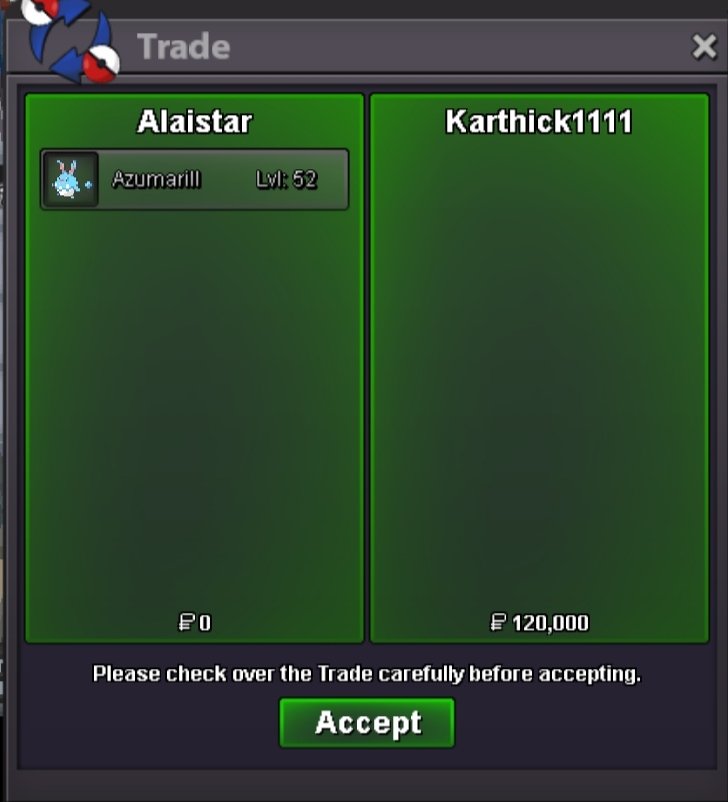
Azumarill trade done
-
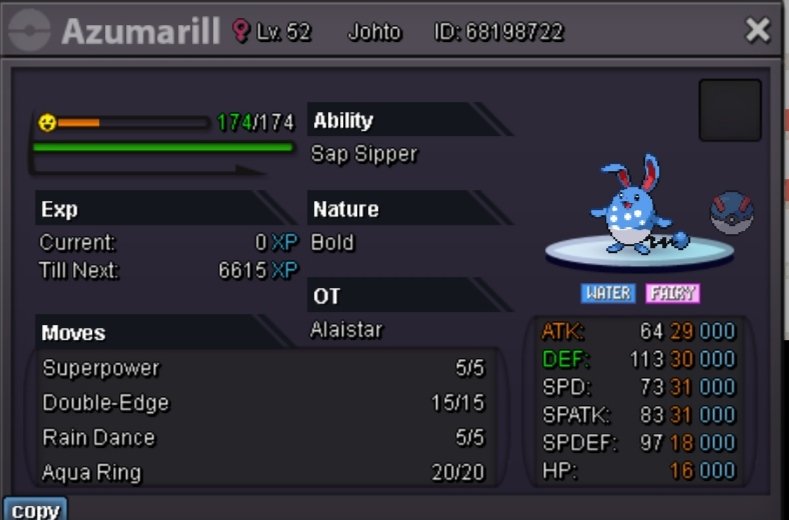
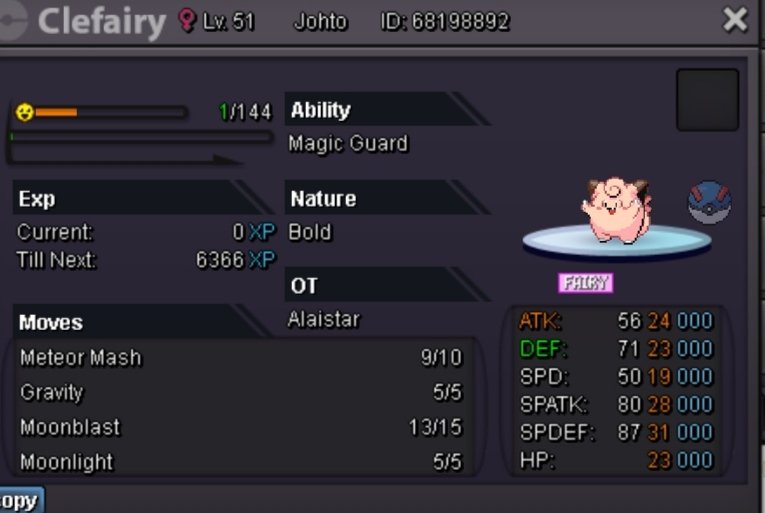
@Karthick1111 u won azumarill and @Varun9696 u won clefairy ...pm me when you are available for trade
-
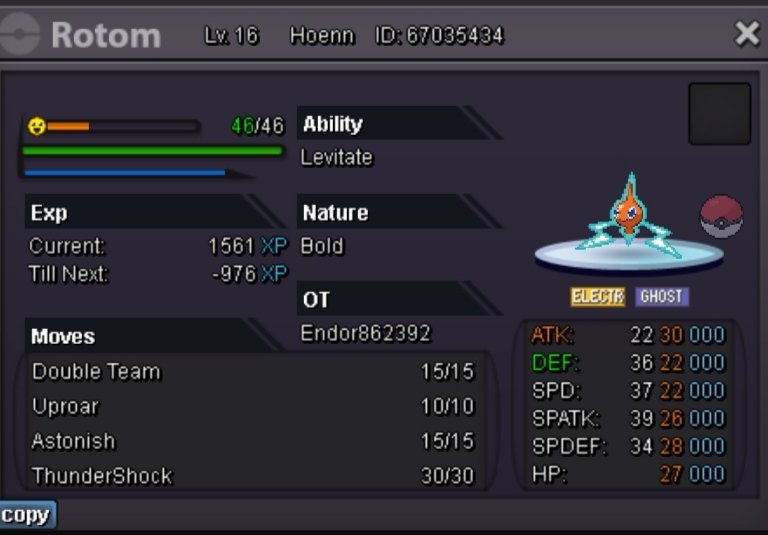
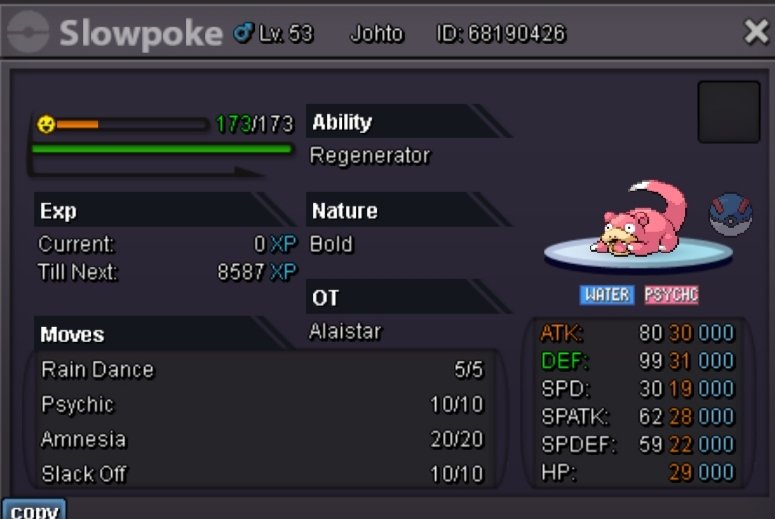
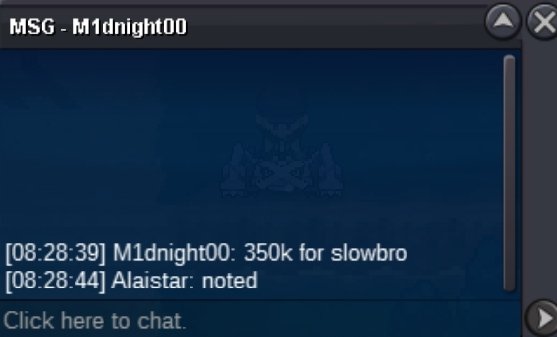
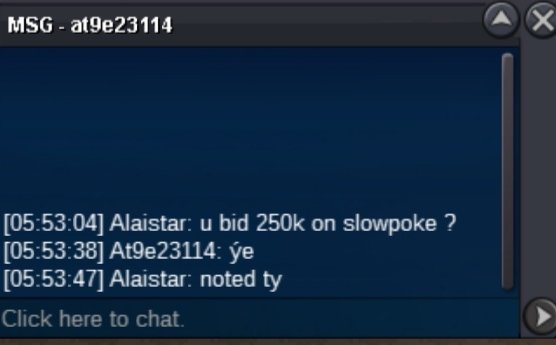
Clefairy and azumarill end , Slowpoke 400k c.o by th0maszz and rotom 600k c.o by Niakuni
-
@Karthick1111 100k c.o

-
Sorry I don't understand the language and please use English hereSold to Scooby321 Sold to karthick1111 Sold to Th0maszz Sold to Varun9696
 Hydreigon trade done
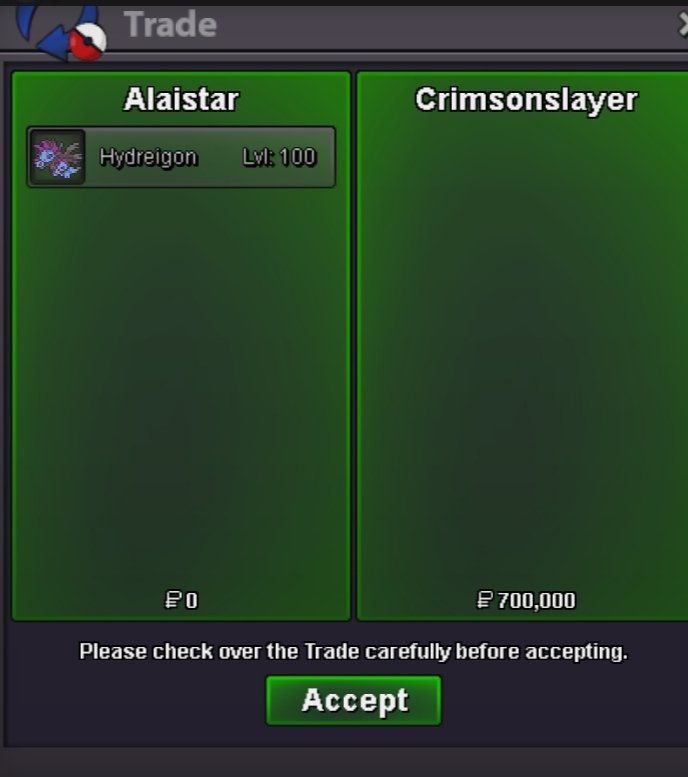 @Crimsonslayer you won hydreigonVenu trade done
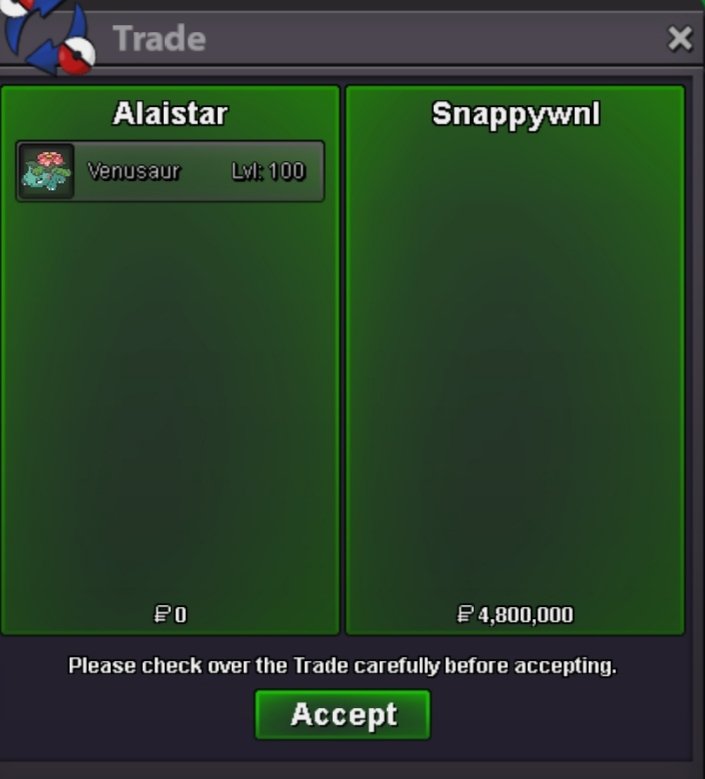 NotedNoted 15 mins leftBump 8 hours leftNotedNoted sirNotedNoted


Account
Navigation
Search
Configure browser push notifications
Chrome (Android)
- Tap the lock icon next to the address bar.
- Tap Permissions → Notifications.
- Adjust your preference.
Chrome (Desktop)
- Click the padlock icon in the address bar.
- Select Site settings.
- Find Notifications and adjust your preference.
Safari (iOS 16.4+)
- Ensure the site is installed via Add to Home Screen.
- Open Settings App → Notifications.
- Find your app name and adjust your preference.
Safari (macOS)
- Go to Safari → Preferences.
- Click the Websites tab.
- Select Notifications in the sidebar.
- Find this website and adjust your preference.
Edge (Android)
- Tap the lock icon next to the address bar.
- Tap Permissions.
- Find Notifications and adjust your preference.
Edge (Desktop)
- Click the padlock icon in the address bar.
- Click Permissions for this site.
- Find Notifications and adjust your preference.
Firefox (Android)
- Go to Settings → Site permissions.
- Tap Notifications.
- Find this site in the list and adjust your preference.
Firefox (Desktop)
- Open Firefox Settings.
- Search for Notifications.
- Find this site in the list and adjust your preference.