




New Trade Zone
Trade Zone is now live
Use the new Trade Zone for auctions and instant-price trades so Pokemon and item offers are easy to find.

Rhaegar92
Suspended
-
Joined
-
Last visited
Everything posted by Rhaegar92
-
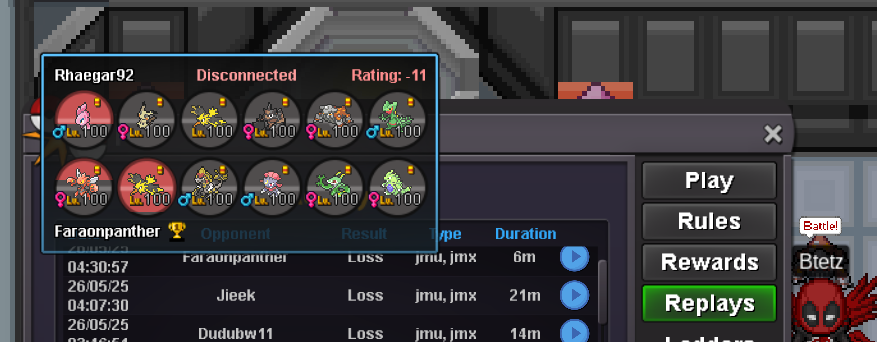
i cant sell you magneton and mawaile someone alredy buy themlet me know when youre onlinelet me know when youre onthe oponent losse all the timer on the screen i was waiting and then the game log me out and i losse the game i can show you the replay when he diddint atack
 buyKameHouse shop Payment Method Pokedollar Coin Capsule = 400k Reroll Ticket = 500k Nature Reroll Ticket = 250k Contacts Discord: rhaegar.92 & unfforgiven In game name: Rhaegar92 & Unfforgiven Prices are negotiable Trained EVENT POKEMONS Untrained

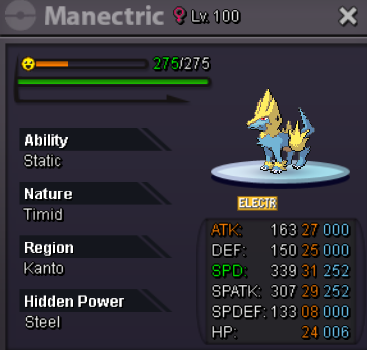

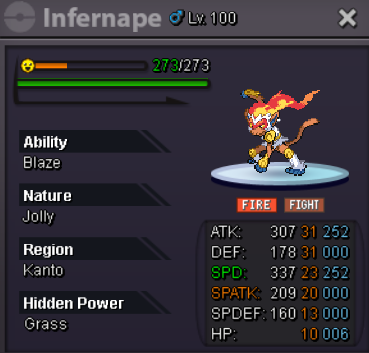
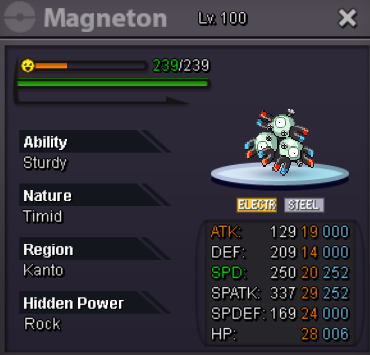
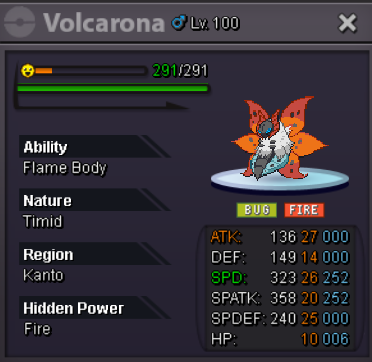
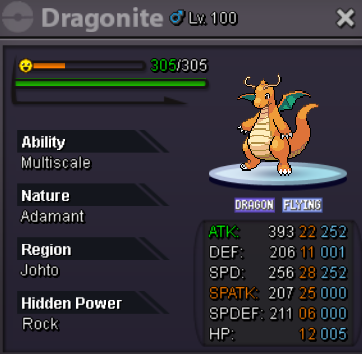


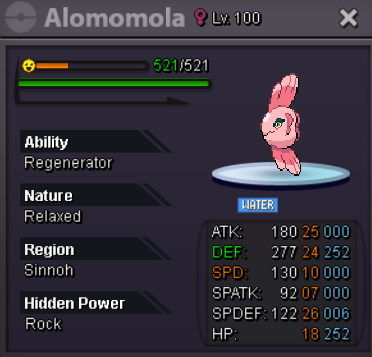
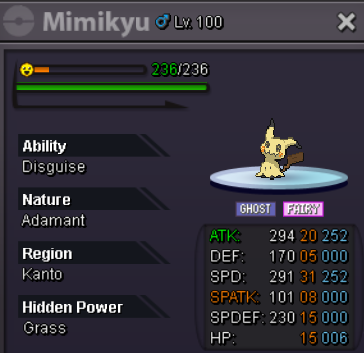
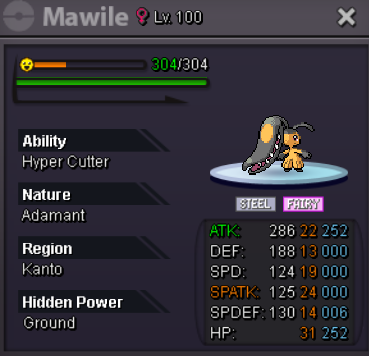
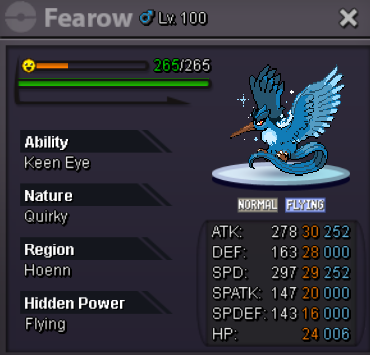
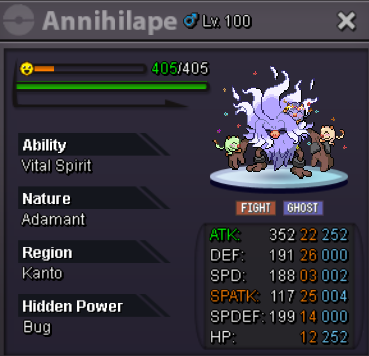
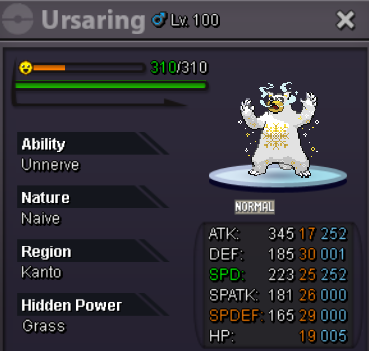

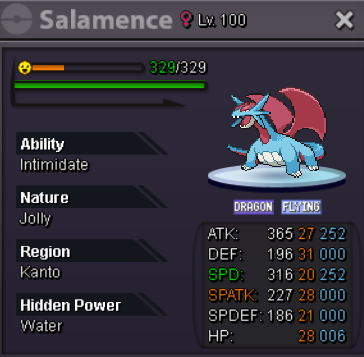
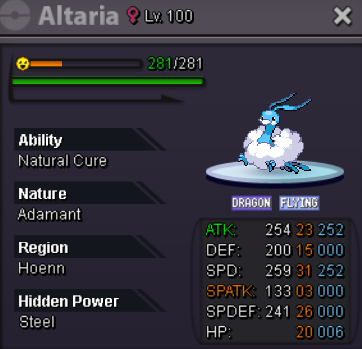
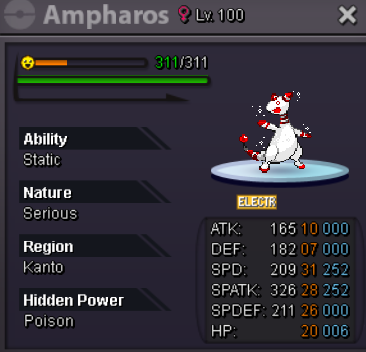

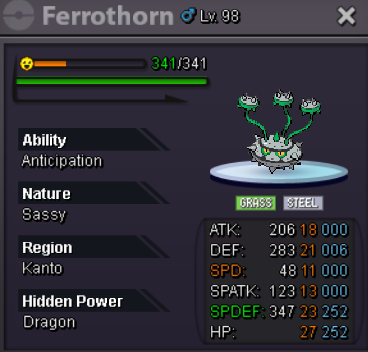
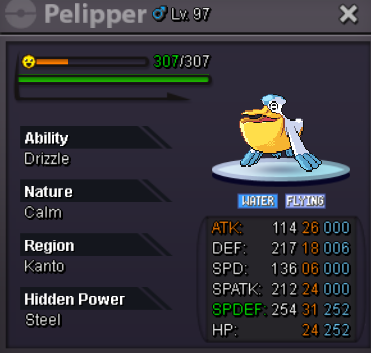


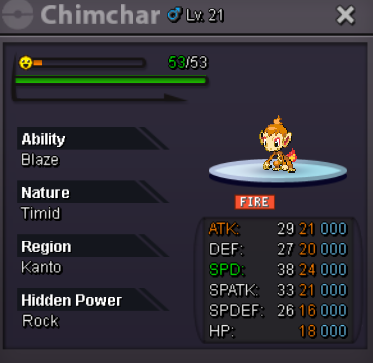
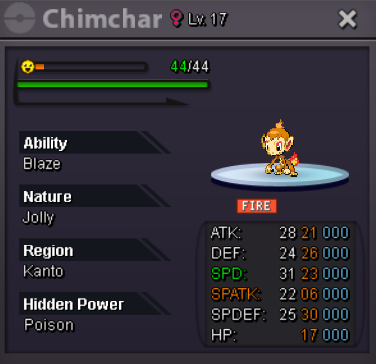
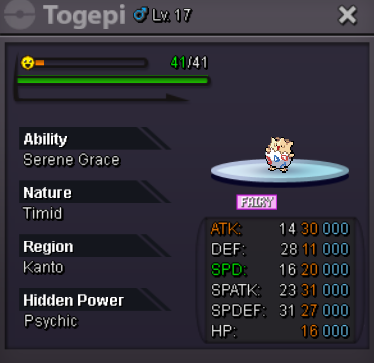
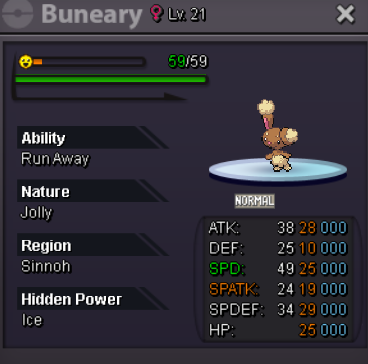

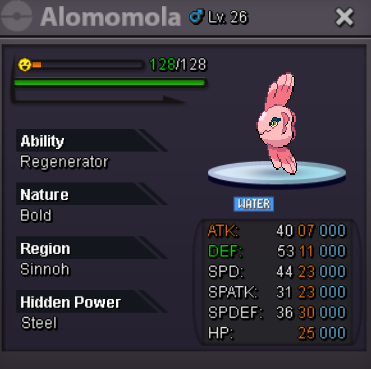
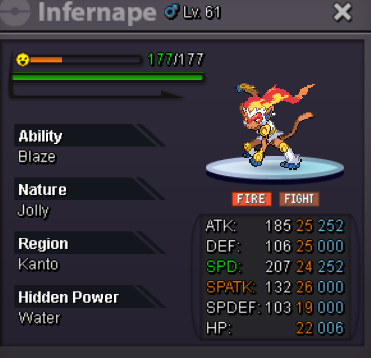

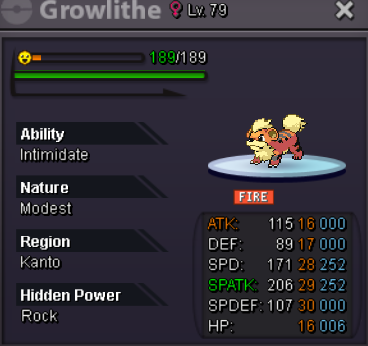
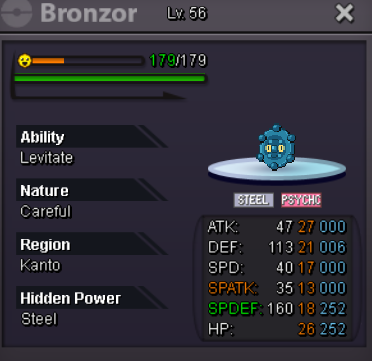
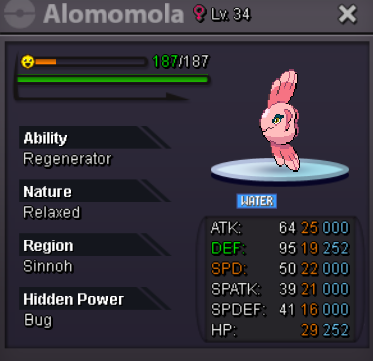
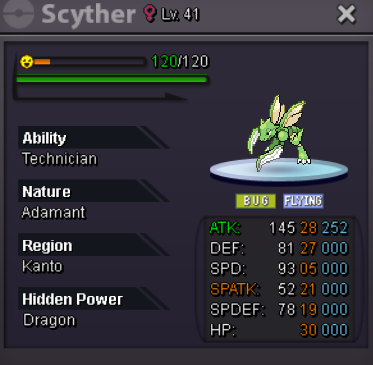
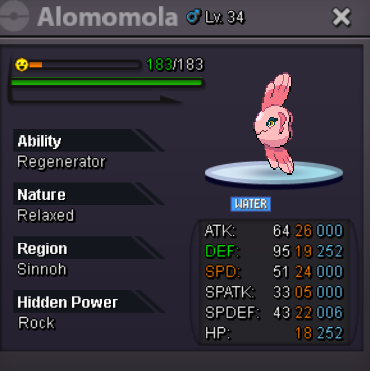
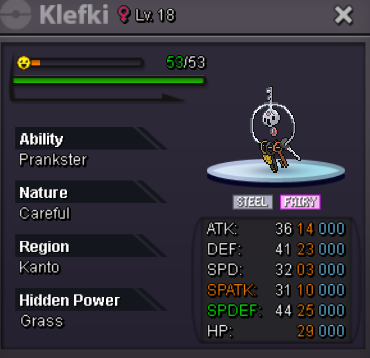
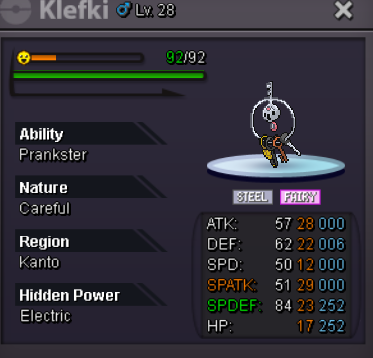
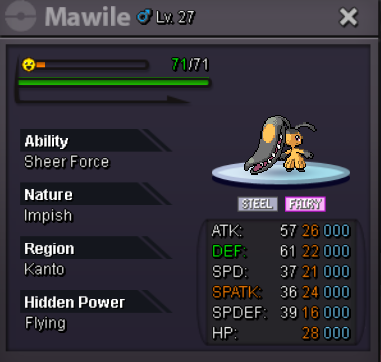

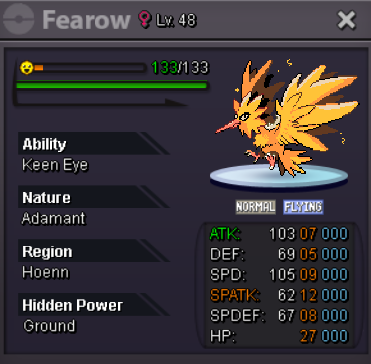

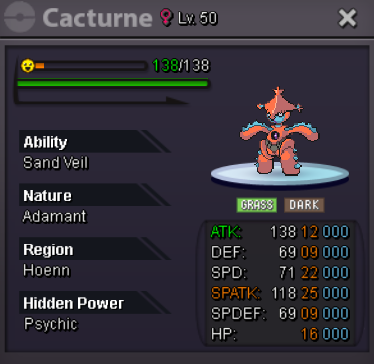


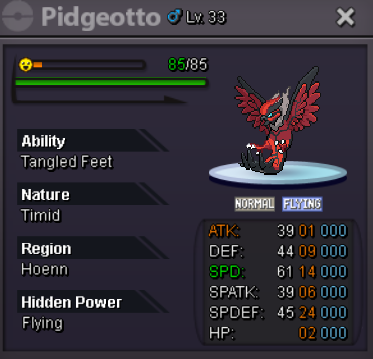
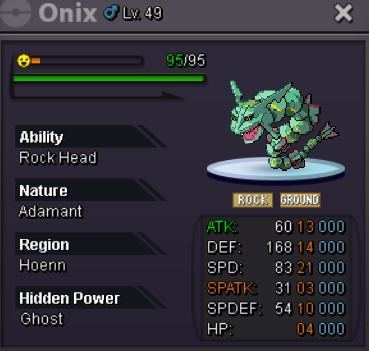
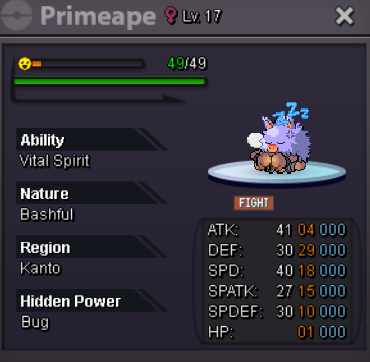
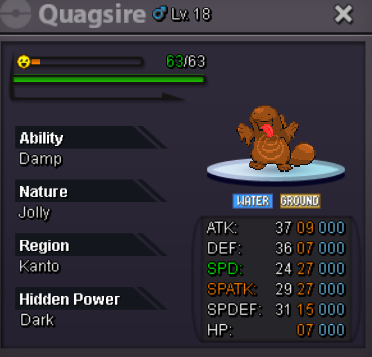
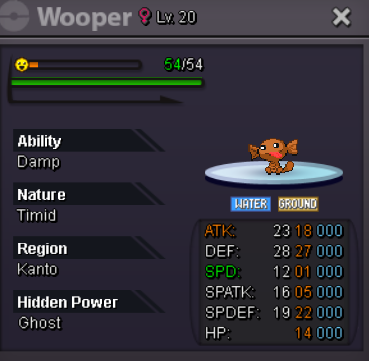
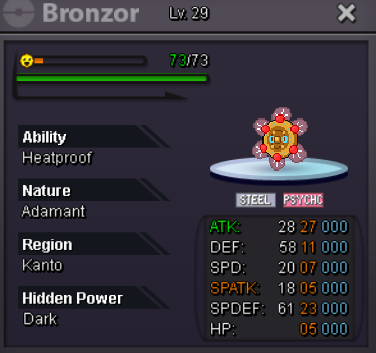
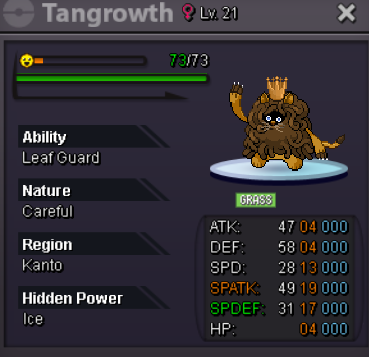

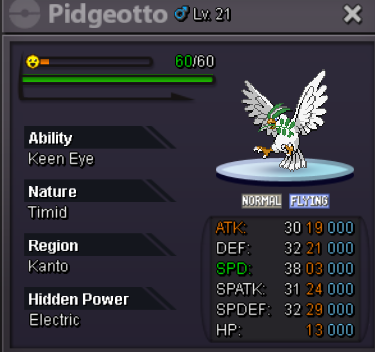


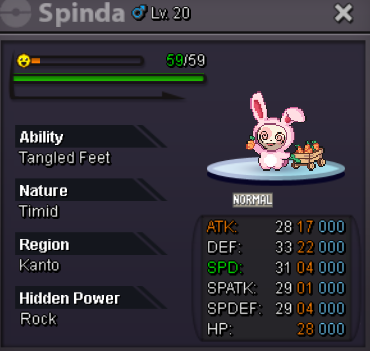
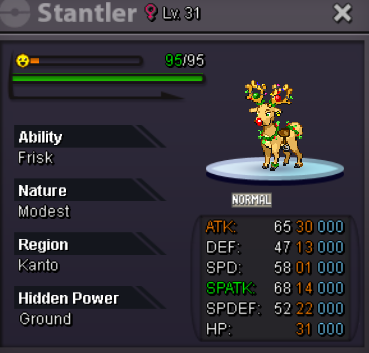
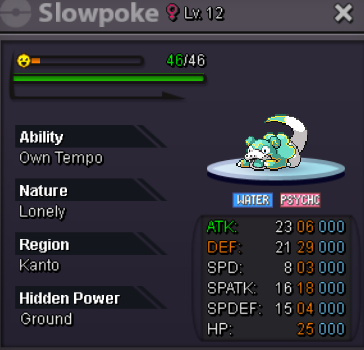
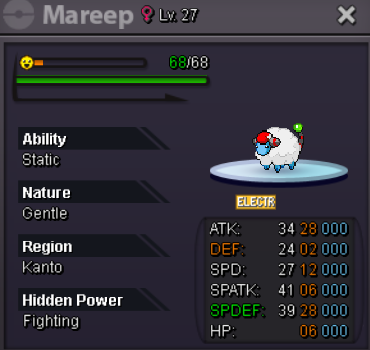
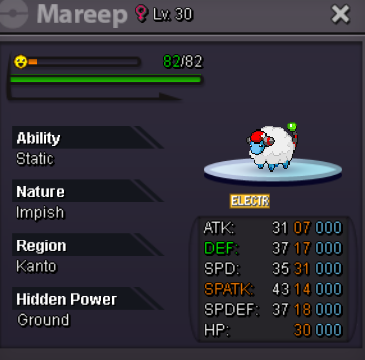

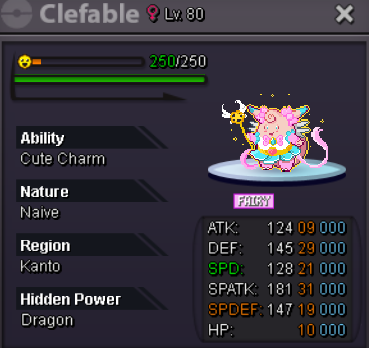
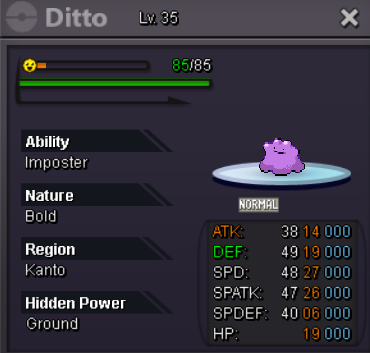

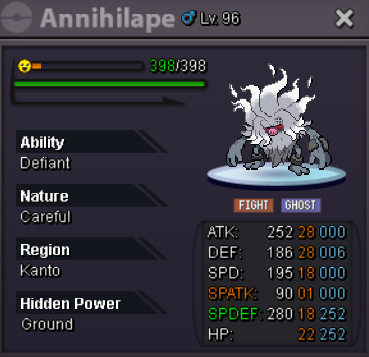

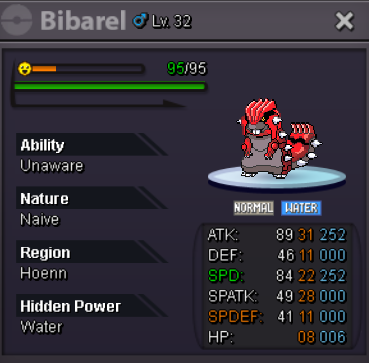
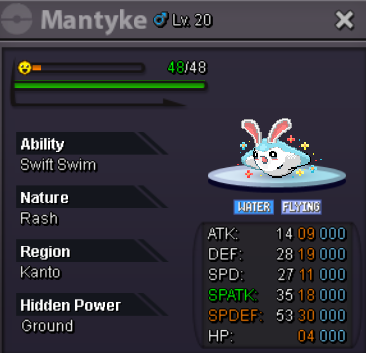

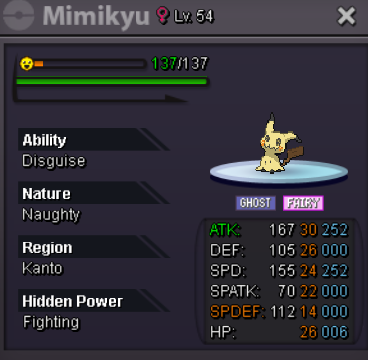
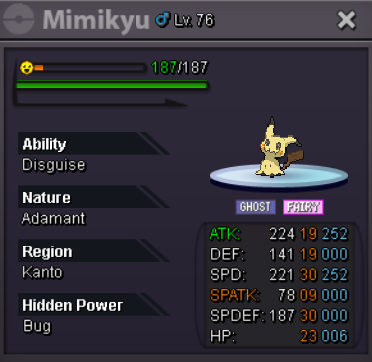
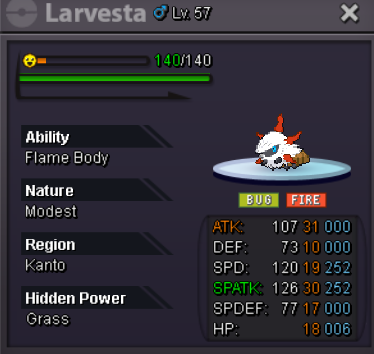
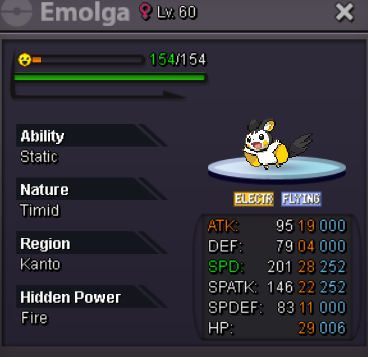

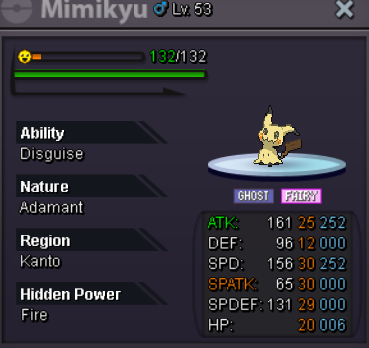
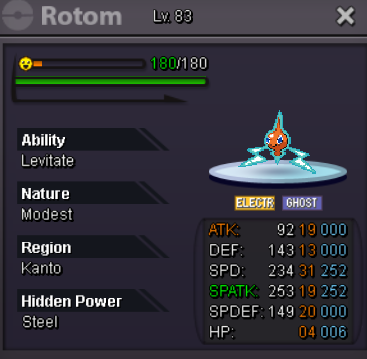

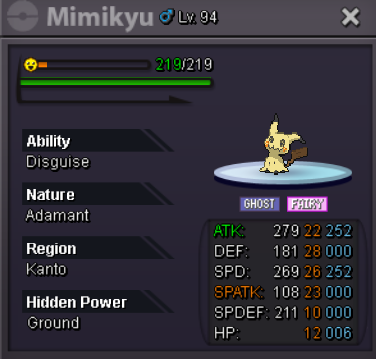
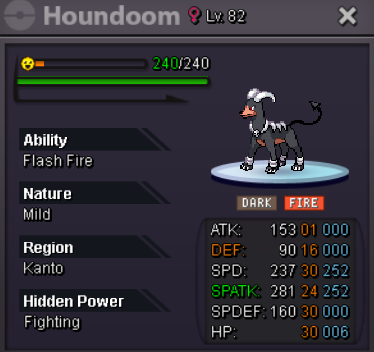
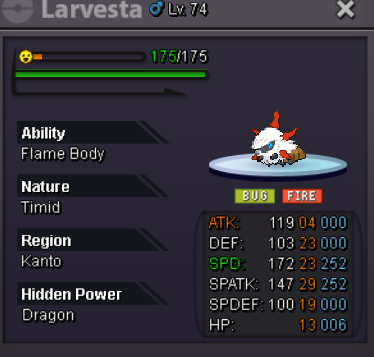
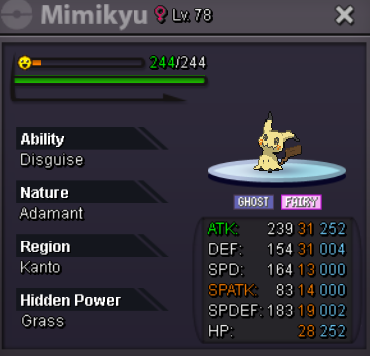


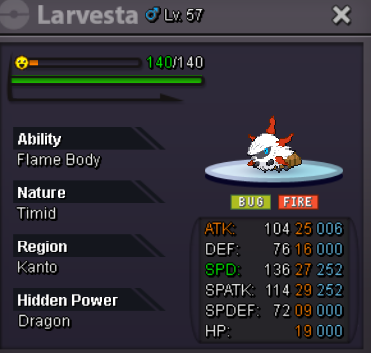
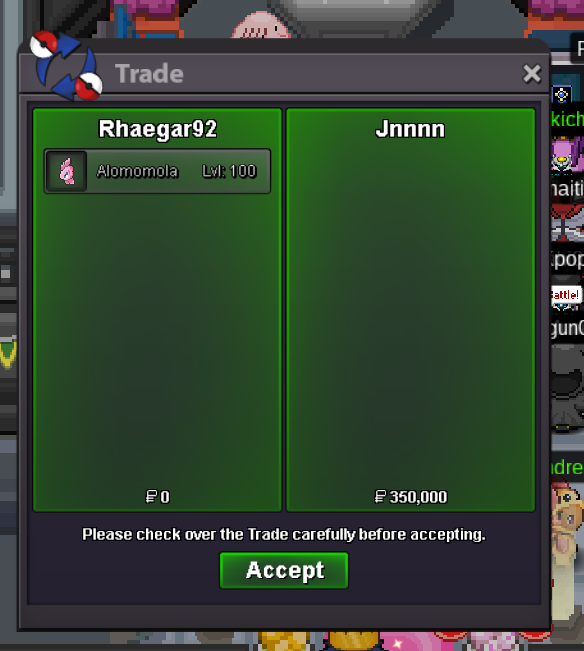
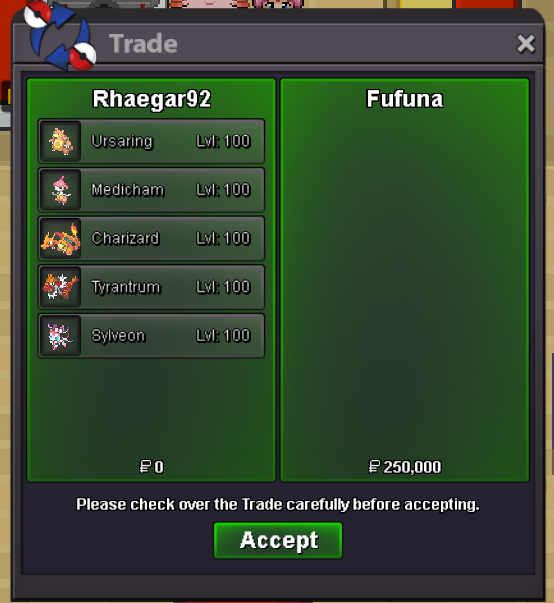
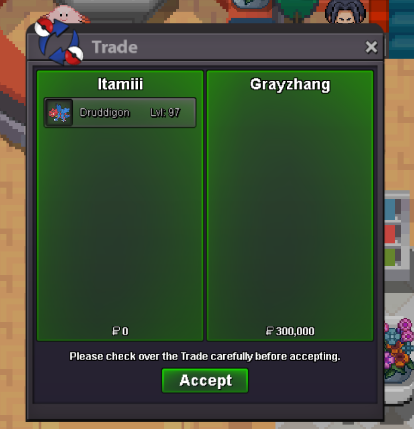
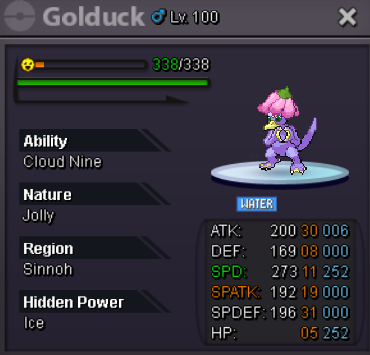 rhaegar.92 add me on discord when youre onyou have one day to get the dudrigonmin bid: 50k no insta all auction ends 48 hrs after first bid Start offer - 350k Start offer - 150k Start offer - 300k Start offer - 350k Start offer - 350k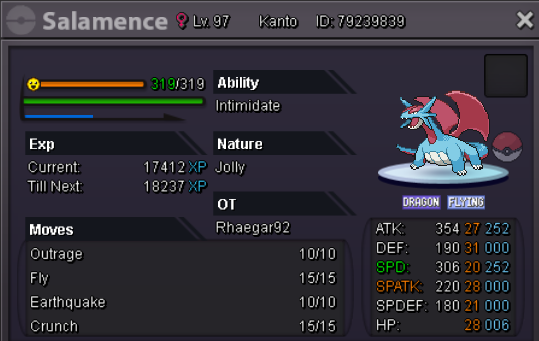
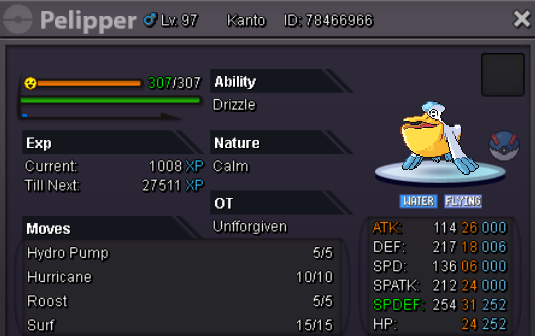
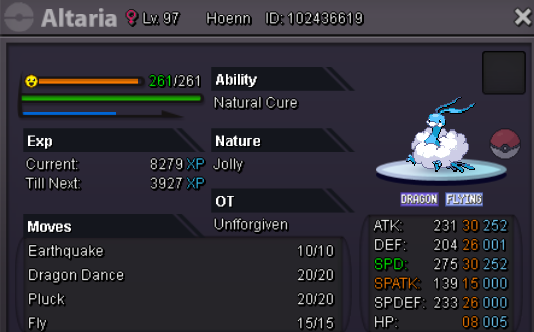
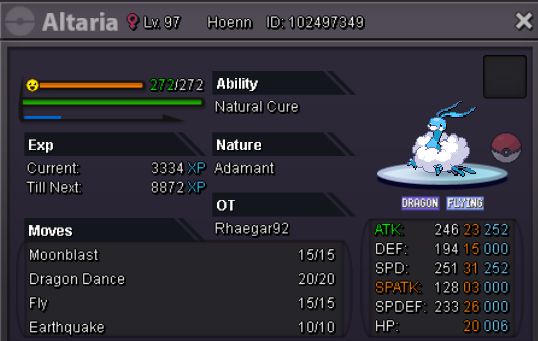
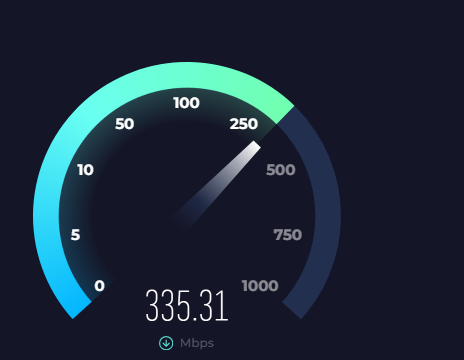
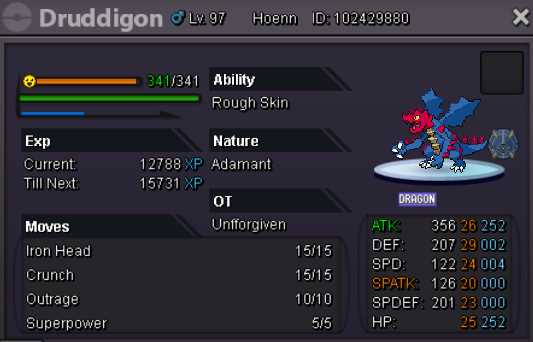 <img src="https://gen.sendtric.com/countdown/35w0xfdruq" style="display: block;max-width:100%" />i buy the 4only on pvp 3 or 4 min into the battle and log me out of the game and a lost the battle not alway happen i can play 1 2 battles just fine and then log me out again
 wrong chatbeldum 100k drilbur 31sped 100k ferroseed offer 100k rotom lvl 16 def 31 spdef 30 hp19 offer 100klast clefary 170k ?say youre afk250k ?what hp is the 300k venusaur


Account
Navigation
Search
Configure browser push notifications
Chrome (Android)
- Tap the lock icon next to the address bar.
- Tap Permissions → Notifications.
- Adjust your preference.
Chrome (Desktop)
- Click the padlock icon in the address bar.
- Select Site settings.
- Find Notifications and adjust your preference.
Safari (iOS 16.4+)
- Ensure the site is installed via Add to Home Screen.
- Open Settings App → Notifications.
- Find your app name and adjust your preference.
Safari (macOS)
- Go to Safari → Preferences.
- Click the Websites tab.
- Select Notifications in the sidebar.
- Find this website and adjust your preference.
Edge (Android)
- Tap the lock icon next to the address bar.
- Tap Permissions.
- Find Notifications and adjust your preference.
Edge (Desktop)
- Click the padlock icon in the address bar.
- Click Permissions for this site.
- Find Notifications and adjust your preference.
Firefox (Android)
- Go to Settings → Site permissions.
- Tap Notifications.
- Find this site in the list and adjust your preference.
Firefox (Desktop)
- Open Firefox Settings.
- Search for Notifications.
- Find this site in the list and adjust your preference.