




New Trade Zone
Trade Zone is now live
Use the new Trade Zone for auctions and instant-price trades so Pokemon and item offers are easy to find.

Lordleo100
Registered User
-
Joined
-
Last visited
Everything posted by Lordleo100
-
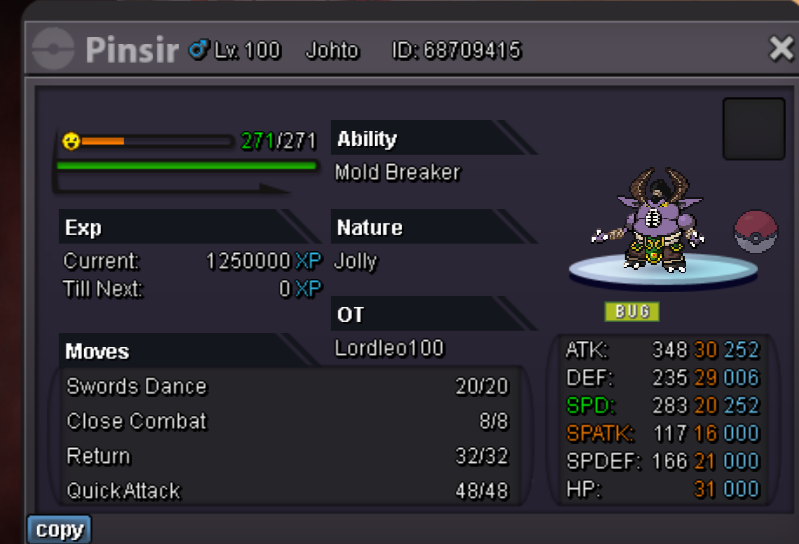
S.O.-5m Minimum Raise-100k Duration-48 hours after first bid( 02:30p.m. GMT, Sunday October 15) Insta-25m Accepted Payments-Cash, CC@400k,IV RR@530k
-
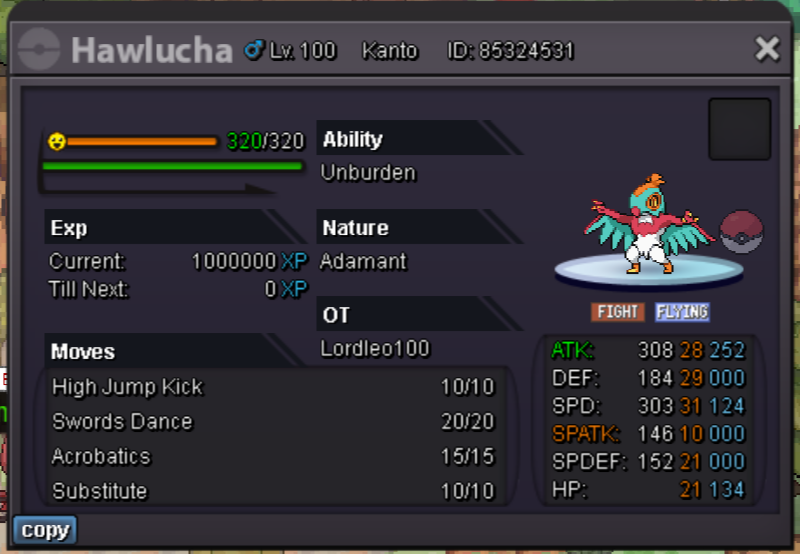
2 hours leftBumpBumpBumpYupName change costs 500 coins (5 CCs) and you can buy CC either in game from other players or buy them yourself by donatingS.O.-3m Minimum Raise-100k Time-72 hours after first bid No Insta Accepted Payments- Cash, CC@380k, IV RR@520k
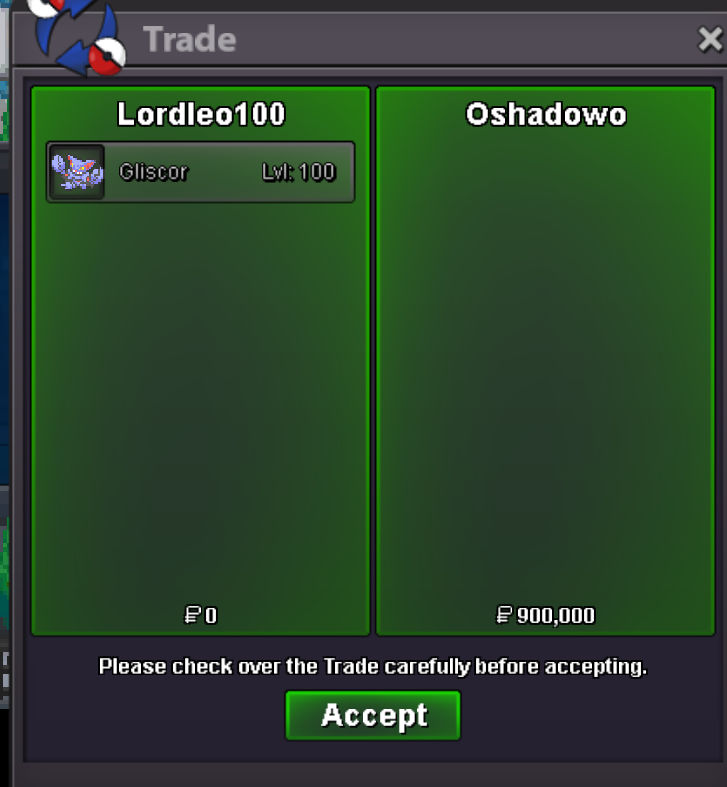
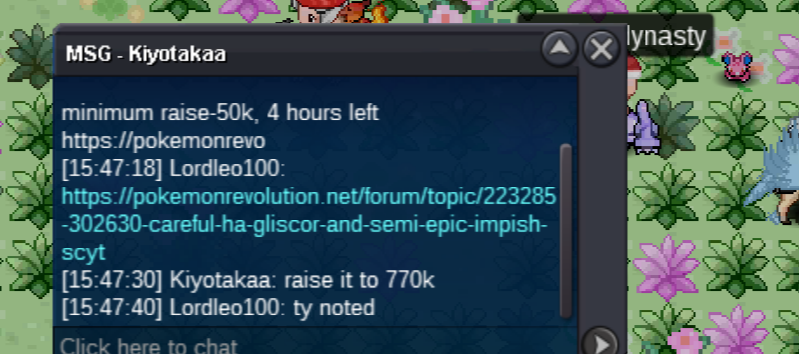
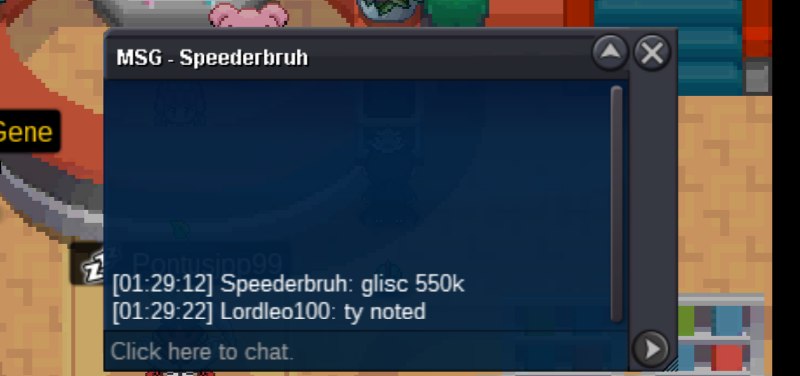
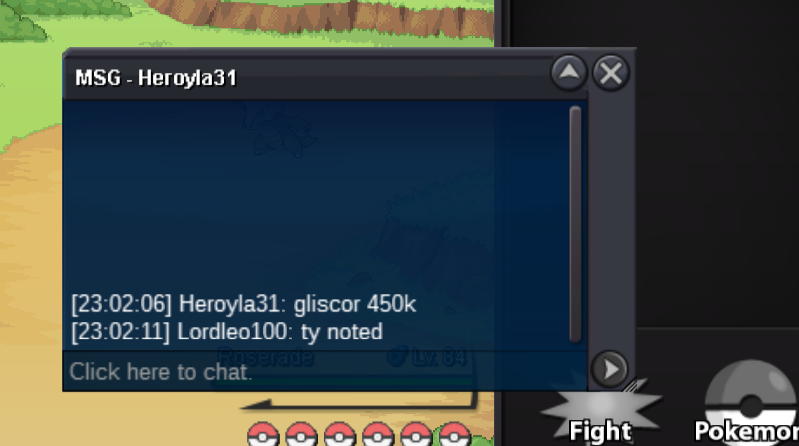
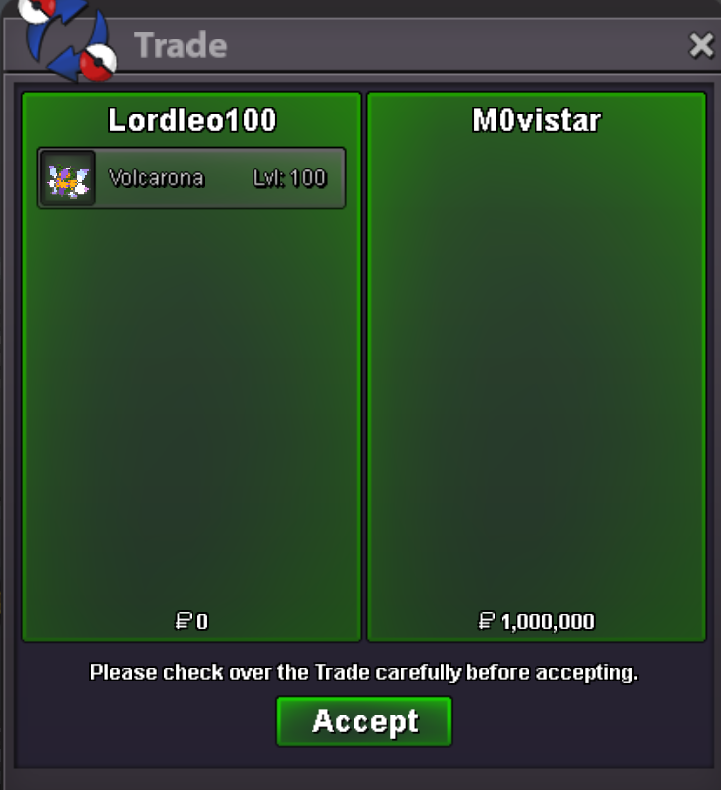
 @Oshadowo and @Fercholarga Congrats on winning the Gliscor and Scyther respectively Pm me here or in game to make the tradeC.o. is 820k and 40 minutes leftKindly mention the exact amount of bid (like 450k) as raises are no longer consideredGliscor S.O-400k Minimum Raise-50k Insta - None Time-24 hours after first bid (01:45 p.m. GMT, Thursday,September 21) Accepted Payments- Cash, CC@380k, IV RR@500k Scyther S.O-100k Minimum Raise-50k Insta - 500k Time-24 hours after first bid(01:45 p.m. GMT, Thursday,September 21) Accepted Payments- Cash, CC@380k, IV RR@500k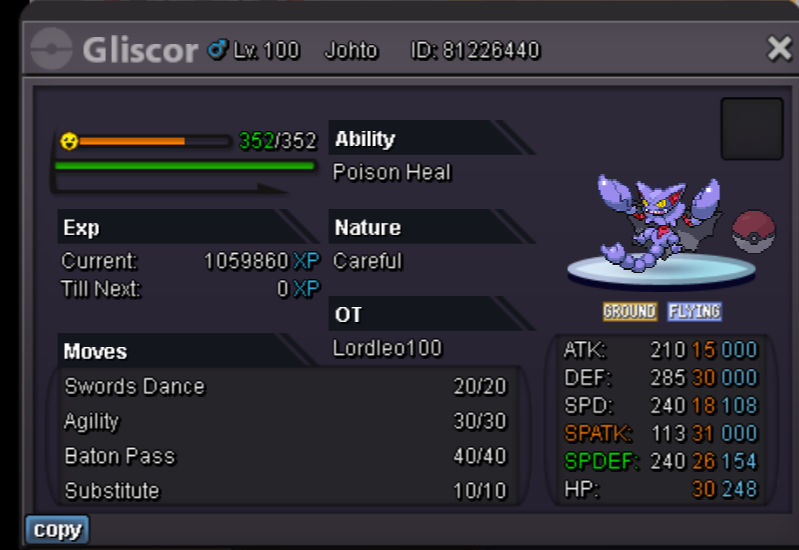
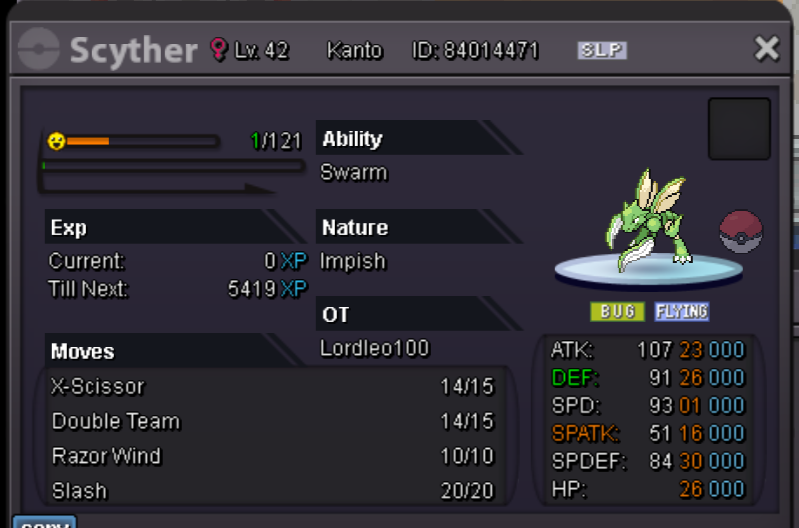 BumpS.O.-1m Minimum Raise-50k Insta-3m Time -24 hours after start (05:28 p.m. GMT, Monday, September 18) Accepted Payments- Cash, CC@380k, IV RR@520k
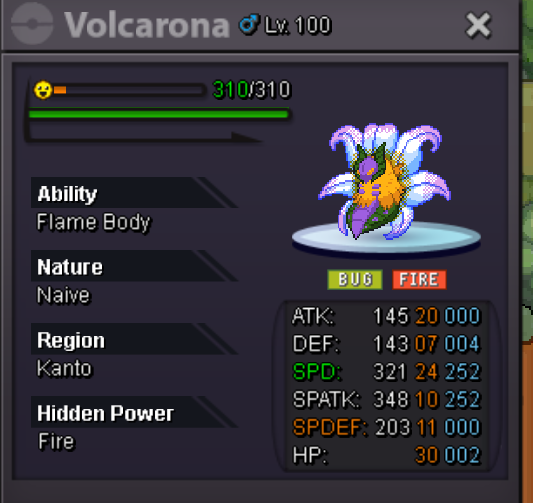 3m scoli

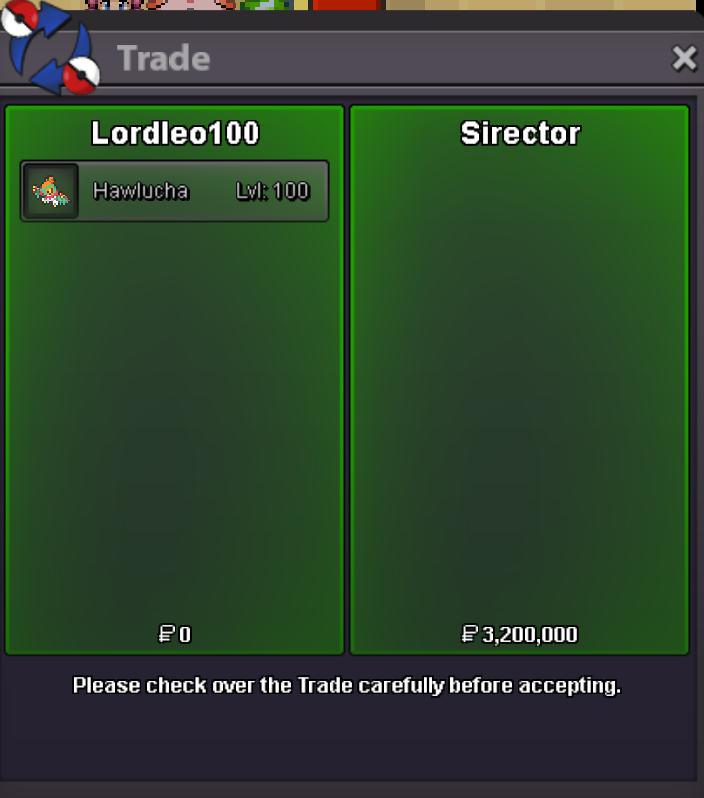
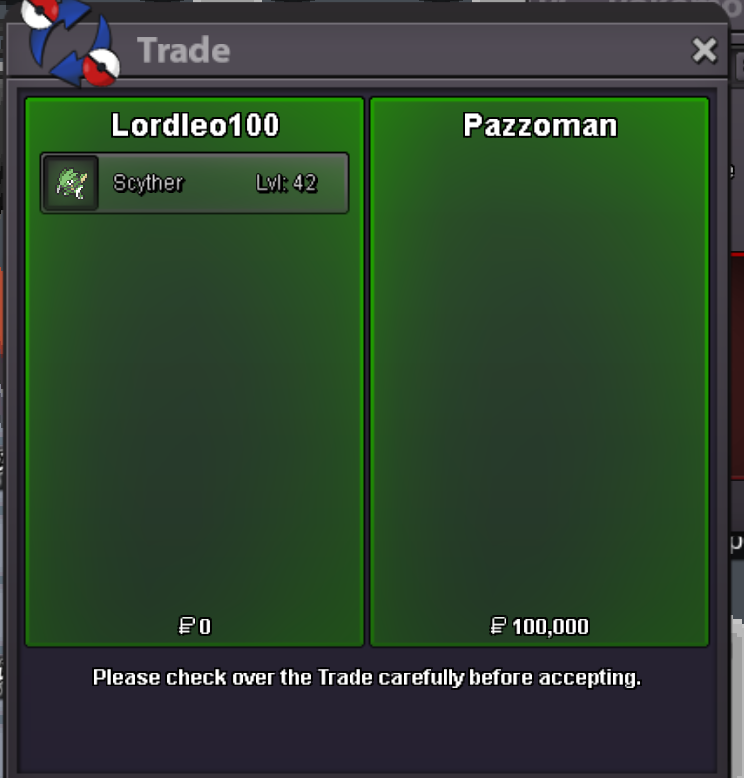

Account
Navigation
Search
Configure browser push notifications
Chrome (Android)
- Tap the lock icon next to the address bar.
- Tap Permissions → Notifications.
- Adjust your preference.
Chrome (Desktop)
- Click the padlock icon in the address bar.
- Select Site settings.
- Find Notifications and adjust your preference.
Safari (iOS 16.4+)
- Ensure the site is installed via Add to Home Screen.
- Open Settings App → Notifications.
- Find your app name and adjust your preference.
Safari (macOS)
- Go to Safari → Preferences.
- Click the Websites tab.
- Select Notifications in the sidebar.
- Find this website and adjust your preference.
Edge (Android)
- Tap the lock icon next to the address bar.
- Tap Permissions.
- Find Notifications and adjust your preference.
Edge (Desktop)
- Click the padlock icon in the address bar.
- Click Permissions for this site.
- Find Notifications and adjust your preference.
Firefox (Android)
- Go to Settings → Site permissions.
- Tap Notifications.
- Find this site in the list and adjust your preference.
Firefox (Desktop)
- Open Firefox Settings.
- Search for Notifications.
- Find this site in the list and adjust your preference.