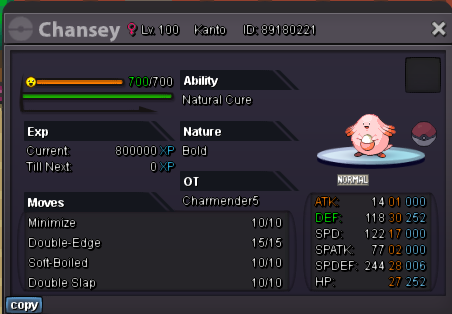
New Trade Zone
Trade Zone is now live
Use the new Trade Zone for auctions and instant-price trades so Pokemon and item offers are easy to find.

Charmender3
Registered User
-
Joined
-
Last visited
-
Hi, After Valentine patch Update, I'm frequently finding high CPU usage, It is getting fixed after multiple game restarts. For Example : Login Screen - CPU Usage when I ran the game 1st time : ( around 25-30% always ) Login Screen - CPU Usage After Restarting ( around 3-6% always ) I can see the gap is almost 6-7 times. Currently I do multiple restarts to get Low CPU usage, but this is Annoying. Looking for someone who can help me finding Permanent Fix for this issue. OS : Ubuntu 22.04.3 LTS Nvidia Driver Version: 470.223.02


-
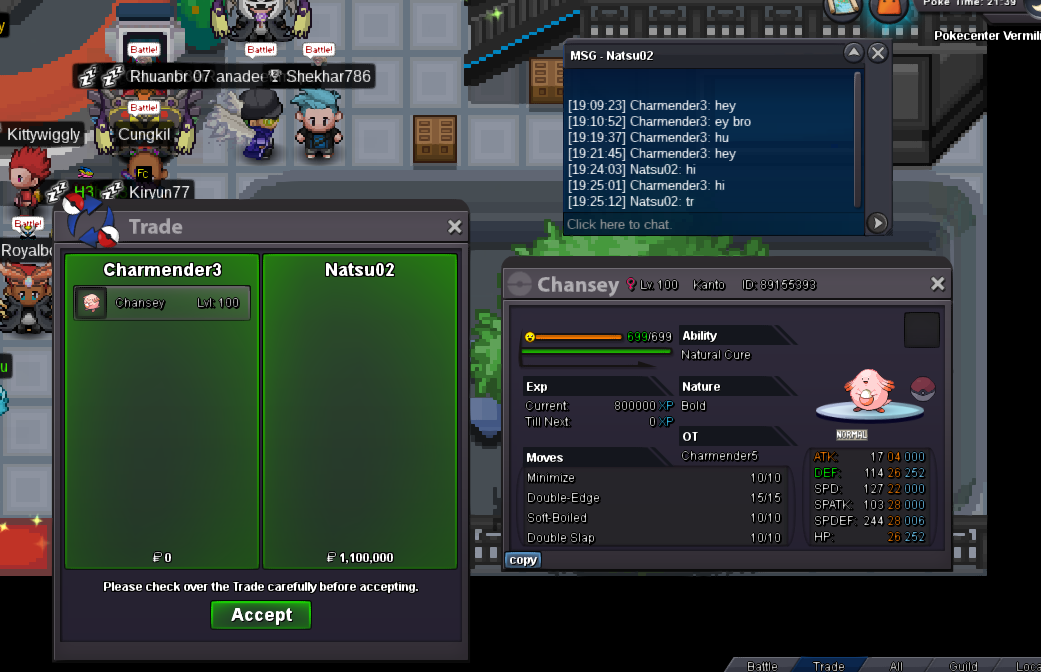
trade success
-
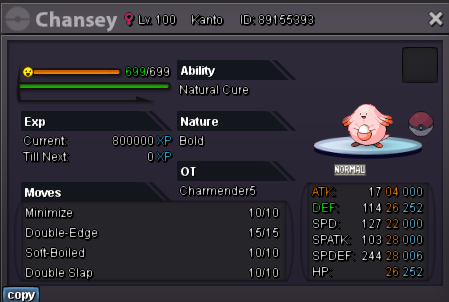
winner @Natsu02 , please ping me ingame
-
Bump, last 17min left
-
Completed
-
removed
-
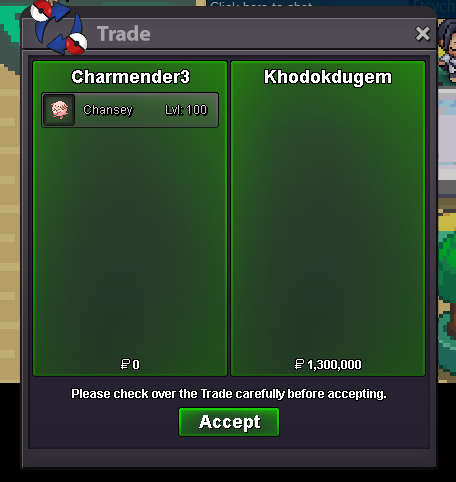
winner Khodokdugem
-
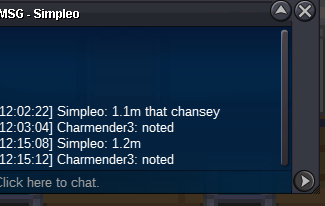
1.2m by Simpleo
-
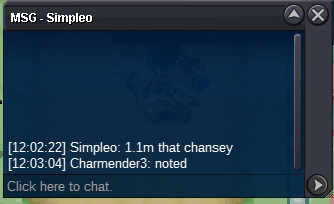
C.o 1.1m , time extended for 15min
-
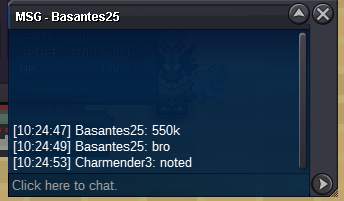
co 550k by Basantes25
-
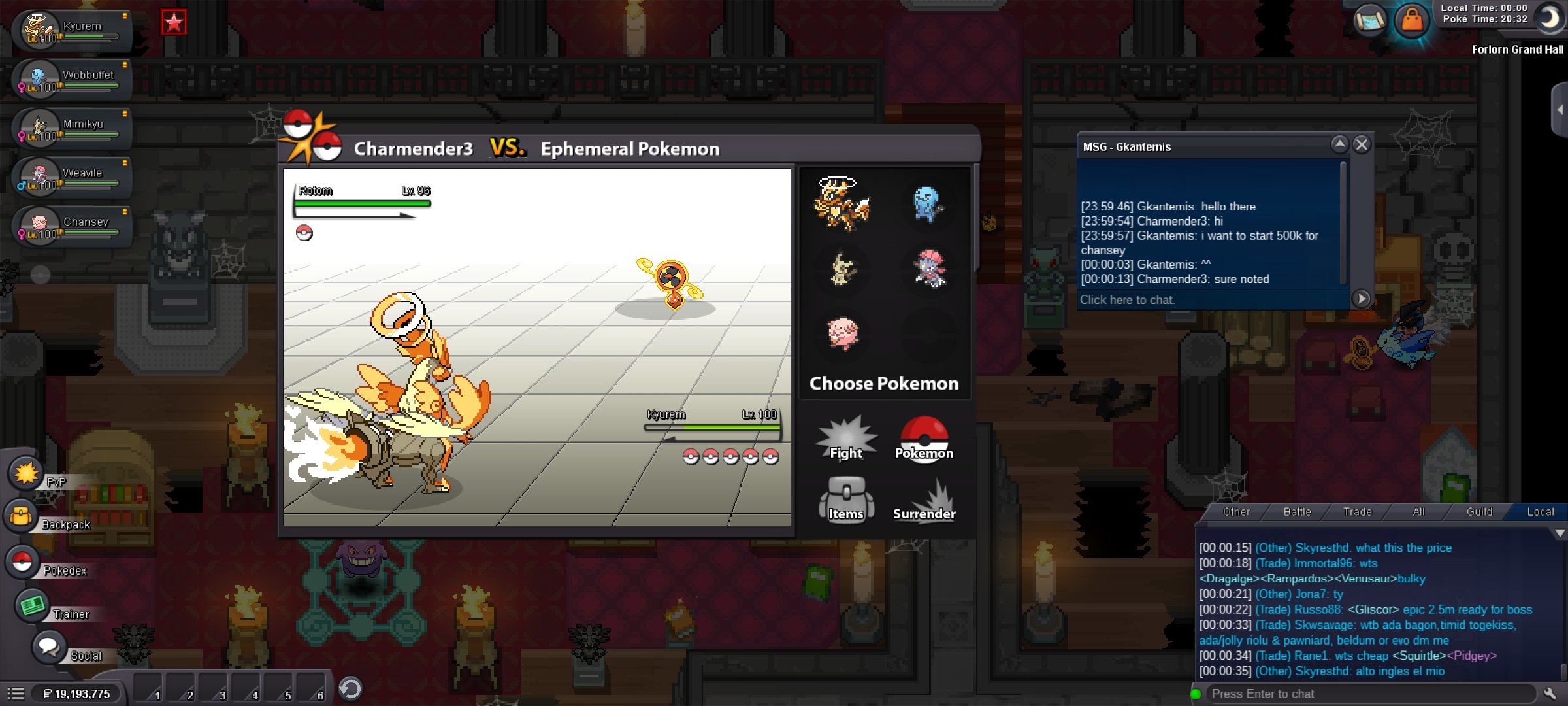
Started by Gkantemis
-
Bump
-
Start litwick
-
Up. updated start price
-