New Trade Zone
Trade Zone is now live
Use the new Trade Zone for auctions and instant-price trades so Pokemon and item offers are easy to find.

Zlittlegrape
Registered User
-
Joined
-
Last visited
Everything posted by Zlittlegrape
-
40k
-
1.4m scizor
-
1m200k scizor
-
1m scizor
-
600k scizor
-
150k sneasel
-
150k
-
320 ninetales
-
oh, sorry for what happened, I didn't pay attention to the time, if @Professoroak wants to, I can give him the money equivalent to his bid to try to soften the situation
-
FINISH THE AUCTION
-
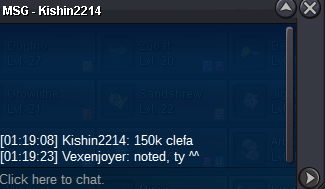
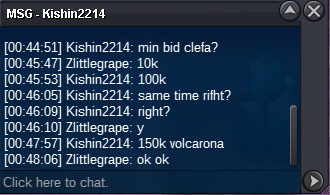
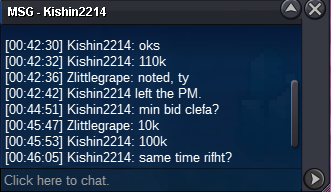
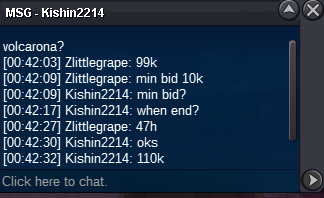
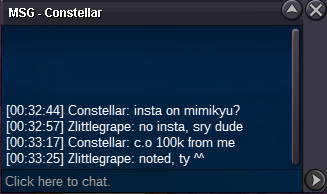
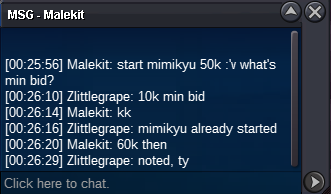
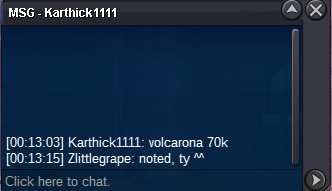
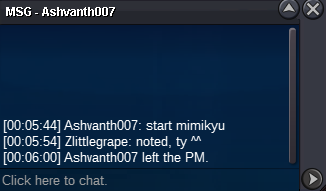
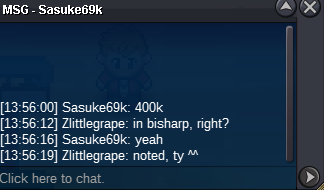
I think I really made a mistake, looking at the old messages I believe the last bid was really yours, I'm going to go back to the previous bid, sorry about thats.o:50k each min bid 10k no insta rc:7k cc:370k ends after 48 hours of start - little shop https://pokemonrevolution.net/forum/topic/214457-zlittle-shop-x/#comment-1253058 260k by Taelfan /////////////////////////////////////////////////////////////////////// 300k by Kiznaiversenpai /////////////////////////////////////////////////////////////////////// 190k by Hoooooodini
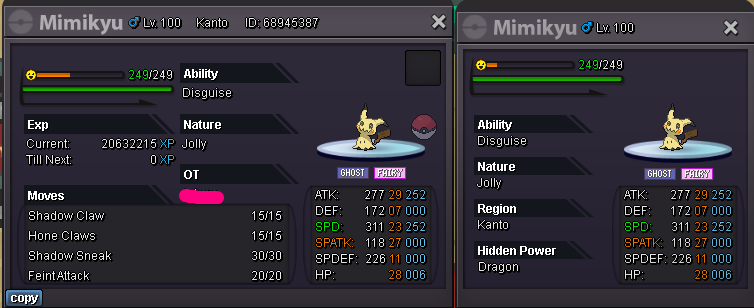
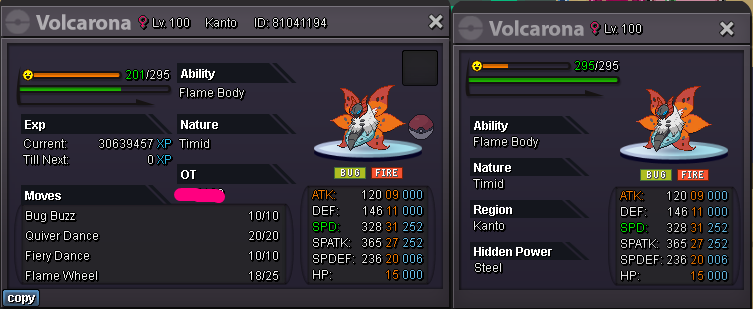
 FINISHED: Sasuke69k Winner
Account
Navigation
Search
Configure browser push notifications
Chrome (Android)
- Tap the lock icon next to the address bar.
- Tap Permissions → Notifications.
- Adjust your preference.
Chrome (Desktop)
- Click the padlock icon in the address bar.
- Select Site settings.
- Find Notifications and adjust your preference.
Safari (iOS 16.4+)
- Ensure the site is installed via Add to Home Screen.
- Open Settings App → Notifications.
- Find your app name and adjust your preference.
Safari (macOS)
- Go to Safari → Preferences.
- Click the Websites tab.
- Select Notifications in the sidebar.
- Find this website and adjust your preference.
Edge (Android)
- Tap the lock icon next to the address bar.
- Tap Permissions.
- Find Notifications and adjust your preference.
Edge (Desktop)
- Click the padlock icon in the address bar.
- Click Permissions for this site.
- Find Notifications and adjust your preference.
Firefox (Android)
- Go to Settings → Site permissions.
- Tap Notifications.
- Find this site in the list and adjust your preference.
Firefox (Desktop)
- Open Firefox Settings.
- Search for Notifications.
- Find this site in the list and adjust your preference.