New Trade Zone
Trade Zone is now live
Use the new Trade Zone for auctions and instant-price trades so Pokemon and item offers are easy to find.

Varun9696
Registered User
-
Joined
-
Last visited
Everything posted by Varun9696
-
start
-
@Br3akdown i can come online any time let me know
-
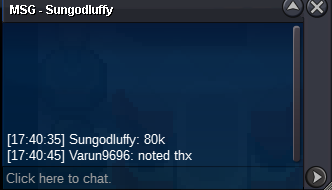
700k
-
@Br34ck@Br3akdown bro i will be online in about 7 hours
-
@Br3akdownbroo ?
-
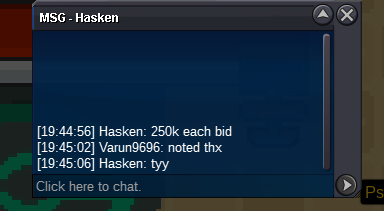
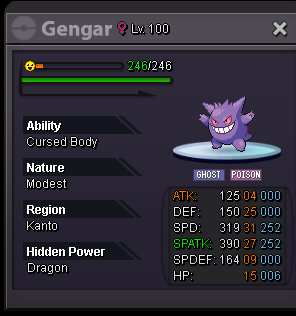
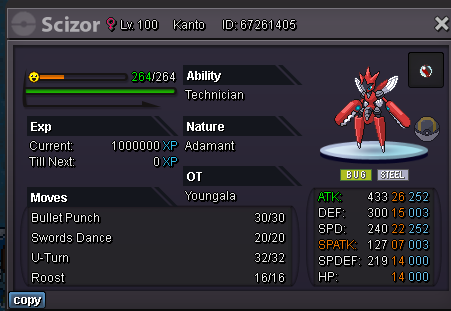
S.O : 250K MIN BID : 1K TIME : 48 HOURS AFTER START INCTANT : N/A CONTACT ; iiV on discord / verun9696//pokeattack3 in game
-
@Br3akdownpls dm me whenevER you are online iiV ON DISCORD
-
S.O : 1 POKEDOLLAR MIN BID : 1 POKEDOLLAR TIME : 4 HOURS AFTER START INSTANT : N/A CONTACT: iiV on discord / varun9696// pokeattack3 in game GL EVERYONE 🙂
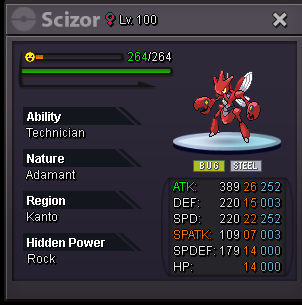
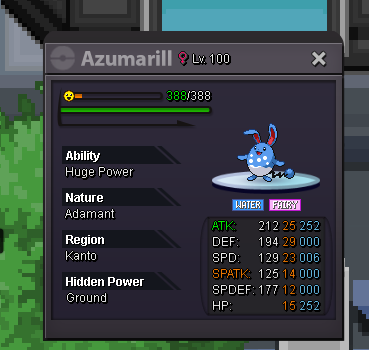
 @Metalgreymonwhats the hidden powerS.O : 120K MIN BID : 100 POKEDOLLAR TIME: 24 HOURS AFTER START INSTANT : N.A CONTACT : iiV on discord / varun9696//pokeattack3 in game
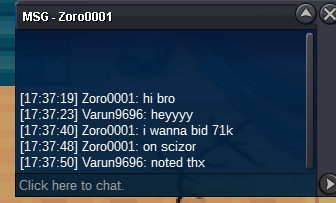
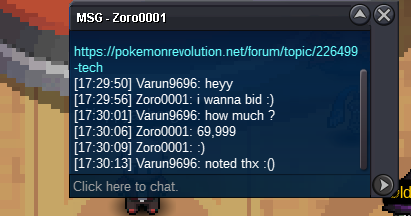
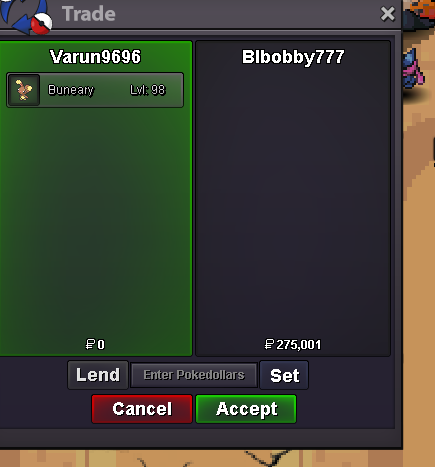
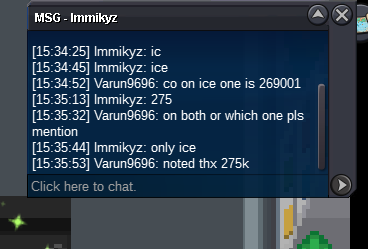
 trade done can be closed@Blbobby777i can come online at vermi@Immikyz bro you won the auction of 29/31 buneary @Blbobby777you won the 30/31 auction lets meat at vermi
Account
Navigation
Search
Configure browser push notifications
Chrome (Android)
- Tap the lock icon next to the address bar.
- Tap Permissions → Notifications.
- Adjust your preference.
Chrome (Desktop)
- Click the padlock icon in the address bar.
- Select Site settings.
- Find Notifications and adjust your preference.
Safari (iOS 16.4+)
- Ensure the site is installed via Add to Home Screen.
- Open Settings App → Notifications.
- Find your app name and adjust your preference.
Safari (macOS)
- Go to Safari → Preferences.
- Click the Websites tab.
- Select Notifications in the sidebar.
- Find this website and adjust your preference.
Edge (Android)
- Tap the lock icon next to the address bar.
- Tap Permissions.
- Find Notifications and adjust your preference.
Edge (Desktop)
- Click the padlock icon in the address bar.
- Click Permissions for this site.
- Find Notifications and adjust your preference.
Firefox (Android)
- Go to Settings → Site permissions.
- Tap Notifications.
- Find this site in the list and adjust your preference.
Firefox (Desktop)
- Open Firefox Settings.
- Search for Notifications.
- Find this site in the list and adjust your preference.