New Trade Zone
Trade Zone is now live
Use the new Trade Zone for auctions and instant-price trades so Pokemon and item offers are easy to find.


Shin0612
Suspended
-
Joined
-
Last visited
-
when can you trade
-
auction end ... you win
-
Bump 48mins left
-
Up
-
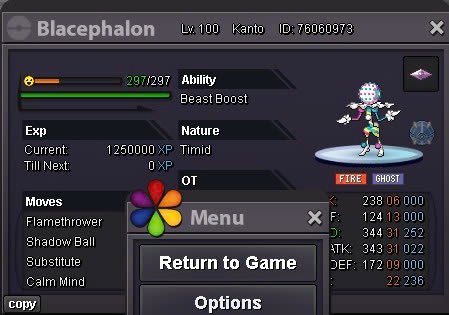
BLACEPHALON Start: 2m min bid: 100k No insta End Point: 48h (after start price is met) Accepted payments: Pokedollars Coin capsules: 450k IV reroll tickets: 700k nature RR: 350k This is a Gold Server auction. However, you may bid from any server, but you will need to transfer to Gold Server upon winning. If you intend to purchase with an alt account, specify the account alongside your bid. If a bid is received in the final 15 minutes of the auction, the end point will be delayed by 15 minutes from that bid, and will be delayed by 15 minutes for each new bid thereafter, until the current offer has been held for a full 15 minutes.
-
30min left55mins leftbump6m, if I win I will change the serverBump1m
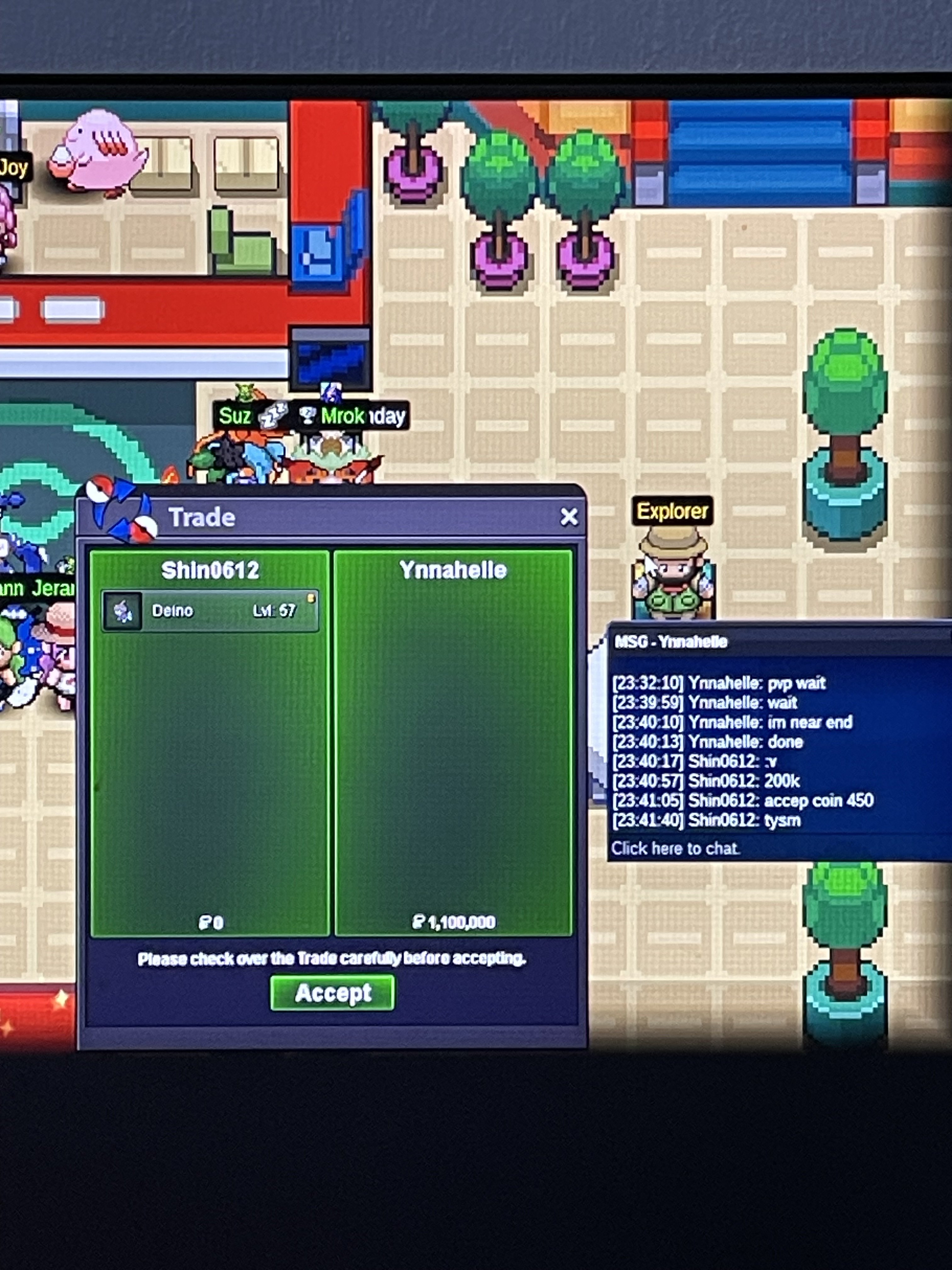
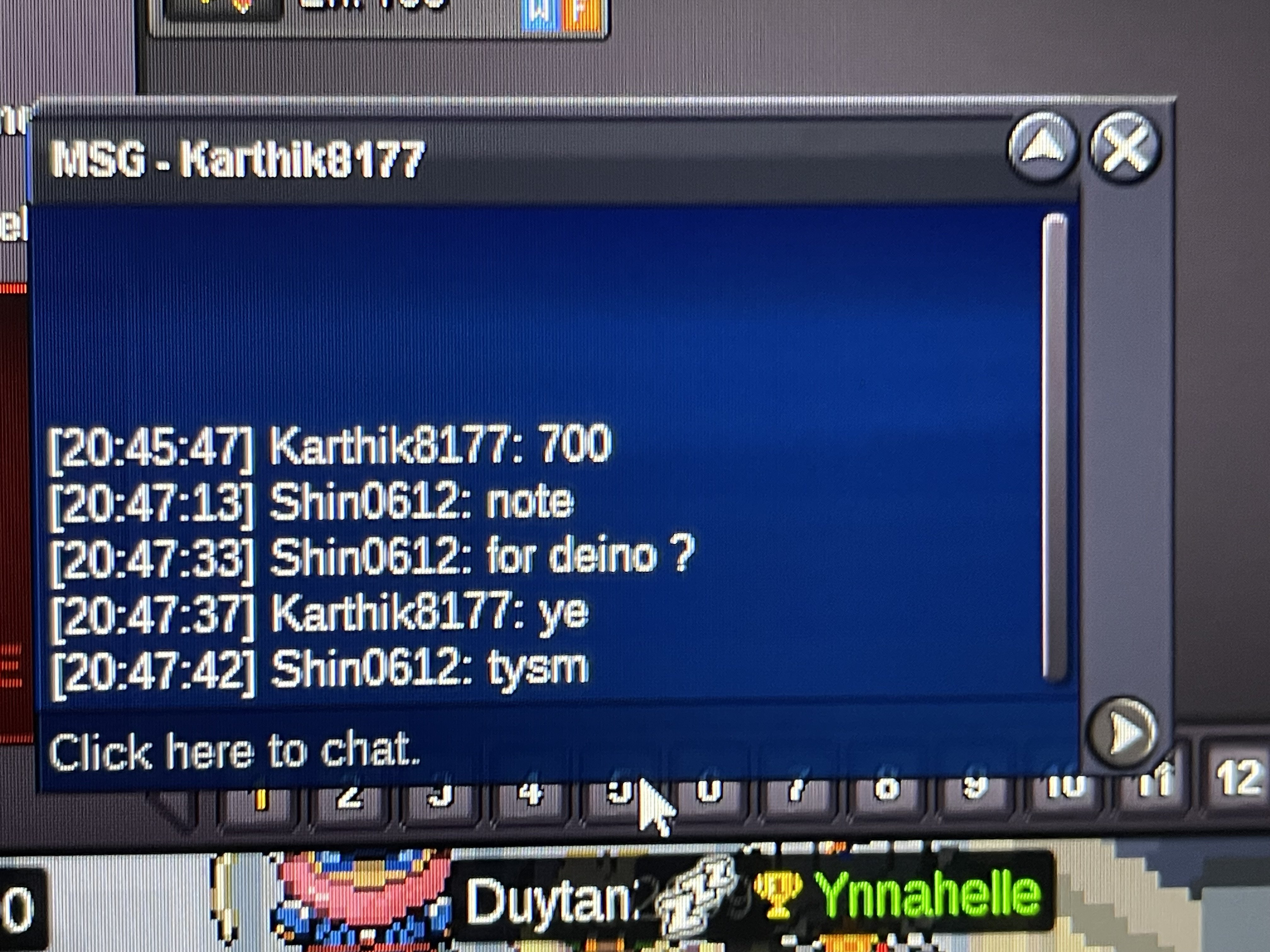
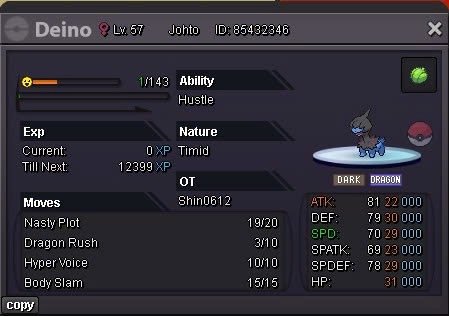
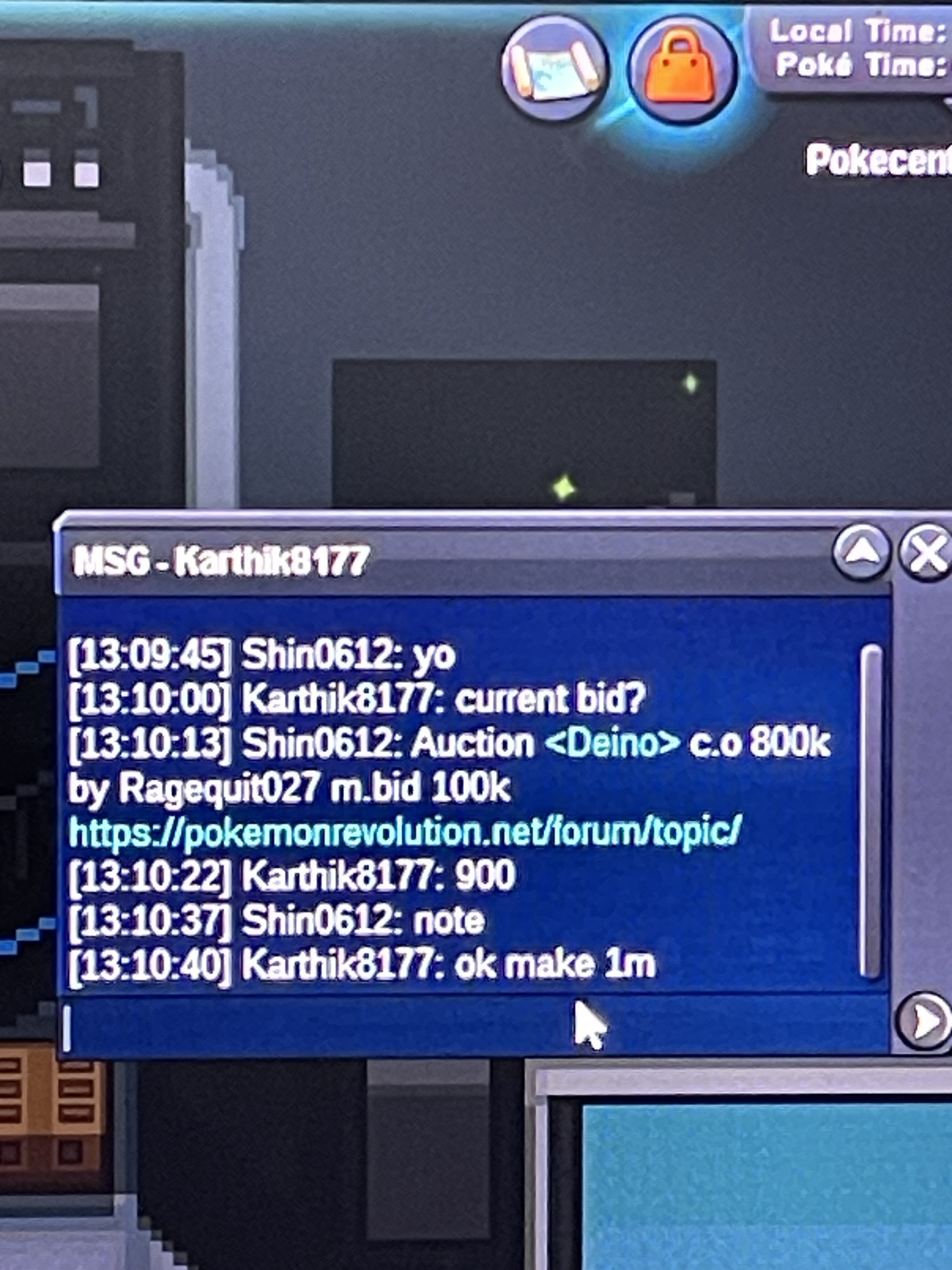 DEINO Start: 500k min bid: 100k No insta Accepted payments: Pokedollars Coin capsules: 450k IV reroll tickets: 700k nature RR: 350k The Auction ended at 23:30 on October 3 2025 ( GMT+7) Important Information This is a Gold Server auction. However, you may bid from any server, but you will need to transfer to Gold Server upon winning. If you intend to purchase with an alt account, specify the account alongside your bid. If a bid is received in the final 15 minutes of the auction, the end point will be delayed by 15 minutes from that bid, and will be delayed by 15 minutes for each new bid thereafter, until the current offer has been held for a full 15 minutes.
 8.2m
8.2m