New Trade Zone
Trade Zone is now live
Use the new Trade Zone for auctions and instant-price trades so Pokemon and item offers are easy to find.

Smurf378
Registered User
-
Joined
-
Last visited
Everything posted by Smurf378
-
All trades done, can be closed.
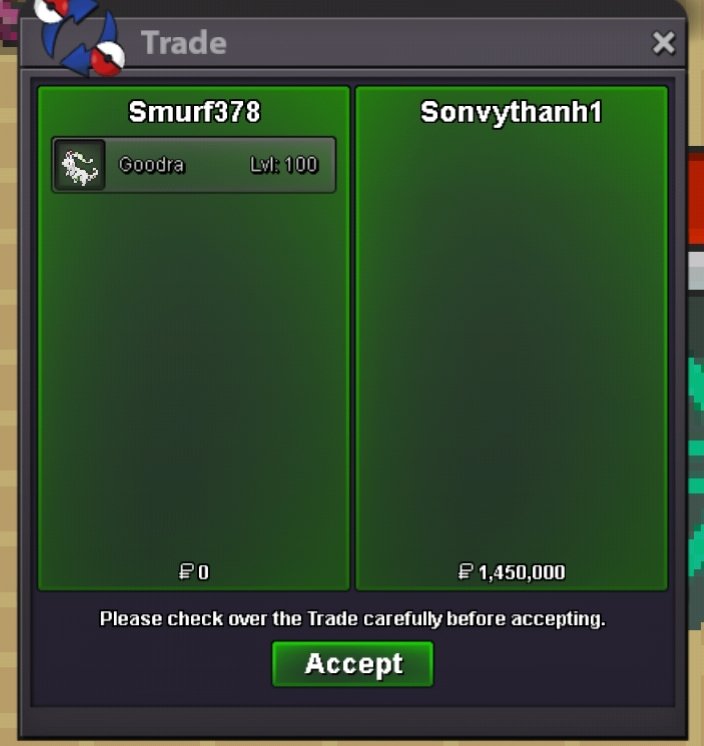
-
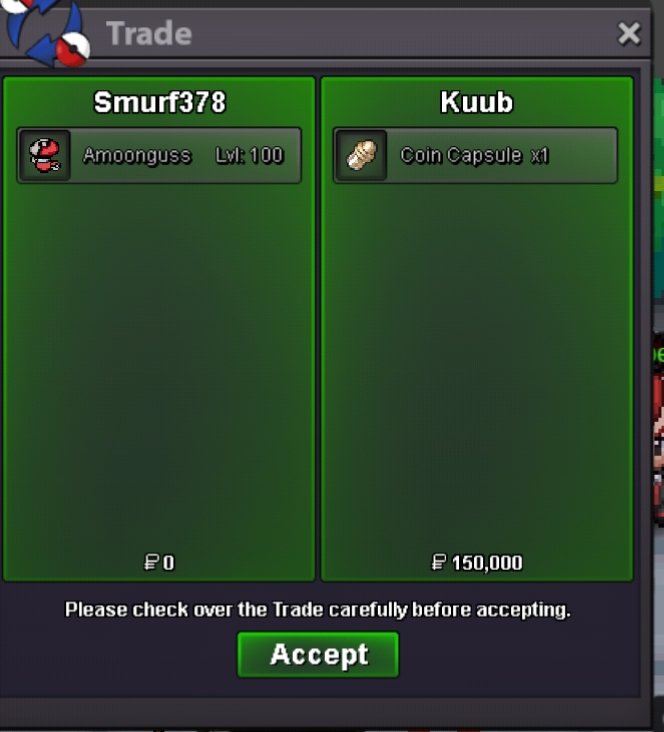
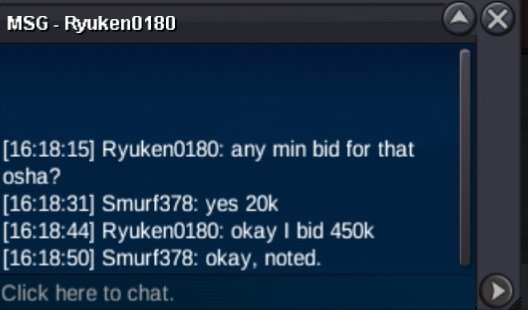
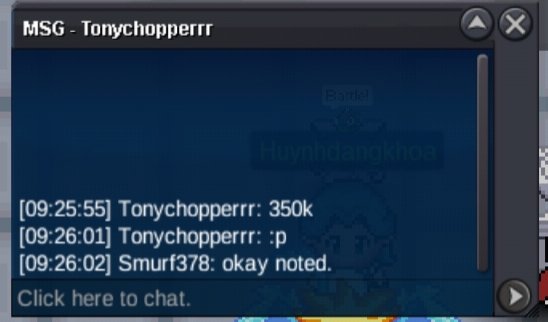
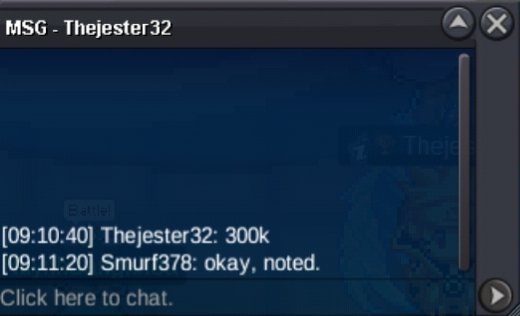
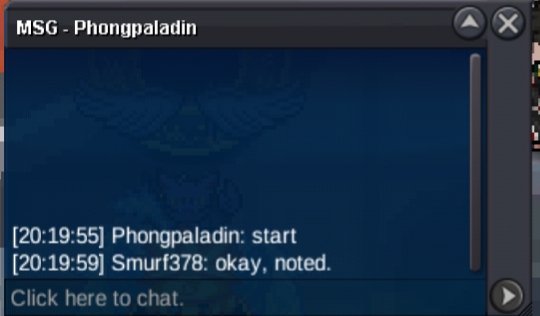
Auction over @Kuub , @Sonvythanh1 you guys have won the auction, let me know when we can meet.About a hour left
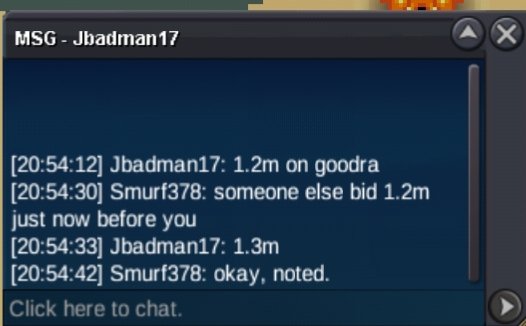
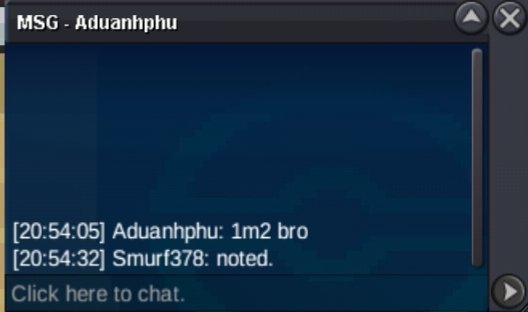
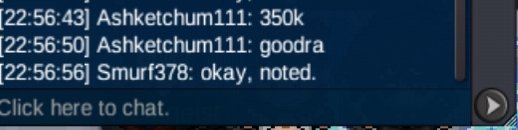
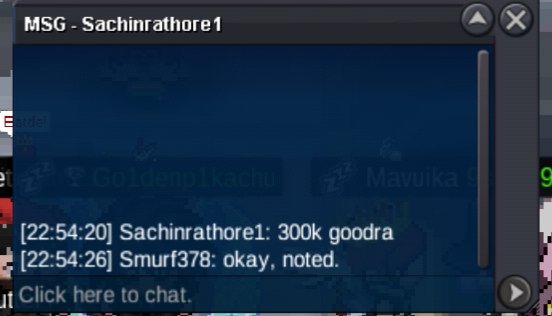
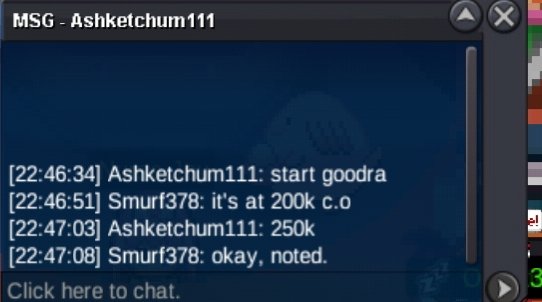
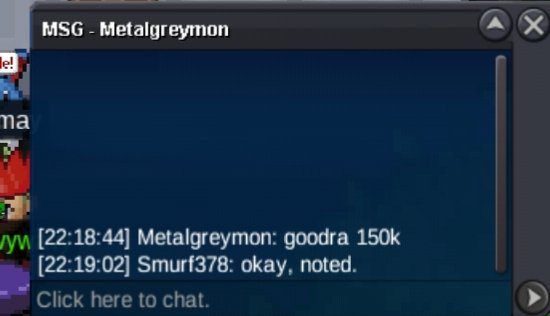
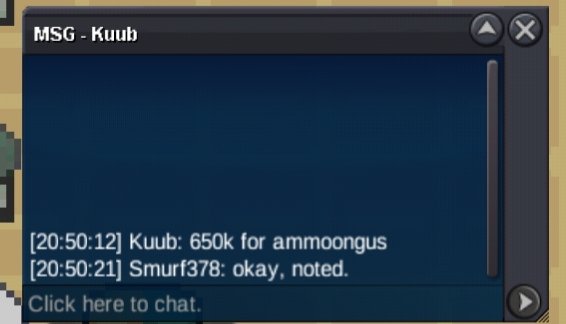 Approx 24 hours leftC.o goodra 1m, amoongus 500k. 27 hours left.
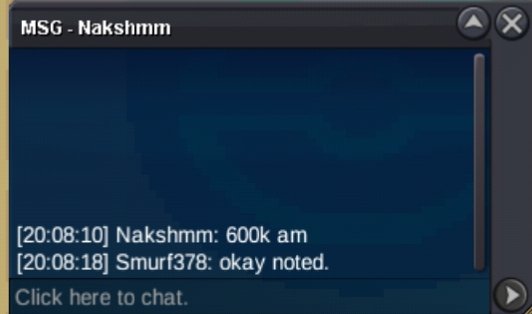
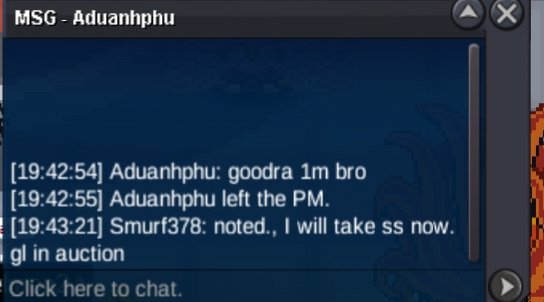 C.o 400k goodra, 500k amoongus
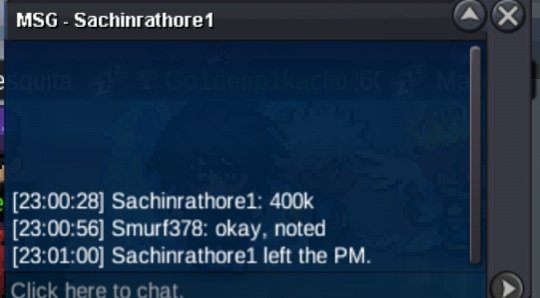 starting offer : 100k min raise: 50k Insta: 3m Starting offer : 100k min raise : 50k Insta : 3m Payment method : Cash, Coin capsule= 500k, rr = 700k Auction for both lasts for 48 hours and gets started when the starting price has been met.(Not a bundle) Maybe the best person win 🔥 🔥 🔥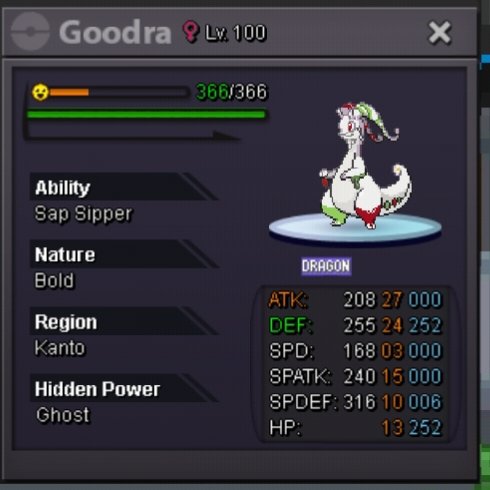
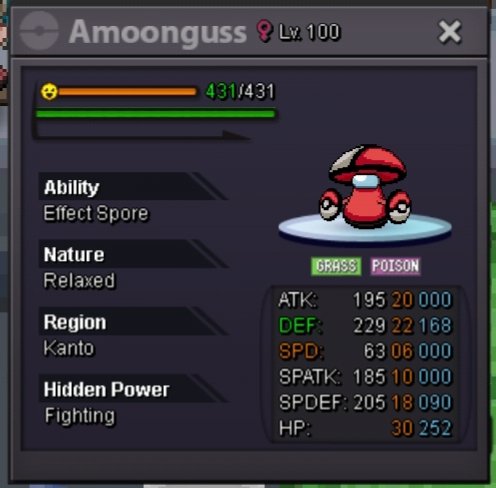 Trade done, can be closed.
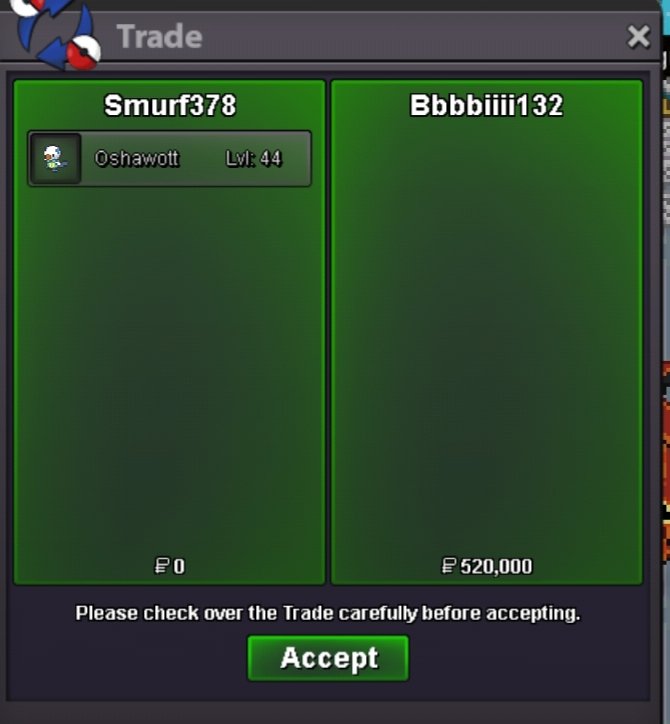 @Bbbbiiii132you have wonTrade done, can be closed.
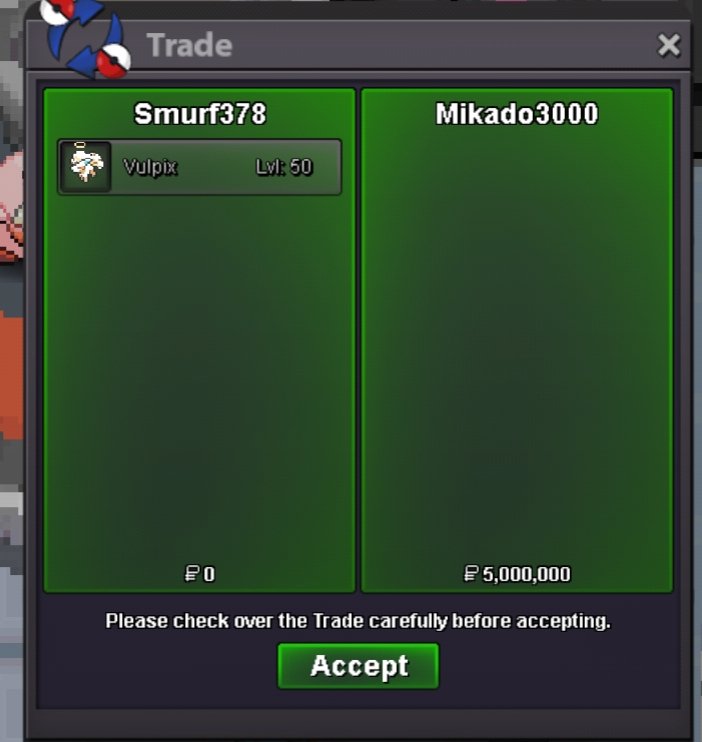 @Mikado3000 you have won, congratsstarting offer : 100k min bid : 20k No insta Auction starts for 24 hours after Starting price has been met. Payment method: Cash only May the godly be with the godly spirit who deserves it 🔥 🔥 🔥 gl !
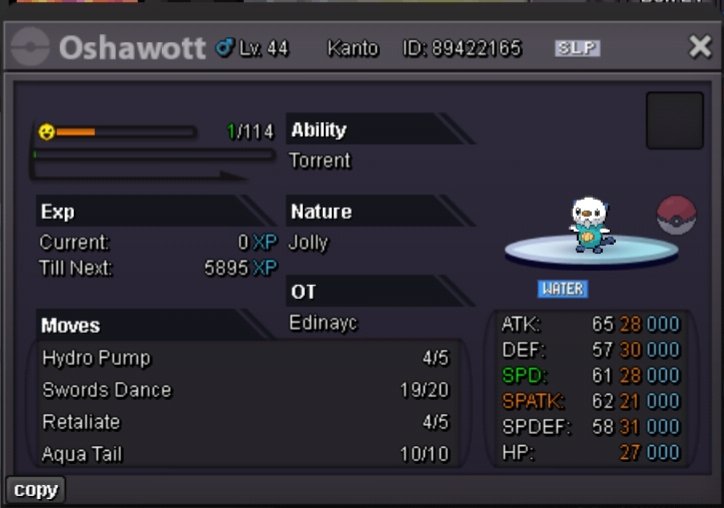 12m
12mAccount
Navigation
Search
Configure browser push notifications
Chrome (Android)
- Tap the lock icon next to the address bar.
- Tap Permissions → Notifications.
- Adjust your preference.
Chrome (Desktop)
- Click the padlock icon in the address bar.
- Select Site settings.
- Find Notifications and adjust your preference.
Safari (iOS 16.4+)
- Ensure the site is installed via Add to Home Screen.
- Open Settings App → Notifications.
- Find your app name and adjust your preference.
Safari (macOS)
- Go to Safari → Preferences.
- Click the Websites tab.
- Select Notifications in the sidebar.
- Find this website and adjust your preference.
Edge (Android)
- Tap the lock icon next to the address bar.
- Tap Permissions.
- Find Notifications and adjust your preference.
Edge (Desktop)
- Click the padlock icon in the address bar.
- Click Permissions for this site.
- Find Notifications and adjust your preference.
Firefox (Android)
- Go to Settings → Site permissions.
- Tap Notifications.
- Find this site in the list and adjust your preference.
Firefox (Desktop)
- Open Firefox Settings.
- Search for Notifications.
- Find this site in the list and adjust your preference.