




New Trade Zone
Trade Zone is now live
Use the new Trade Zone for auctions and instant-price trades so Pokemon and item offers are easy to find.

Smurf378
Registered User
-
Joined
-
Last visited
Everything posted by Smurf378
-
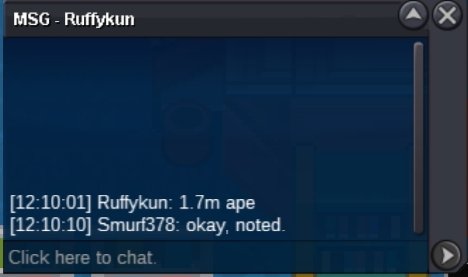
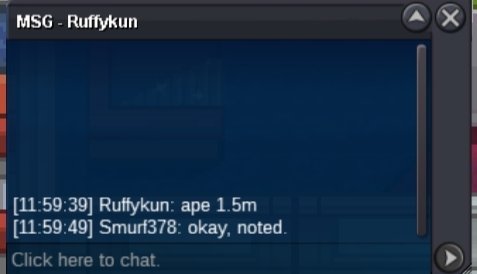
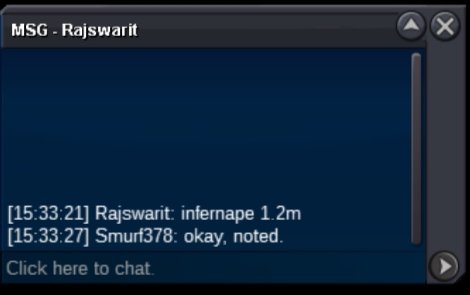
Ape 15 minutes left, Swamp 12 minutes left
-
less than Final 13 minutes left on both
-
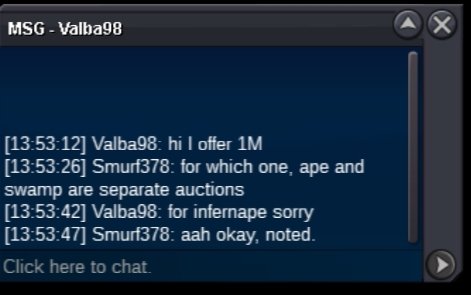
2 hours left.8.9m7.5m7.3mc.o Swamp= 900k, Ape =1m
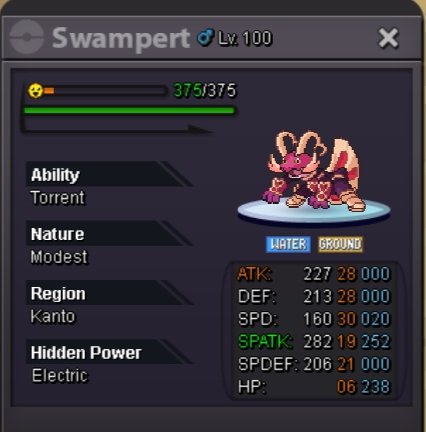
 s.o 100k Min raise 100k No insta s.o 100k min raise 100k No insta Payment method: Cc = 500k, RR = 600k or Cash Auction ends in 24 hours once started. 15 minutes rule is applied, any bid in last 15 minutes, resets the timer to 15 minutes until no bid is received for 15 minutes. Not a bundle, cross server so I will transfer to winning server. Please mention if winner is in silver or gold. Gl in the auction guys! 🔥 🔥 🔥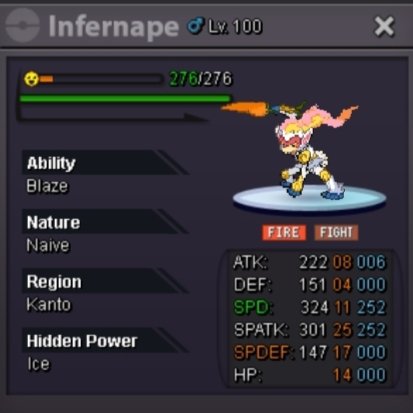
 All trades done. Can be closed
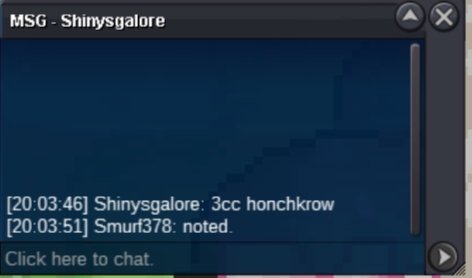
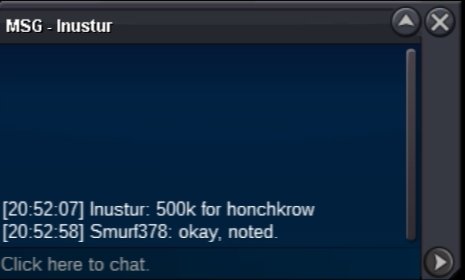
 Honckrow trade done
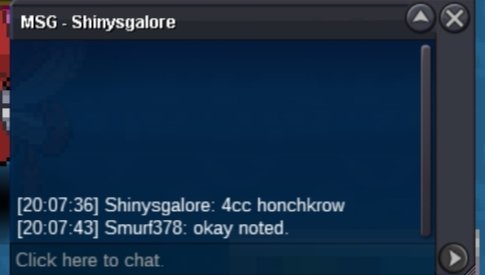
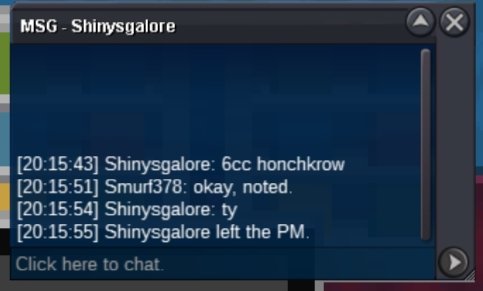
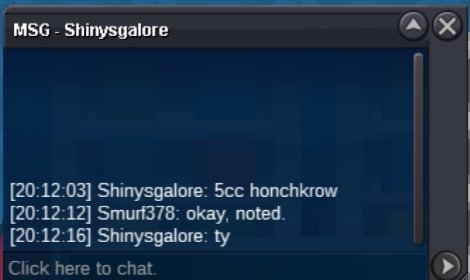
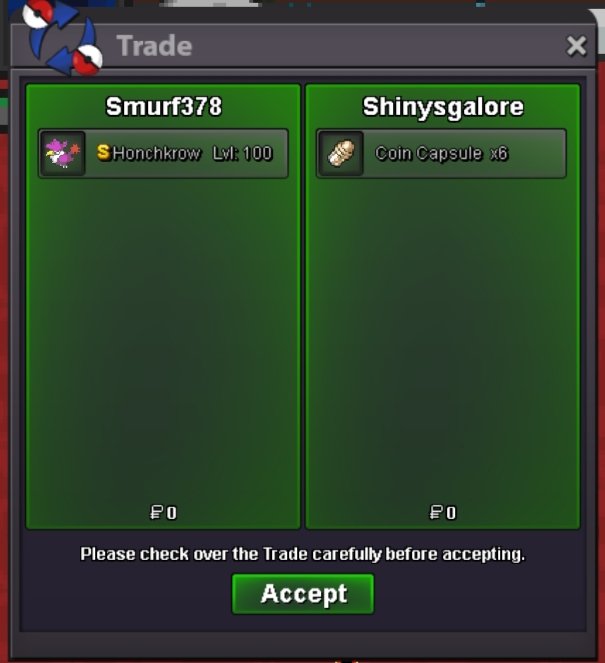 @Shinysgalore has won honkcrow, gz15 minutes extended c.o 2m
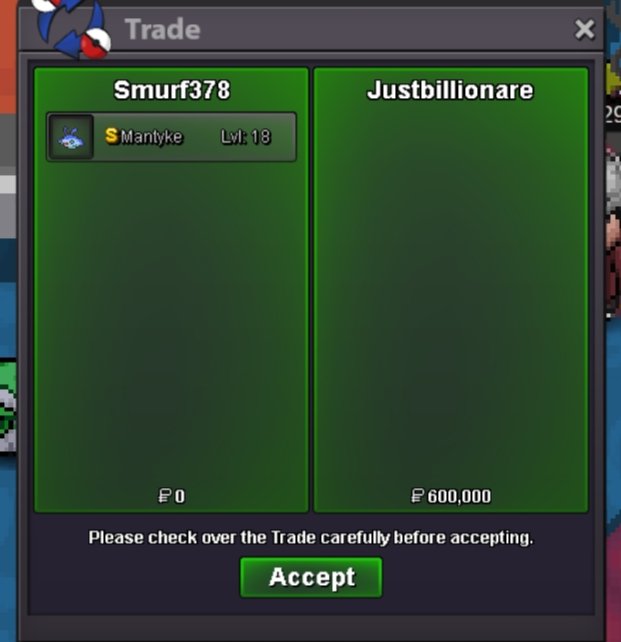
 @Justbillionare wins Mantyke auction, gz. 14 minutes left on honkcrow auctionc.o 1.5m honkcrow, 15 minutes extended
 Blackmoonn increased on both, so he had 500k c.o on Mantyke @Justbillionare30 minutes left c.o 500k Mantyke from Blackmoonn c.o 1.3m Honkcrow from Justbillonare Ending soon. Gl guysC.o 200k min raise 100k no insta C.o 500k min raise 100k No insta Payment Option cc = 500k , rr = 600k , and cash Auction lasts for 30 hours once started for both. Auction is in gold but I will transfer if the winner is in silver (please mention) Have fun in the auction guys.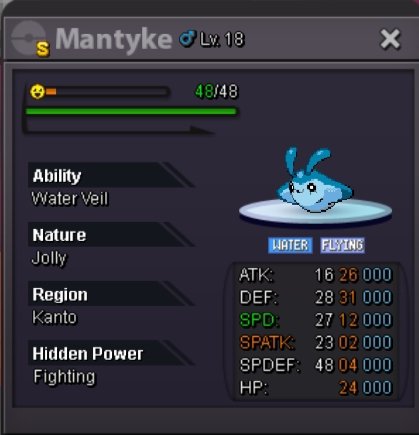
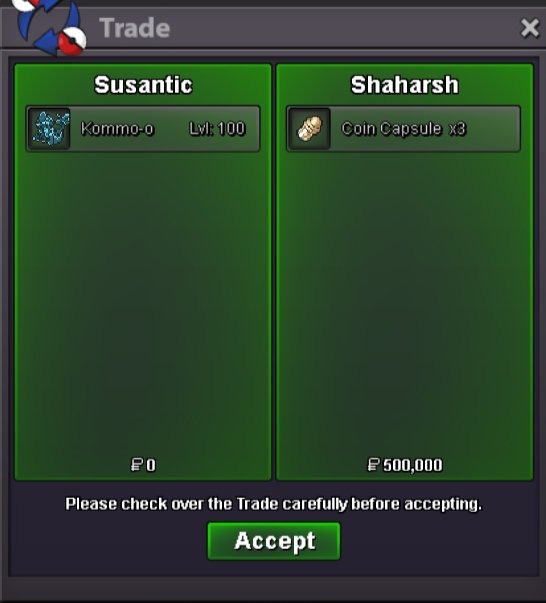
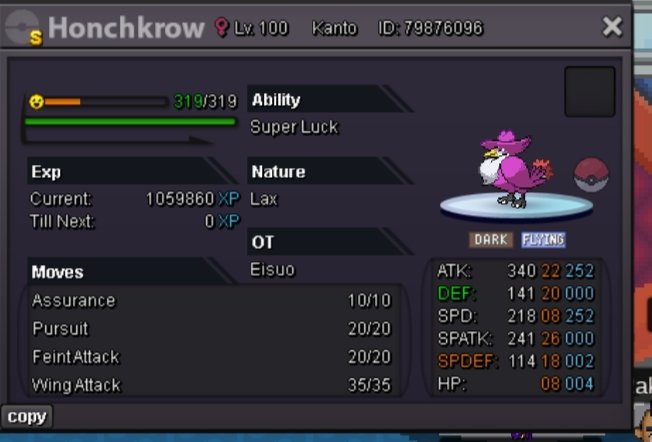 1.25mKommo sold
 Sold, trade done. Can be closed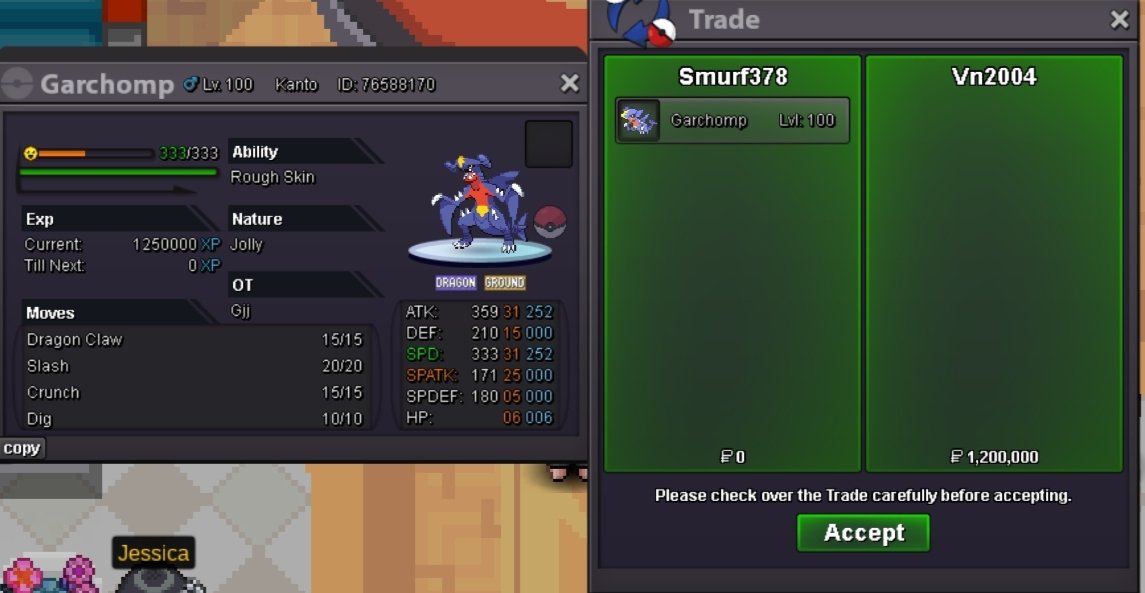


Account
Navigation
Search
Configure browser push notifications
Chrome (Android)
- Tap the lock icon next to the address bar.
- Tap Permissions → Notifications.
- Adjust your preference.
Chrome (Desktop)
- Click the padlock icon in the address bar.
- Select Site settings.
- Find Notifications and adjust your preference.
Safari (iOS 16.4+)
- Ensure the site is installed via Add to Home Screen.
- Open Settings App → Notifications.
- Find your app name and adjust your preference.
Safari (macOS)
- Go to Safari → Preferences.
- Click the Websites tab.
- Select Notifications in the sidebar.
- Find this website and adjust your preference.
Edge (Android)
- Tap the lock icon next to the address bar.
- Tap Permissions.
- Find Notifications and adjust your preference.
Edge (Desktop)
- Click the padlock icon in the address bar.
- Click Permissions for this site.
- Find Notifications and adjust your preference.
Firefox (Android)
- Go to Settings → Site permissions.
- Tap Notifications.
- Find this site in the list and adjust your preference.
Firefox (Desktop)
- Open Firefox Settings.
- Search for Notifications.
- Find this site in the list and adjust your preference.