New Trade Zone
Trade Zone is now live
Use the new Trade Zone for auctions and instant-price trades so Pokemon and item offers are easy to find.

Kodanex
Registered User
-
Joined
-
Last visited
Everything posted by Kodanex
-
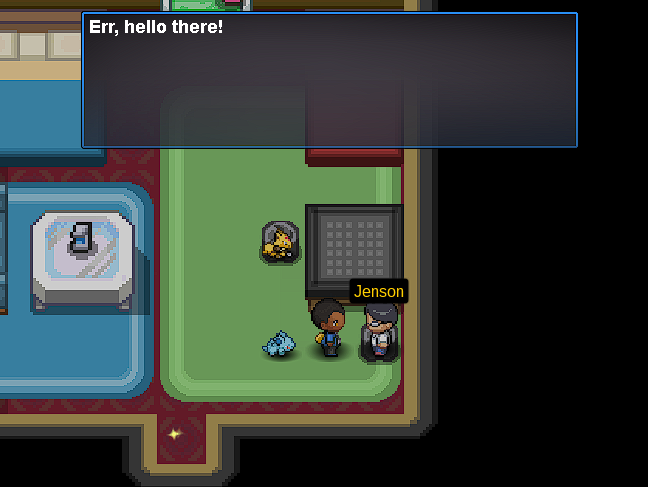
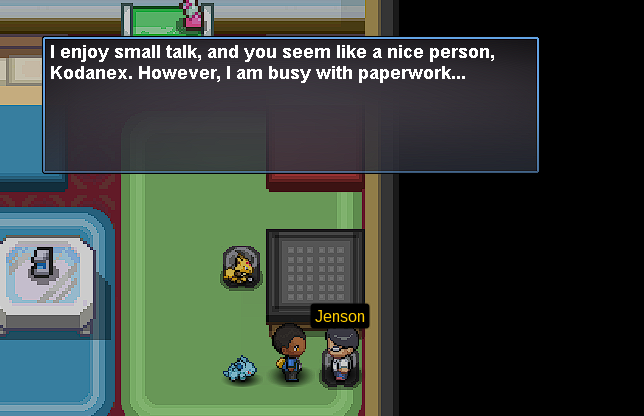
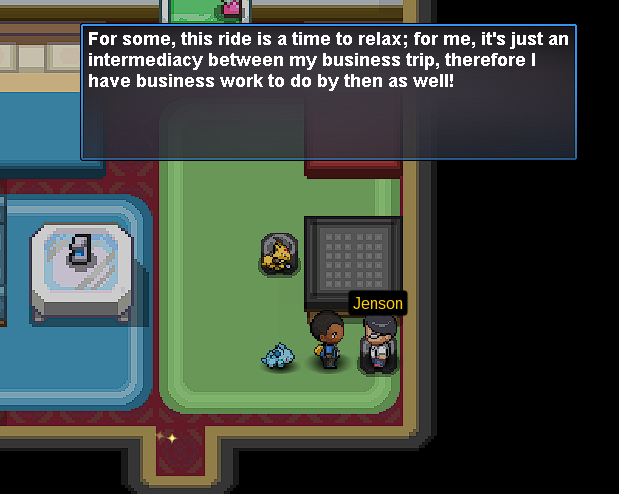
He sends me to Jenson, and there I already showed you what Jenson tells me, and the guard says that I am not authorized to go to the doctor
-
I don't know what to do because I tried again and it still doesn't appear. There is no way for the object to appear in my inventory.Yes, I spoke several times with him, yes, it was me who made the mistake, but no, the doctor's pokemon doesn't want to appear for nothing.That's what it tells me, but the thing is that where the pokemon should be, it's not there.
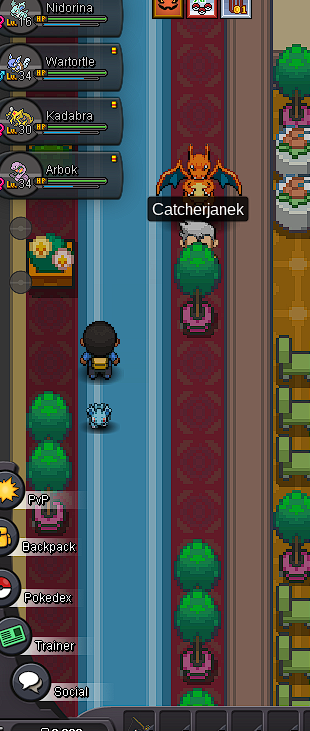 I did the whole puzzle of the ss Anne and the pokemon that has to give me the potion does not appear and I have been trying for hours to make it appear and nothing happens and it does not want to appear I go out I go in every time and nothing I talk to everyone and I do the steps a thousand times and nothing