New Trade Zone
Trade Zone is now live
Use the new Trade Zone for auctions and instant-price trades so Pokemon and item offers are easy to find.

Airomander
Registered User
-
Joined
-
Last visited
-
Hi Sun, can you contact me on discord when you're free so we can work out a good time to trade? thanks 🙂 - Spellamander
-
First sale!

-
Pokes will be posted tomorrow or day after!!
-
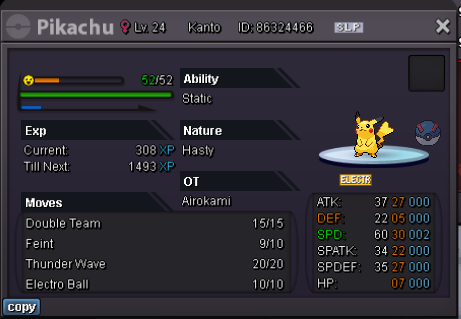
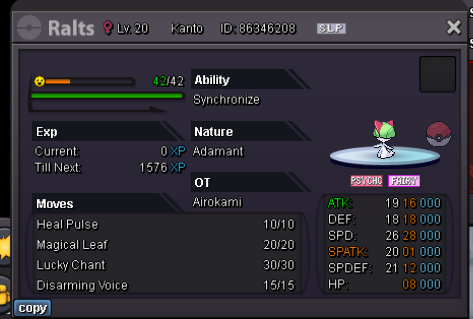
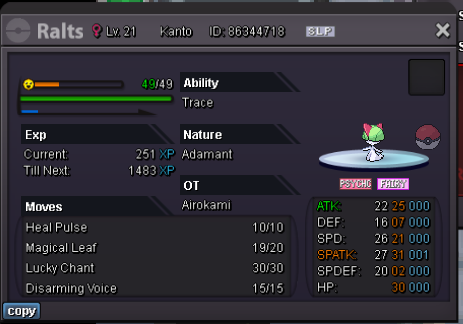
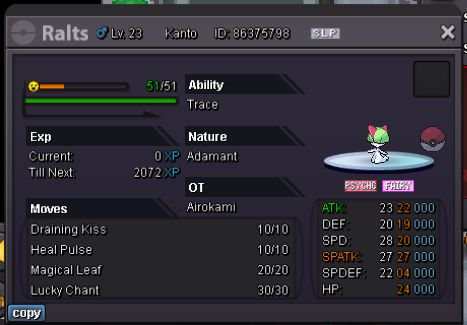
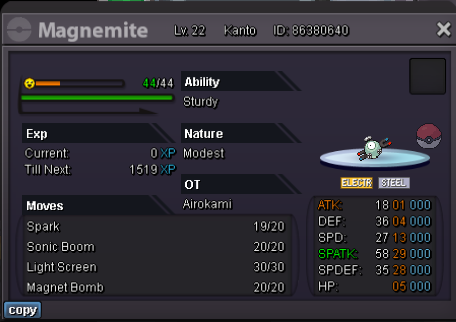
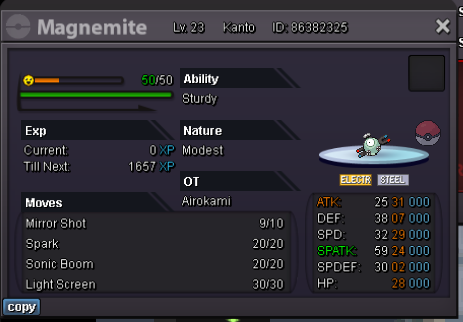
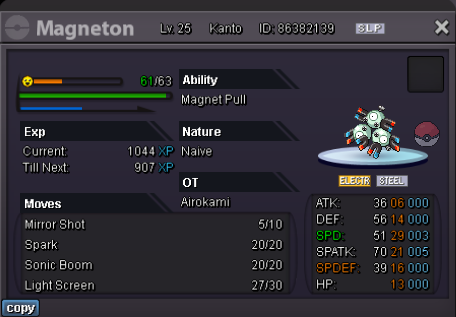
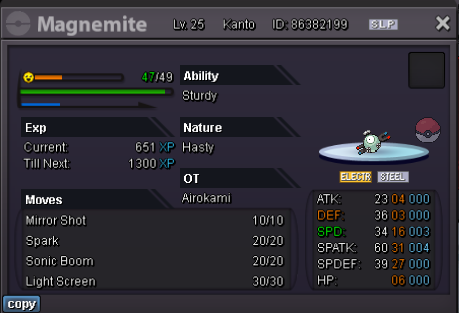
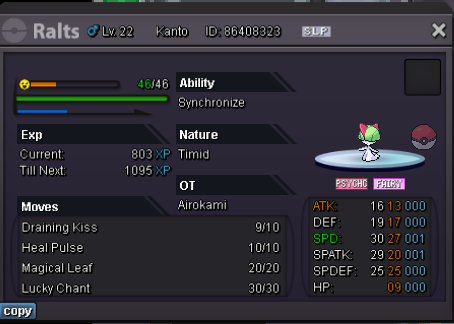
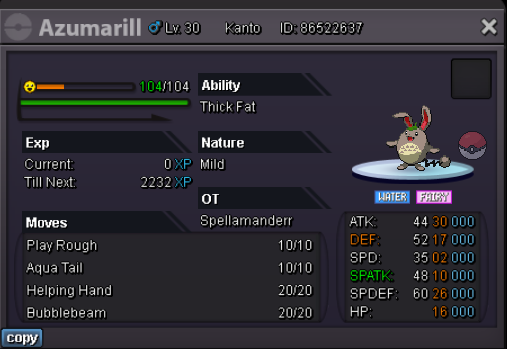
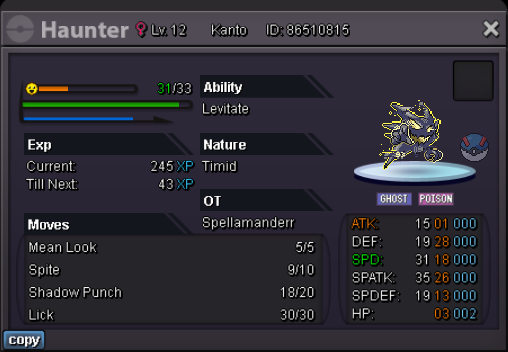
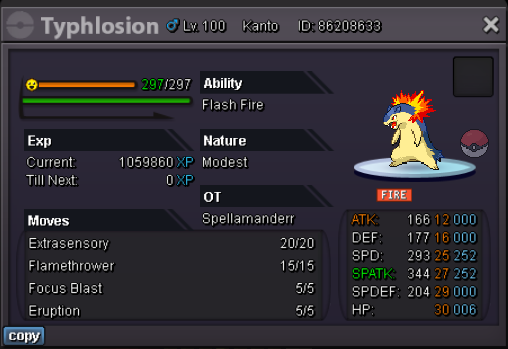
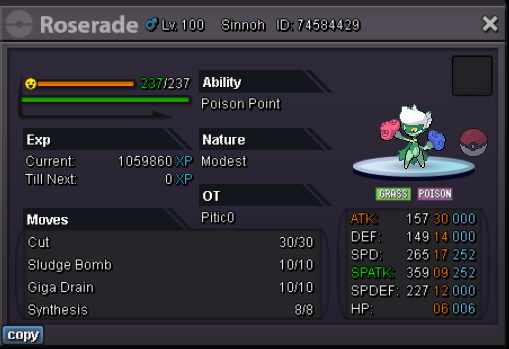
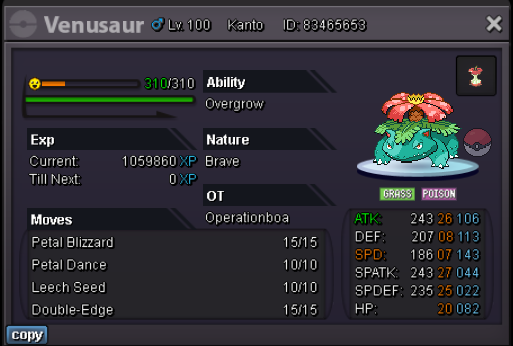
Welcome to Airokami's & Spellamanderr's Pokémon shop! --------------------------------------------- Contact under spoiler. --------------------------------------------- - Gold players must transfer to silver to trade. - Fake offers will be reported. - Message via Discord, in-game or in the comments. --------------------------------------------- Payment methods: Pokedollar Coin Capsule (360k) IV Reroll (510k) Rare candy (6k) --------------------------------------------- Airokami Pokes Open to negotiating. 3+ Mons = 10% discount 5+ mons = 15% discount Contact me: Discord & Ingame: airokami --------------------------------------------- Spellamanderr Pokes - More to come in future If you would like to negotiate or discuss a purchase you can contact me; In-Game: Spellamanderr Discord: Spellamander I'm usually active or free around 5:30pm-10pm (bst time)