New Trade Zone
Trade Zone is now live
Use the new Trade Zone for auctions and instant-price trades so Pokemon and item offers are easy to find.


Gutkashooter
Registered User
-
Joined
-
Last visited
Everything posted by Gutkashooter
-
Wtb 1 band, 1 scarf and 2 specs
-
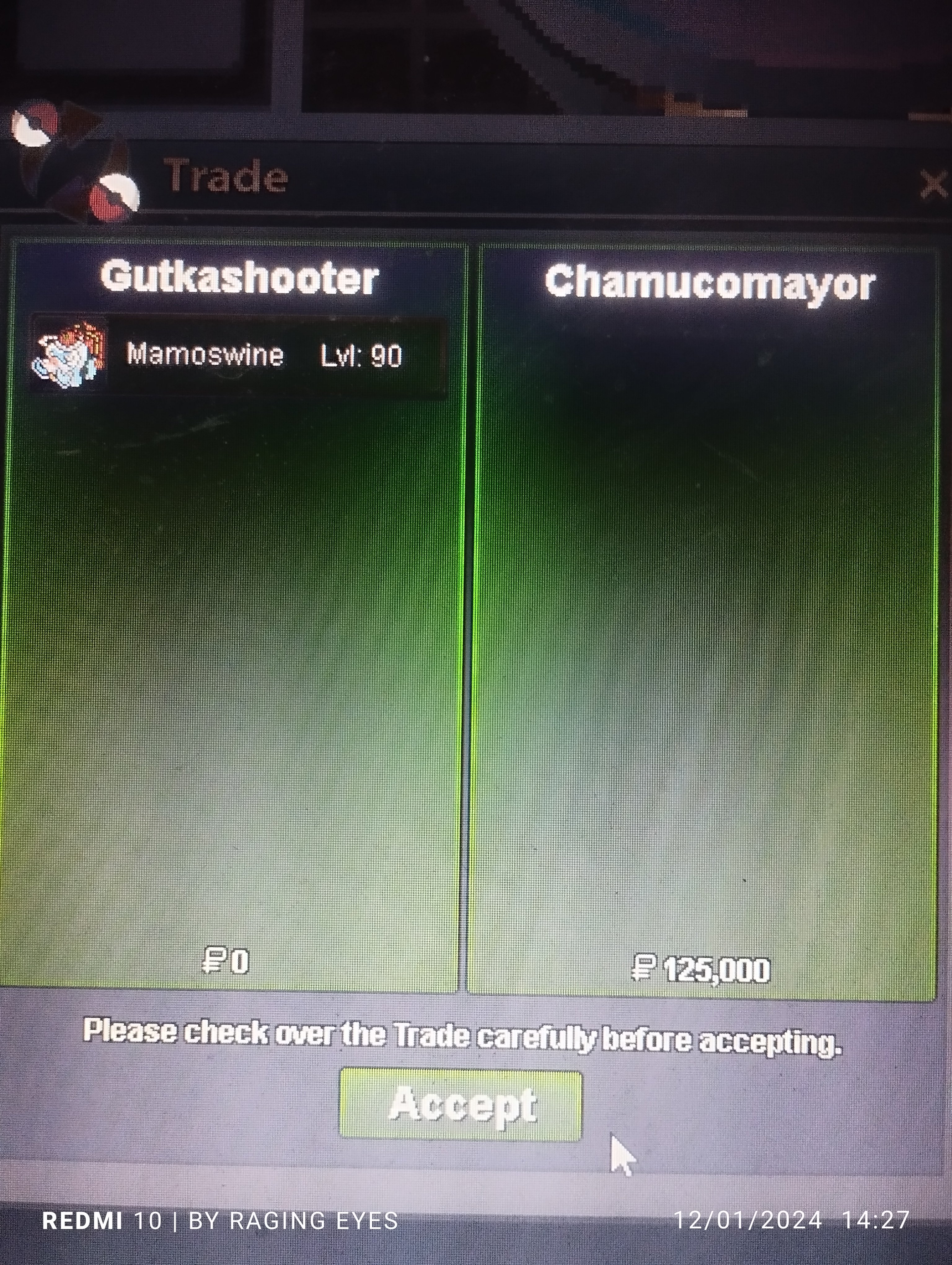
All Trades Done✅ *CAN NOW BE CLOSED*
-
Okay one cc start
-
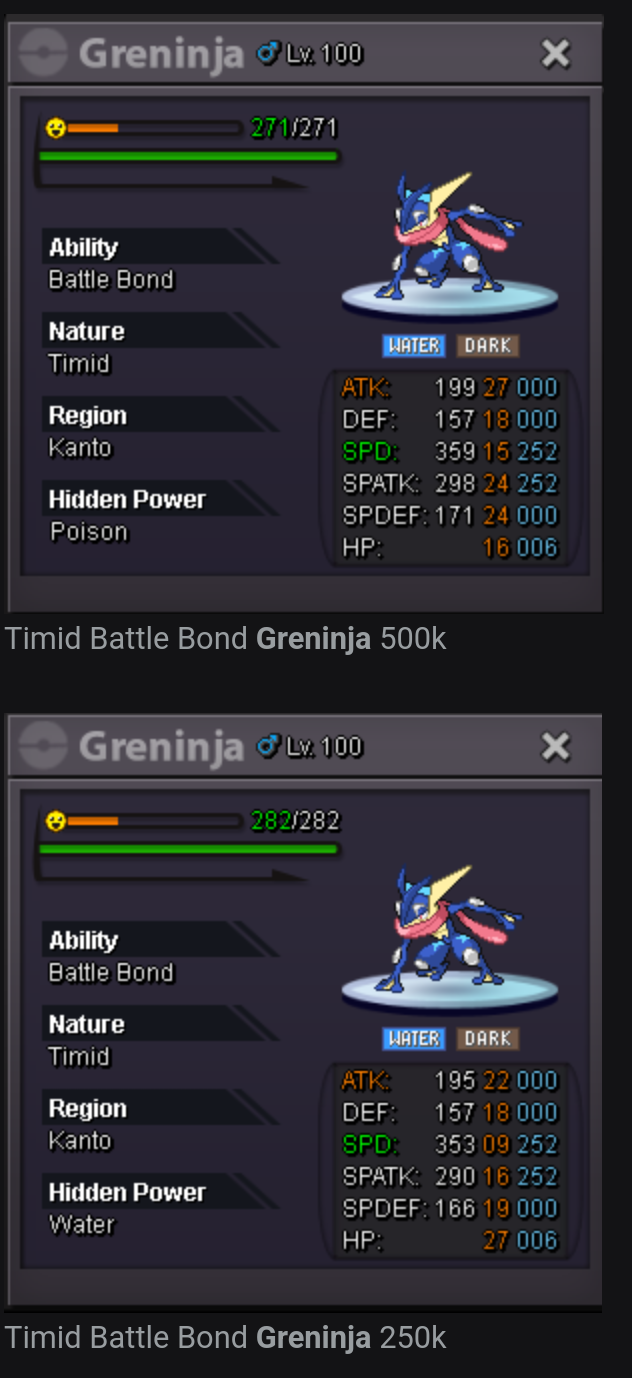
Wtb these two / will trade at vermi pokecenter Ig someone already bought the 500k one // still interested in buying 250k one ty
-
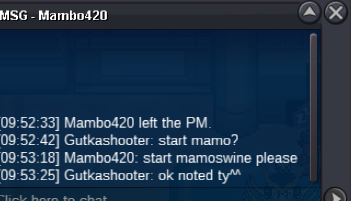
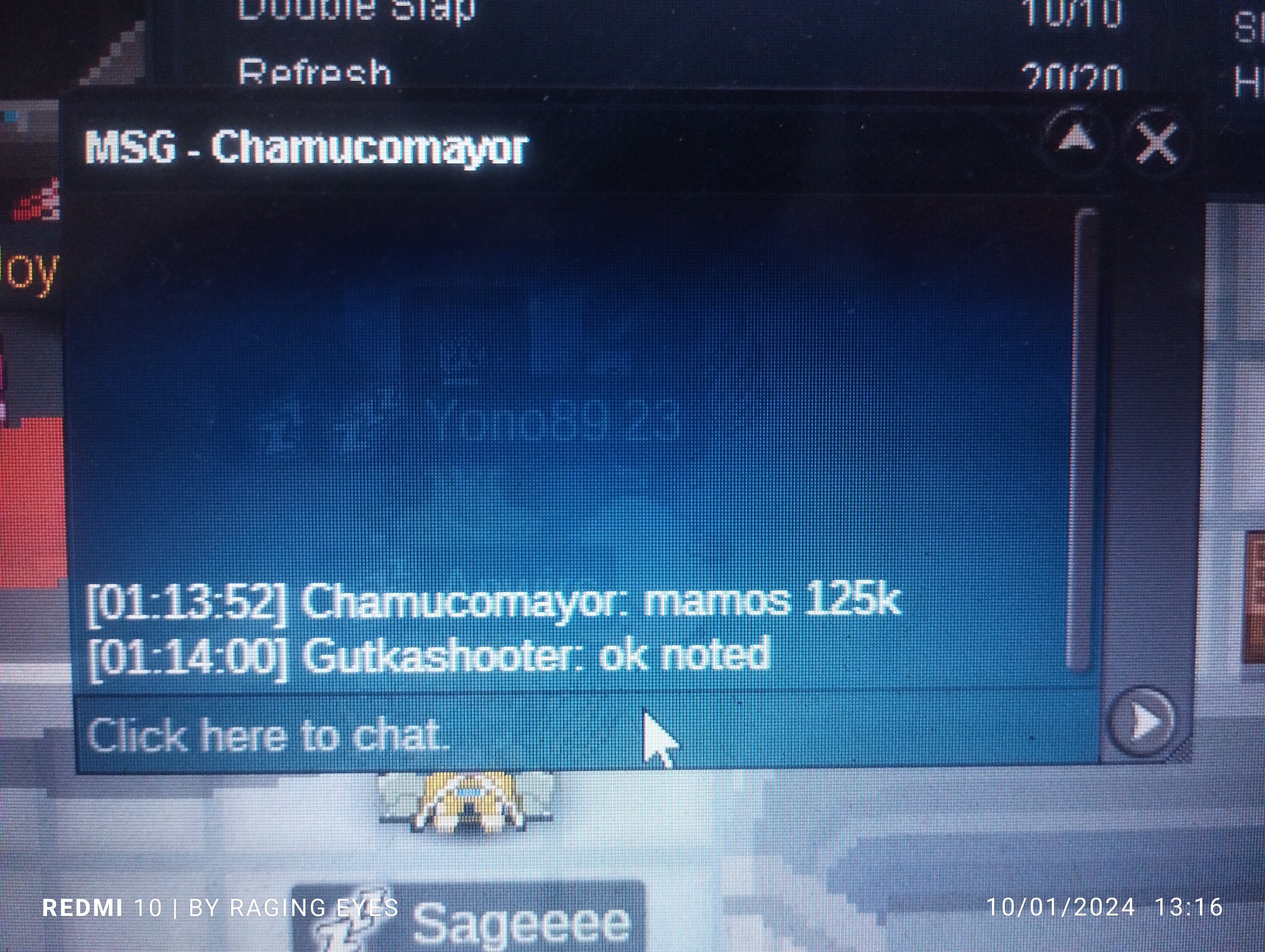
The guy won the Mamo swine auction On Thursday ,9:52a.m. IST Tried to reach him a several times via in-game he isn't responding. Looking upto sort out this soon Thank you
-
70k
-
Wtb #9 , #15 , #25
-
Payment accepted as cc?
-
52k
-
50k
-
500k
-
Didn't intended to that will confirm server before in future Thank you
-
9k
-
60k (if won would transfer server)
-
Trade done Thank you for buying ^^ Mamoswine c/o 125k 9hrs left
-
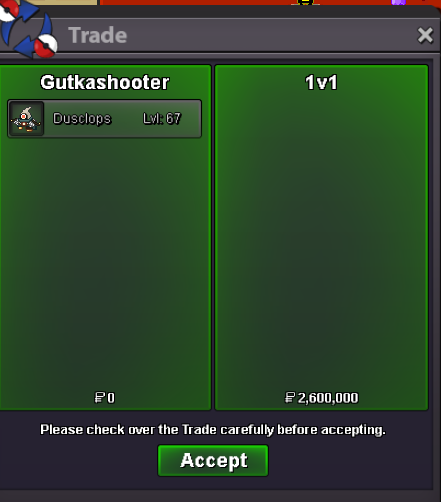
Congratulations @1v1 You won the auction with a bid of 2.6m Auction ended on 8:00p.m. IST Contact me on discord/forum/in-game Thank You All ^_^ Mamoswine c/o 125k 13hr left approx
-
90k
-
Dusclops c/o 2.6m 7hrs approx Mamoswine c/o 125k 21hrs approx
-
Dusclops c/o 2.6m 7hrs left Mamoswine c/o 100k 21hrs left Thank y'all ^_^
-
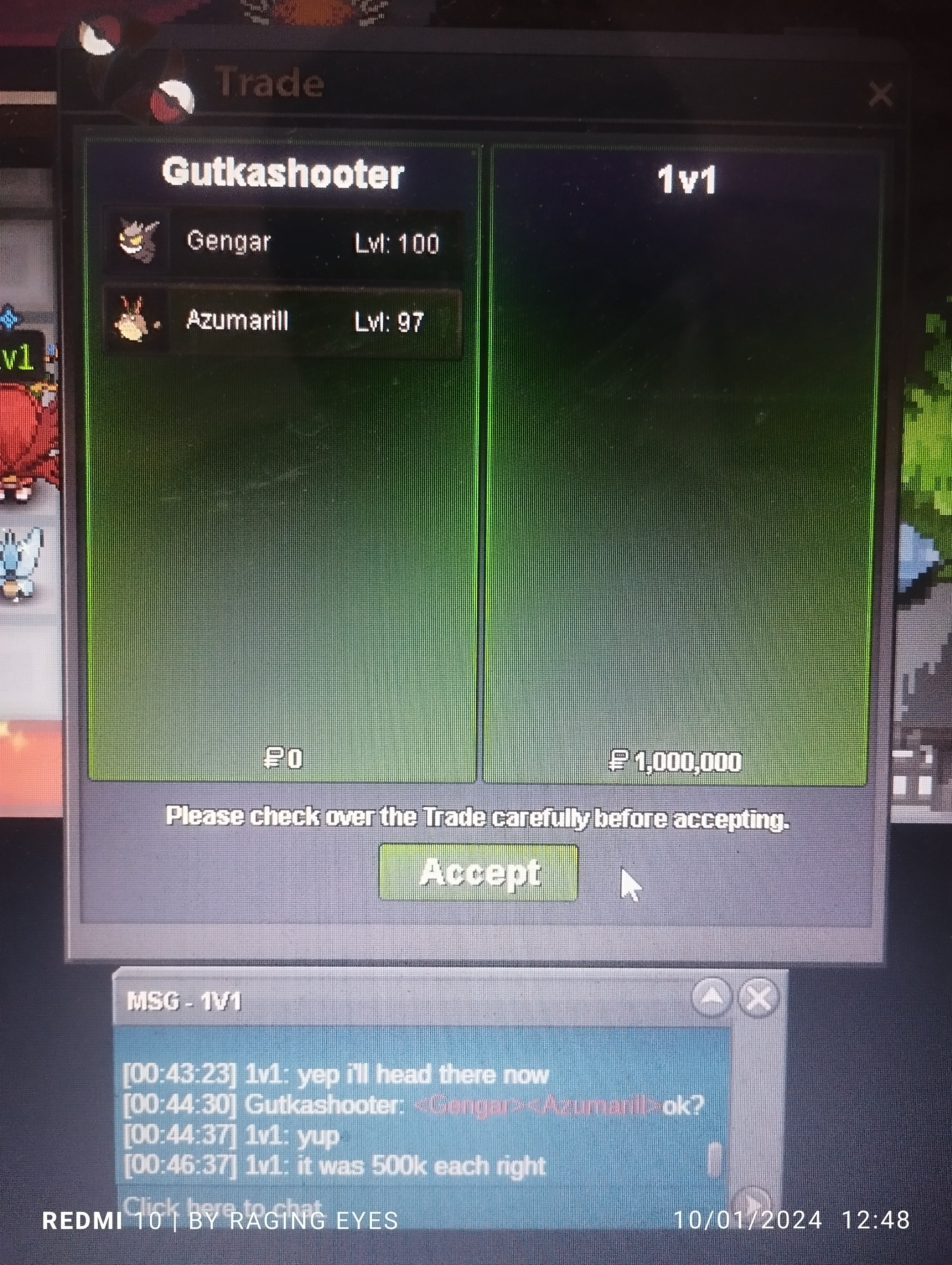
Congratulations!! @1v1 And Thank You for buying ^^ *Insta bought gengar and azumarill for 500k ea*
-
Dusclops time left 10hrs with a c/o of 2.6m by 1v1 Thank You all ^_^
-
I will be busy right now we trade after 2-3 hours if suits you Thank you ^^
-
c/o Dusclops 500k c/o Azumaril 125k c/o Mamoswine 100k