Skip to content
View in the app

A better way to browse. Learn more.

Pokemon Revolution Online

A full-screen app on your home screen with push notifications, badges and more.

To install this app on iOS and iPadOS
  1. Tap the Share icon in Safari
  2. Scroll the menu and tap Add to Home Screen.
  3. Tap Add in the top-right corner.
To install this app on Android
  1. Tap the 3-dot menu (⋮) in the top-right corner of the browser.
  2. Tap Add to Home screen or Install app.
  3. Confirm by tapping Install.
New Trade Zone
Trade Zone is now live
Use the new Trade Zone for auctions and instant-price trades so Pokemon and item offers are easy to find.
Open Trade Zone

Saruron

Registered User
  • Joined

  • Last visited

  1. As far as I understood the PvP Coin System will stay the same with the addition that the said PvP Chests also drop additional PvP Coins. Really like this update, especially the Naruto-themed cosmetics! ♡
  2. Link: https://www.youtube.com/watch?v=IjytO_CKLL4 Some close pvp battles. Let me know what you think! 🙂
  3. Soyradiooo started following Saruron
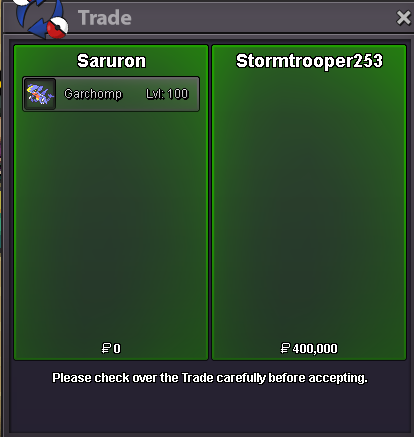
  4. Chomp sold to @Stormtrooper253❤️
  5. start 2nd (31/30)
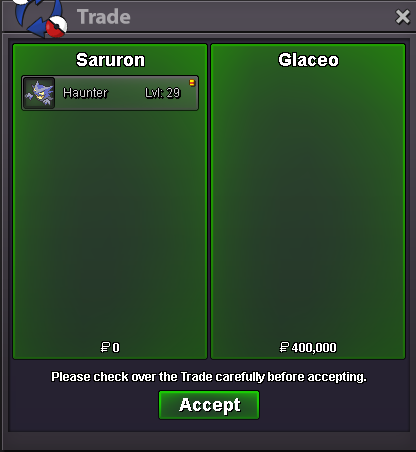
  6. up, price reductions EDIT: Haunter sold to @Glaceo❤️
  7. Will be online in aprox 1 hr, i PM you then
  8. Great Layout, well done!
  9. Hey I'm in Gold currently PM me and we can discuss how we trade EDIT: Kabutops sold to @Kiddkeo❤️

Account

Navigation

Search

Search

Configure browser push notifications

Chrome (Android)
  1. Tap the lock icon next to the address bar.
  2. Tap Permissions → Notifications.
  3. Adjust your preference.
Chrome (Desktop)
  1. Click the padlock icon in the address bar.
  2. Select Site settings.
  3. Find Notifications and adjust your preference.