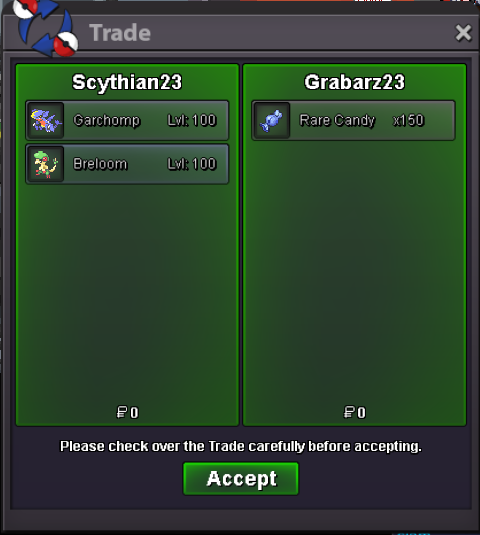
New Trade Zone
Trade Zone is now live
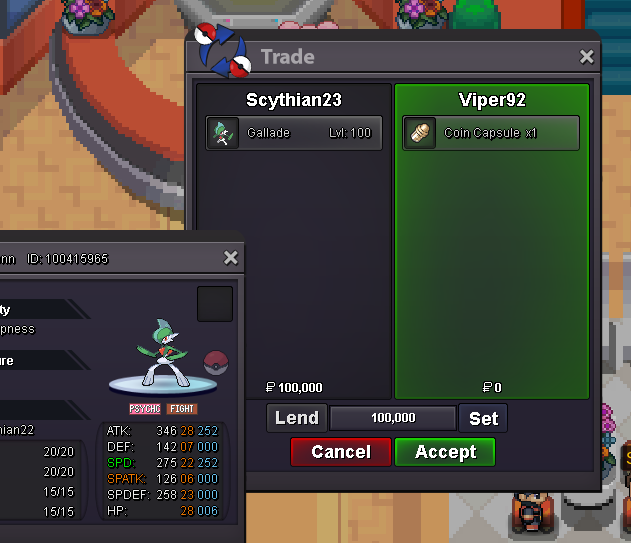
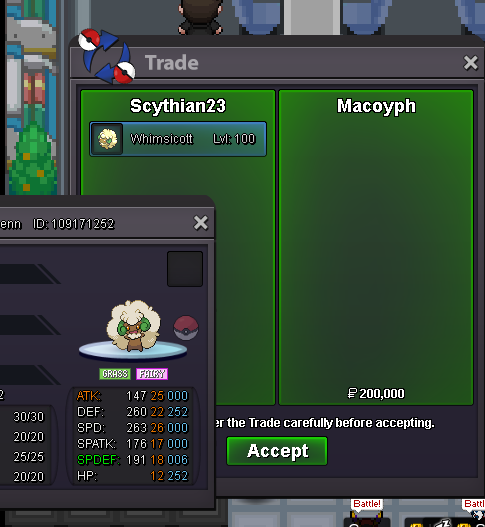
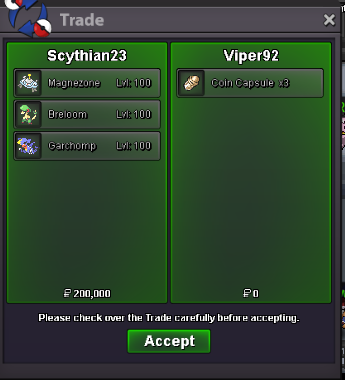
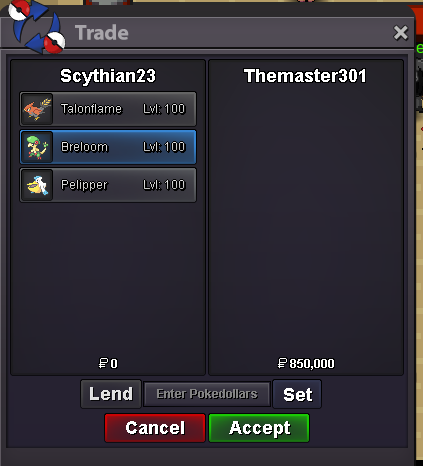
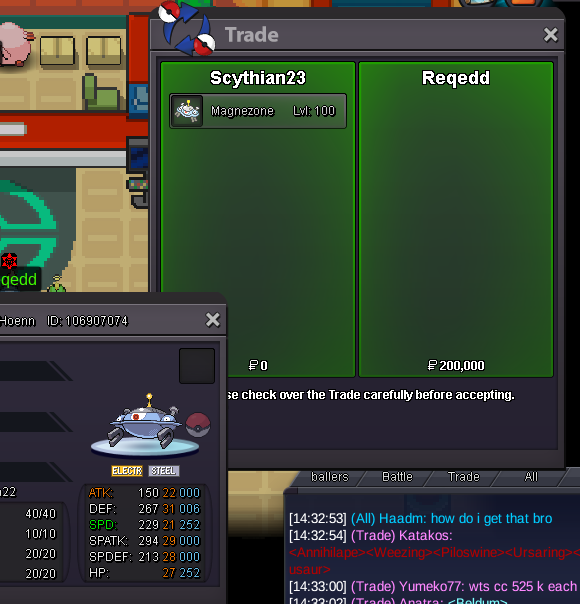
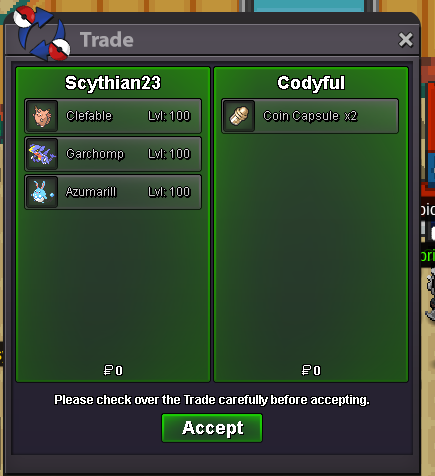
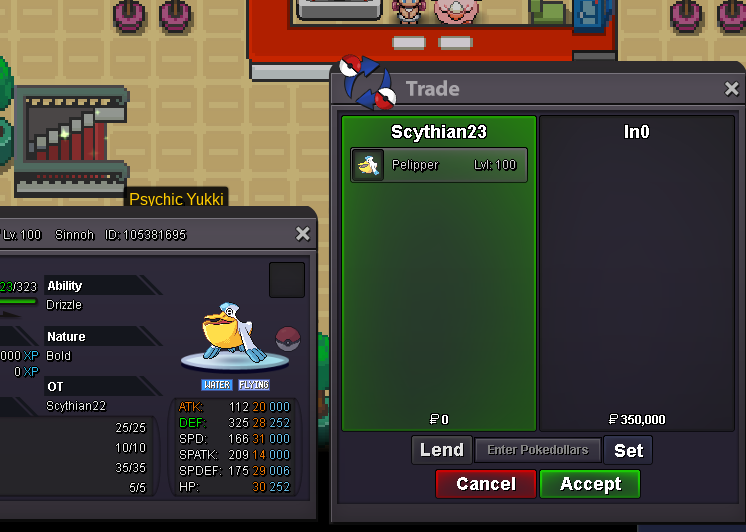
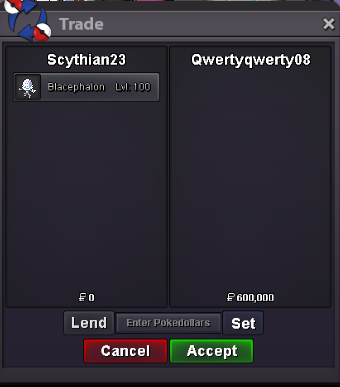
Use the new Trade Zone for auctions and instant-price trades so Pokemon and item offers are easy to find.

Scythian22
Registered User
-
Joined
-
Last visited
Everything posted by Scythian22
-
Lemmie know when you're online @Themarvelx or message me on discord!
-
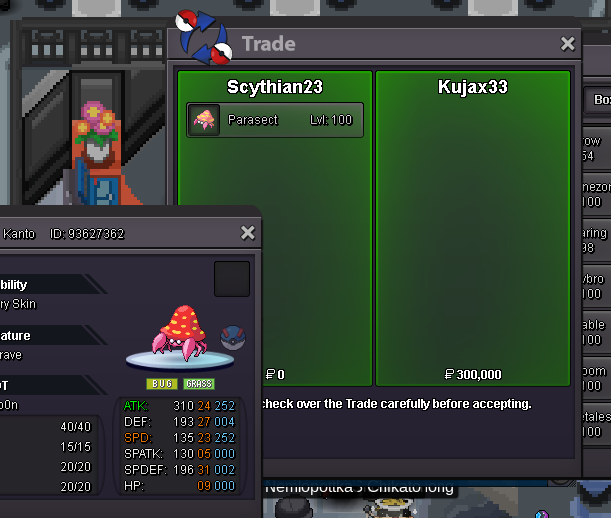
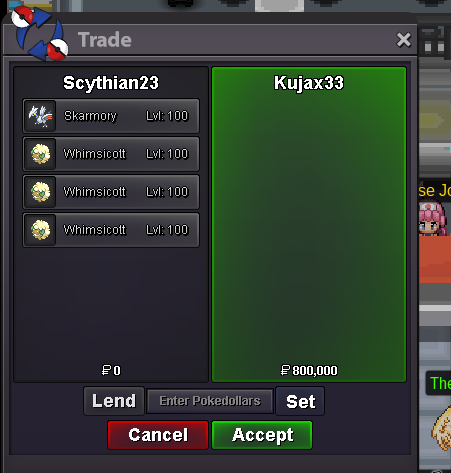
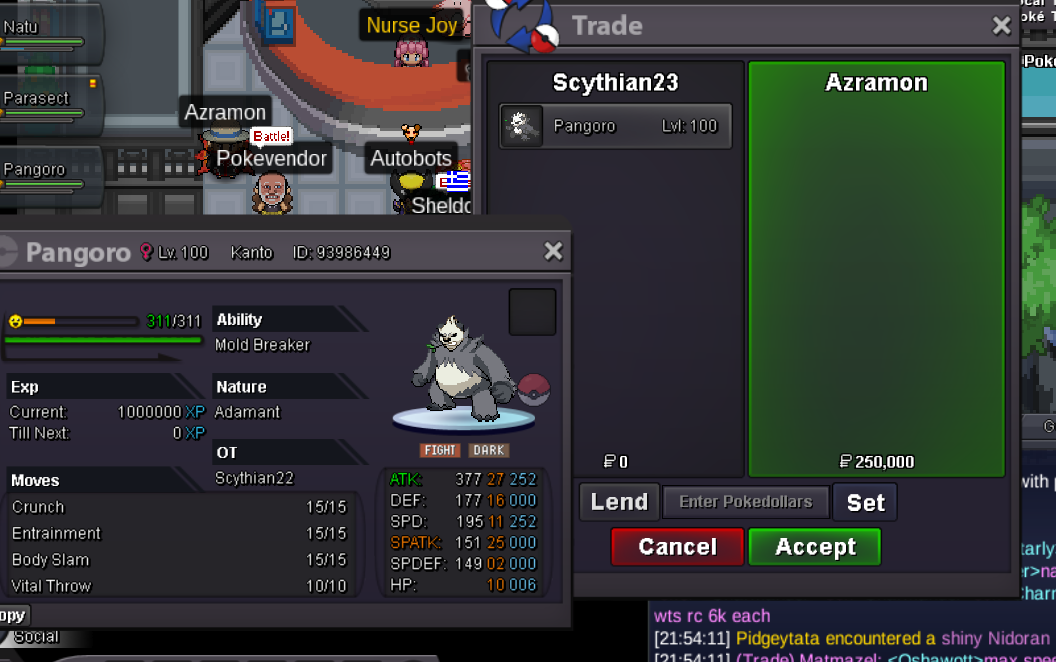
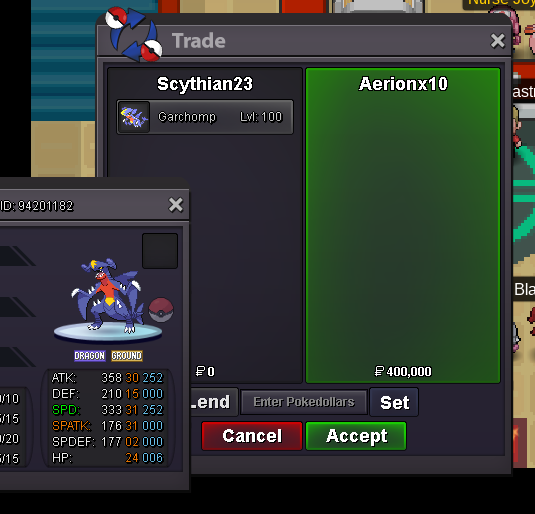
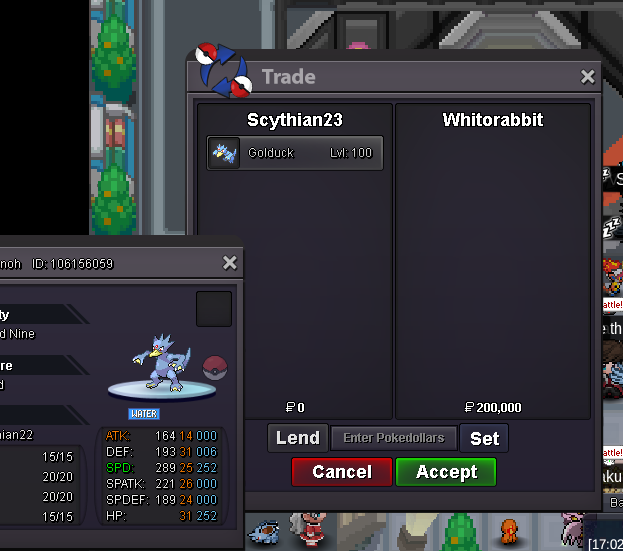
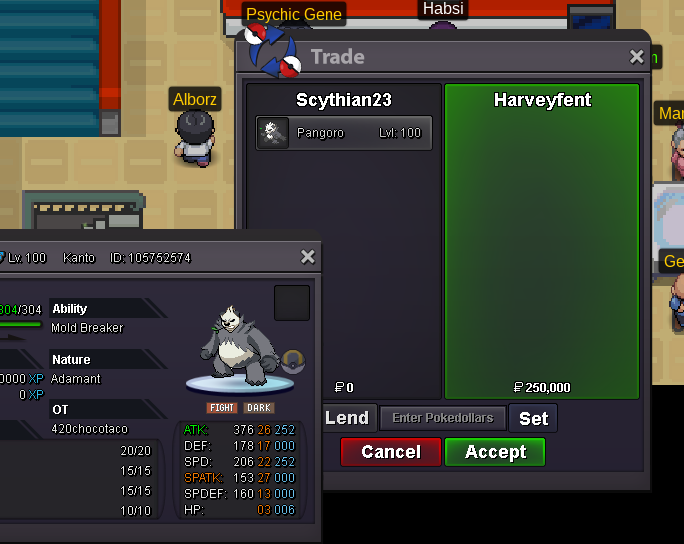
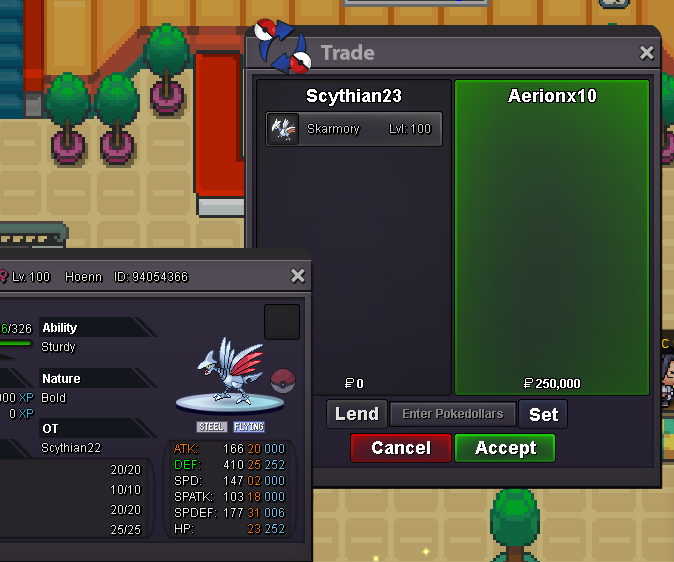
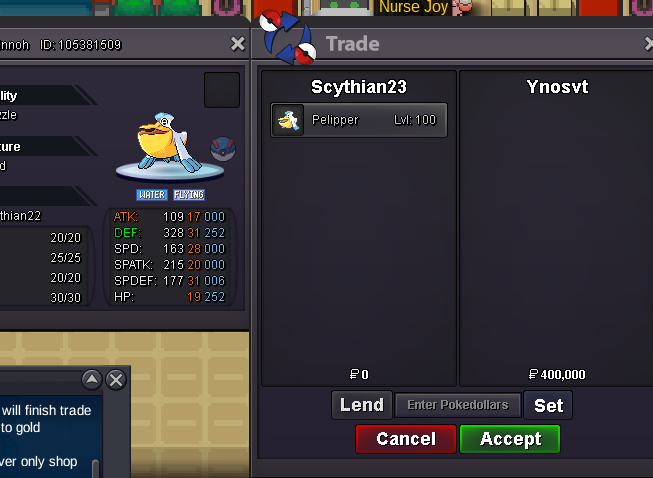
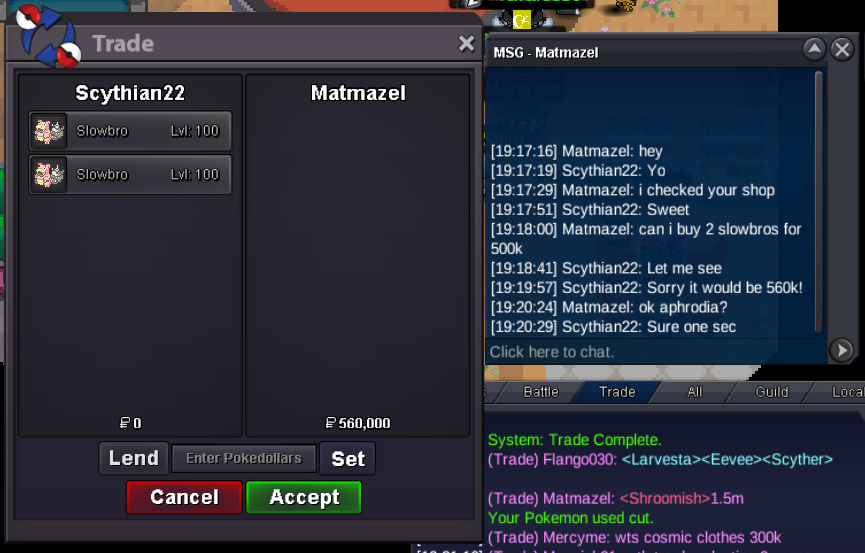
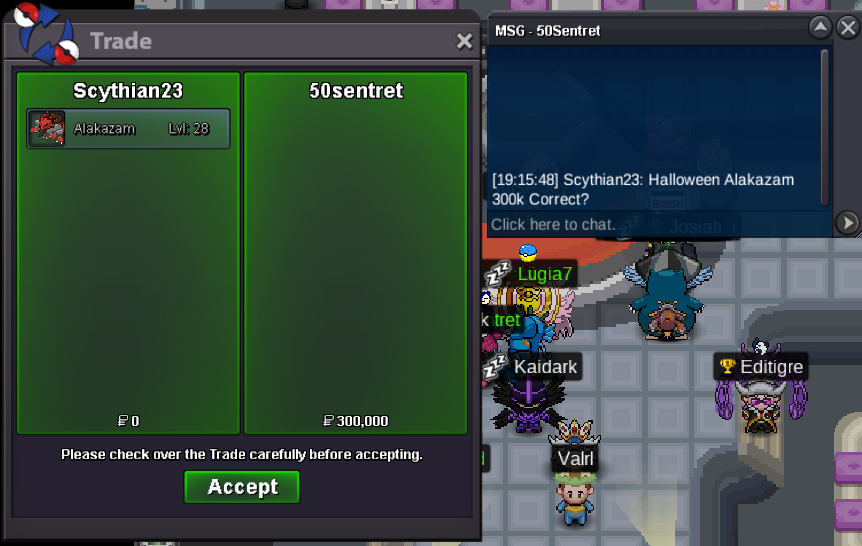
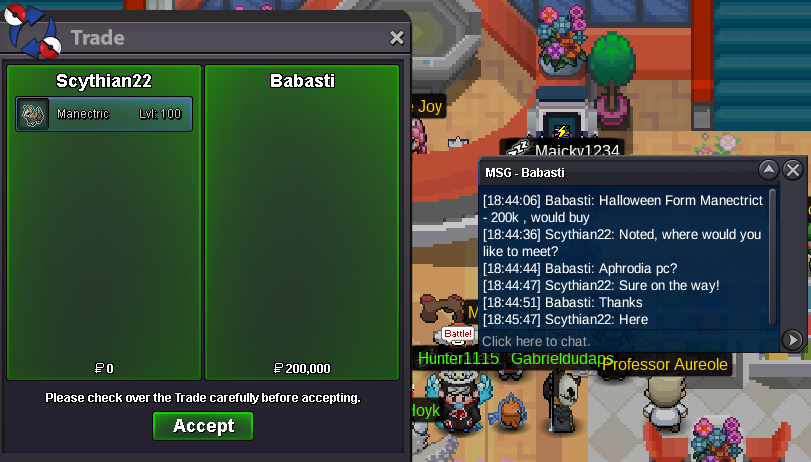
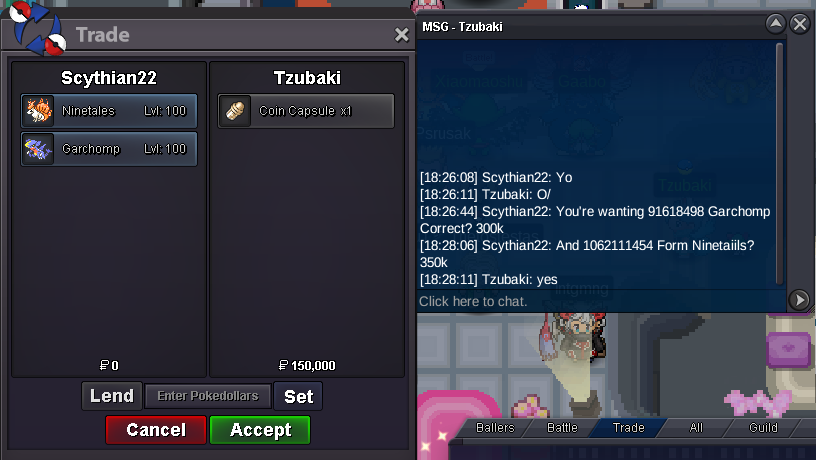
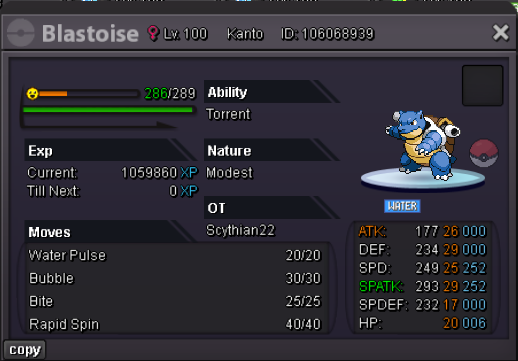
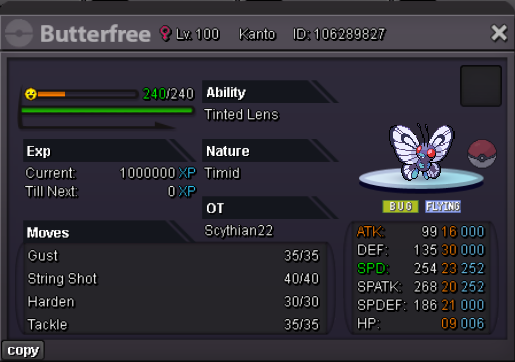
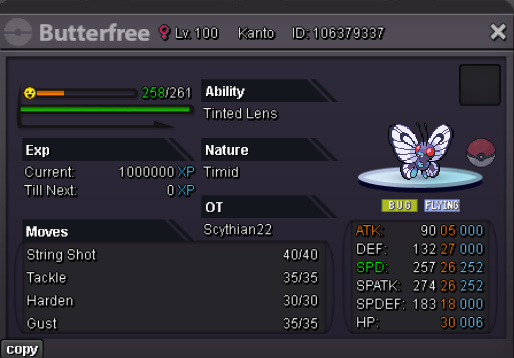
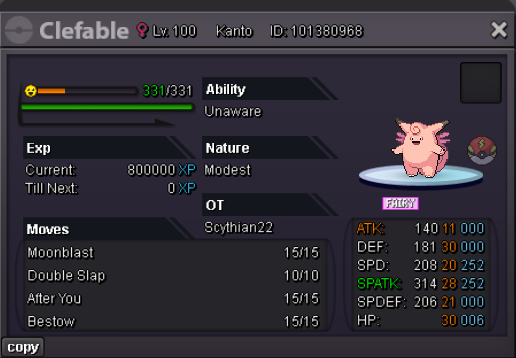
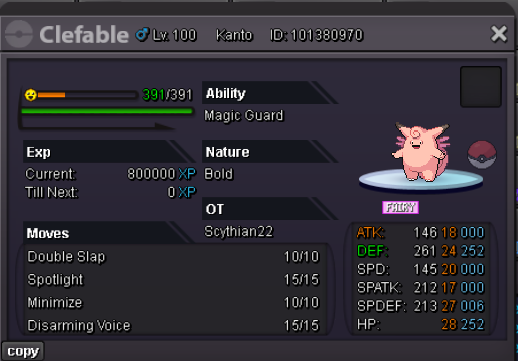
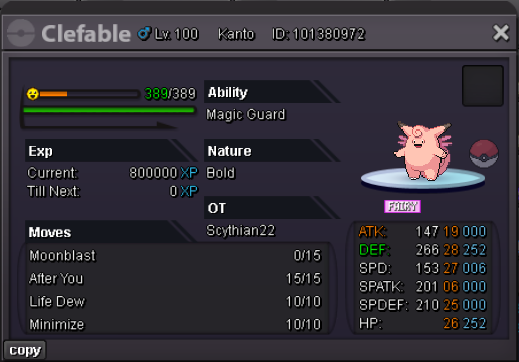
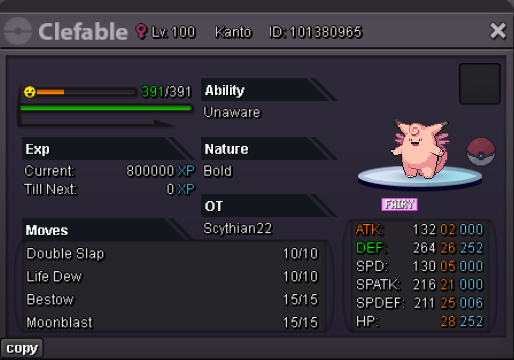
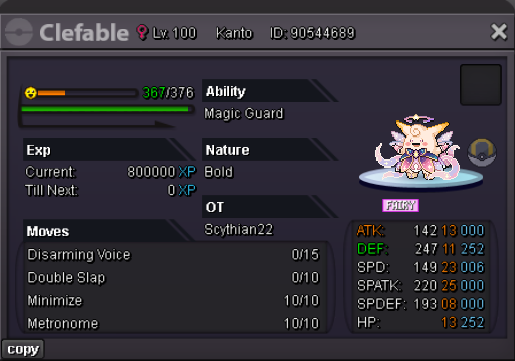
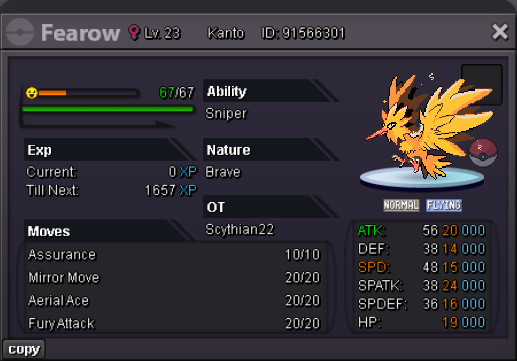
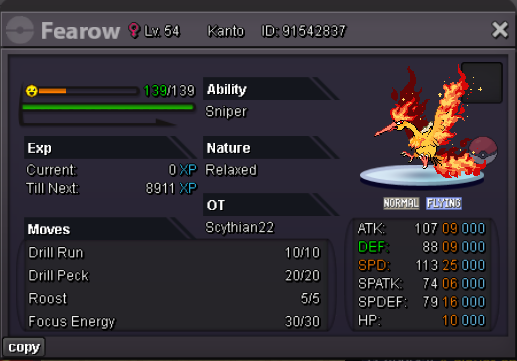
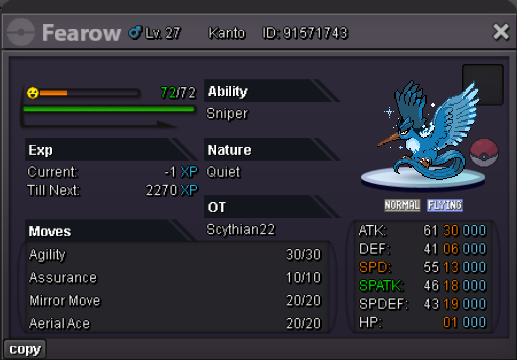
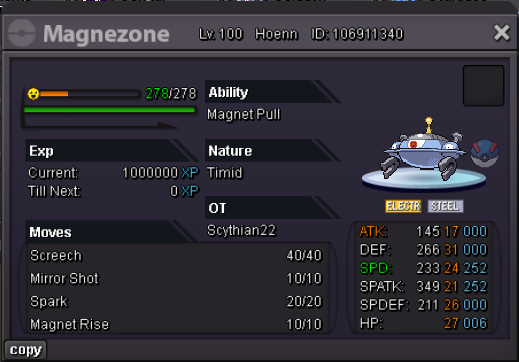
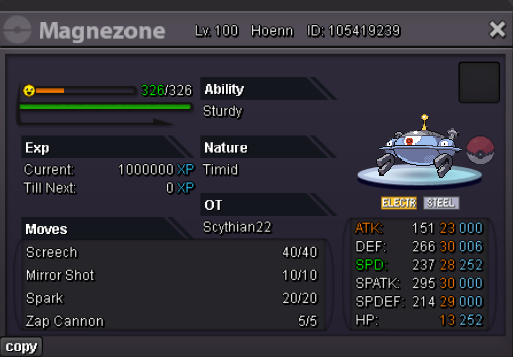
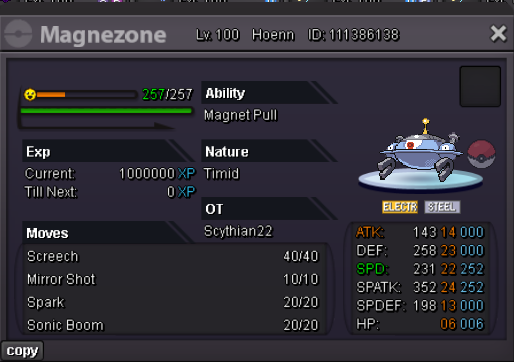
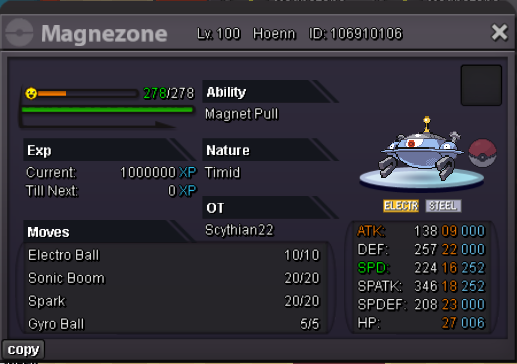
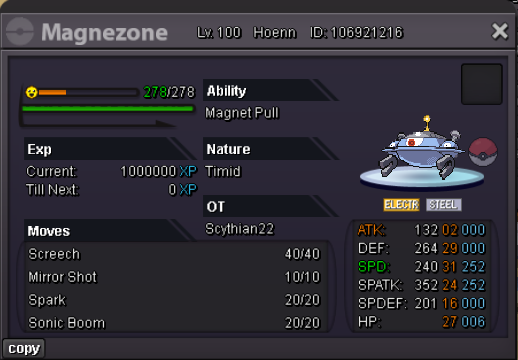
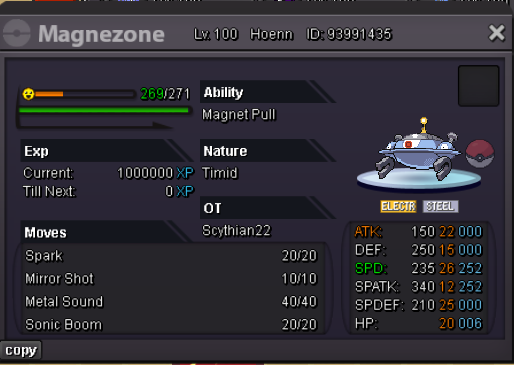
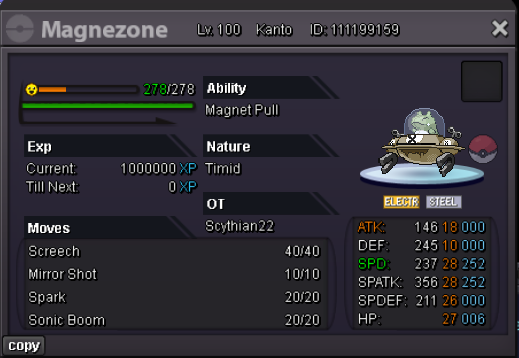
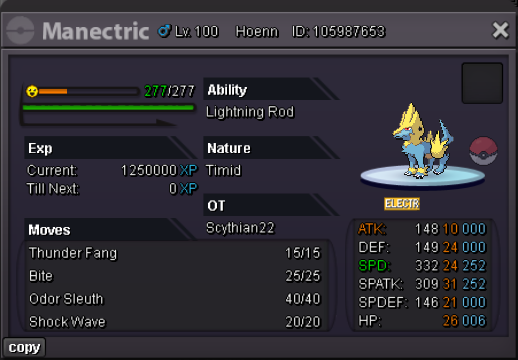
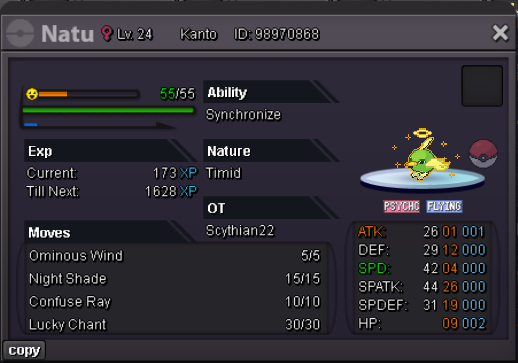
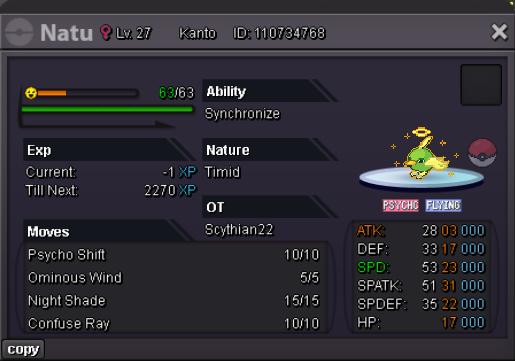
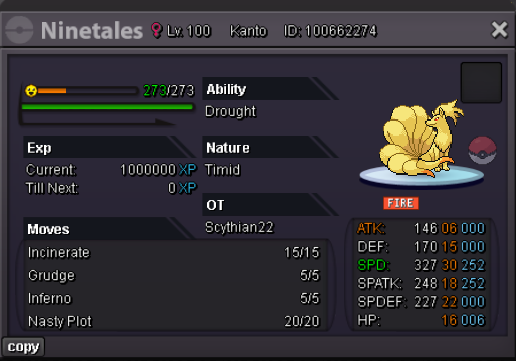
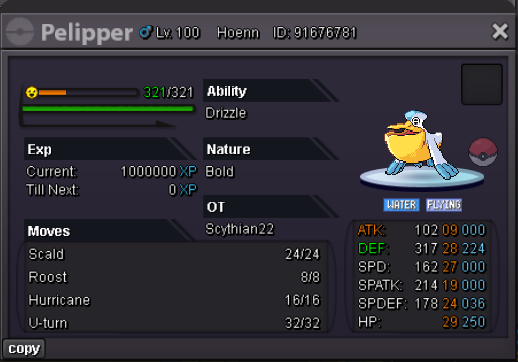
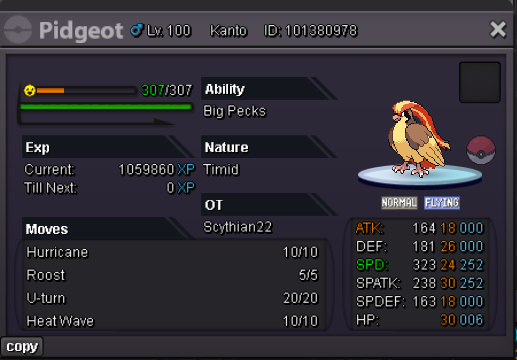
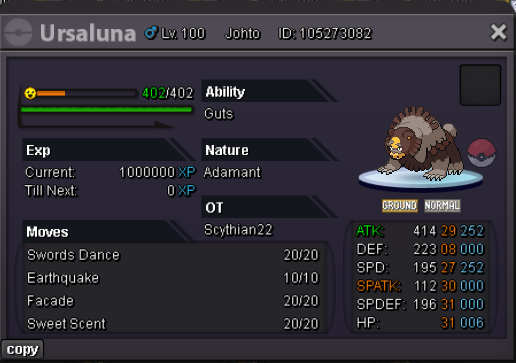
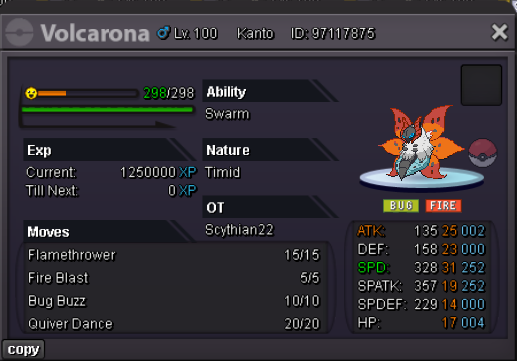
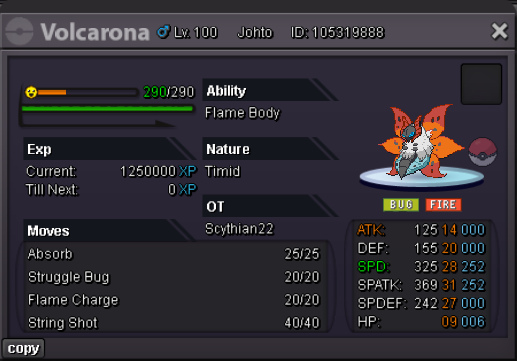
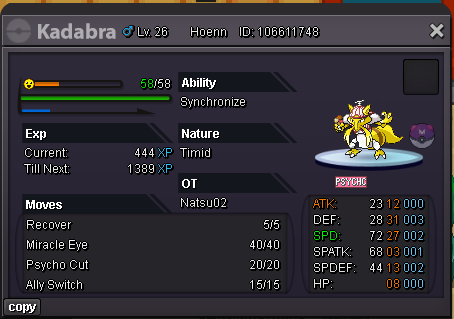
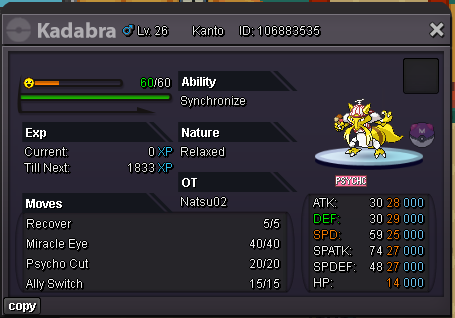
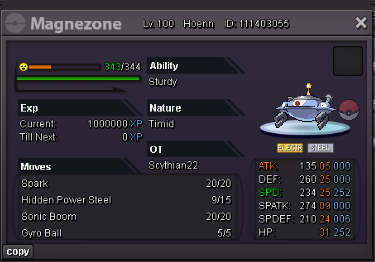
@Tisyo Already Sold will update shop now.BumpContact! ign: Scythian22 Discord: scythian Shop Rules: 1. Fake offers will be reported. 2. Some prices are negotiable. 3. I have the right to decline offers when neccesary 4. This is a silver server pokemon shop, so if you are from the gold server you will have to transfer to recieve your pokemon. 5. Once an offer has been set, it can not be retracted. 6. If I don't get back to you right away just note I may be doing irl things such as work, I will get back to you ASAP. Payment Methods. Pokedollars: $ Coin Capsules: $500,000 IV Rerolls $700,000 Nature Rerolls, $350,000 Rare Candies, $6,000 The Shop!
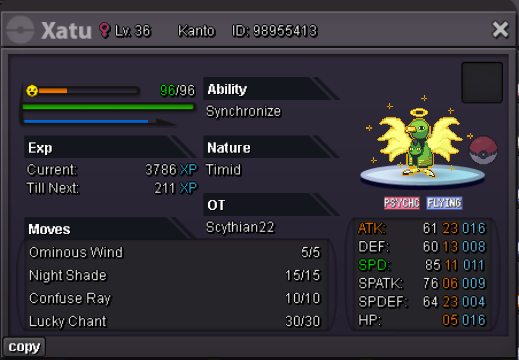
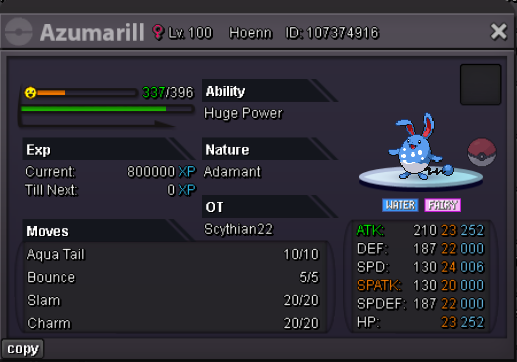
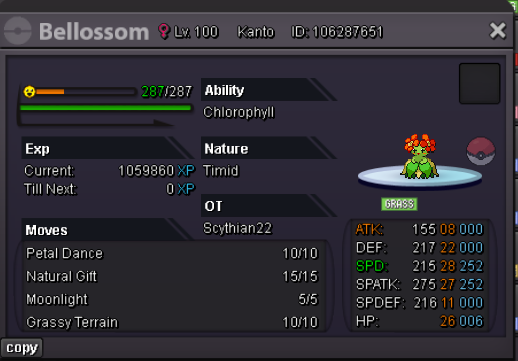
Account
Navigation
Search
Configure browser push notifications
Chrome (Android)
- Tap the lock icon next to the address bar.
- Tap Permissions → Notifications.
- Adjust your preference.
Chrome (Desktop)
- Click the padlock icon in the address bar.
- Select Site settings.
- Find Notifications and adjust your preference.
Safari (iOS 16.4+)
- Ensure the site is installed via Add to Home Screen.
- Open Settings App → Notifications.
- Find your app name and adjust your preference.
Safari (macOS)
- Go to Safari → Preferences.
- Click the Websites tab.
- Select Notifications in the sidebar.
- Find this website and adjust your preference.
Edge (Android)
- Tap the lock icon next to the address bar.
- Tap Permissions.
- Find Notifications and adjust your preference.
Edge (Desktop)
- Click the padlock icon in the address bar.
- Click Permissions for this site.
- Find Notifications and adjust your preference.
Firefox (Android)
- Go to Settings → Site permissions.
- Tap Notifications.
- Find this site in the list and adjust your preference.
Firefox (Desktop)
- Open Firefox Settings.
- Search for Notifications.
- Find this site in the list and adjust your preference.