New Trade Zone
Trade Zone is now live
Use the new Trade Zone for auctions and instant-price trades so Pokemon and item offers are easy to find.


Ieau
Registered User
-
Joined
-
Last visited
Everything posted by Ieau
-
S.O : 300K Min bid : 100K 24h after 1st bid
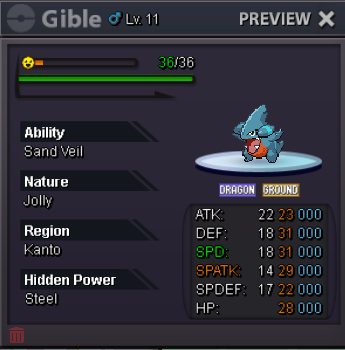
-
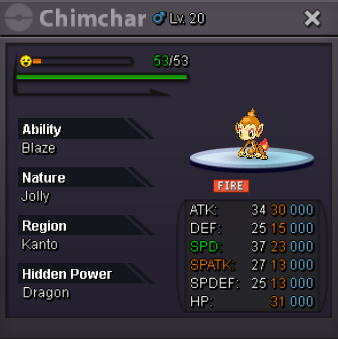
S.O : 200k Min bid : 50k 24h after 1st bid _______________________ Payement poke$ iv rr : 500k nat rrl : 250k cc : 400k

-
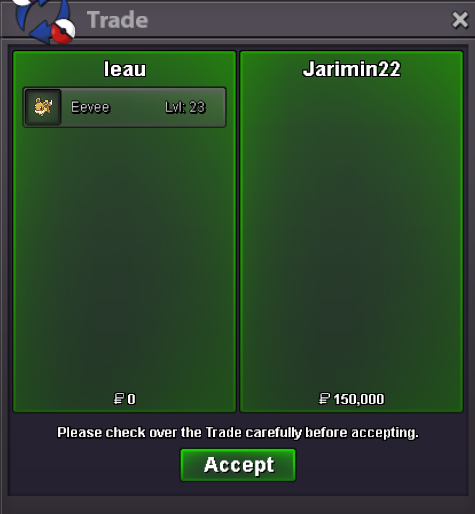
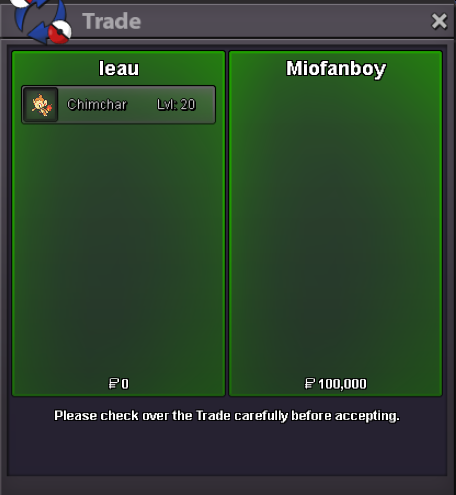
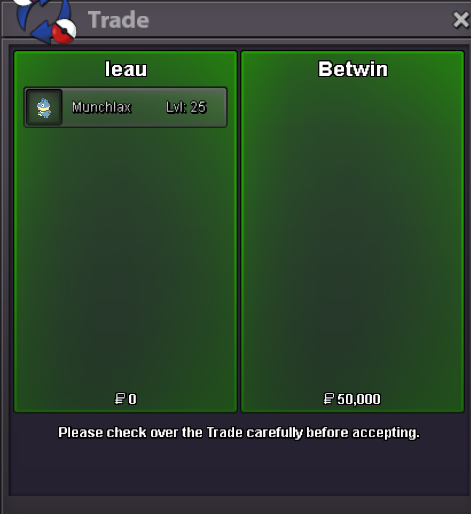
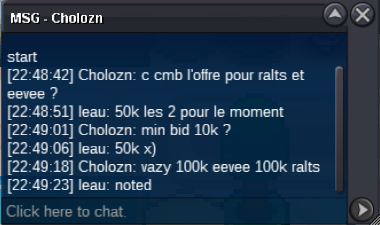
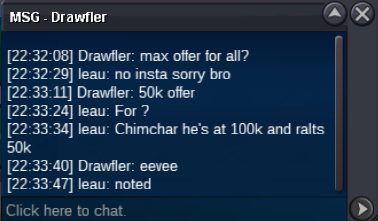
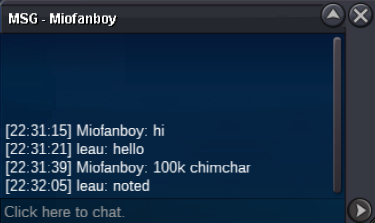
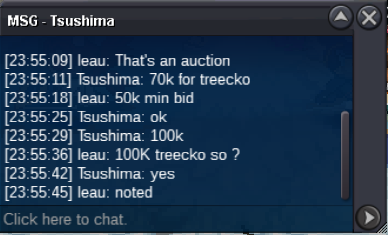
@Idreetzz won the abra for 50k@Jarimin22 Im online if u want to make the trade rnChimchar won by @Miofanboy at 100k Eevee won by @Jarimin22 at 150k Munchlax won by @Betwin at 50k Waiting you in game for trade guys (possible for me in 4h) ABRA stay in auction, he's waiting a start 🙂S.O (all) : 50k Min Bid (all) : 50k Auction end 6h after 1st bid
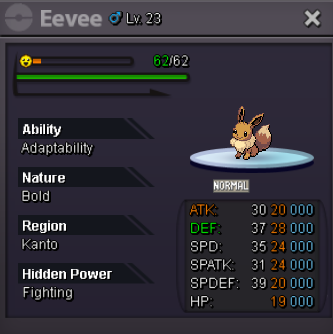
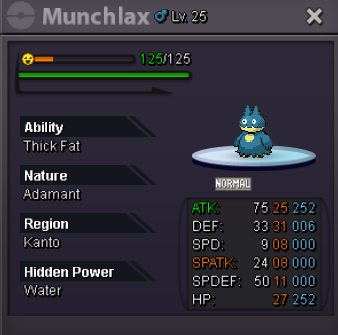
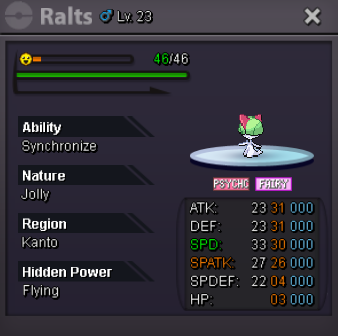
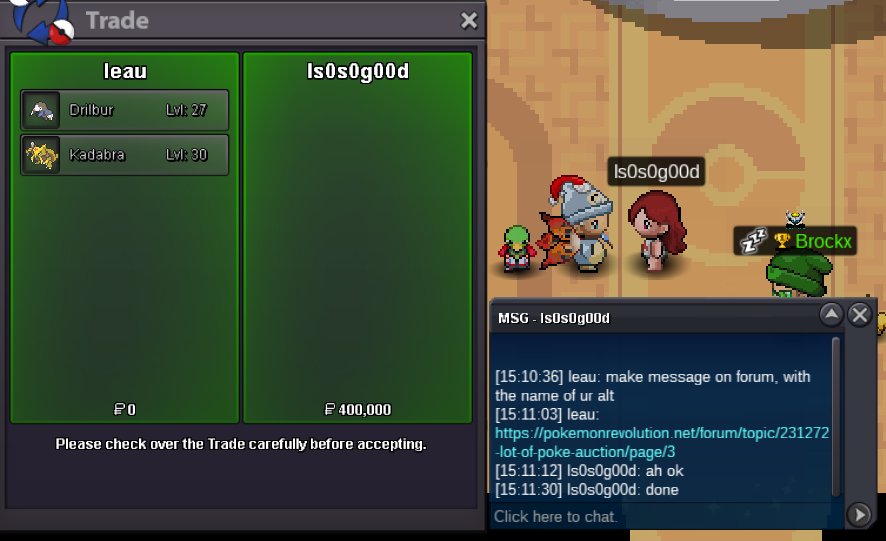
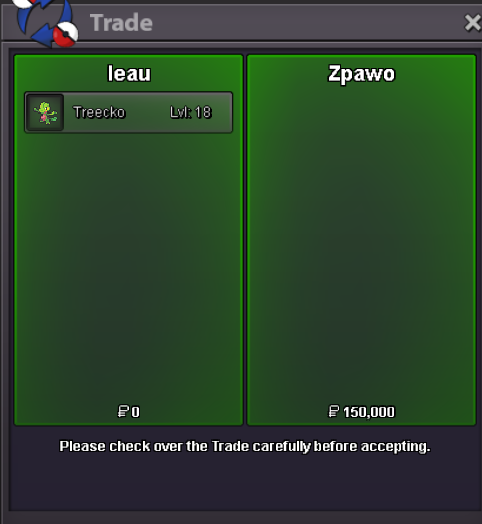
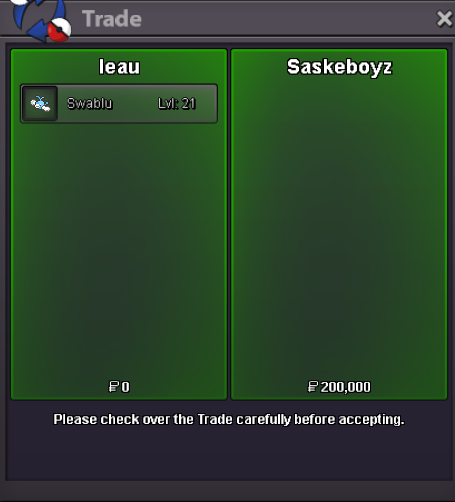
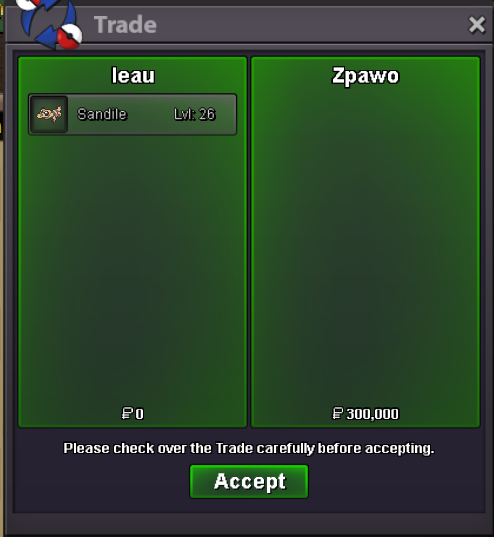
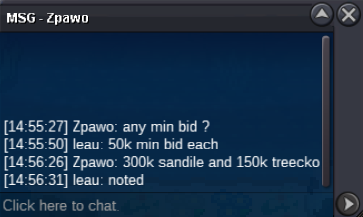
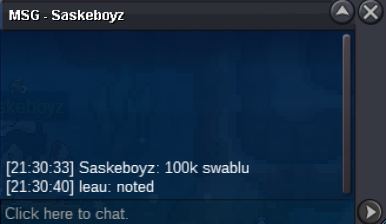
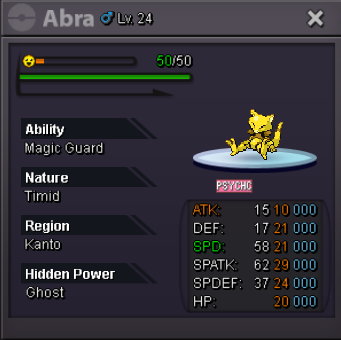 Sandile win by @Zpawo at 300k Waiting or u IG bruddah KADABRA & TREECKO still runsSwablu win by @Saskeboyz at 200k Drilbur win by @Sageeee at 250k Waiting for u IG guysbump ! 25min left250k ferro
Account
Navigation
Search
Configure browser push notifications
Chrome (Android)
- Tap the lock icon next to the address bar.
- Tap Permissions → Notifications.
- Adjust your preference.
Chrome (Desktop)
- Click the padlock icon in the address bar.
- Select Site settings.
- Find Notifications and adjust your preference.
Safari (iOS 16.4+)
- Ensure the site is installed via Add to Home Screen.
- Open Settings App → Notifications.
- Find your app name and adjust your preference.
Safari (macOS)
- Go to Safari → Preferences.
- Click the Websites tab.
- Select Notifications in the sidebar.
- Find this website and adjust your preference.
Edge (Android)
- Tap the lock icon next to the address bar.
- Tap Permissions.
- Find Notifications and adjust your preference.
Edge (Desktop)
- Click the padlock icon in the address bar.
- Click Permissions for this site.
- Find Notifications and adjust your preference.
Firefox (Android)
- Go to Settings → Site permissions.
- Tap Notifications.
- Find this site in the list and adjust your preference.
Firefox (Desktop)
- Open Firefox Settings.
- Search for Notifications.
- Find this site in the list and adjust your preference.