New Trade Zone
Trade Zone is now live
Use the new Trade Zone for auctions and instant-price trades so Pokemon and item offers are easy to find.
.jpg.f79f9becc2a6f2b112f616fd37416fc4.jpg)

Carbz
Registered User
-
Joined
-
Last visited
-
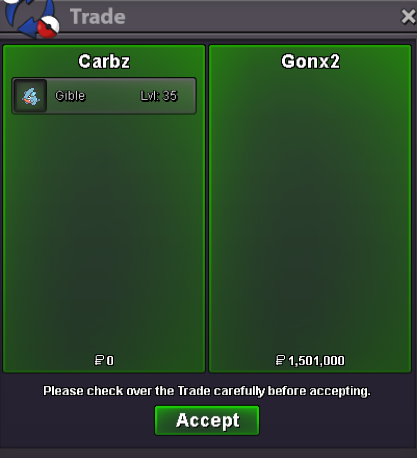
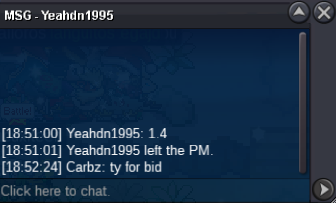
@Gonx2 hi! Congrats you won the 31/31 jolly gible. I’ll reach out in game to compete the deal!c.o 1.4m yeahdn1995
 @Namanh 3 days after 1st bid so on Thursday at 7:48 pm PST.@Merepapa noted, ty for the offer@Blaggy noted - thank you for the offerS.O. = 200k each Min. Raise = 100K each Not a Bundle, No Insta Starts after first bid 3-day Auction Accept CC = 380K SOLD S.O. = 50k Min. Raise = 50K No Insta Starts after first bid 3-day Auction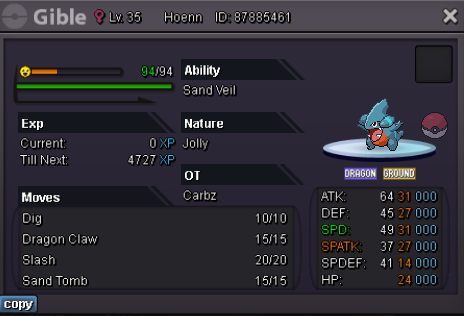

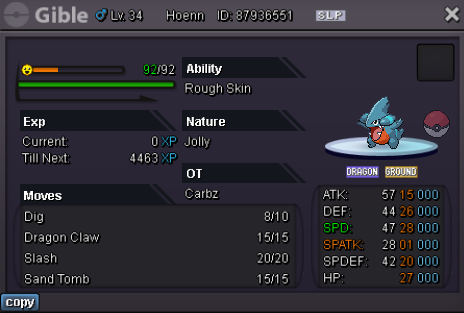
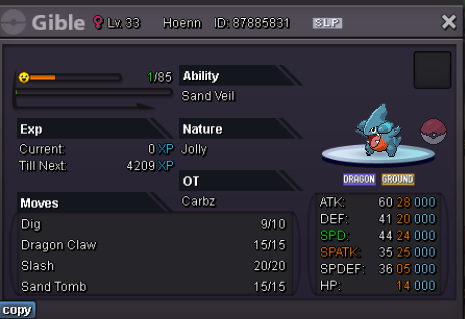
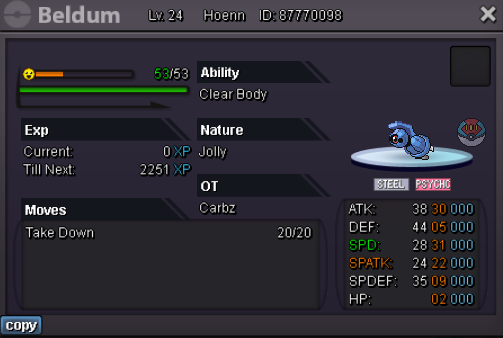
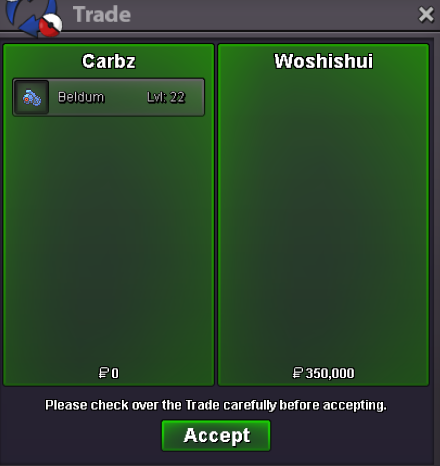
 @Idreetzz I'll be online tonight if you're available@Woshishui Congrats! You won the 26/31 beldum. Please let me know when you’re online and available.2 hours 30 minutes left for 26/31 beldum@Idreetzz Congrats you won the 31/30 Beldum. Let me know when you're available online!c.o 26 atk beldum 300k
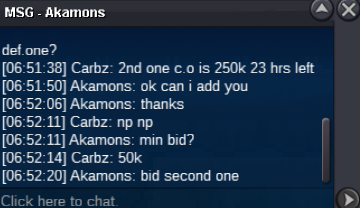 bump~!S.O. = 250k Min. Raise = 50K No Insta Starts after first bid 3-day Auction Accept CC = 380K S.O. = 250k Min. Raise = 50K No Insta Starts after first bid 3-day Auction Accept CC = 380K