-
It's an Xmas Snivy
@IncandescentHello, transaction moderator, it's been 24 hours since the auction ended, and according to his rules, I should have won. But so far, I haven't received any news, and I don't know what to do. Can you help me?
-
It's an Xmas Snivy
It's been 12 hours since this auction ended, did I win?
-
It's an Xmas Snivy
hi this auction is over
-
It's an Xmas Snivy
1.4m
-
AUCTION Vday Bagon and Mudkip [Can be Closed]
3.6m bagon
-
AUCTION Vday Bagon and Mudkip [Can be Closed]
3.4m bagon
-
AUCTION Vday Bagon and Mudkip [Can be Closed]
3.1m bagon
-
AUCTION Vday Bagon and Mudkip [Can be Closed]
2.4m bagon
-
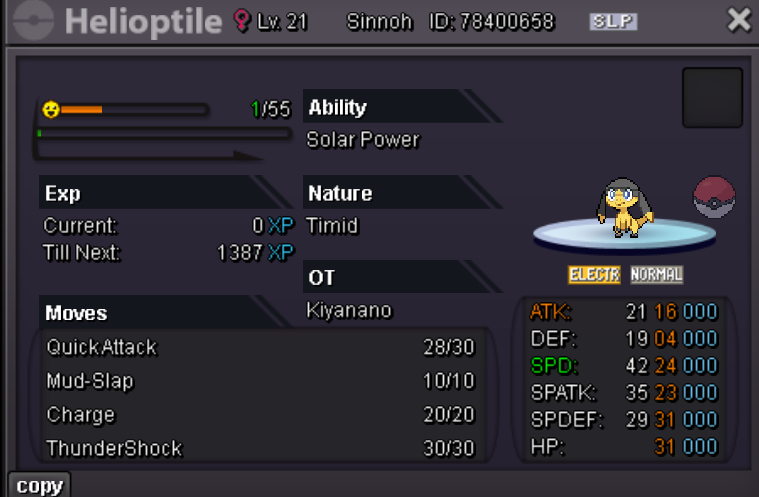
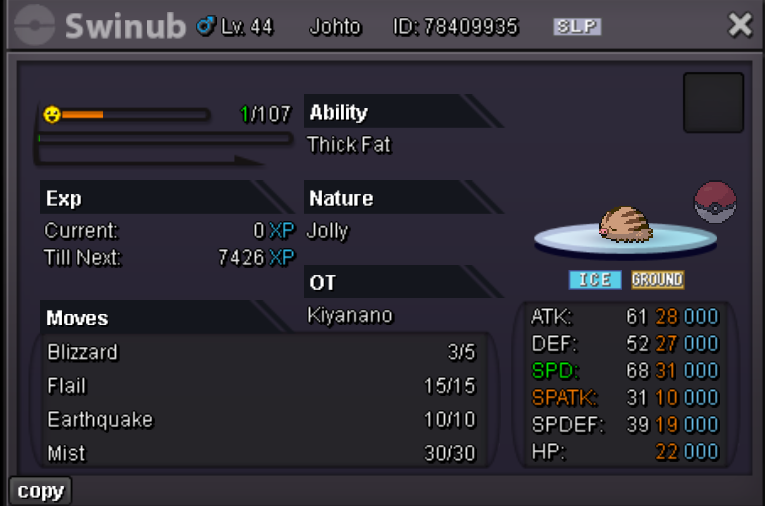
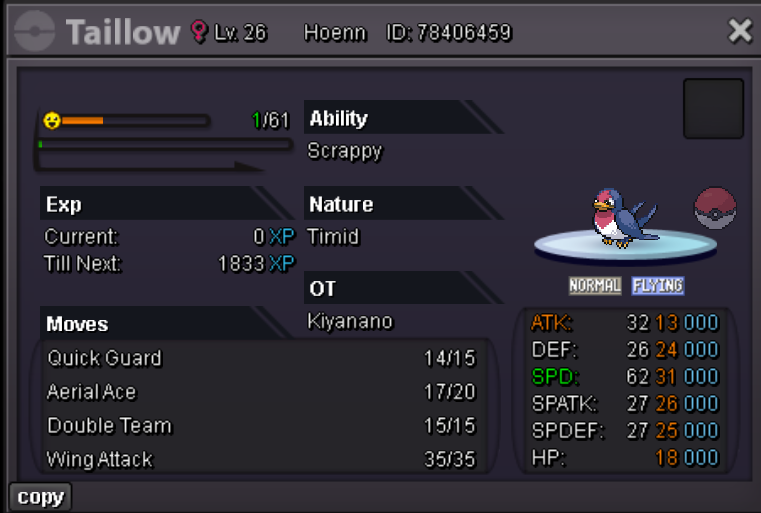
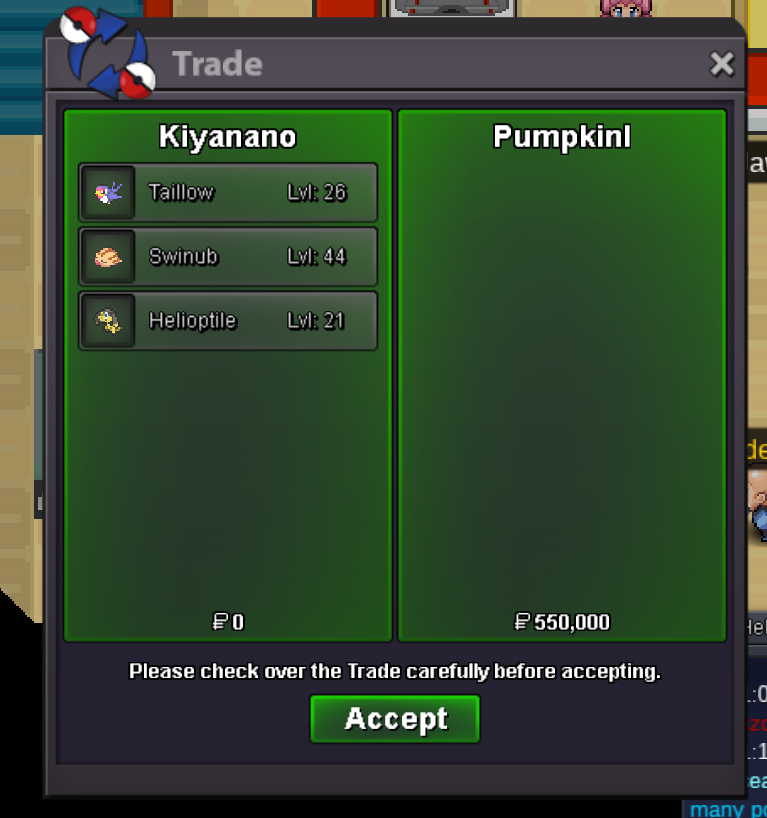
[CLOSED]PVPABLE-Bundle-31 speed h.a Taillow/31 speed h.a Swinub/3131 timid h.a Helioptile
- [CLOSED]PVPABLE-Bundle-31 speed h.a Taillow/31 speed h.a Swinub/3131 timid h.a Helioptile
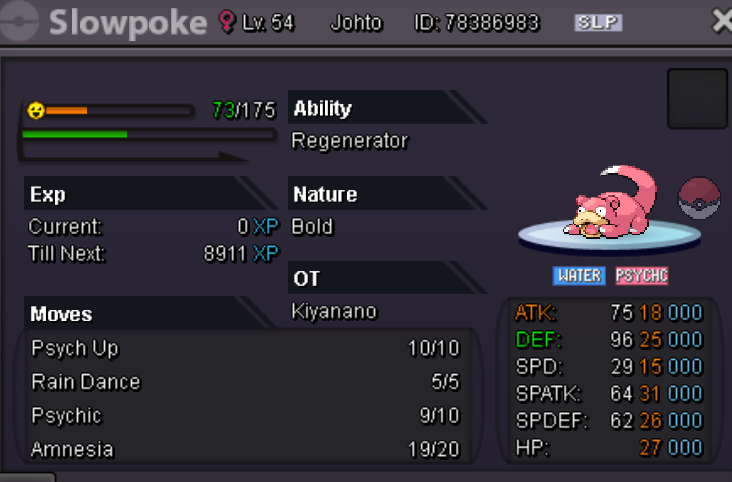
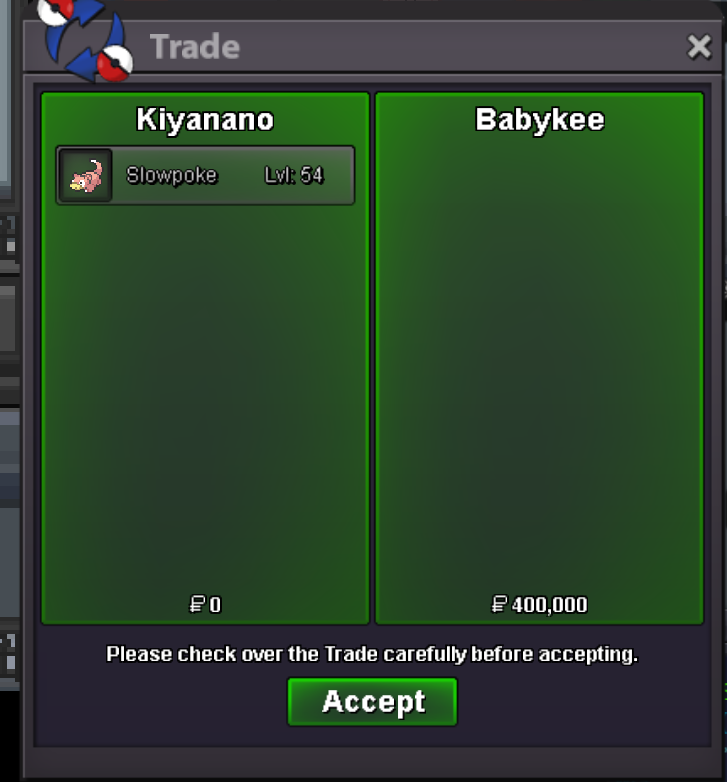
hi,u win this auction,now online?- 【[CLOSED]Bold h.a 25/31/26/27 slowpoke
- [CLOSED]PVPABLE-Bundle-31 speed h.a Taillow/31 speed h.a Swinub/3131 timid h.a Helioptile
Kiyanano
Registered User
-
Joined
-
Last visited
Account
Navigation
Search
Configure browser push notifications
Chrome (Android)
- Tap the lock icon next to the address bar.
- Tap Permissions → Notifications.
- Adjust your preference.
Chrome (Desktop)
- Click the padlock icon in the address bar.
- Select Site settings.
- Find Notifications and adjust your preference.
Safari (iOS 16.4+)
- Ensure the site is installed via Add to Home Screen.
- Open Settings App → Notifications.
- Find your app name and adjust your preference.
Safari (macOS)
- Go to Safari → Preferences.
- Click the Websites tab.
- Select Notifications in the sidebar.
- Find this website and adjust your preference.
Edge (Android)
- Tap the lock icon next to the address bar.
- Tap Permissions.
- Find Notifications and adjust your preference.
Edge (Desktop)
- Click the padlock icon in the address bar.
- Click Permissions for this site.
- Find Notifications and adjust your preference.
Firefox (Android)
- Go to Settings → Site permissions.
- Tap Notifications.
- Find this site in the list and adjust your preference.
Firefox (Desktop)
- Open Firefox Settings.
- Search for Notifications.
- Find this site in the list and adjust your preference.