




New Trade Zone
Trade Zone is now live
Use the new Trade Zone for auctions and instant-price trades so Pokemon and item offers are easy to find.

Synyster19
Registered User
-
Joined
-
Last visited
-
I bought a Togekiss mount for 350 event coins and the game didn't give it to me, it only took the event coins.
-
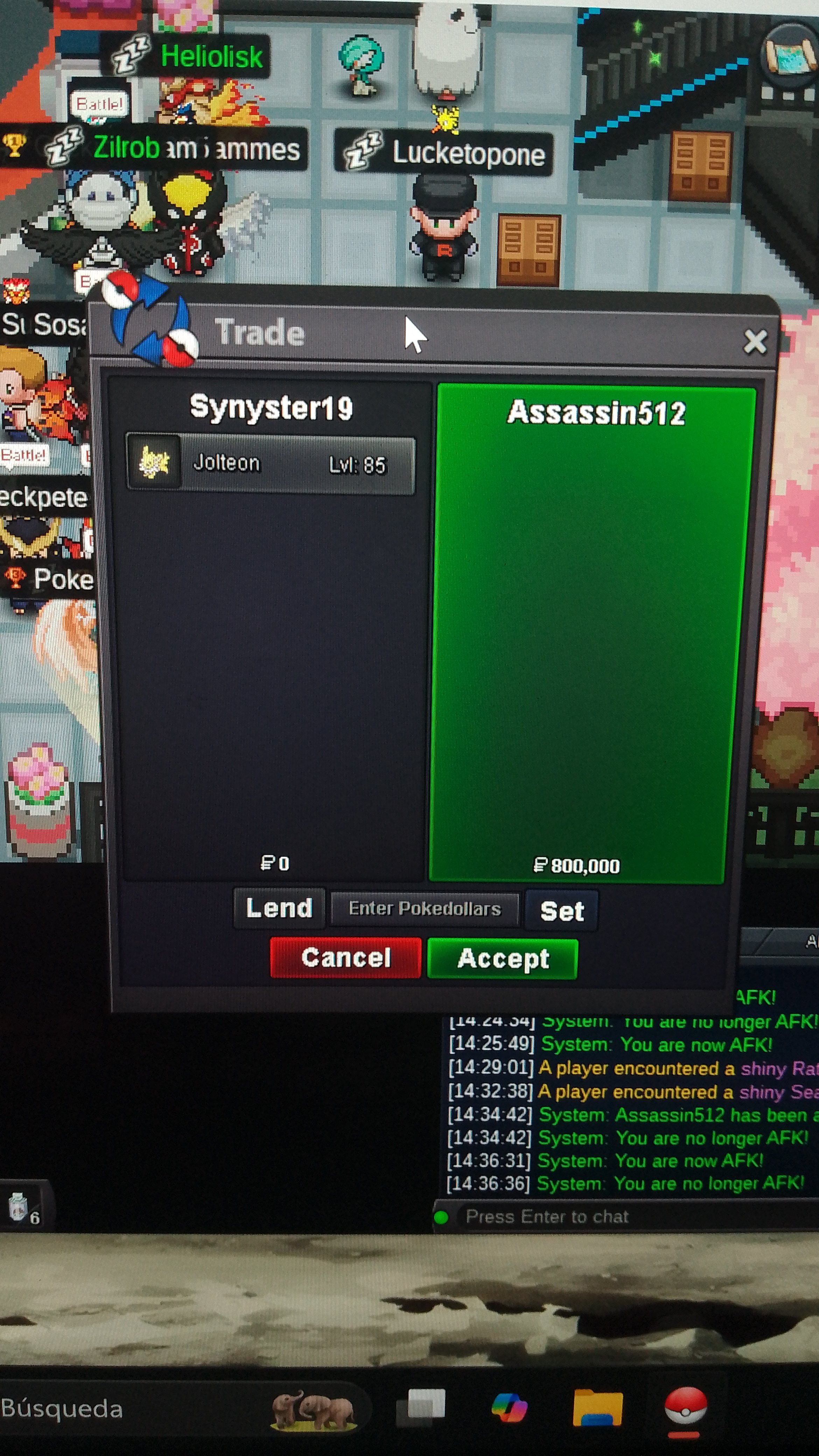
The auction Pokémon was delivered, thank you for participating
-
Well, my auction has come to an end. I thank the participants. Assassin512 is the winner. I'll see you in Vermilion City. Thank you very much for your participation. We'll see you at the next auction.
-
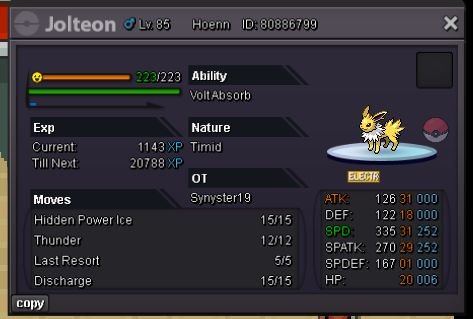
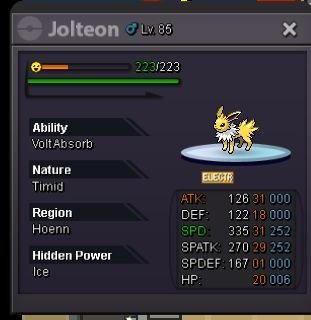
S.O = 400k Min bid =50k Duration = 48hs after first bid Insta price = 5m 15-minutes rule applies CCs and RRs = 500k Good luck!
-
The auction concluded, Raxidiano the winner, thank you very much to the people for participating, we will see you in future sales

-
300k Ashwiftyshiftry
-
Synyster19 changed their profile photo
-
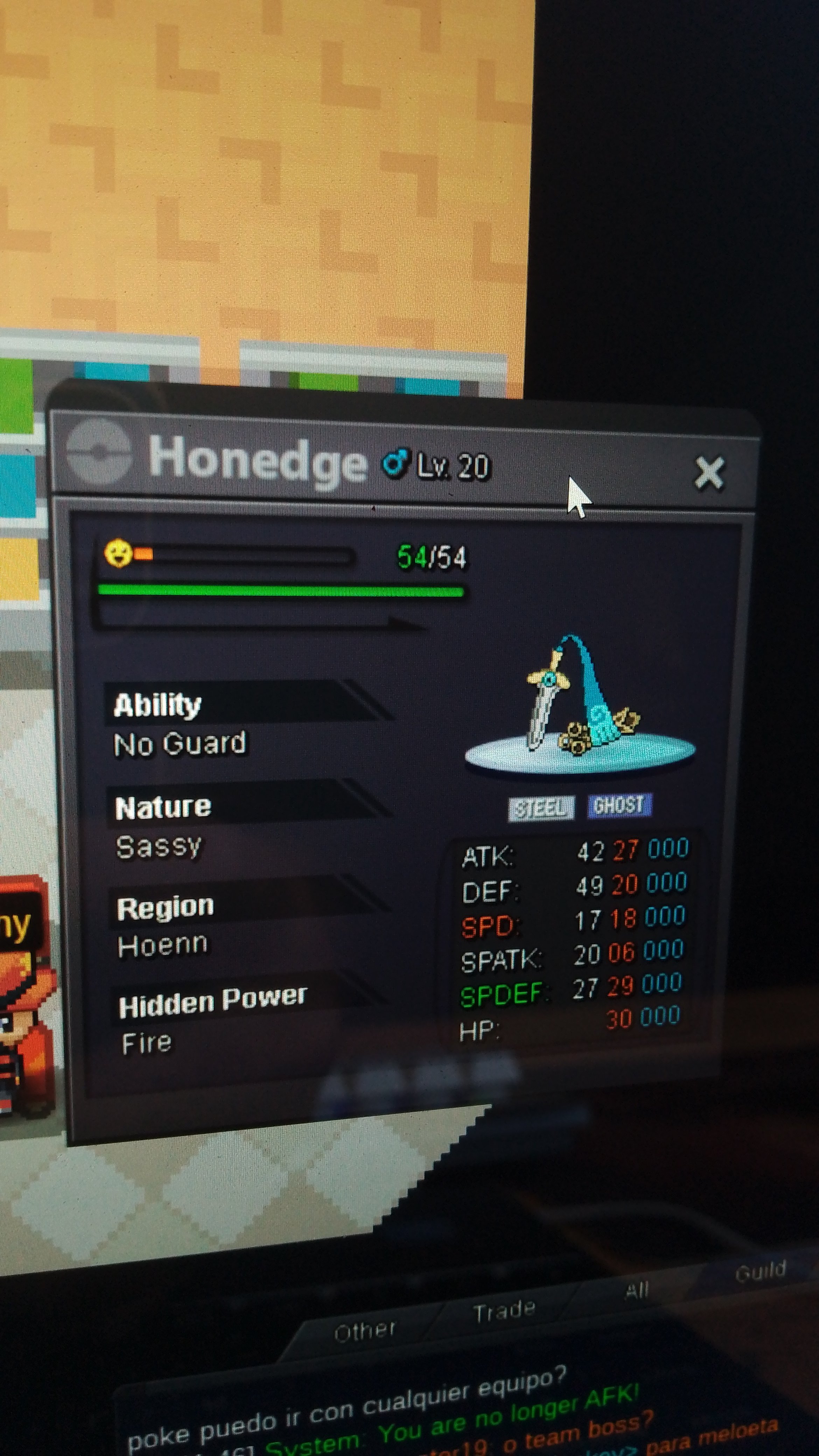
START OFFER 100K MIN BID 50k NO INSTA 48 HOUR OF TIME LIMIT AFTER FIRST BID Also Accepts CC 510K IV REROLL 500K
-
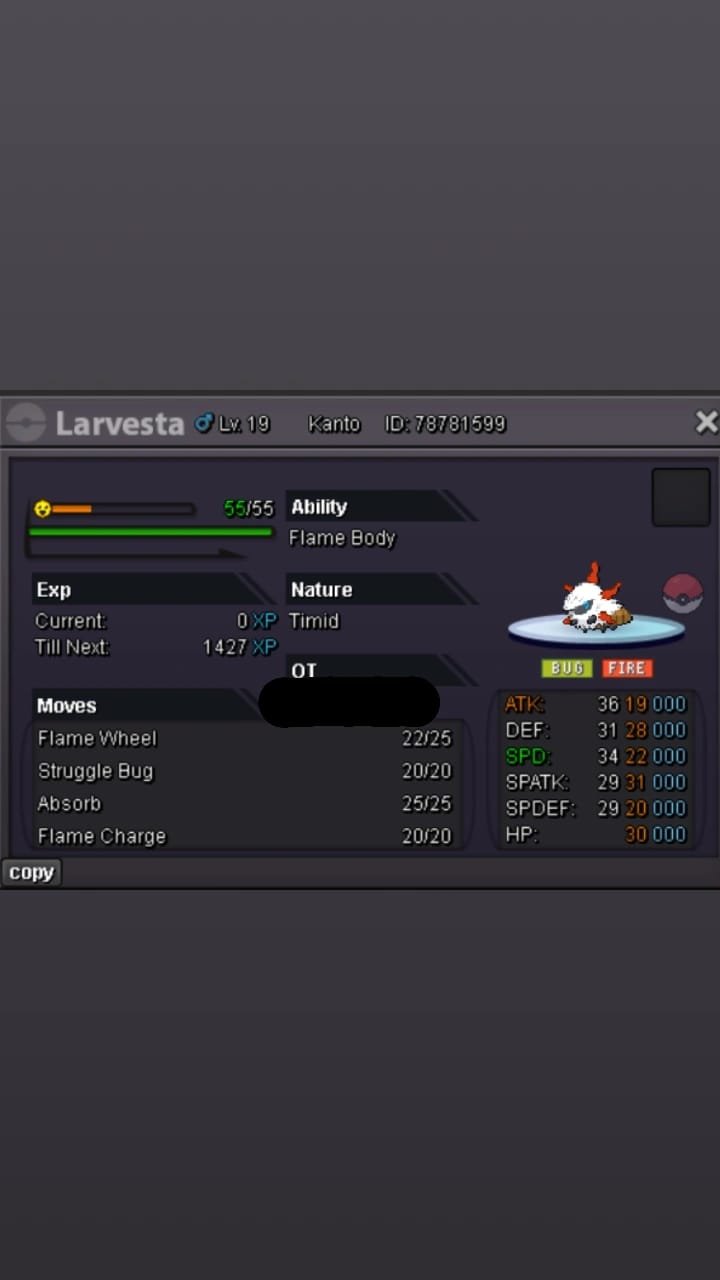
Starting price: $600k Minimum increase: 50k End point: 24 hours (after starting the offer) Payment: Pokedollars / IV reroll (1x 500k each) / Coin capsules (1x 400k each) Does not urge
-
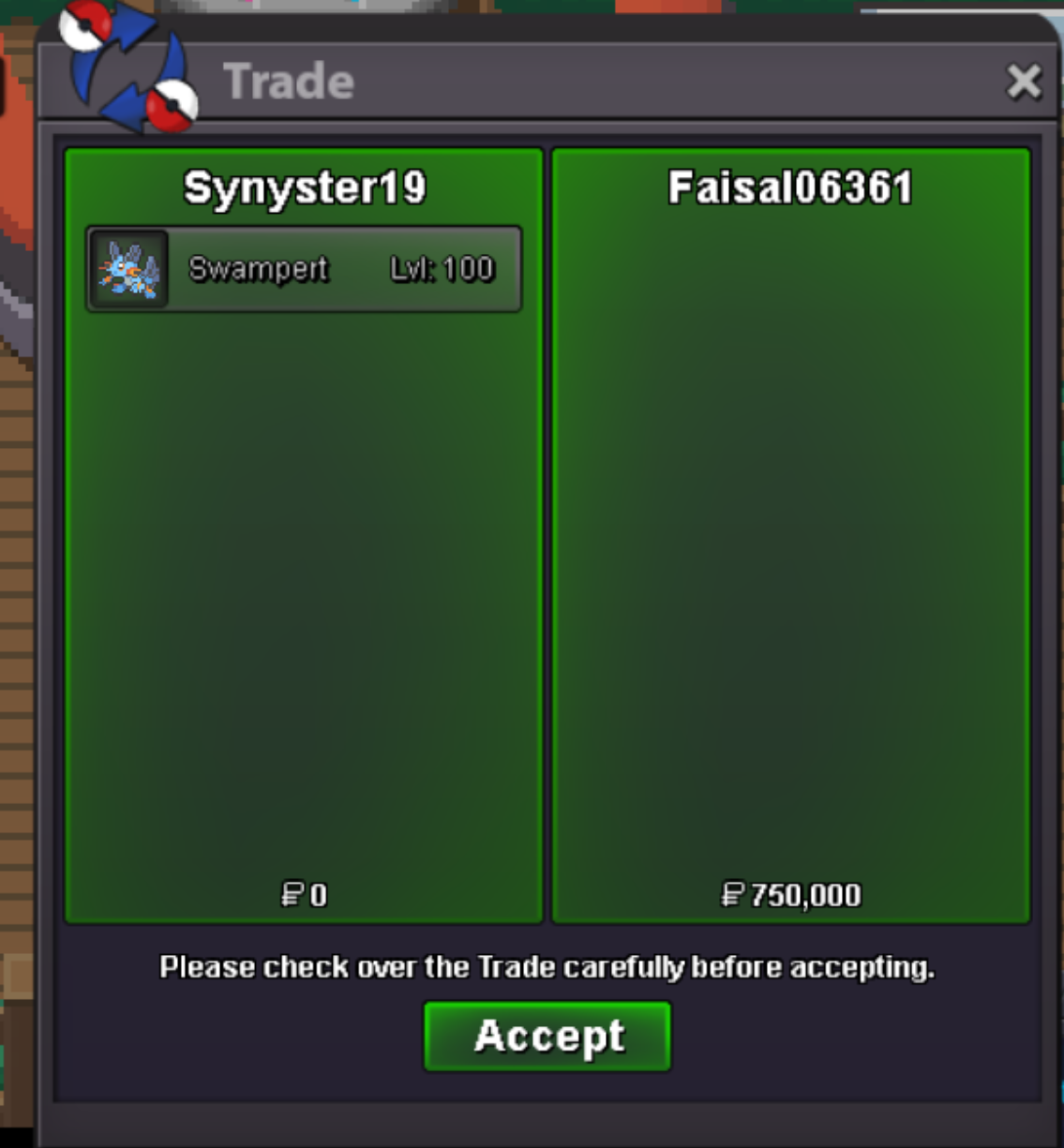
As a participant arrived out of time, the winner of the pokemon was faisal06361, we thank you for participating, see you next time
-
Faisal06361 750k
-
Faisal06361 650k
-
Faisal06361 550k
-
Faisal06361 450k
-
Wakko16 350k
-
Wakko16 250k
