New Trade Zone
Trade Zone is now live
Use the new Trade Zone for auctions and instant-price trades so Pokemon and item offers are easy to find.

Scheckel29
Registered User
-
Joined
-
Last visited
Everything posted by Scheckel29
-
When I came back, everything worked just fine. This thread can be closed. Thanks.
-
I have moved on to Sinnoh so I won't be able to provide screenshots until I finish the story. However, I will answer the following questions the best I can. 1) I don't remember seeing Wattson in the pokemon center 2) the security guard says something along the lines of "seeing the power plant's site manager about an electrical shortage" 3) There is no plusle or minun roaming in New Mauville. Only Lt Surge is in there
-
I am returning after a couple years away and I was trying to complete the Hoenn Teleportation Quest. However, when I talk to the security guard at a Poke Center and then go to New Mauville. Watson is no longer there. I looked through the forums to see if anyone else had that issue. Although this is 2 years ago, it looks like the exact same issue I have. https://pokemonrevolution.net/forum/topic/238332-hoen-and-sinnoh-transportation-teleportation-problem/ My screenshots:
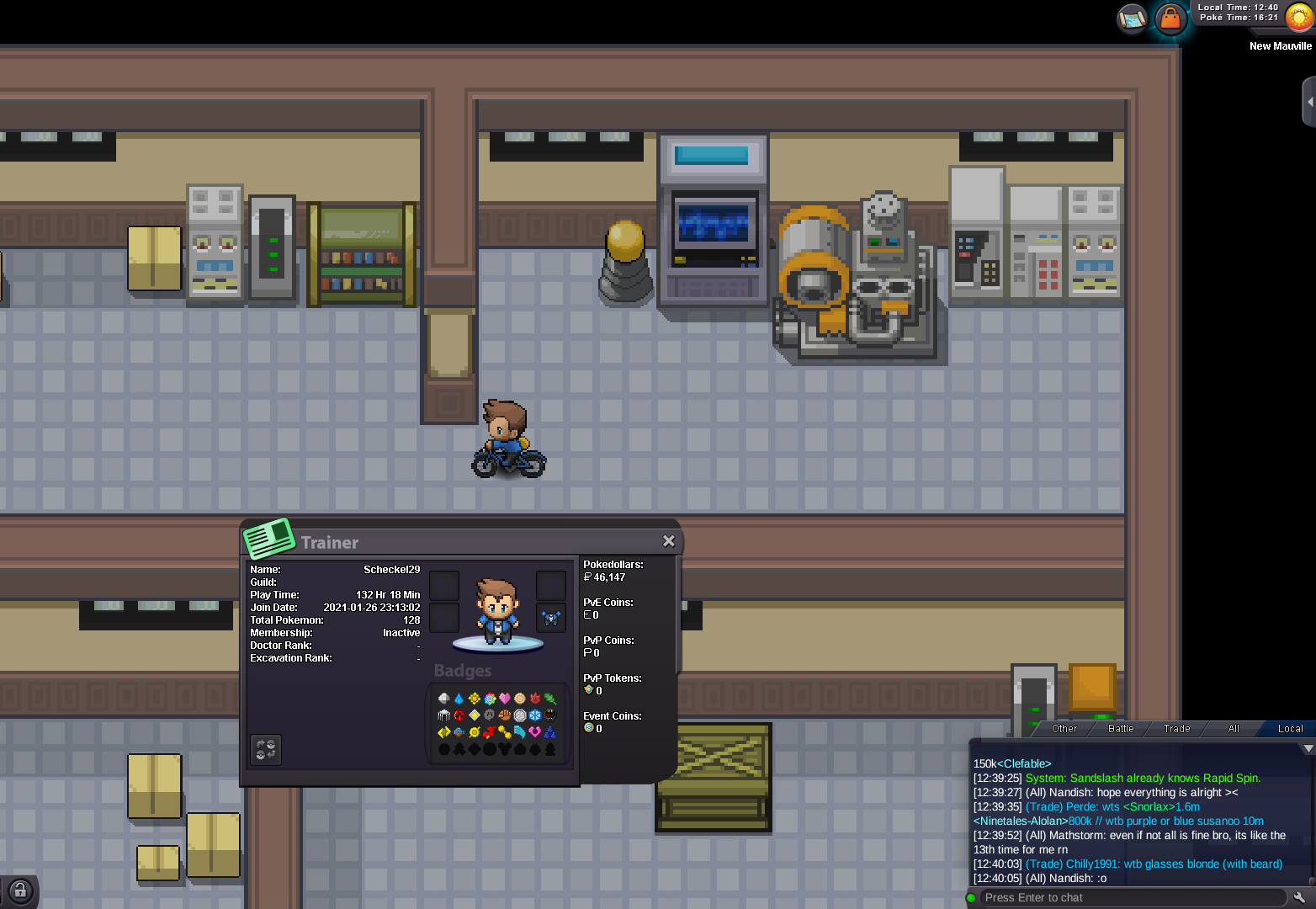
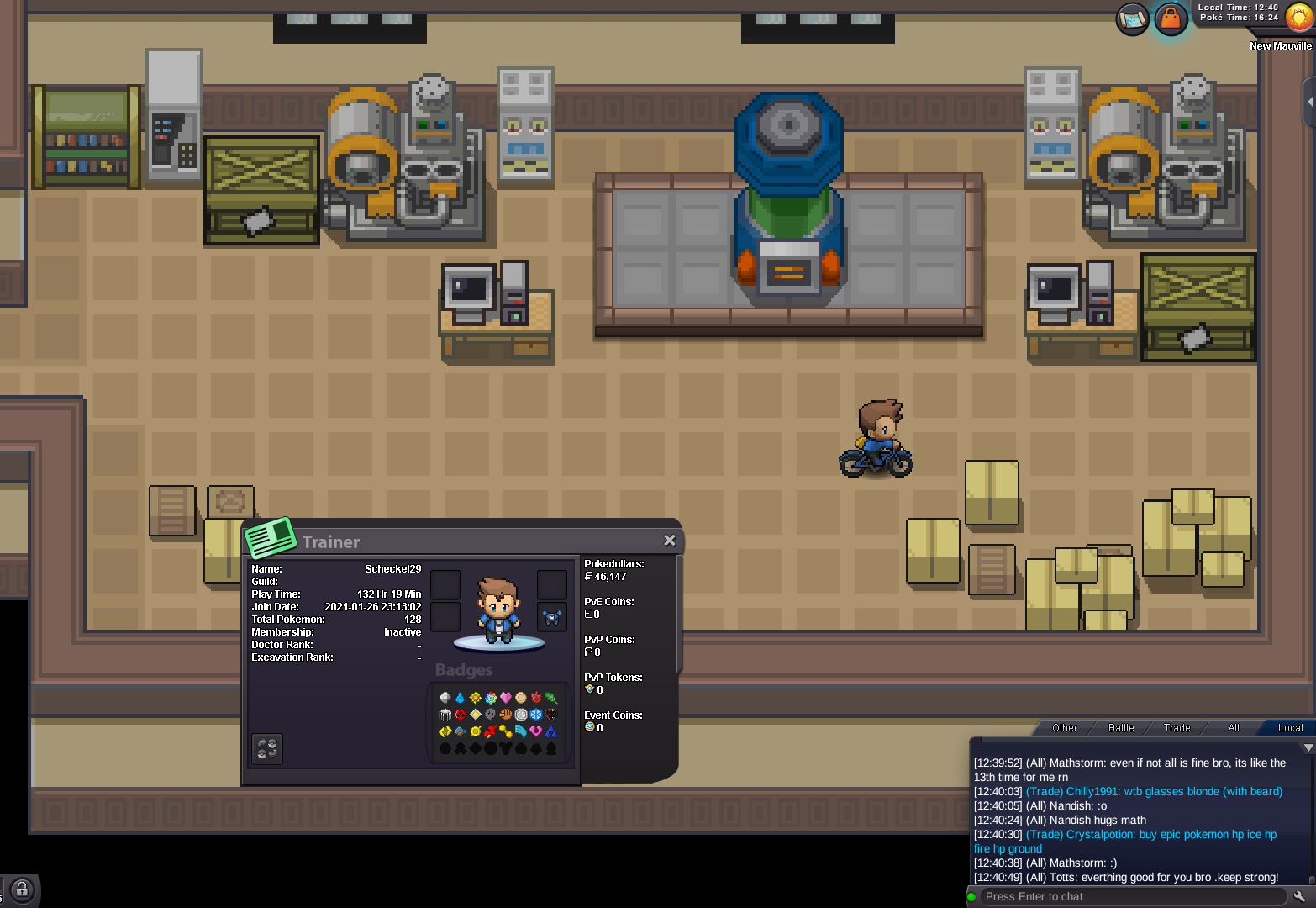
-
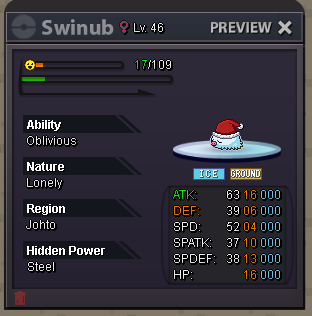
Start 100K Min raise 10K Ends 36 hours after the first bid (15 min rule applies) Pokedollars only