New Trade Zone
Trade Zone is now live
Use the new Trade Zone for auctions and instant-price trades so Pokemon and item offers are easy to find.


Jack2sparrow
Registered User
-
Joined
-
Last visited
Everything posted by Jack2sparrow
-
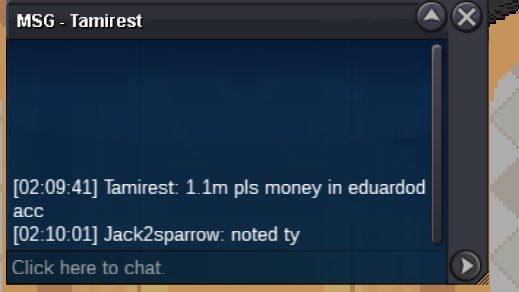
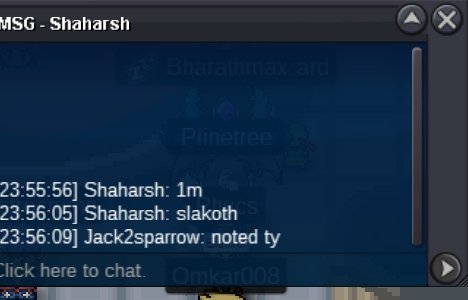
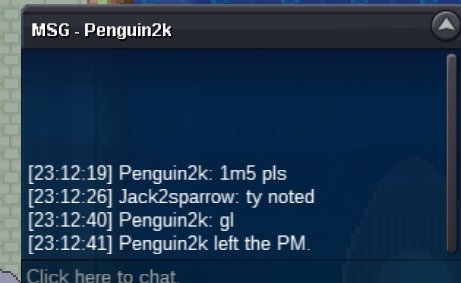
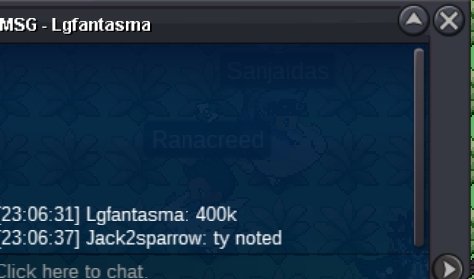
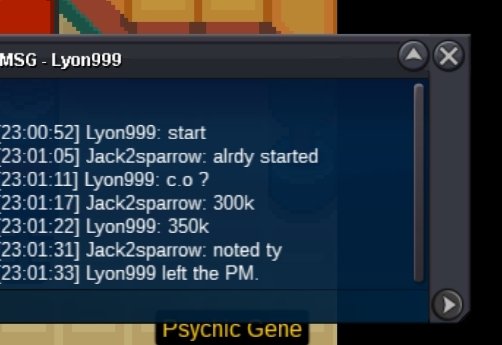
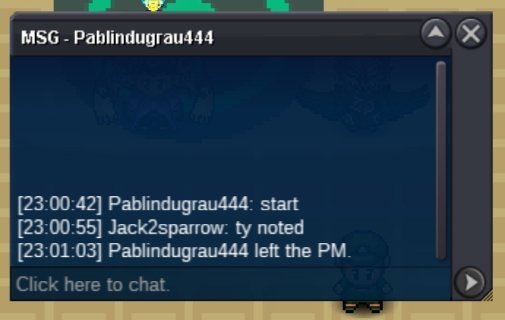
Ty for bidding everyone
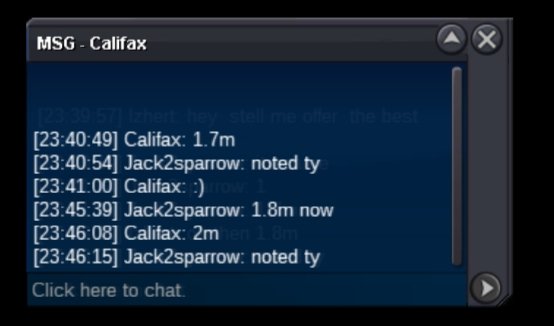
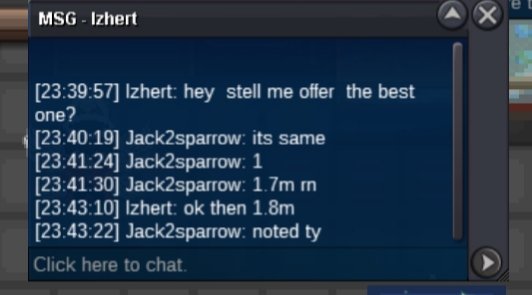
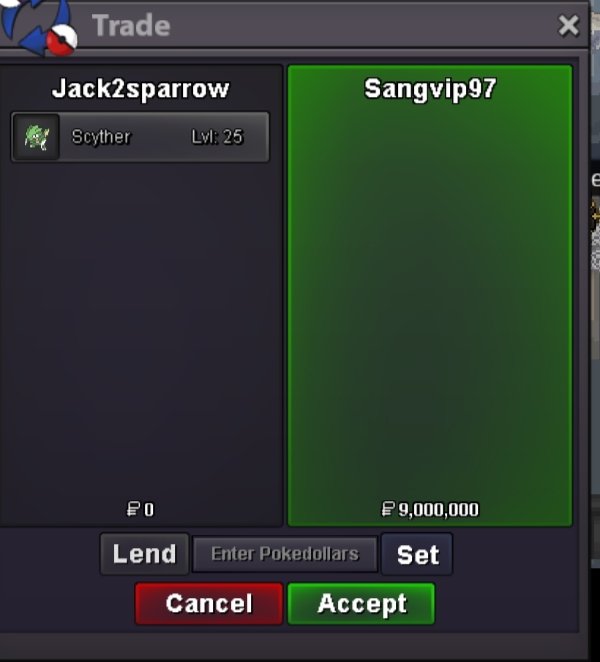 It's already 4mS.O : 100k Min Bid : 100k Insta :5m Time : 24 hours after first bid Payment : Pokedollars, CC (480k), rr(650k)
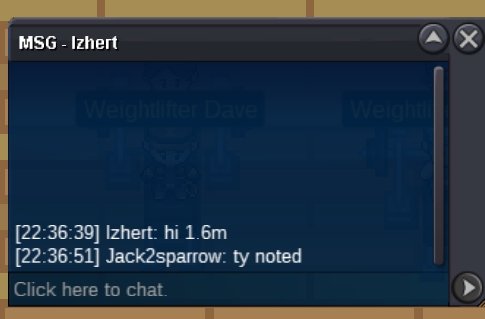
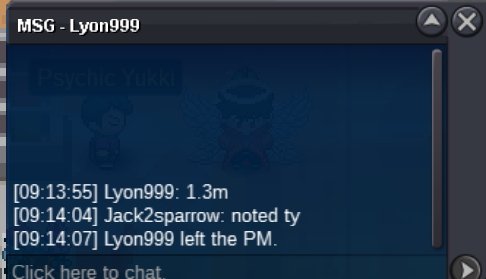
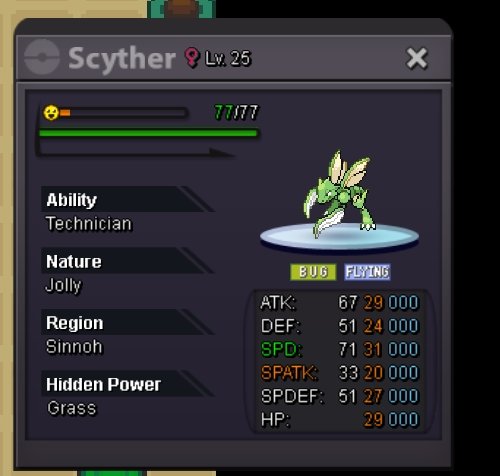
 S.O : 300k Min Bid: 50k Insta : N/A Time : Auction ends in 24 hours after first bid Payment : Pokedollars, CC (480k), rr(650k)
 BumpHello, apparently I have done the legendary birds quest so long ago but didn't caught the pokemons yet. Now I have requirements to catch but when I try to enter the island sailor isn't allowing me to enter? Is there any solution to this issue? The sailor saying that is a festival island instead of letting me enterHe paid in ccs i returned the balance amount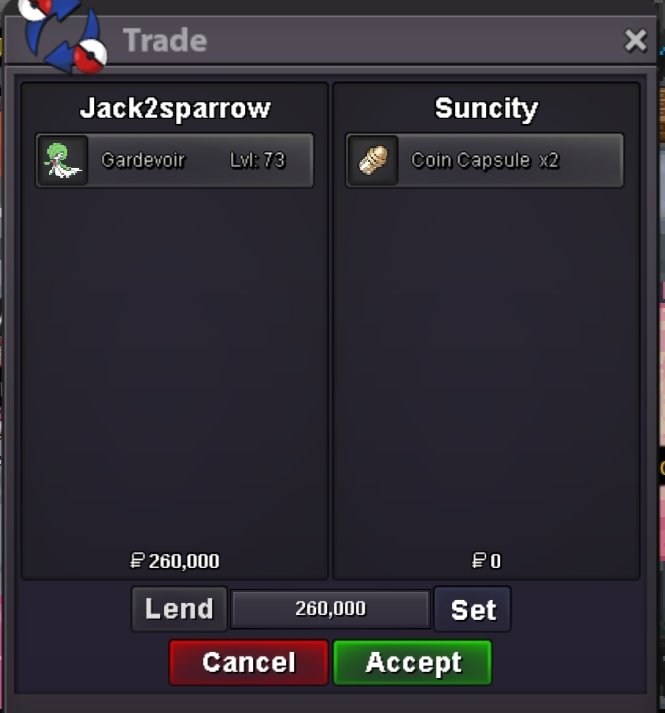
Account
Navigation
Search
Configure browser push notifications
Chrome (Android)
- Tap the lock icon next to the address bar.
- Tap Permissions → Notifications.
- Adjust your preference.
Chrome (Desktop)
- Click the padlock icon in the address bar.
- Select Site settings.
- Find Notifications and adjust your preference.
Safari (iOS 16.4+)
- Ensure the site is installed via Add to Home Screen.
- Open Settings App → Notifications.
- Find your app name and adjust your preference.
Safari (macOS)
- Go to Safari → Preferences.
- Click the Websites tab.
- Select Notifications in the sidebar.
- Find this website and adjust your preference.
Edge (Android)
- Tap the lock icon next to the address bar.
- Tap Permissions.
- Find Notifications and adjust your preference.
Edge (Desktop)
- Click the padlock icon in the address bar.
- Click Permissions for this site.
- Find Notifications and adjust your preference.
Firefox (Android)
- Go to Settings → Site permissions.
- Tap Notifications.
- Find this site in the list and adjust your preference.
Firefox (Desktop)
- Open Firefox Settings.
- Search for Notifications.
- Find this site in the list and adjust your preference.