




New Trade Zone
Trade Zone is now live
Use the new Trade Zone for auctions and instant-price trades so Pokemon and item offers are easy to find.

Ducmanhuong
Registered User
-
Joined
-
Last visited
Everything posted by Ducmanhuong
-
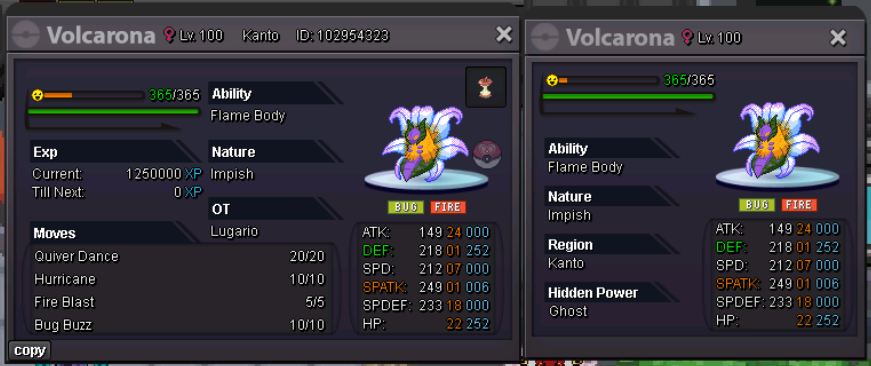
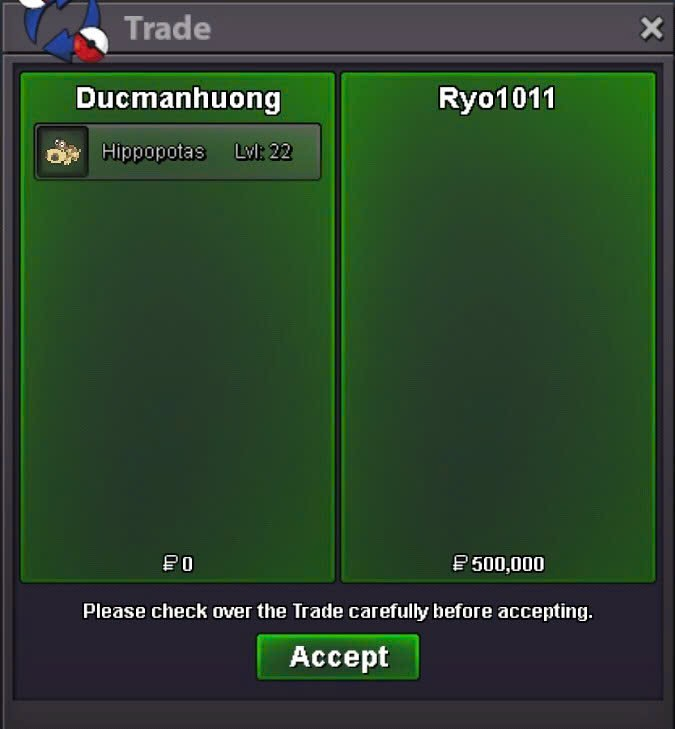
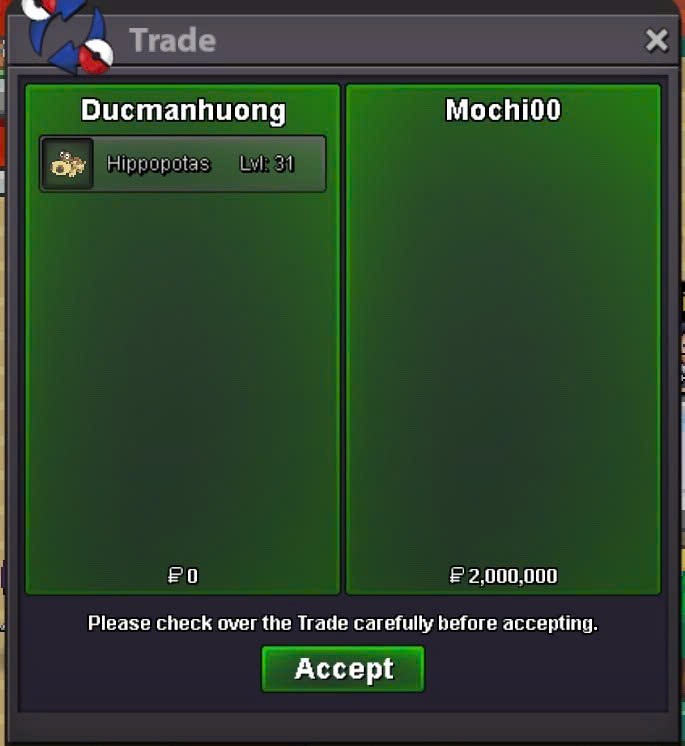
🎉 CONGRATS to @Mochi00 and @Ryo1011 for winning the auction! 🥳💥 Please reach out to me on Discord: Mahndvc to schedule a Pokémon trade6 hours leftRelaxed Hippopotas - Start price: 500k - Min bid: 100K - Insta: N/a - Ends 24h After First Bid - Payment Methods: Pokedollars, cc (480k ea), rr (700k ea) Careful Hippopotas - Start price: 500k - Min bid: 100K - Insta: N/a - Ends 24h After First Bid - Payment Methods: Pokedollars, cc (480k ea), rr (700k ea)
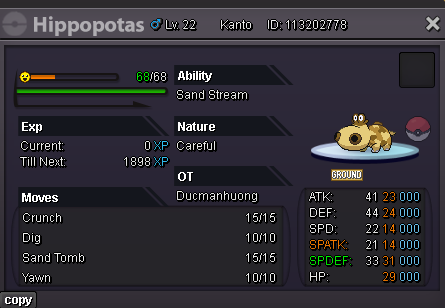
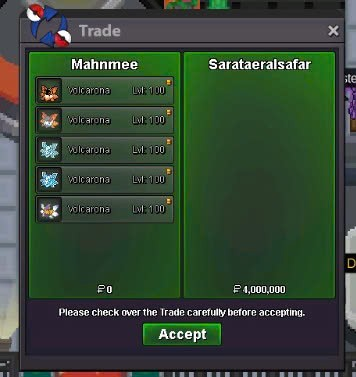
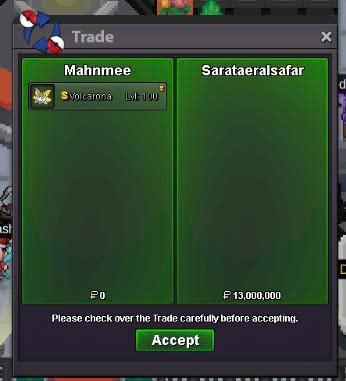
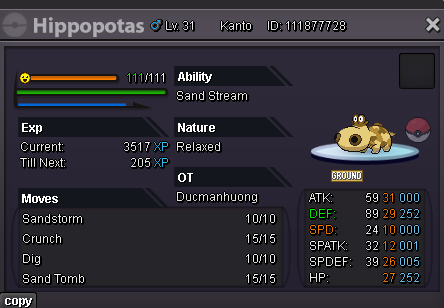 @Sarataeralsafar pm me when you're onlineCongratulations, sarataeralsafar is the winner!1mins left=)13 mins left7 hours leftbump17m from sarataeralsafar
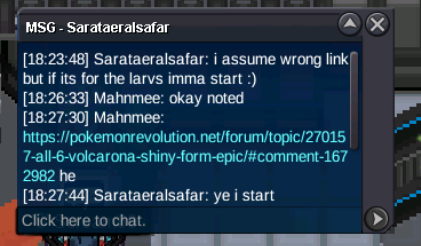 - Start Offer: 17m - Minimum Bid: 500k - Insta: 30m - AUCTION ENDS: 72 hours after the first is met - Accepted Payments: Pokedollars, Coin Capsules (500k each), IV Reroll Tickets (750k each)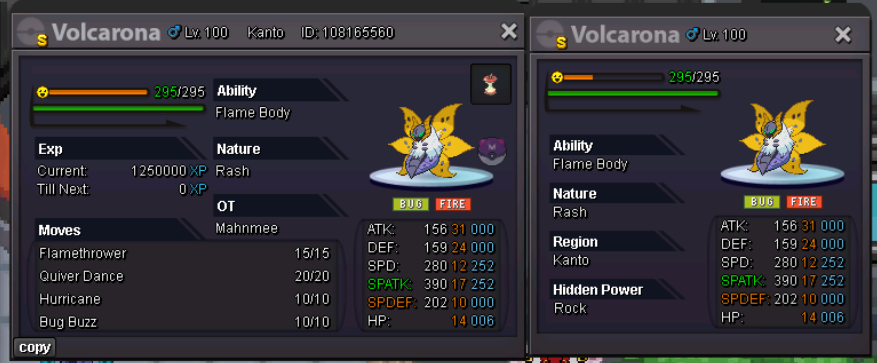
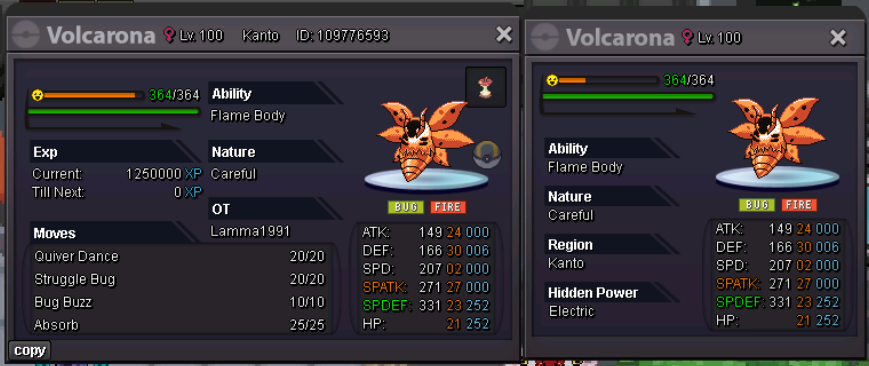
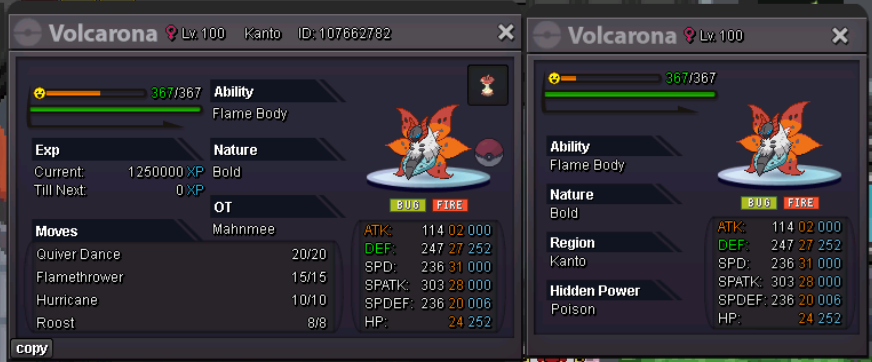
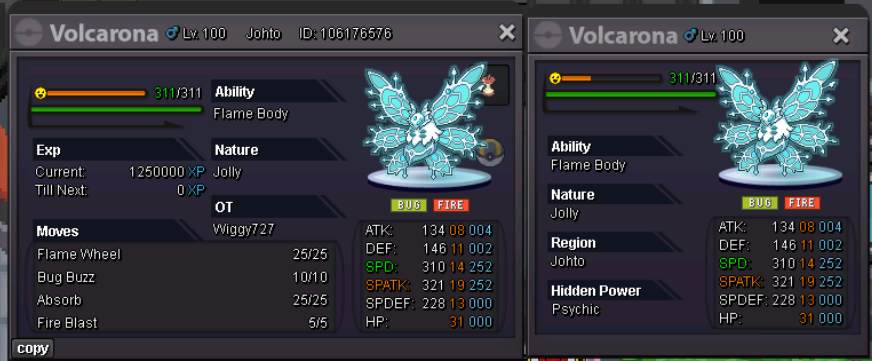
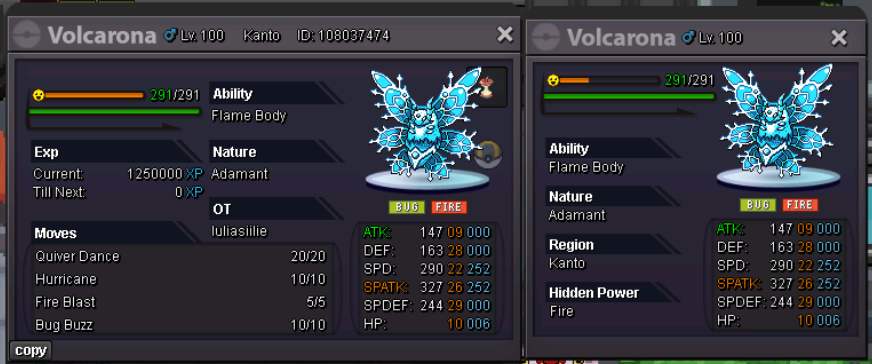
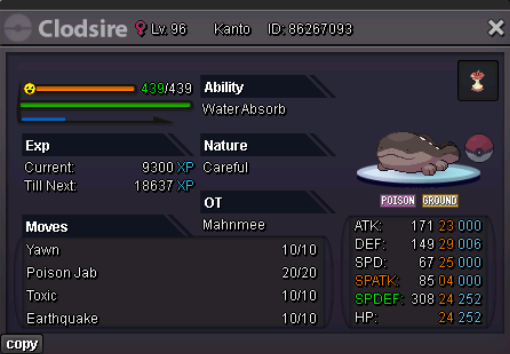
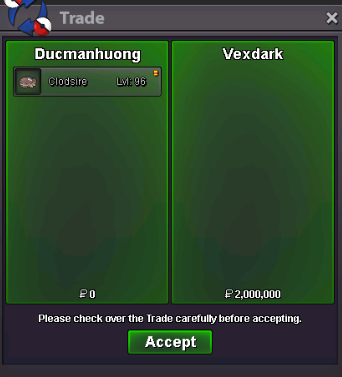
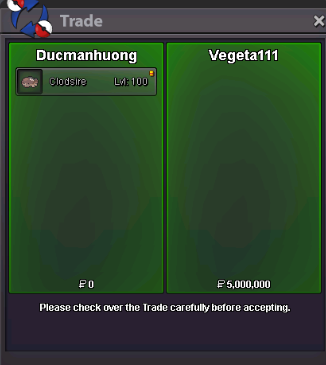
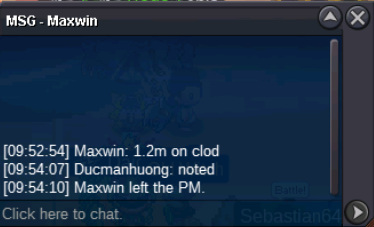
 Please pm me when you are online in game 😊Hi, when and where we can tradeHi, when and where we can trade20 mins left for w.a23 hours left2days leftPumpClodsire - h.a 23+ start 1m5 - min bid 100k - insta 5m - Ends 72 hours after first bid Clodsire - water absorb 23+ start 500k - min bid 100k - insta 3m - Ends 72 hours after first bid Accept payment: pokedollars, cc(450k), rr (680k)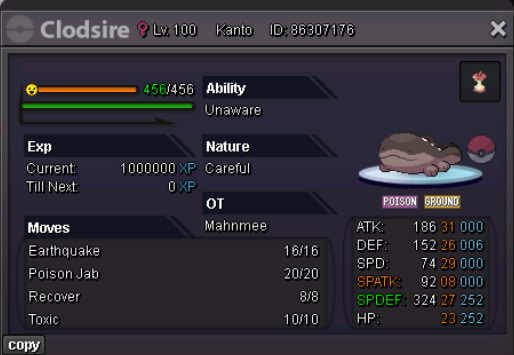
 1.35m
1.35m

Account
Navigation
Search
Configure browser push notifications
Chrome (Android)
- Tap the lock icon next to the address bar.
- Tap Permissions → Notifications.
- Adjust your preference.
Chrome (Desktop)
- Click the padlock icon in the address bar.
- Select Site settings.
- Find Notifications and adjust your preference.
Safari (iOS 16.4+)
- Ensure the site is installed via Add to Home Screen.
- Open Settings App → Notifications.
- Find your app name and adjust your preference.
Safari (macOS)
- Go to Safari → Preferences.
- Click the Websites tab.
- Select Notifications in the sidebar.
- Find this website and adjust your preference.
Edge (Android)
- Tap the lock icon next to the address bar.
- Tap Permissions.
- Find Notifications and adjust your preference.
Edge (Desktop)
- Click the padlock icon in the address bar.
- Click Permissions for this site.
- Find Notifications and adjust your preference.
Firefox (Android)
- Go to Settings → Site permissions.
- Tap Notifications.
- Find this site in the list and adjust your preference.
Firefox (Desktop)
- Open Firefox Settings.
- Search for Notifications.
- Find this site in the list and adjust your preference.