New Trade Zone
Trade Zone is now live
Use the new Trade Zone for auctions and instant-price trades so Pokemon and item offers are easy to find.

Noirss
Suspended
-
Joined
-
Last visited
Everything posted by Noirss
-
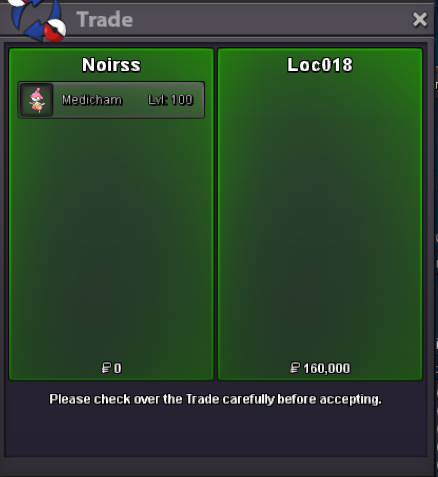
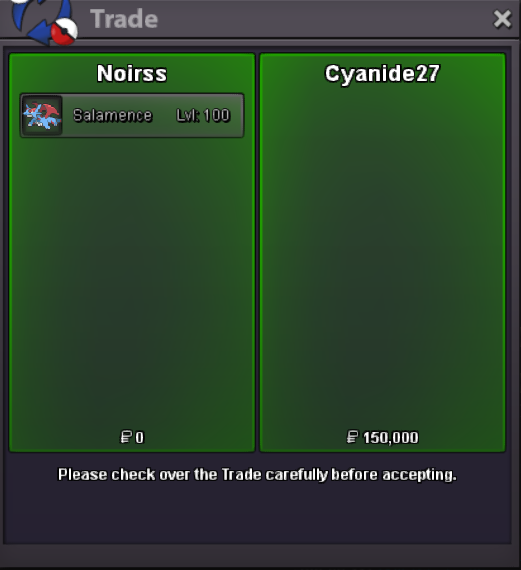
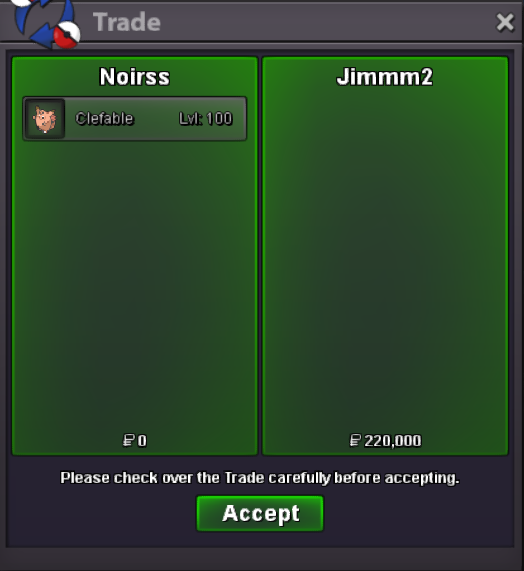
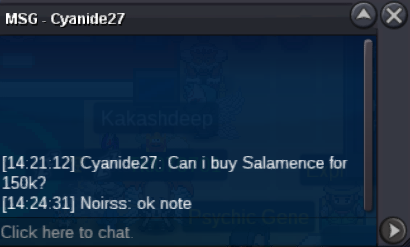
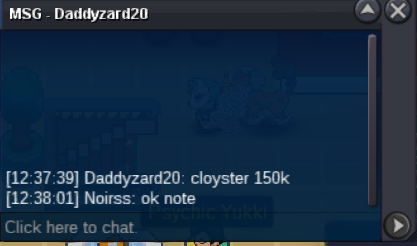
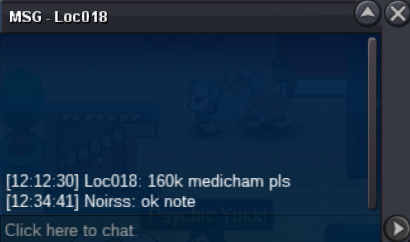
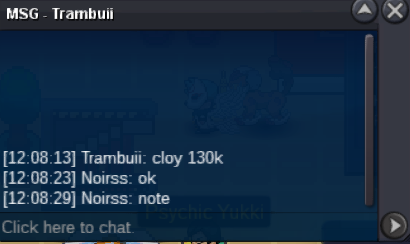
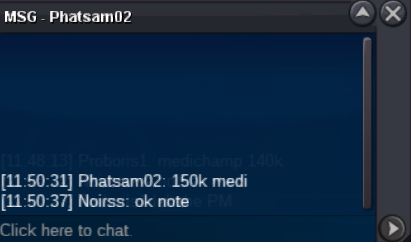
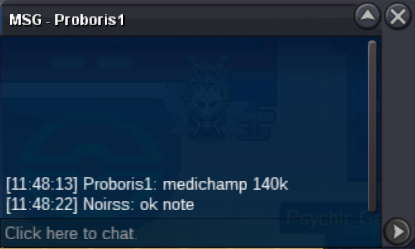
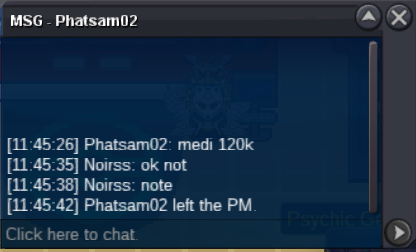
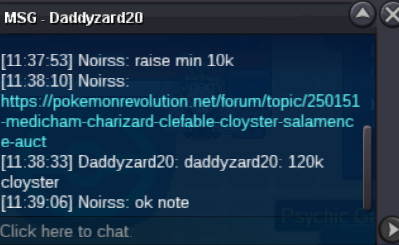
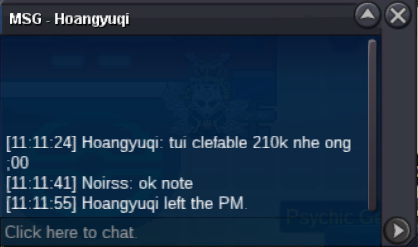
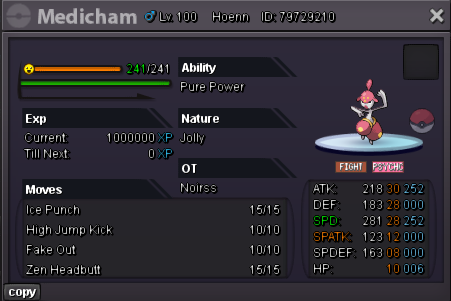
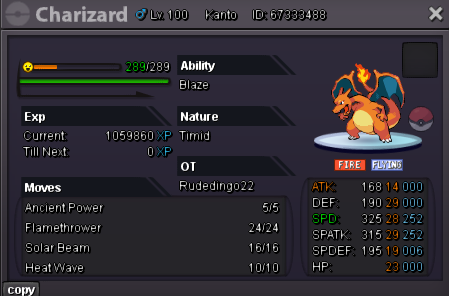
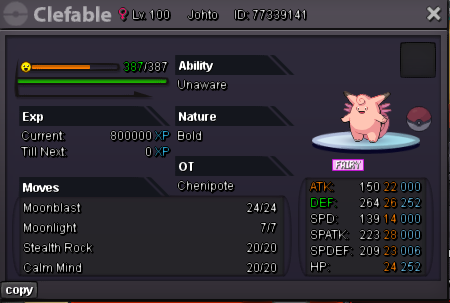
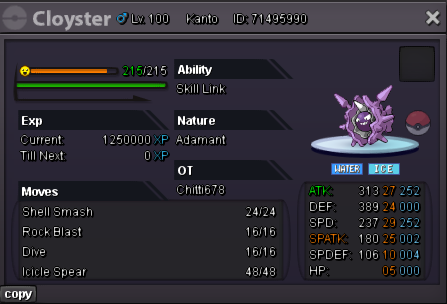
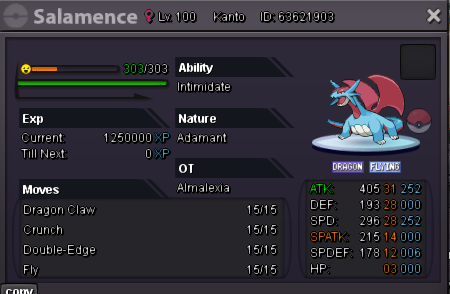
@Abbixx1 You got the highest bid on charizaed, congrats@Loc018 You got the highest bid on Medicham, congrats@Trambuii You got the highest bid on Cloyster, congrats@Jimmm2 You got the highest bid on clefable, congratscloyster,medi,sala c.o 100k by Nhokpies @Yipman2Nhokpies had c.o cle 100kc.o 160k by Loc018 c.o 140k by Abbixx1 c.o 220k by jimmm2 c.o 160k by Trambuii c.o 150k by Cyanide27 Not a bundle !! For each Pokemon, S.O: 50k Min-bid: 10k Ends in 48H after the first bid !! No Insta Price Accepting cc = 450k and rr = 500k
 @Primeninja2236.1m5.75m55m4.4m
Account
Navigation
Search
Configure browser push notifications
Chrome (Android)
- Tap the lock icon next to the address bar.
- Tap Permissions → Notifications.
- Adjust your preference.
Chrome (Desktop)
- Click the padlock icon in the address bar.
- Select Site settings.
- Find Notifications and adjust your preference.
Safari (iOS 16.4+)
- Ensure the site is installed via Add to Home Screen.
- Open Settings App → Notifications.
- Find your app name and adjust your preference.
Safari (macOS)
- Go to Safari → Preferences.
- Click the Websites tab.
- Select Notifications in the sidebar.
- Find this website and adjust your preference.
Edge (Android)
- Tap the lock icon next to the address bar.
- Tap Permissions.
- Find Notifications and adjust your preference.
Edge (Desktop)
- Click the padlock icon in the address bar.
- Click Permissions for this site.
- Find Notifications and adjust your preference.
Firefox (Android)
- Go to Settings → Site permissions.
- Tap Notifications.
- Find this site in the list and adjust your preference.
Firefox (Desktop)
- Open Firefox Settings.
- Search for Notifications.
- Find this site in the list and adjust your preference.