New Trade Zone
Trade Zone is now live
Use the new Trade Zone for auctions and instant-price trades so Pokemon and item offers are easy to find.

Micheledalex92
Registered User
-
Joined
-
Last visited
Everything posted by Micheledalex92
-
850k exca550k exca450k excaNOT A BUNDLE! Start : 50k each Min bid : 10k Insta : No 48h after first bid accept only pokedollars
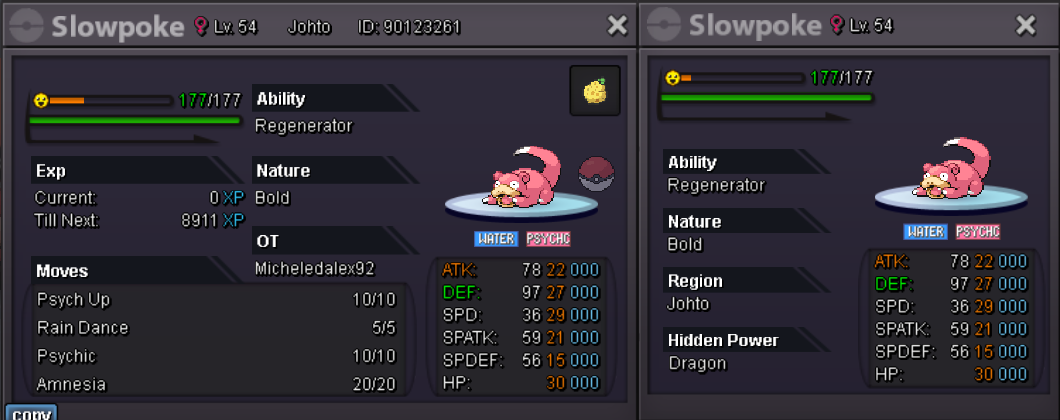
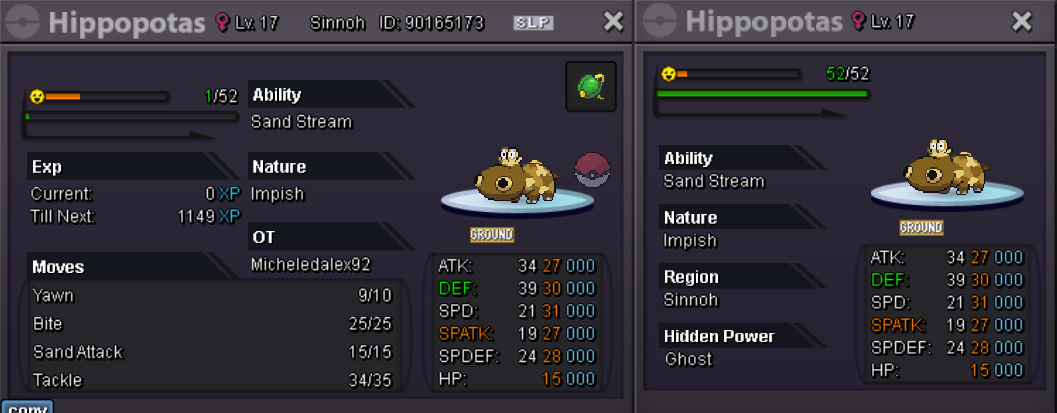
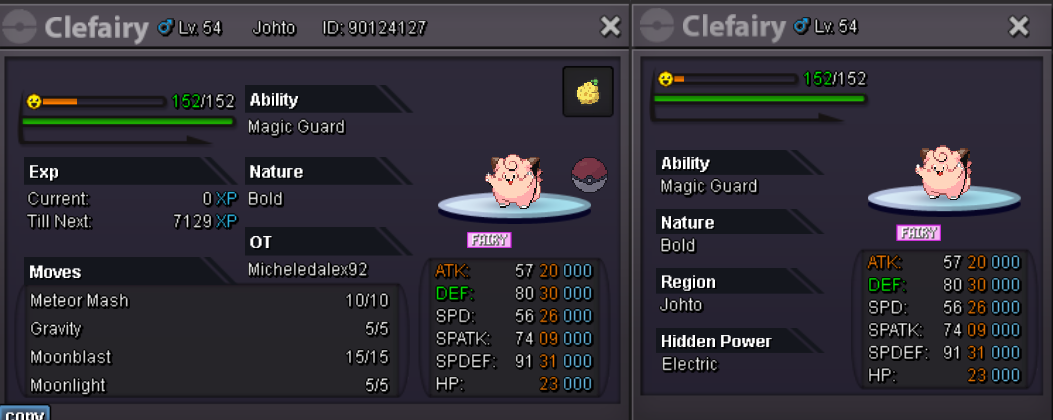 NOT A BUNDLE! Start : 20k each Min bid : 5k Insta : No 48h after first bid accept only pokedollars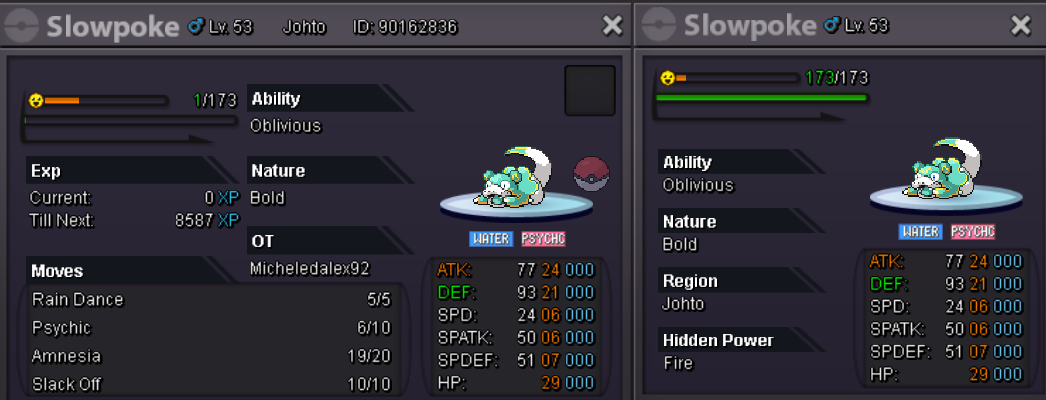
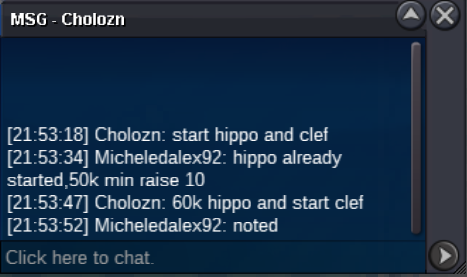
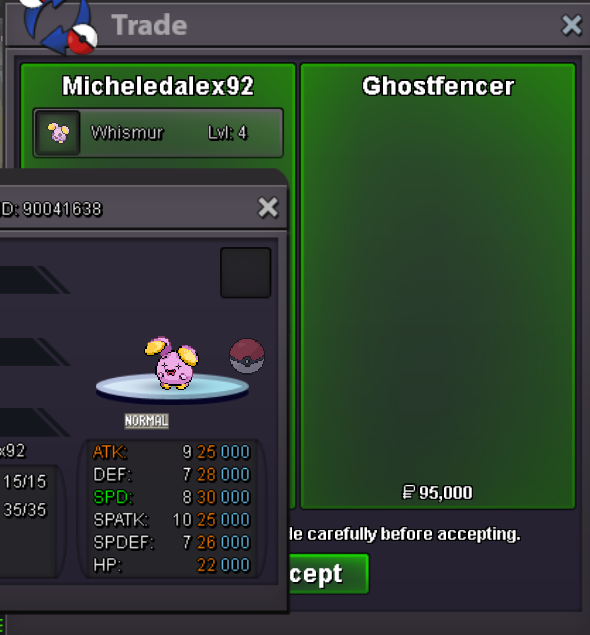
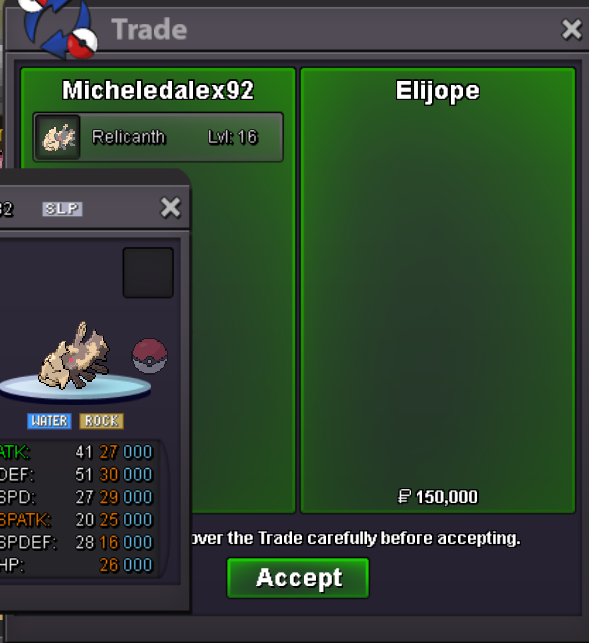
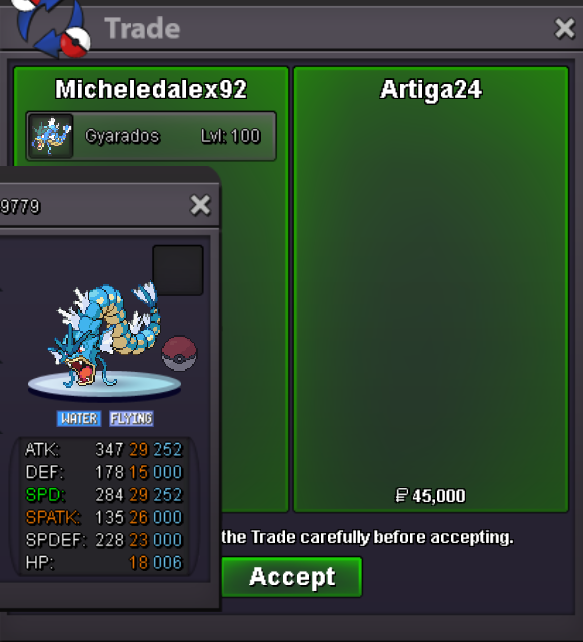
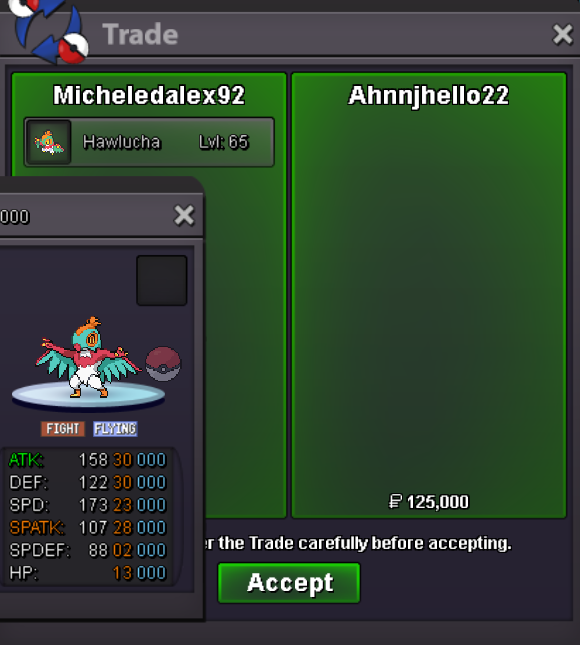
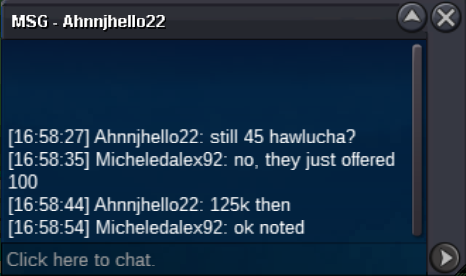
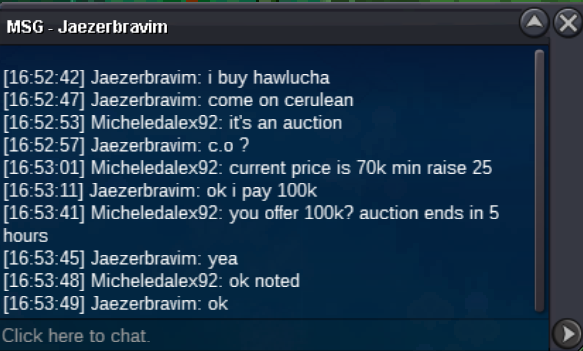
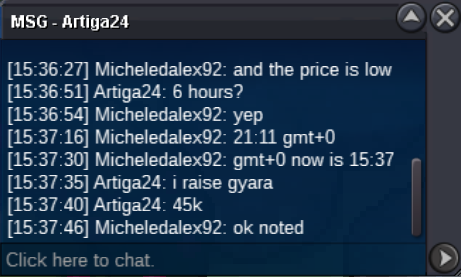
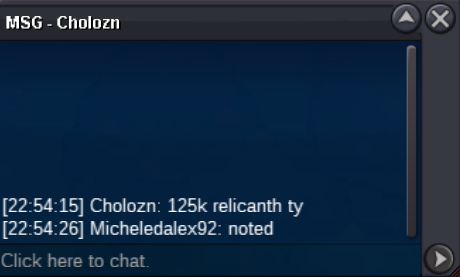
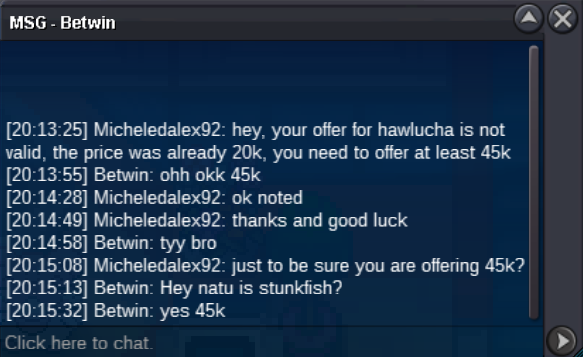
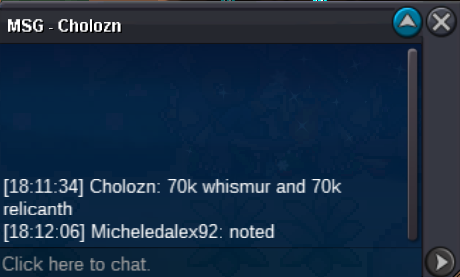
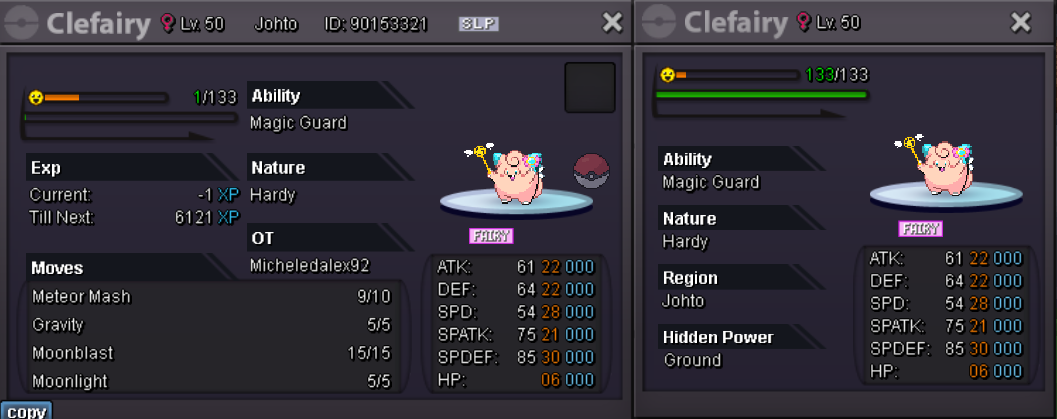 all trades have been completed. I withdraw nidoking as it didn't receive any offer. thread can be closedI’ll be in 30m@ahnnjhello22 won hawlucha for 125k @Artiga24 won gyarados for 45k @Elijope relicanth 150k @Ghostfencer whismur 95k Pm me in game when you are onlineupCurrent offers: Ending 10/02/2024 21:11 GTM +0 70k Whismur from Cholozn 70k Relicanth from Cholozn 45k Hawlucha from Betwin 20k Gyaradons from Cholozn No Offers: Nidokingmin raise is 25k sorryAuction endedHawlucha offer is already 20k from choloznmin raise unfortunately it's 25k, so you need to offer 45
Account
Navigation
Search
Configure browser push notifications
Chrome (Android)
- Tap the lock icon next to the address bar.
- Tap Permissions → Notifications.
- Adjust your preference.
Chrome (Desktop)
- Click the padlock icon in the address bar.
- Select Site settings.
- Find Notifications and adjust your preference.
Safari (iOS 16.4+)
- Ensure the site is installed via Add to Home Screen.
- Open Settings App → Notifications.
- Find your app name and adjust your preference.
Safari (macOS)
- Go to Safari → Preferences.
- Click the Websites tab.
- Select Notifications in the sidebar.
- Find this website and adjust your preference.
Edge (Android)
- Tap the lock icon next to the address bar.
- Tap Permissions.
- Find Notifications and adjust your preference.
Edge (Desktop)
- Click the padlock icon in the address bar.
- Click Permissions for this site.
- Find Notifications and adjust your preference.
Firefox (Android)
- Go to Settings → Site permissions.
- Tap Notifications.
- Find this site in the list and adjust your preference.
Firefox (Desktop)
- Open Firefox Settings.
- Search for Notifications.
- Find this site in the list and adjust your preference.