




New Trade Zone
Trade Zone is now live
Use the new Trade Zone for auctions and instant-price trades so Pokemon and item offers are easy to find.

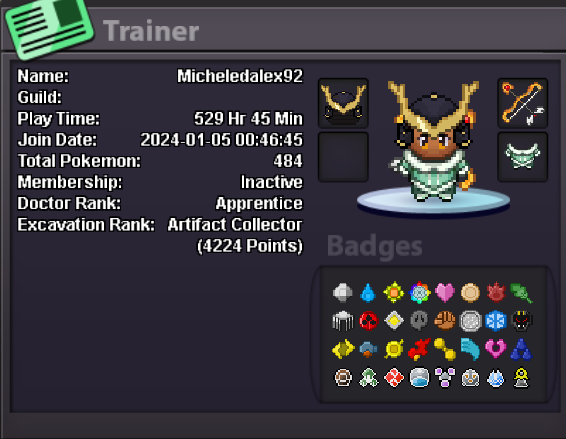
Micheledalex92
Registered User
-
Joined
-
Last visited
-
● What's your IGN? Micheledalex92 ● How old are you? 31 ● Where are you from? italy, live in the uk ● What's your total playtime? 530 ● What do you enjoy doing in the game? At the moment I enjoy everything, hunting, training, in general all Pve, but I would like to try dungeons in a guild and PvP too ● Would you like to offer some kind of service to the guild? Yes but ofc not always And the most important question of them all: Which Bidoof Form do you like the most? -Suidoof, Endoof or Raidoof? Endoof
-
up
-
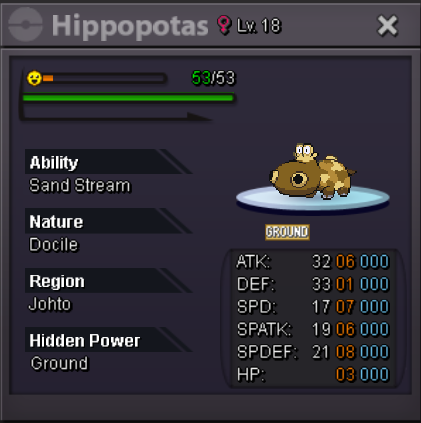
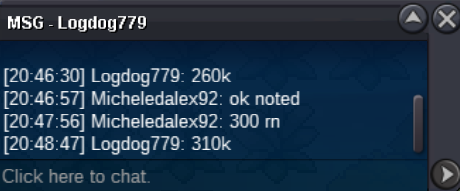
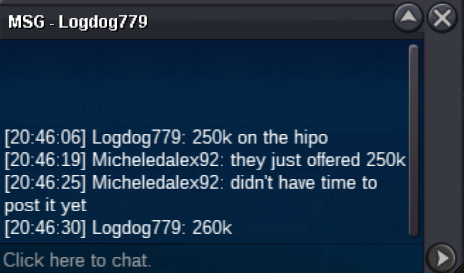
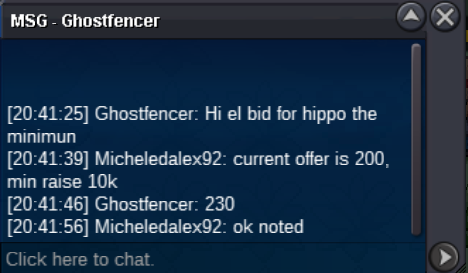
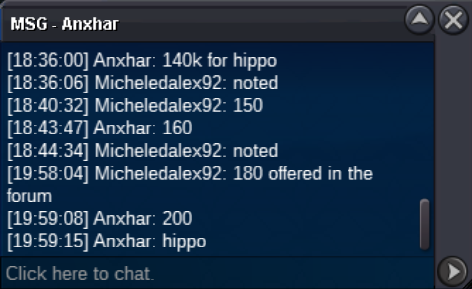
s.o: 50k min bid:10k no insta end 48 after first offer accept: only poke dollars
-
up
-
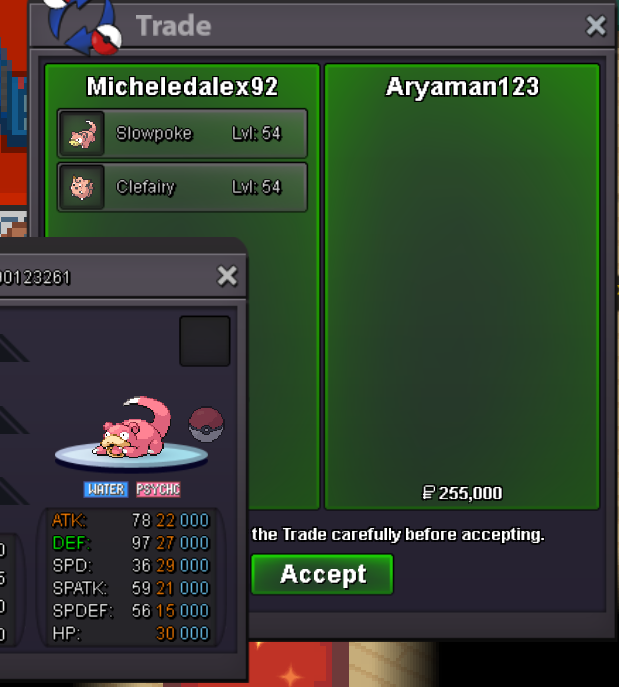
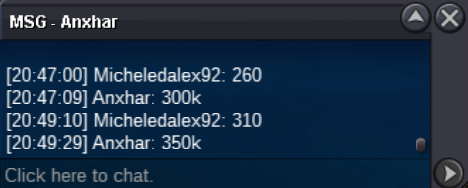
@Aryaman123 you won slowpoke for 195k pm here or in game when you are online@Aryaman123 you won clefairy 60k pm me when you are online



Account
Navigation
Search
Configure browser push notifications
Chrome (Android)
- Tap the lock icon next to the address bar.
- Tap Permissions → Notifications.
- Adjust your preference.
Chrome (Desktop)
- Click the padlock icon in the address bar.
- Select Site settings.
- Find Notifications and adjust your preference.
Safari (iOS 16.4+)
- Ensure the site is installed via Add to Home Screen.
- Open Settings App → Notifications.
- Find your app name and adjust your preference.
Safari (macOS)
- Go to Safari → Preferences.
- Click the Websites tab.
- Select Notifications in the sidebar.
- Find this website and adjust your preference.
Edge (Android)
- Tap the lock icon next to the address bar.
- Tap Permissions.
- Find Notifications and adjust your preference.
Edge (Desktop)
- Click the padlock icon in the address bar.
- Click Permissions for this site.
- Find Notifications and adjust your preference.
Firefox (Android)
- Go to Settings → Site permissions.
- Tap Notifications.
- Find this site in the list and adjust your preference.
Firefox (Desktop)
- Open Firefox Settings.
- Search for Notifications.
- Find this site in the list and adjust your preference.