New Trade Zone
Trade Zone is now live
Use the new Trade Zone for auctions and instant-price trades so Pokemon and item offers are easy to find.


Neiyah
Registered User
-
Joined
-
Last visited
Everything posted by Neiyah
-
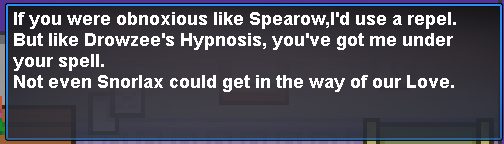
sry I can only do it for the one I've done, try to type the clues in google & see if somebody posted them in the forum. I've seen some of the jhoto ones pass by while searching for the kanto ones
-
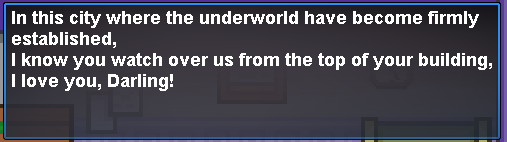
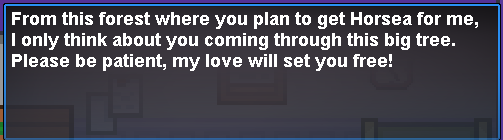
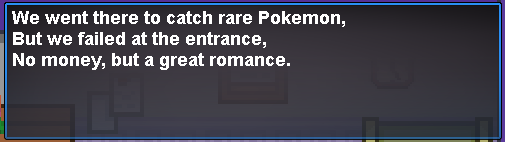
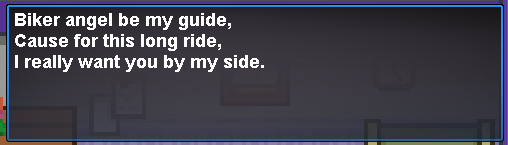
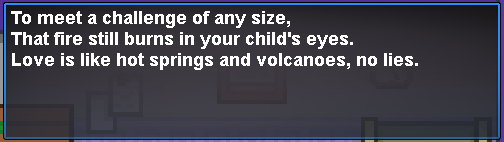
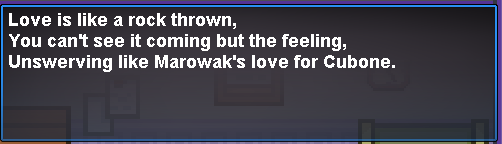
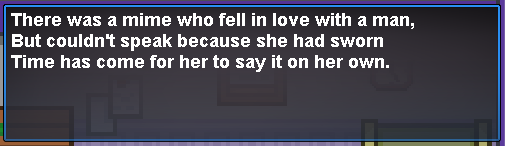
Well Well Well Since I couldn't find any guide for the Kanto version of this quest I'll leave it there for people who needs it >Cerulean Mart Rooftop >PowerPlant (Inside, Bottom Right) >Viridian Maze (Bottom Right) >Fuschia City In front of the Safari >Route 11 (Right from Vermillon) >Seafoam Islands B4F >Route 17 >Cinnabar Island(right side of the island) >Rock Tunnel (Enter From PowerPlant Side and Bottom Right after first Ladder) >Surf Under Pallet Town Talk to the Clown Enjoy