New Trade Zone
Trade Zone is now live
Use the new Trade Zone for auctions and instant-price trades so Pokemon and item offers are easy to find.

Noluckyone
Registered User
-
Joined
-
Last visited
Everything posted by Noluckyone
-
bump 24h left
-
@Kartik12342 Hp dragon
-
Auction ends 10/18/24 4:59pm gmt+2
-
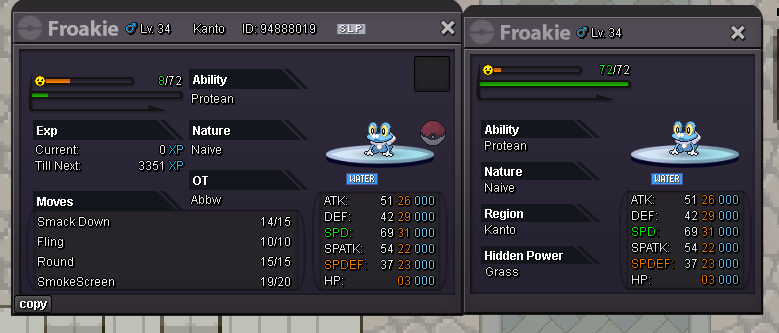
Starting Bid : 10m Minimum Bid : 1m No insta Auction Ends 48h After First Bid Accepted Payments Coin Capsule : 400k each Cash
-
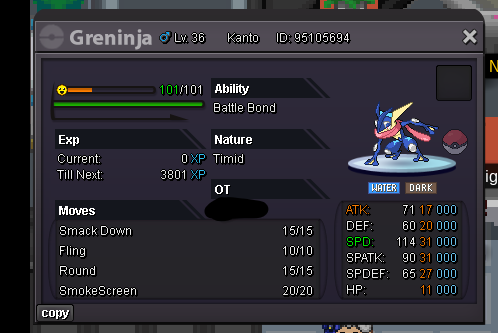
trade done can be closed thank you to all bidders
-
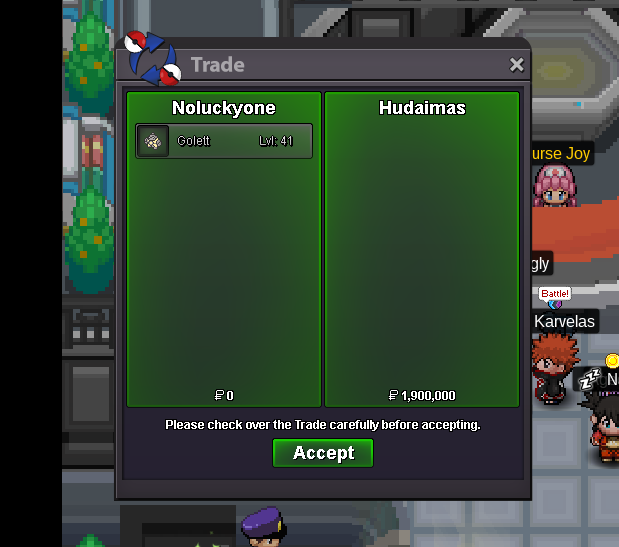
@Hudaimas alright
-
sorry i messed up my calcs auction ends a 4:24pm because 15m rule applies
-
15min rule applies auction now ends at 4:14 pm gmt +2 if no other bids
-
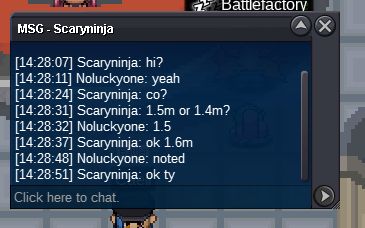
c.o 1.6 by scaryninja 1h38min left
-
bump 2h left
-
Trade done

-
🙂
-
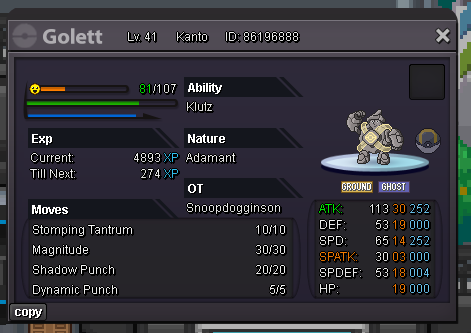
Auction ends 08/18/24 4:09pm gmt +2 Good luck to all
-
Starting offer : 1m Minimum bid : 100k No insta Duration : 48h from the start Accepted payment CC 400k each Cash
-
congrats @Mourlos you won let me know when we can do the trade
-
bump less than 1h remaining
-
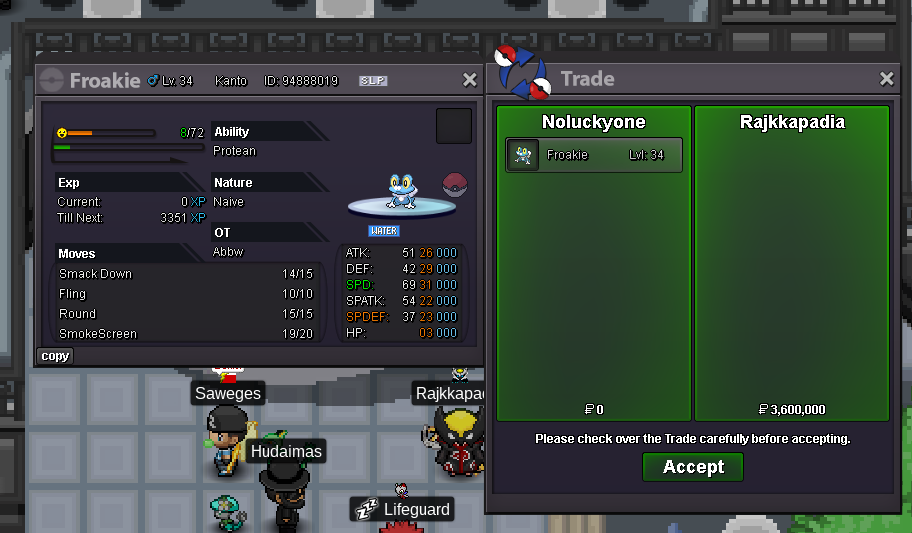
Trade done
-
Congrats @Rajkkapadia you won, let me know when we can trade
-
Auction started Ends 08/16/24 at 3:10 pm gmt +2

-
Startin auction 80k Min bid 20k No insta ends 24h after the start Accepted payment CC 400k Cash

-
Bump 22h left
-
Auction ending 08/15/24 04:28 pm gmt +2
-
Starting Auction : 1m Minimum Bid : 100k No insta Auction will end 48h after first bid Accepted payment - Coin Capsule 400k each - Cash