




New Trade Zone
Trade Zone is now live
Use the new Trade Zone for auctions and instant-price trades so Pokemon and item offers are easy to find.

Canesecco
Suspended
-
Joined
-
Last visited
Everything posted by Canesecco
-
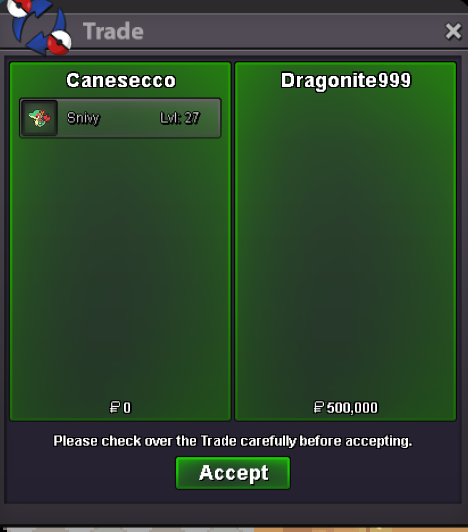
can close ! thanks to all and thanks to drago for the fair play 😄
-
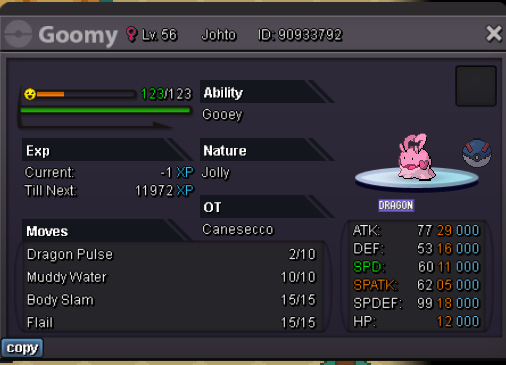
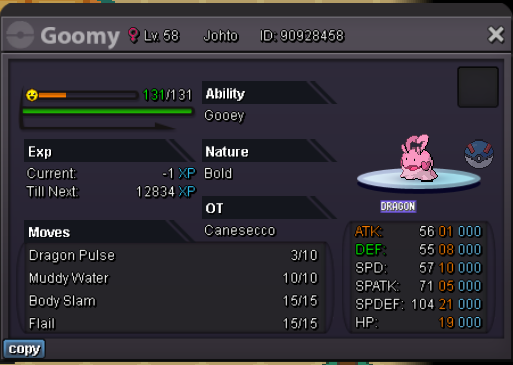
AUCTION FOR 2 POKE Start offer : 500k min raisE: 100K insta price : no instant End of auction : 48h after the first bid
-
sold outside auction , can closeS.O 600k Min bid 100k instant 2M time: 72h after first bid
 Bumpcan close
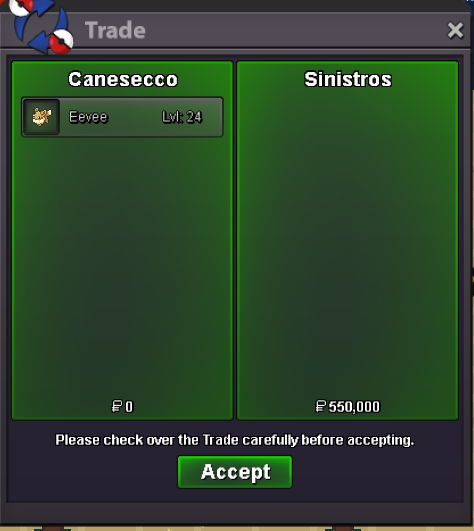 auction ended, pm ingame fro tradeA real man in real Life . Love u ❤️start offer : 100k min raise : 200 pokedollars insta price : 4M End of auction : 48h after the first bid
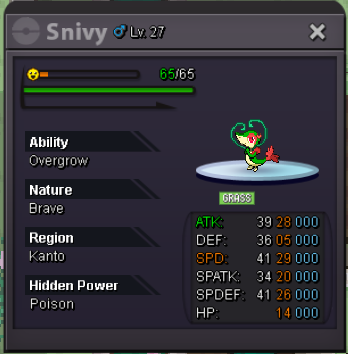 ok , auction started ! end in 24 from now! goodluck to everyone!start offer: 300k min bid : 100k auction time :24h after first bid accept : -pokedollars -capsule coin ( valutated 350k)
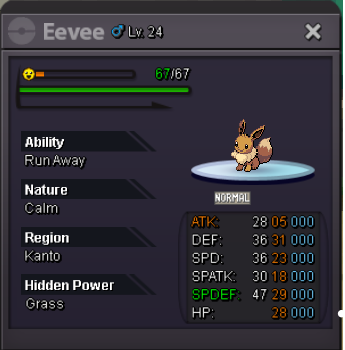 START OFFER :1M MIN BID : 200k NO INSTA AUCTION TIME: 24H AFTER FIRST OFFER
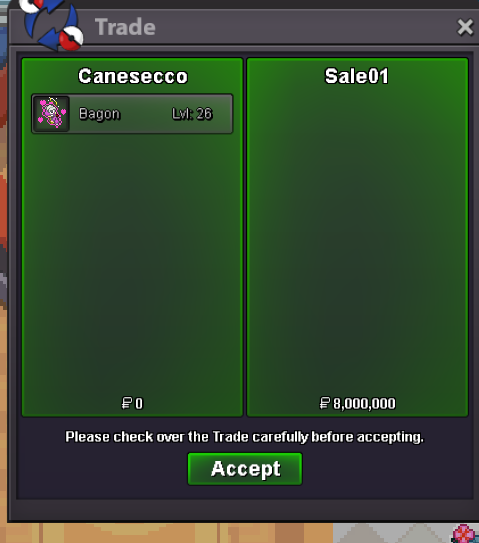
 Sale01 win the auction ! Pm me ingame, i Will be on in 20 minstart offer : 2 M min raise : 200K insta price : NO end of auction : 24h after the first bid good luck to everyone
 auction ended, thanks to everyone!
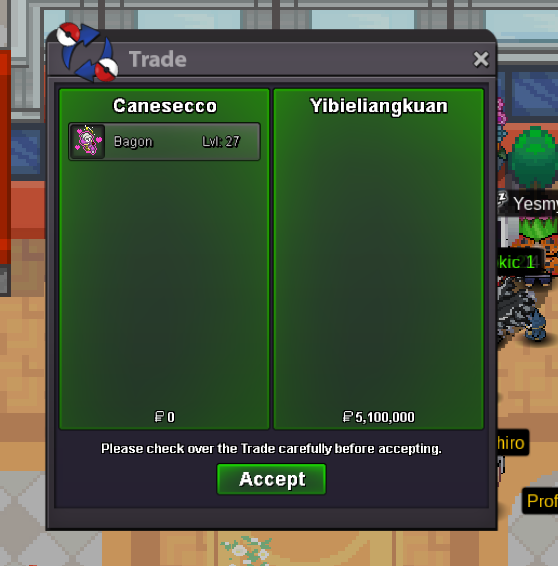 4.7m
4.7m 4.2m
4.2m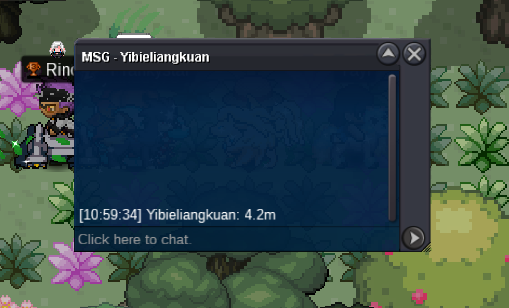 3.7m from yibieliangkun
 offer from jematthie isnt correct, min raise is 200k so from 3.5m min raise can be 3.7 not 3.52. last offer current is from flakemaganyAuction Ends 24H after first offer Starting Offer: 1m Min Raise: 200k 10m Insta only pokedollars
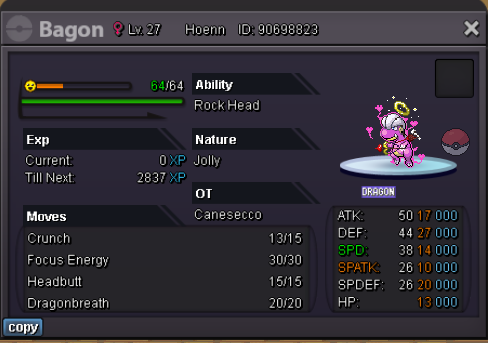 gz to rasta ! thanks to everyone!



Account
Navigation
Search
Configure browser push notifications
Chrome (Android)
- Tap the lock icon next to the address bar.
- Tap Permissions → Notifications.
- Adjust your preference.
Chrome (Desktop)
- Click the padlock icon in the address bar.
- Select Site settings.
- Find Notifications and adjust your preference.
Safari (iOS 16.4+)
- Ensure the site is installed via Add to Home Screen.
- Open Settings App → Notifications.
- Find your app name and adjust your preference.
Safari (macOS)
- Go to Safari → Preferences.
- Click the Websites tab.
- Select Notifications in the sidebar.
- Find this website and adjust your preference.
Edge (Android)
- Tap the lock icon next to the address bar.
- Tap Permissions.
- Find Notifications and adjust your preference.
Edge (Desktop)
- Click the padlock icon in the address bar.
- Click Permissions for this site.
- Find Notifications and adjust your preference.
Firefox (Android)
- Go to Settings → Site permissions.
- Tap Notifications.
- Find this site in the list and adjust your preference.
Firefox (Desktop)
- Open Firefox Settings.
- Search for Notifications.
- Find this site in the list and adjust your preference.