New Trade Zone
Trade Zone is now live
Use the new Trade Zone for auctions and instant-price trades so Pokemon and item offers are easy to find.
.png.7ff2449bbc865b56870c0b682575b8b7.png)

Infernokyh
Suspended
-
Joined
-
Last visited
Everything posted by Infernokyh
-
-
i hope there's available pro wiki apk version xd. to make more simply for seeing the guide/smth
-
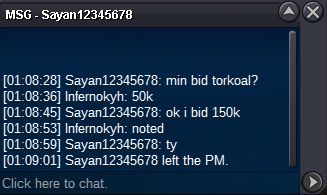
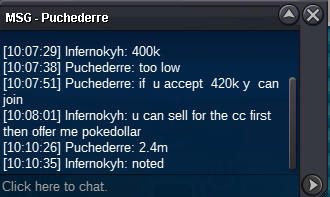
bumpSTART : 100k each Min Bid : 50k Insta : N/A End : 24 hrs after first bid Payment : > Pokedollar > CC : 400k
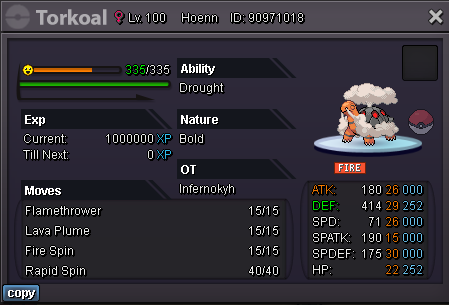
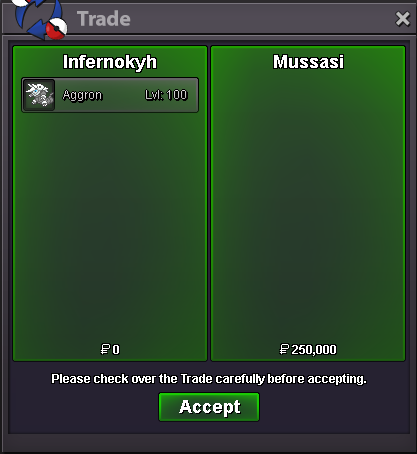
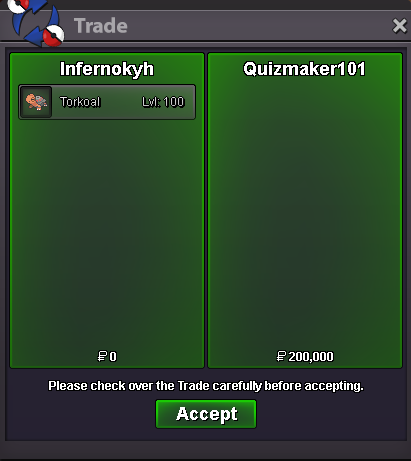
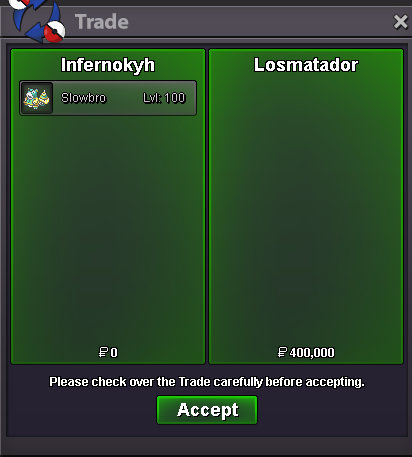
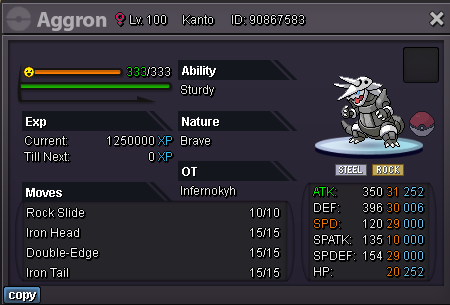 clefable and staraptor sold to @Manikandaravi and slowbro sold to @Losmatador pls dm me in game ^^bumpsrry i didnt get it. do u mean 600k all? (200k each)?All poke s.o 100k, min bid 50k insta : N/A Auction end 2d after first bid each poke Payment : cc : 410k pokedollar

 i have an account, already got 5 badge in kanto region. and looking for story service until sinnoh. please tell me your price and lets make a dealbump, 3 hrs leftAuction start : 2m Min bid : 200k Payment : cc : 400k, pokedollar End : 1day after first bid insta : N/A
Account
Navigation
Search
Configure browser push notifications
Chrome (Android)
- Tap the lock icon next to the address bar.
- Tap Permissions → Notifications.
- Adjust your preference.
Chrome (Desktop)
- Click the padlock icon in the address bar.
- Select Site settings.
- Find Notifications and adjust your preference.
Safari (iOS 16.4+)
- Ensure the site is installed via Add to Home Screen.
- Open Settings App → Notifications.
- Find your app name and adjust your preference.
Safari (macOS)
- Go to Safari → Preferences.
- Click the Websites tab.
- Select Notifications in the sidebar.
- Find this website and adjust your preference.
Edge (Android)
- Tap the lock icon next to the address bar.
- Tap Permissions.
- Find Notifications and adjust your preference.
Edge (Desktop)
- Click the padlock icon in the address bar.
- Click Permissions for this site.
- Find Notifications and adjust your preference.
Firefox (Android)
- Go to Settings → Site permissions.
- Tap Notifications.
- Find this site in the list and adjust your preference.
Firefox (Desktop)
- Open Firefox Settings.
- Search for Notifications.
- Find this site in the list and adjust your preference.