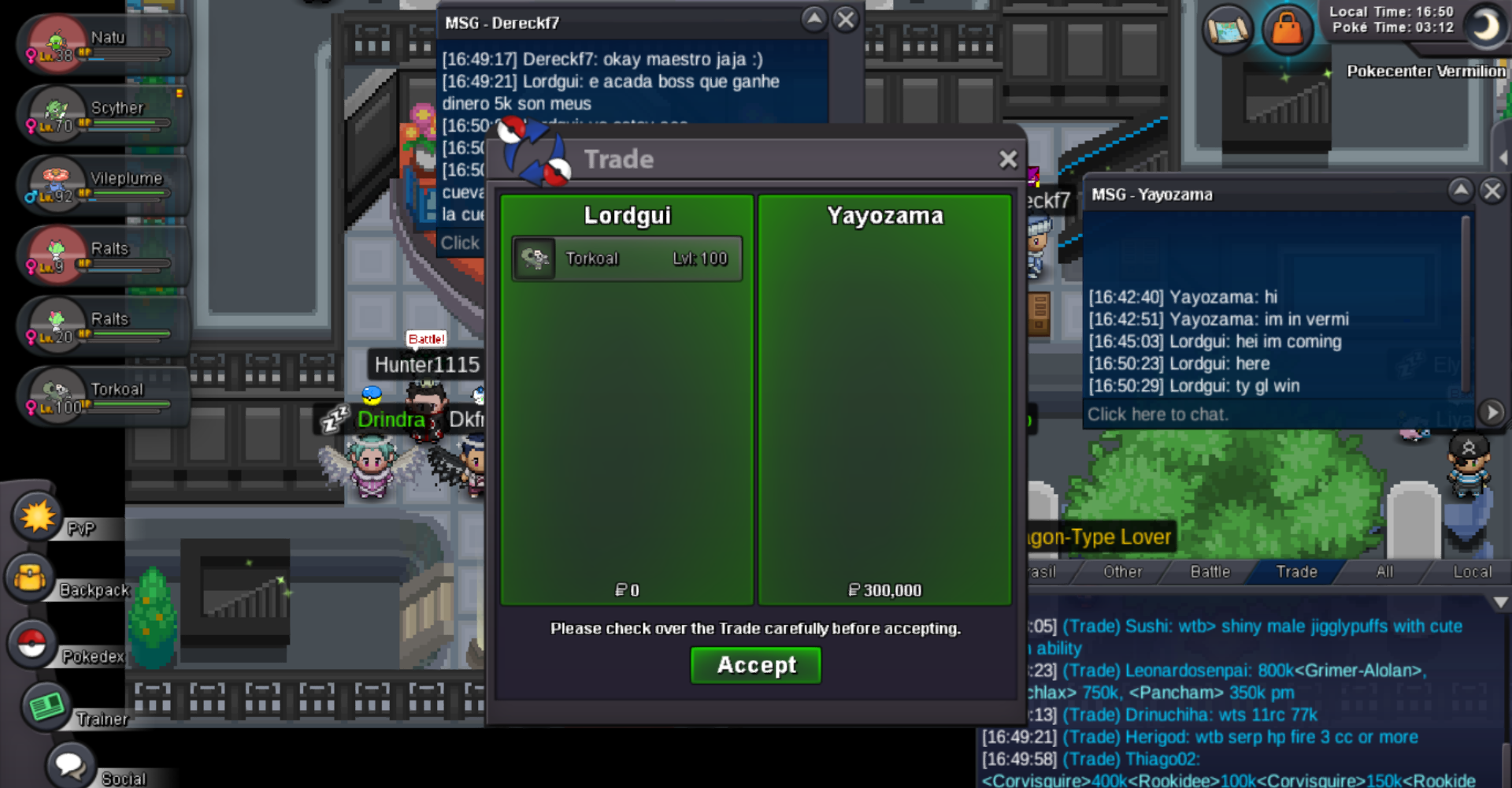
New Trade Zone
Trade Zone is now live
Use the new Trade Zone for auctions and instant-price trades so Pokemon and item offers are easy to find.

Lordgui
Registered User
-
Joined
-
Last visited
-
Rebilak I'm trying to talk to this guy from the auction, but he's not responding.
-
Morganemakeup you win azumaril + magmortar
-
Morganemakeup start azumaril and magmortar
-
update
-
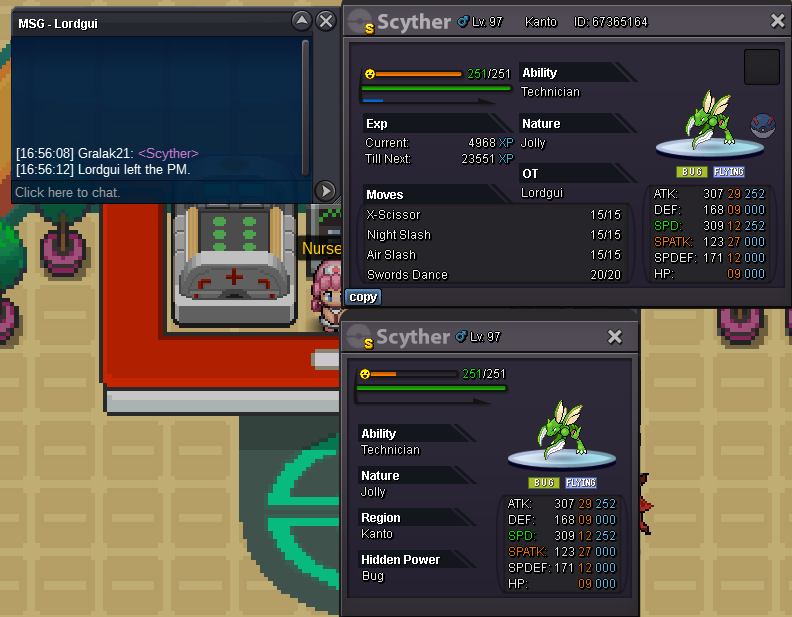
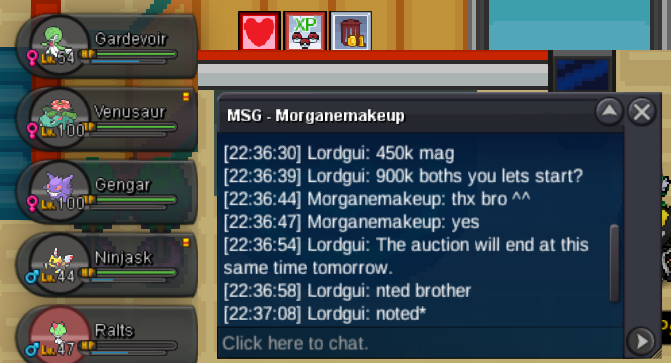
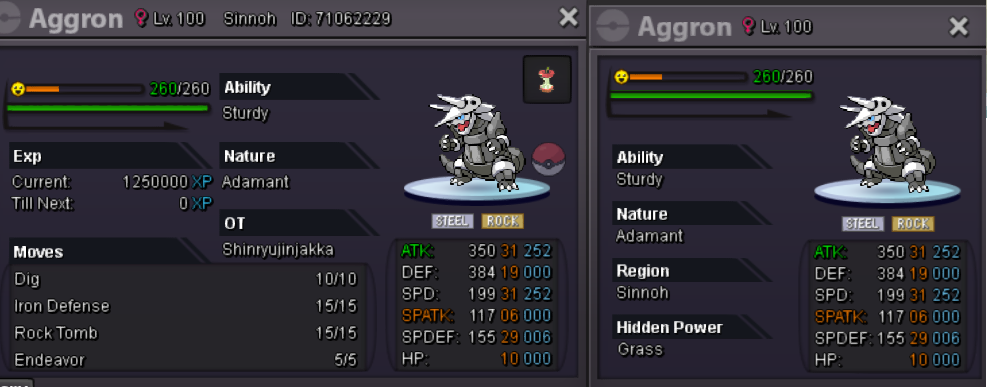
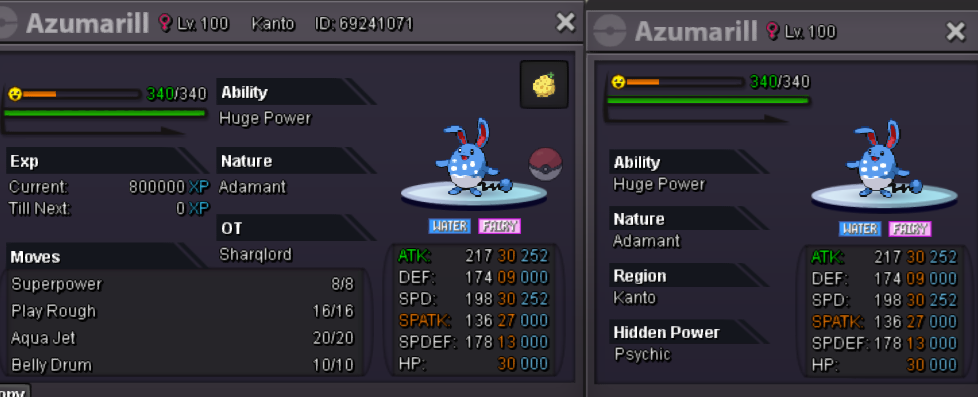
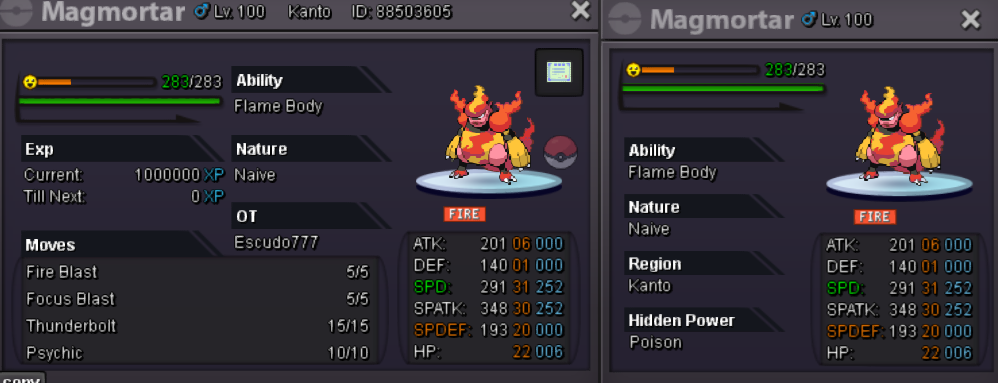
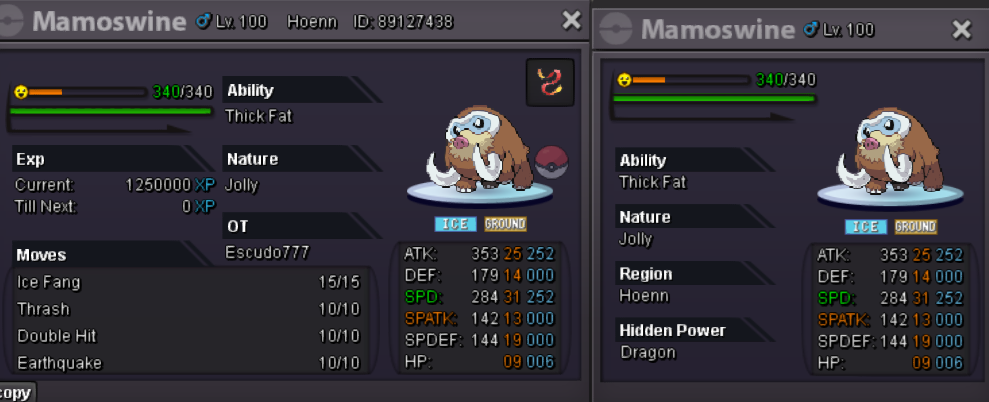
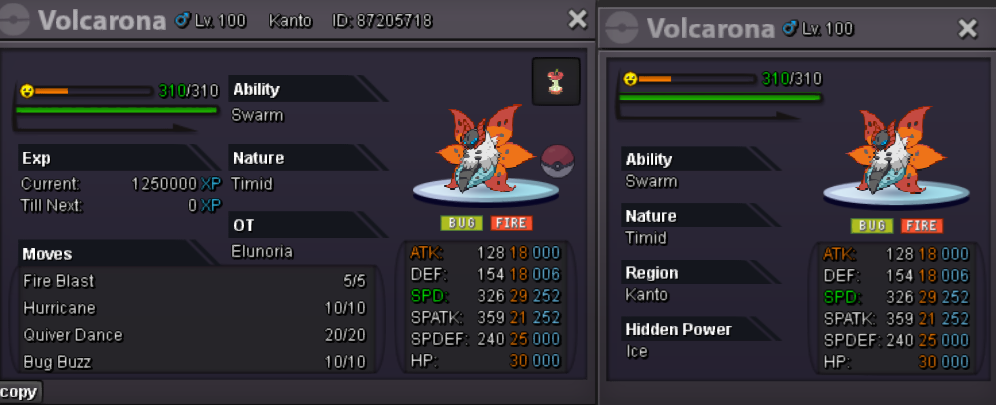
Auction Open. ACCEPT PAYMENT: CC - 500k, Iv reroll - 700k, Nat reroll - 350k, PokeDollars Duration 24 hours after the first start Aggron 550k start, min bid 100k, insta N/A Azumaril 450k start, min bid 100k, insta N/A Magmortar 450k start, min bid 100k, insta N/A Mamoswine 500k start, min bid 100k, insta N/A Volcarona 450k start, min bid 100k, insta N/A
-
update
-
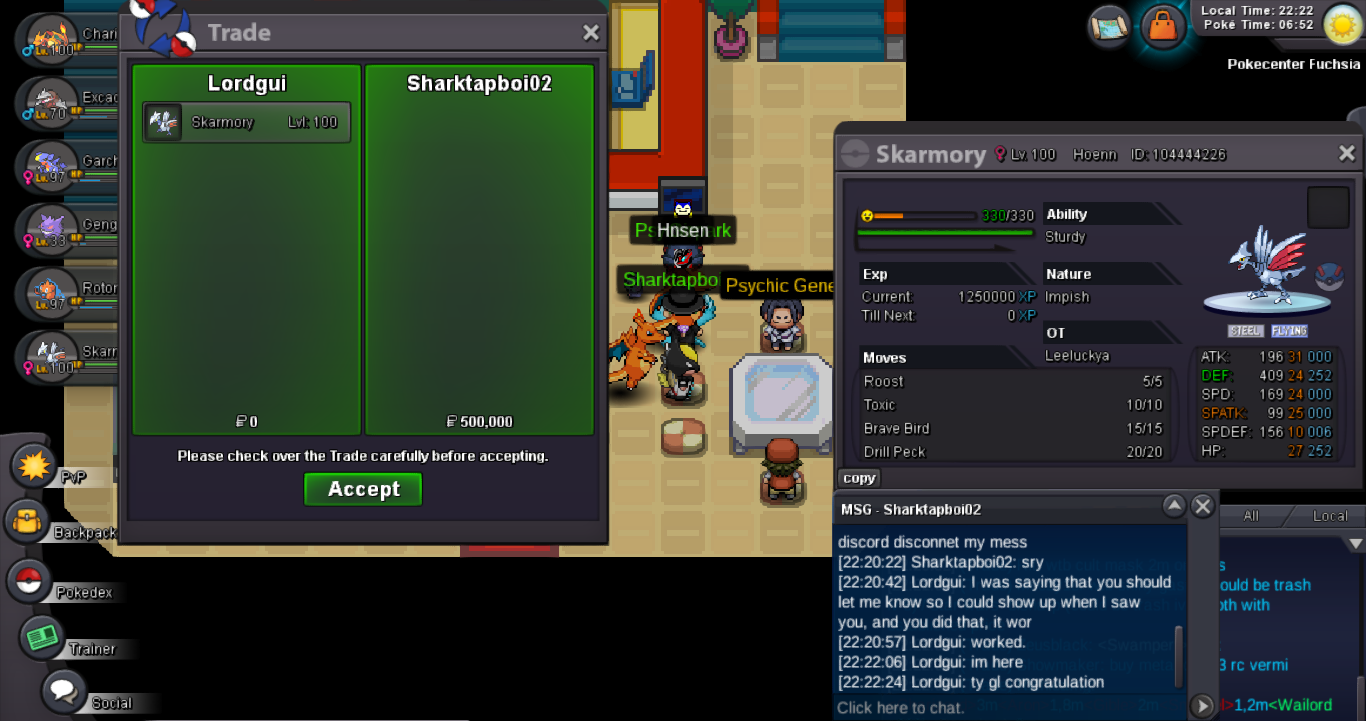
skarmory sold
-
update
-
update
-
finish auction skarmory Sharktapboi02 you win
-
update
-
noted start thankys for info
-
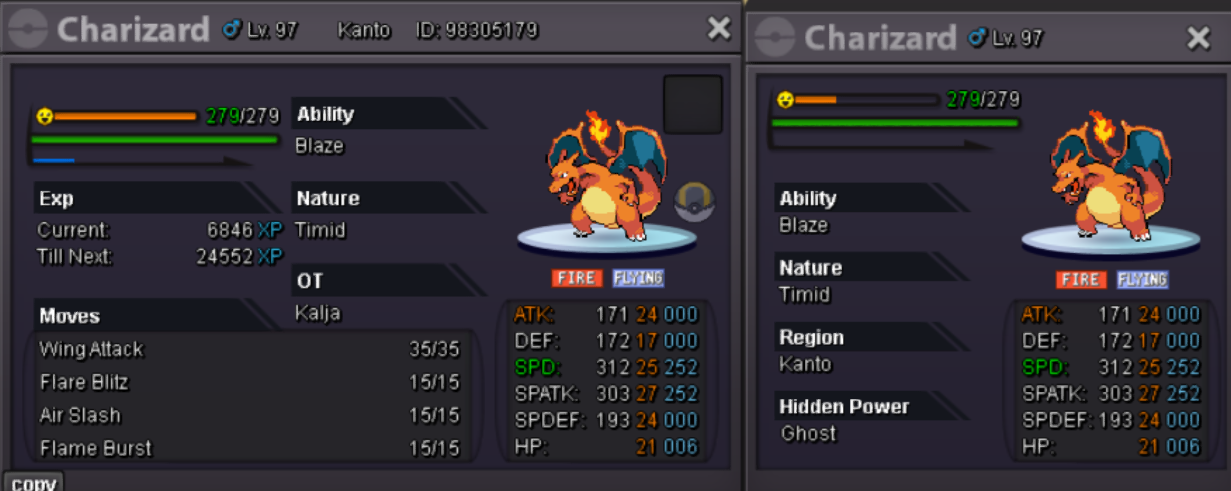
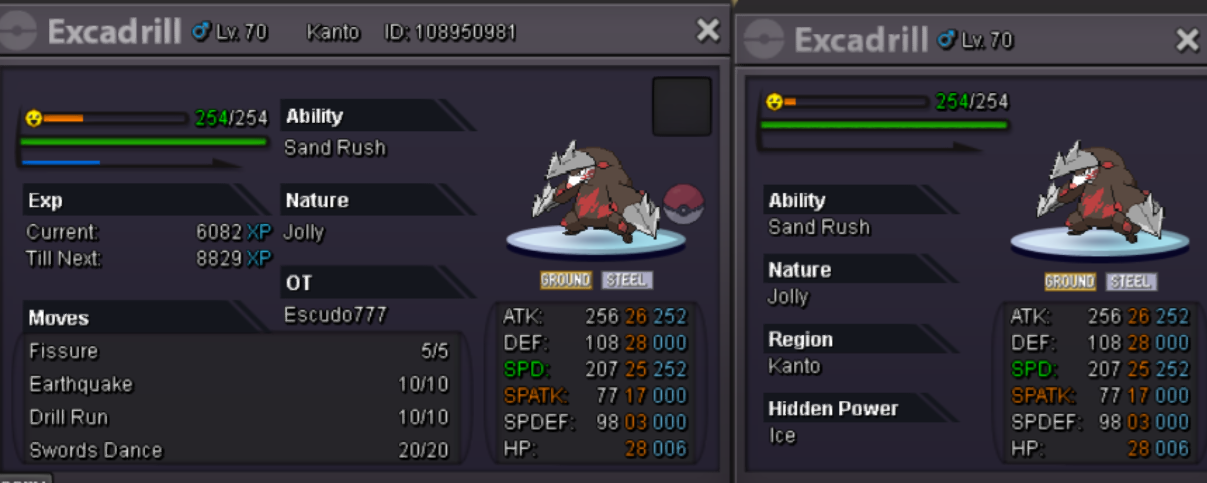
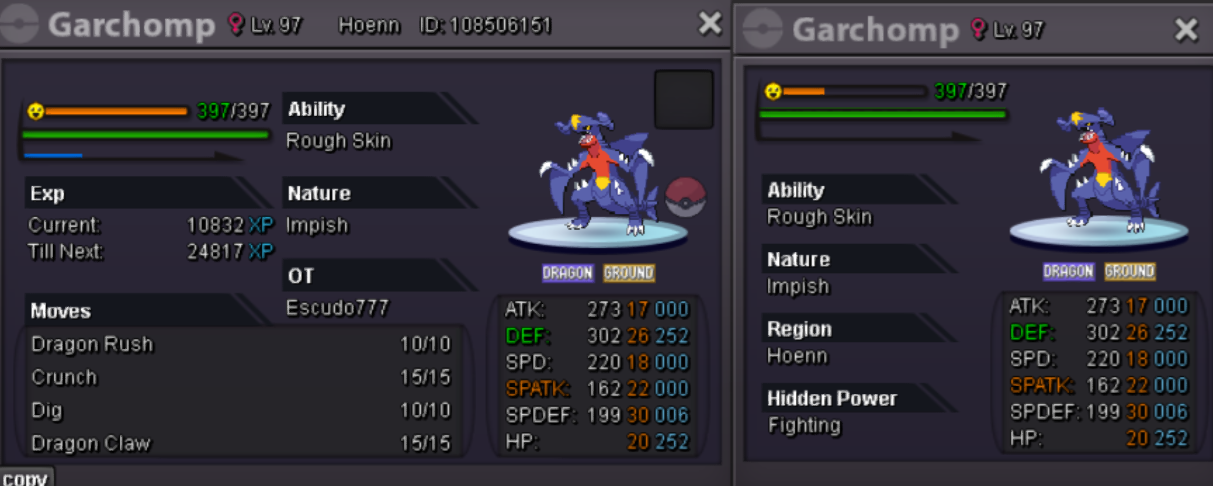
Auction Open. ACCEPT PAYMENT: CC - 500k, Iv reroll - 650k, Nat reroll - 300k, PokeDollars Duration 48 hours after the first start Charizard 500k start, min bid 1k, insta N/A Excadrill 500k start, min bid 1k, insta N/A Garchomp 500k start, min bid 1k, insta N/A (31/31) Gengar 500k start, min bid 1k, insta N/A Rotom 500k start, min bid 1k, insta N/A Skarmory 500k start, min bid 1k, insta N/A
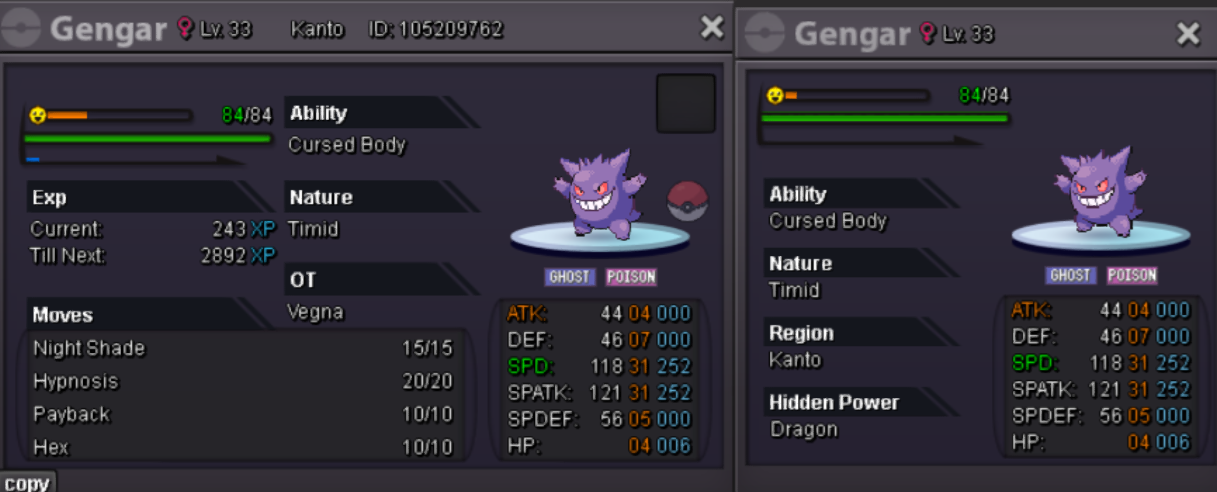
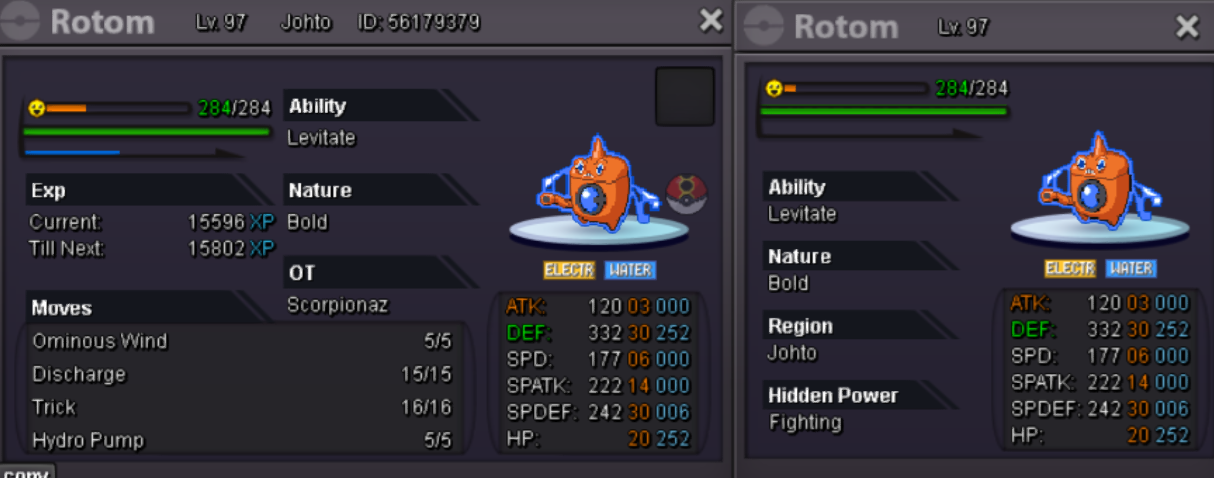
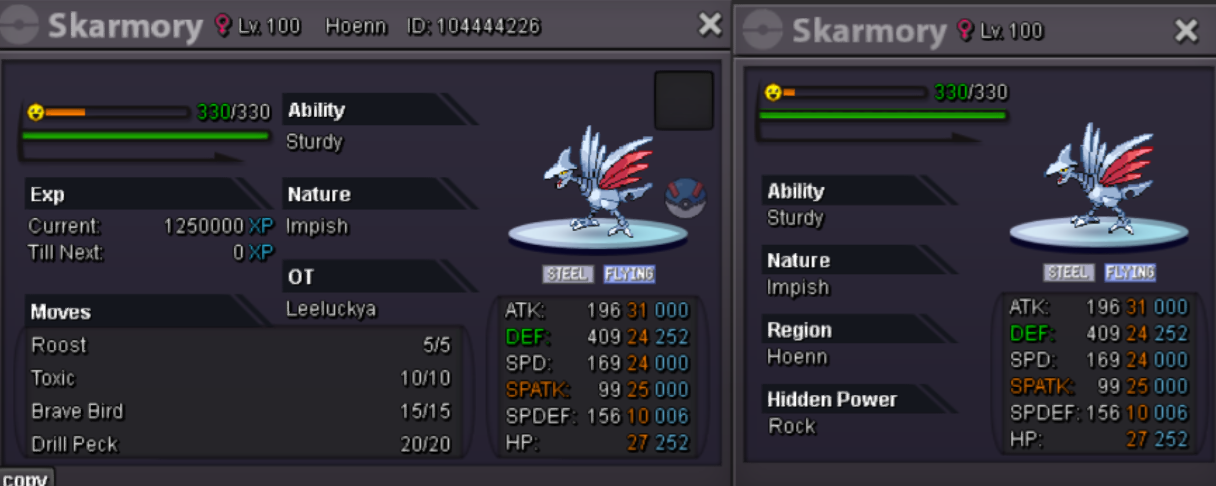
-
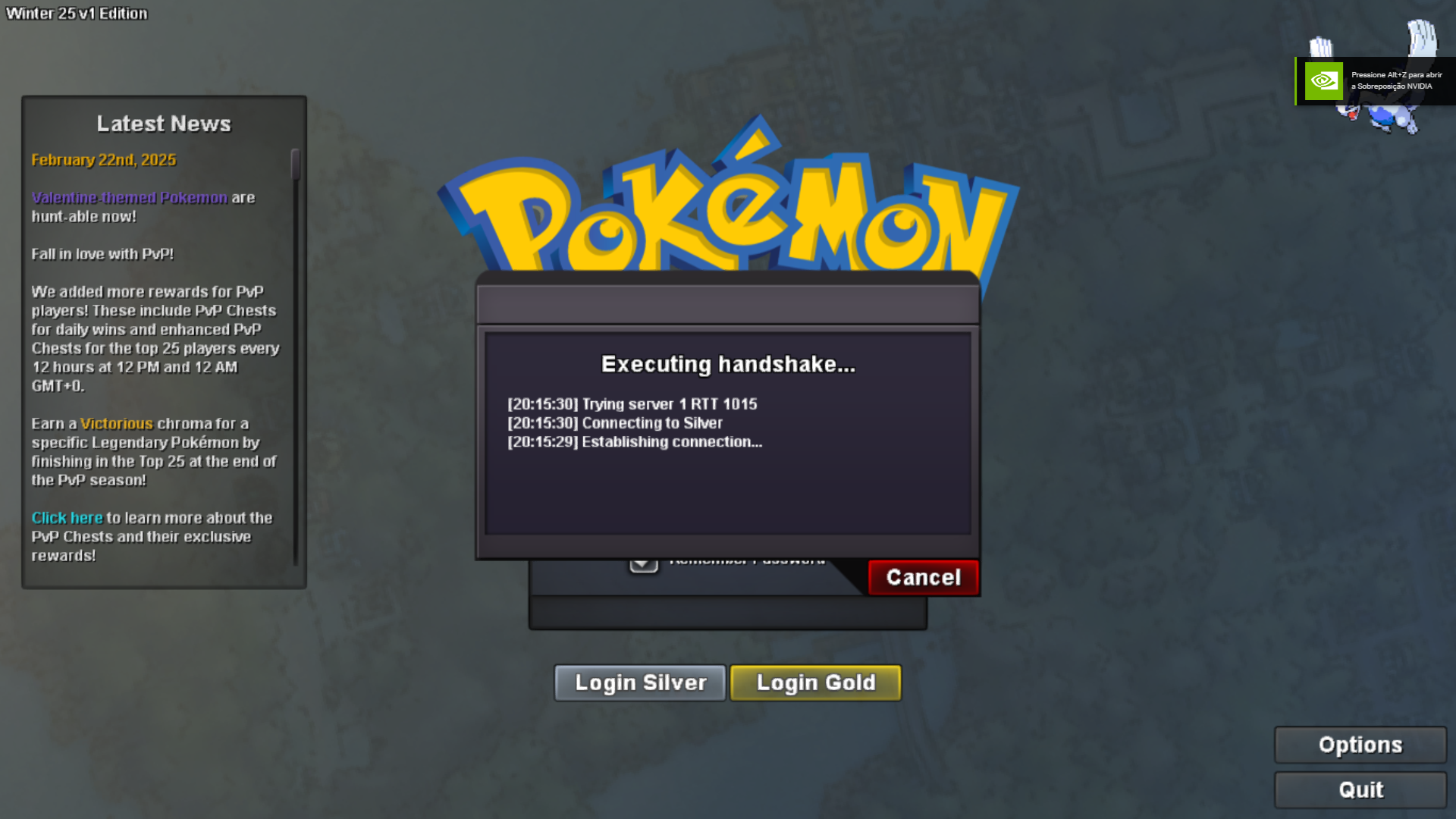
I'm doing level service and I practically couldn't gain any experience on this floor because I'd log in and disconnect, and I'd start battling and disconnect again, even though my internet is stable. I simply wanted to continue the tower and, during the process, I went to take a look. While I was doing that, it had already disconnected again without me moving.
-
torkoal sold