




New Trade Zone
Trade Zone is now live
Use the new Trade Zone for auctions and instant-price trades so Pokemon and item offers are easy to find.

Firemnypes
Registered User
-
Joined
-
Last visited
-
Thanks
-
Hi, thank you for the information. Ive tried it right now and the only thing that worked was the feature level 10 0, other didnt even start the game, driver type warp made my processor go on 100% and everything was laggy. After few minutes on feature level 10 0 my pc crashed again…
-
I have windows 10 pro, AMD Ryzen 5 3600 6-Core Processor 3.59 GHz, 16gb ram, 64bit
-
I downloaded the client from official site, through mediafire. I dont get any errors, my game will just froze, i get black screen and my pc starts restarting. These are the folder screenshots:
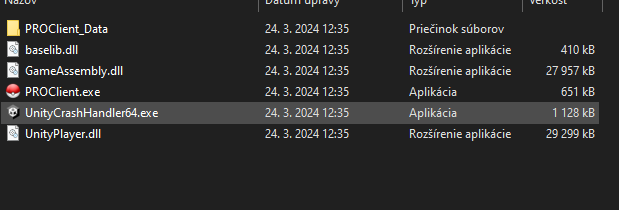
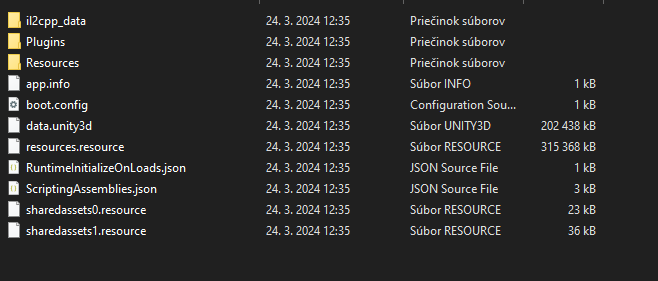
-
Hi, i have and issue with game crashing my PC. Sometimes, after few minutes, my game crashes my whole PC and it starts restarting. It didnt happen to me when i was playing this game like 2-3 years ago. It only happens while playing this game. I tried starting it in admin mode, i updated my drivers and i disabled my antivirus. When i started it first it crashed pc in character making, but when i started it in admin mode, im playing it for like 30 mins and after that it crashes.