New Trade Zone
Trade Zone is now live
Use the new Trade Zone for auctions and instant-price trades so Pokemon and item offers are easy to find.

Doccocuukiem
Suspended
-
Joined
-
Last visited
Everything posted by Doccocuukiem
-
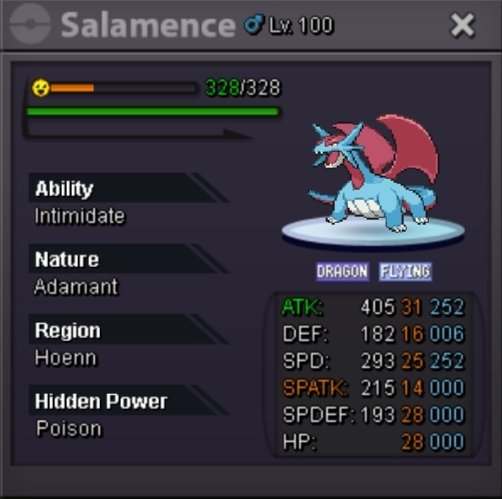
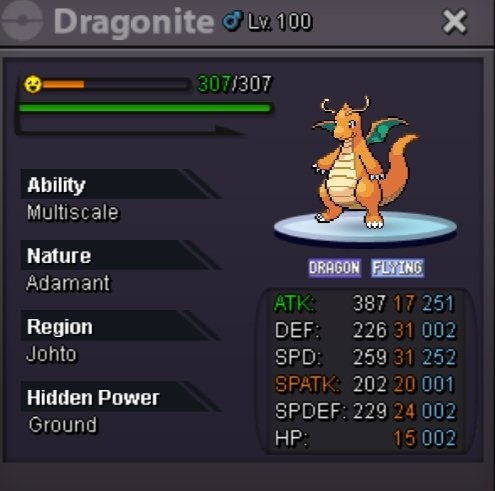
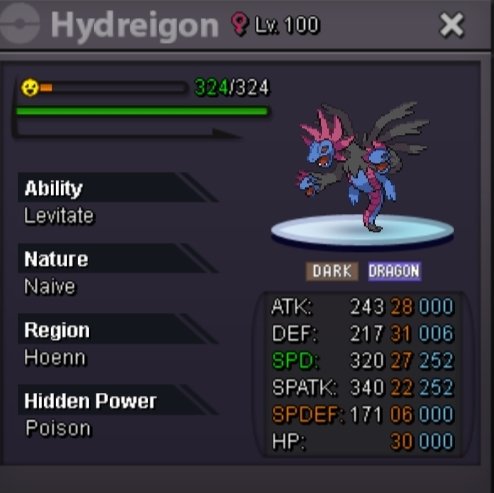
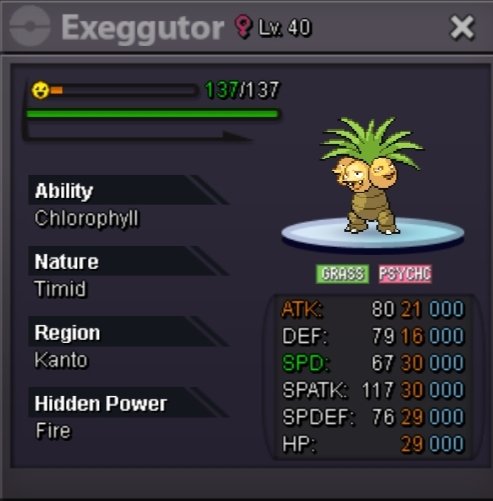
@Darkdewaevil congrate you won hydreigon @1cloudz congrate you won exeg + salamence Congrate @Edoardotomei congrate you won dragonite
-
End after 20min
-
Bumd
-
Start : 50k each Min bid : 20k No insta End 24h after first bid
-
Tysm
-
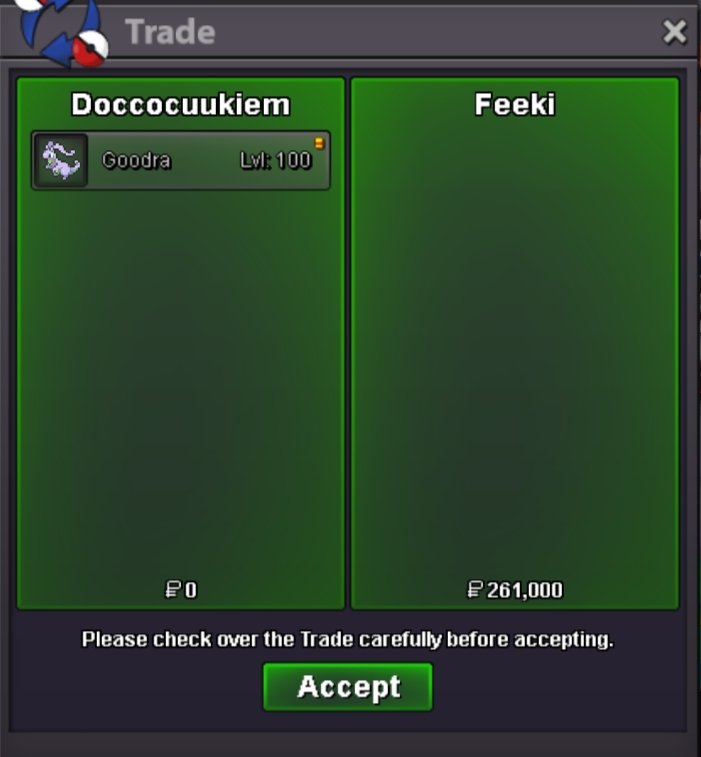
@Gonx2 @Feeki @Tpwolf pls contact me for trade
-
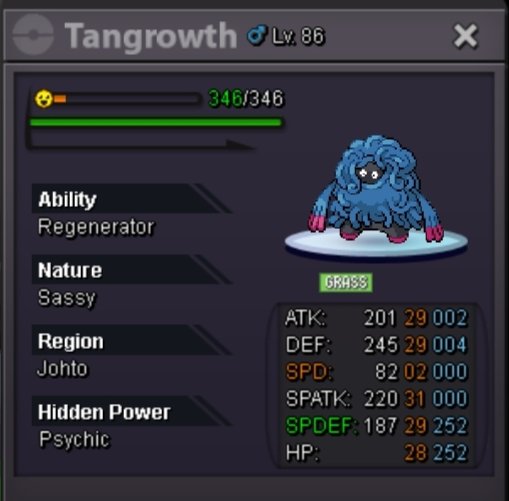
@Gonx2 congrate you win tangrowth
-
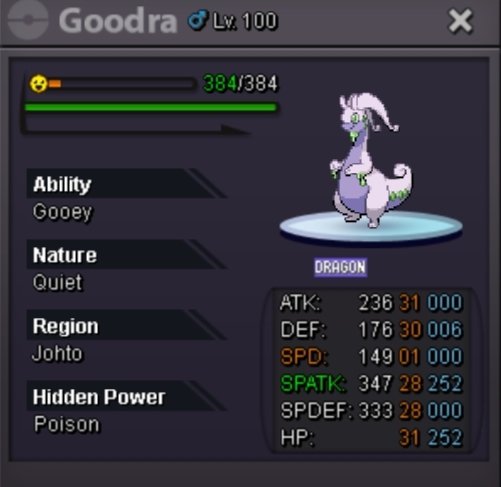
@Feeki congrate you win goodra
-
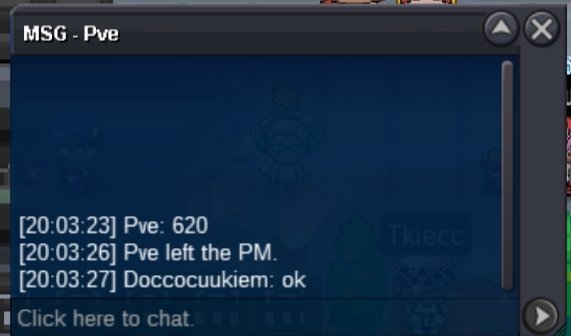
C.o 620k by pve for tangrowth
-
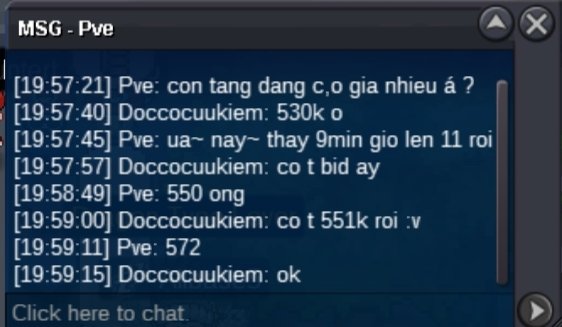
C.o 572k by pve
-
@Tpwolf congrate you won gible
-
End after 50min
-
Start : 100k each Min bid : 20k No insta End 48h after first bid

-
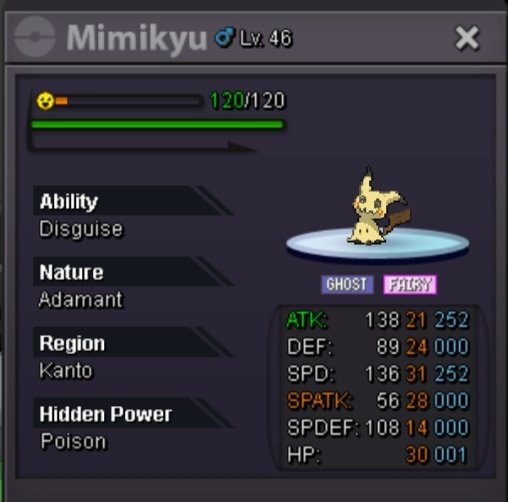
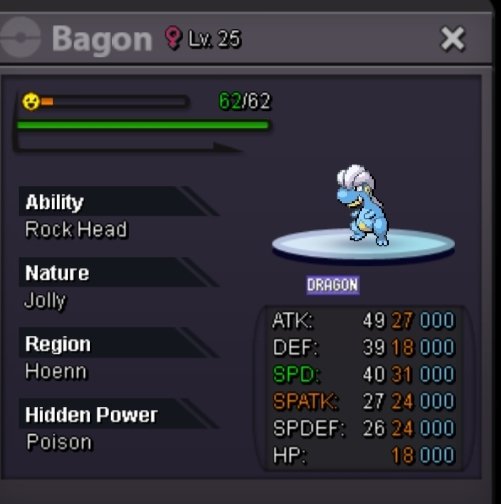
@Rxredtigerx congrate you won bagon @T1nkat0n congrate you won mimikyu
-
End after 1min
-
Tysm
-
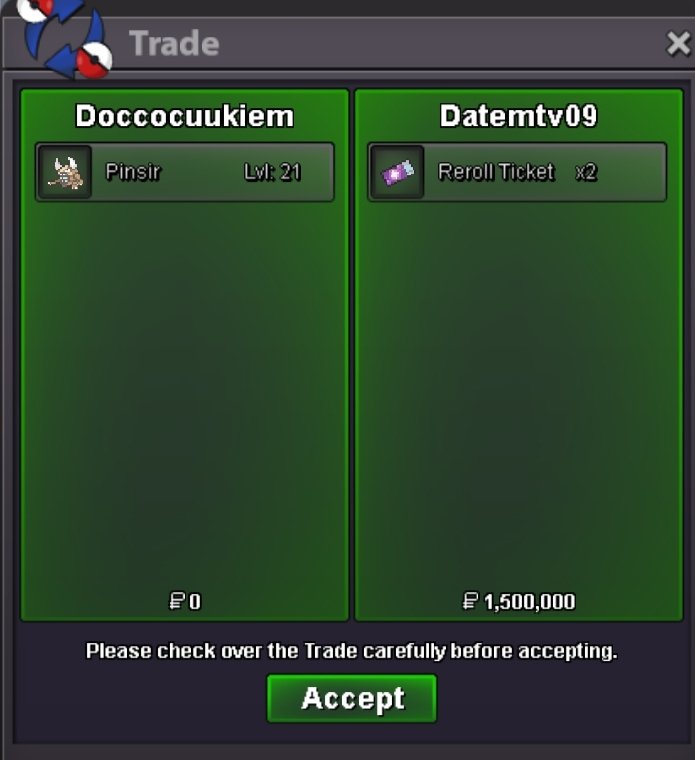
We can trade now
-
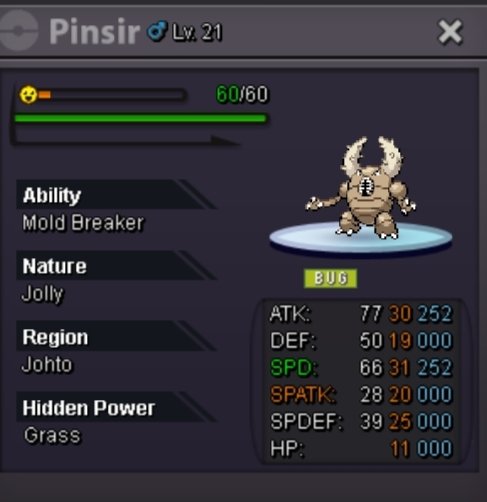
@Datemtv09 congrate you won pinsir
-
Pinsir end after 2min
-
End after 6min
-
+15min rule
-
10min left
-
Pinsir c.o 170k by mongmer2

-
For what pkm bro ?
-
Start 50k each Min bid 20k No insta End 24h after first bid