New Trade Zone
Trade Zone is now live
Use the new Trade Zone for auctions and instant-price trades so Pokemon and item offers are easy to find.


Borger
Registered User
-
Joined
-
Last visited
Everything posted by Borger
-
Looking for visual designer, paying ingame money/poke dollars Kindly comment and Dm "Burgir6609" in discord for pricelist
-
tysm:>
-
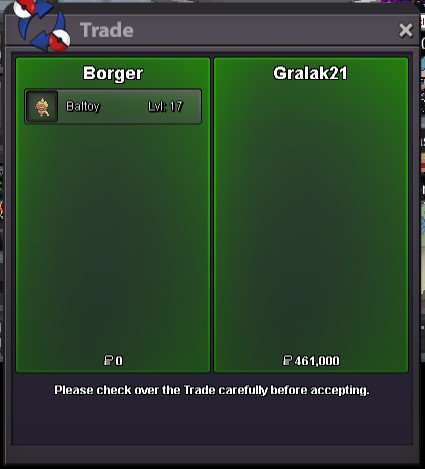
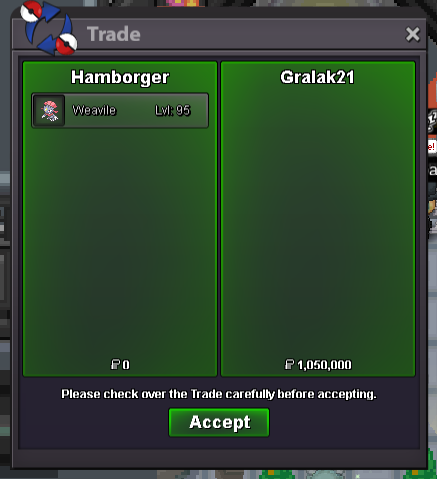
SOLD TO GRALAK21, The pokemon will be given when he/she is online in the game. The proof of transaction will be announced publicly. Kindly add hamborger and meet in Vermillion City, Thankyou.
-
last min reply, 15 more mins
-
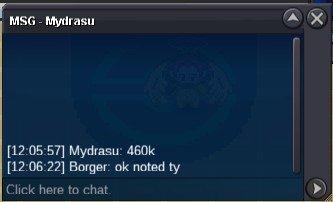
460k by mydrasu
-
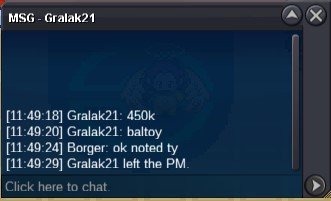
450k by gralak21
-
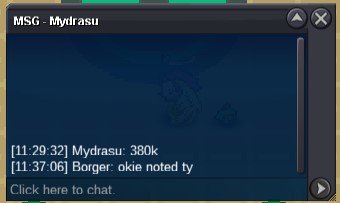
380k by mydrasu
-
260k by mydrasu

-
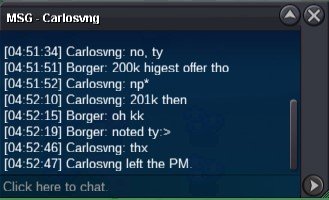
201k by carlosvng
-
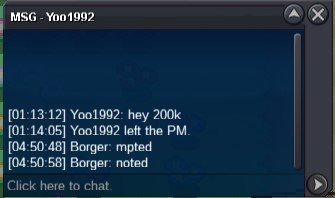
200k by yoo1992
-
bump
-
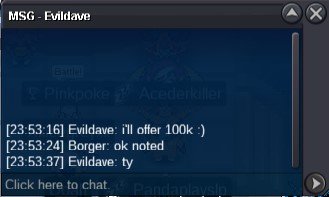
100k by Evildave
-
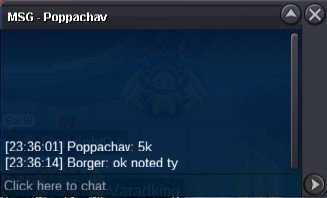
5k by poppachav
-
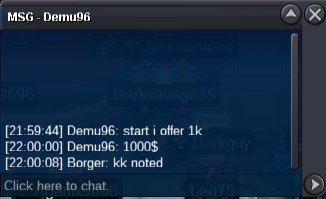
1k by demu96
-
tysmm
-
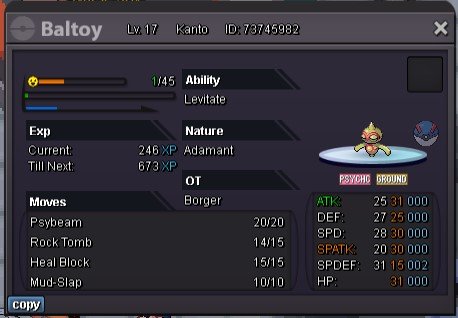
S.O 1K Min raise 1K No Insta Time: 48 hours after 1st bid ACCEPTED PAYMENTS: Pokedollars, Coin Capsules (1 cc = 400k), IV reroll (1 rr = 500k)

-
Tysmmmm! You do be cookinnn!!!🔥🔥
-
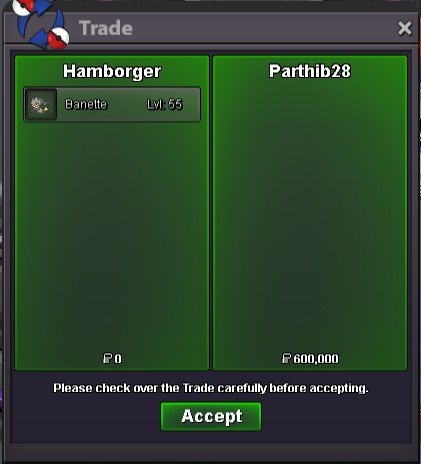
SOLD TO PARTHIB28, The pokemon will be given when he/she is online in the game. The proof of transaction will be announced publicly. Kindly add hamborger and meet in Vermillion City, Thankyou.
-
ty
-
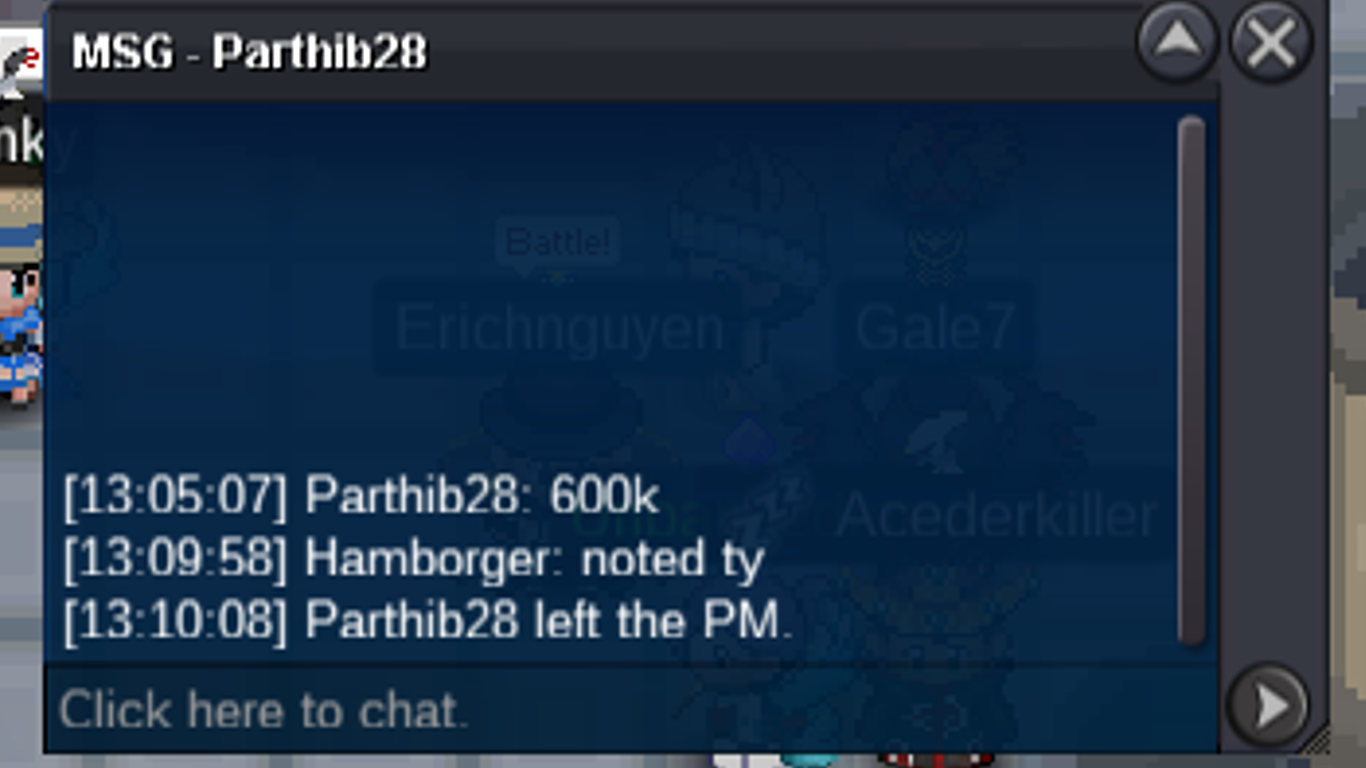
600k by parthib28
-
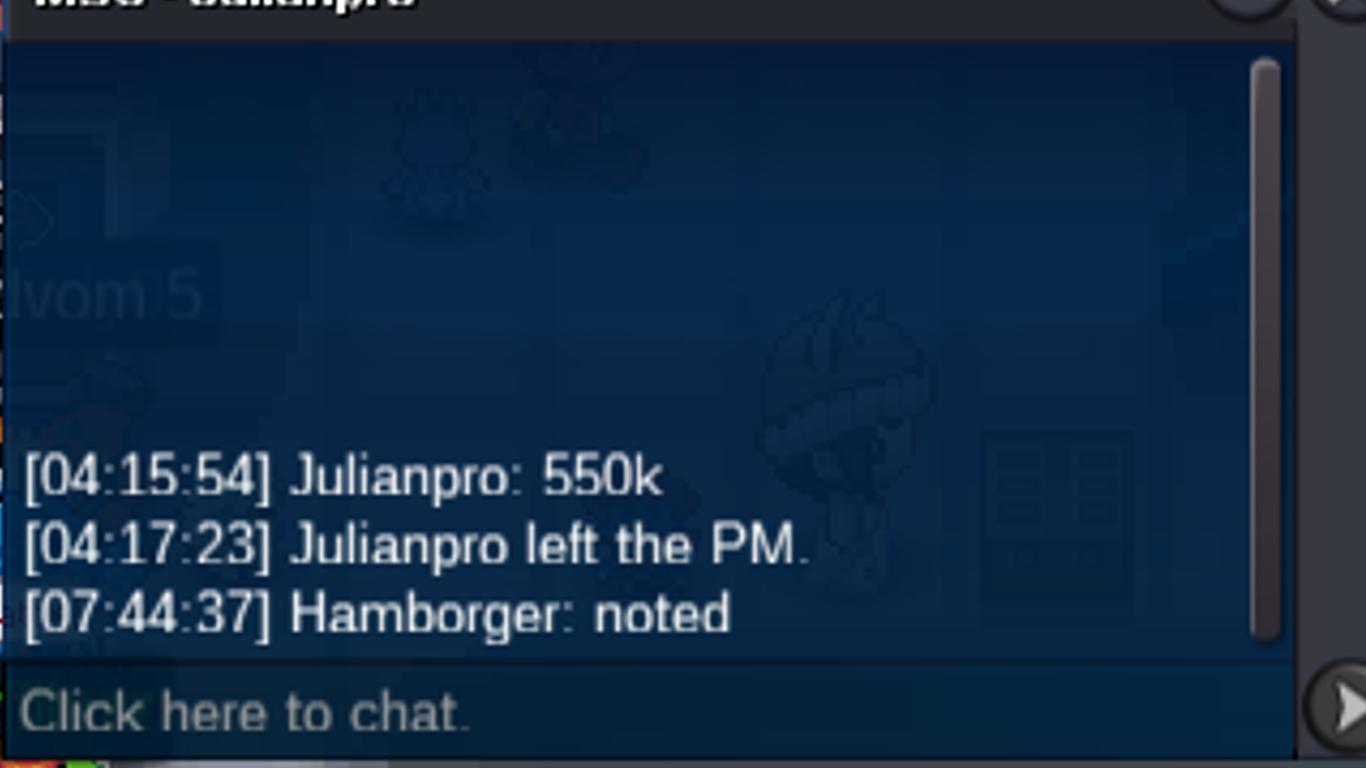
550k by julianpro
-
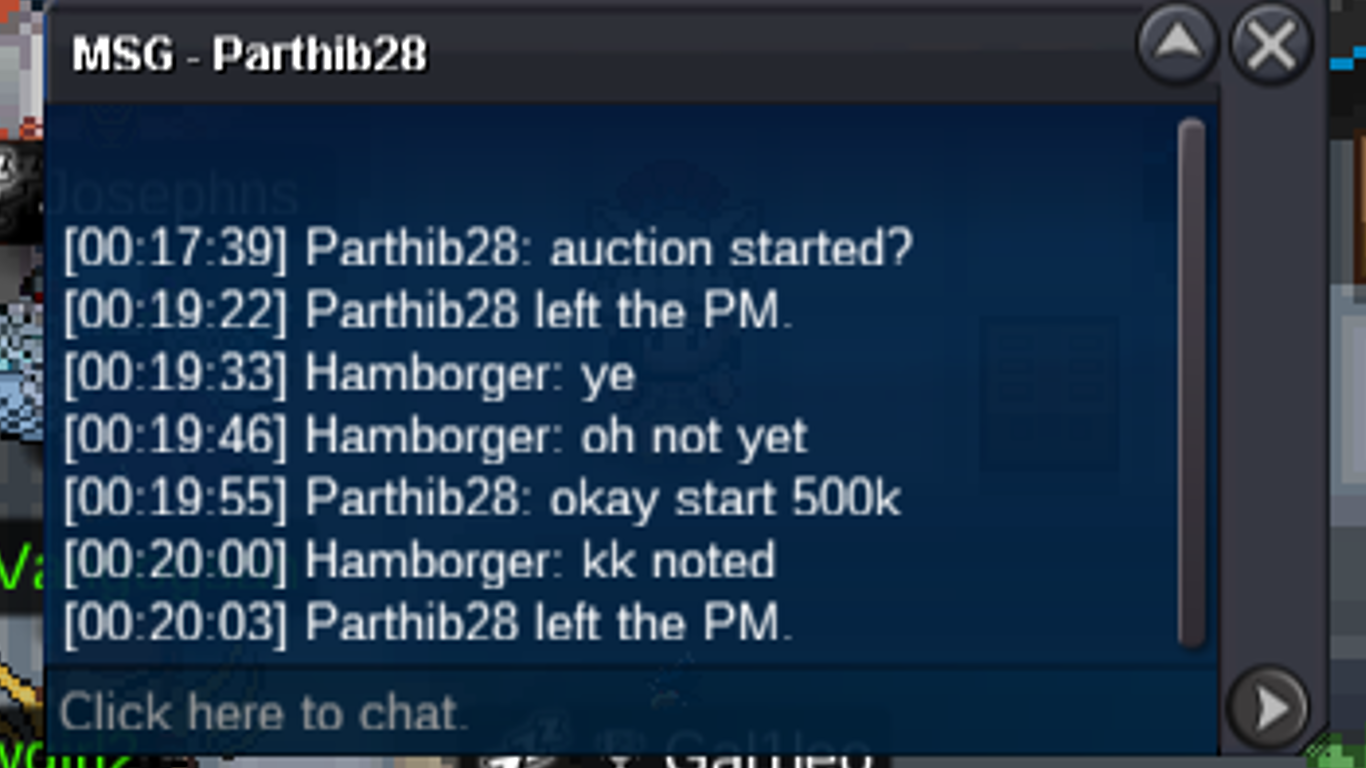
500k by parthib28
-
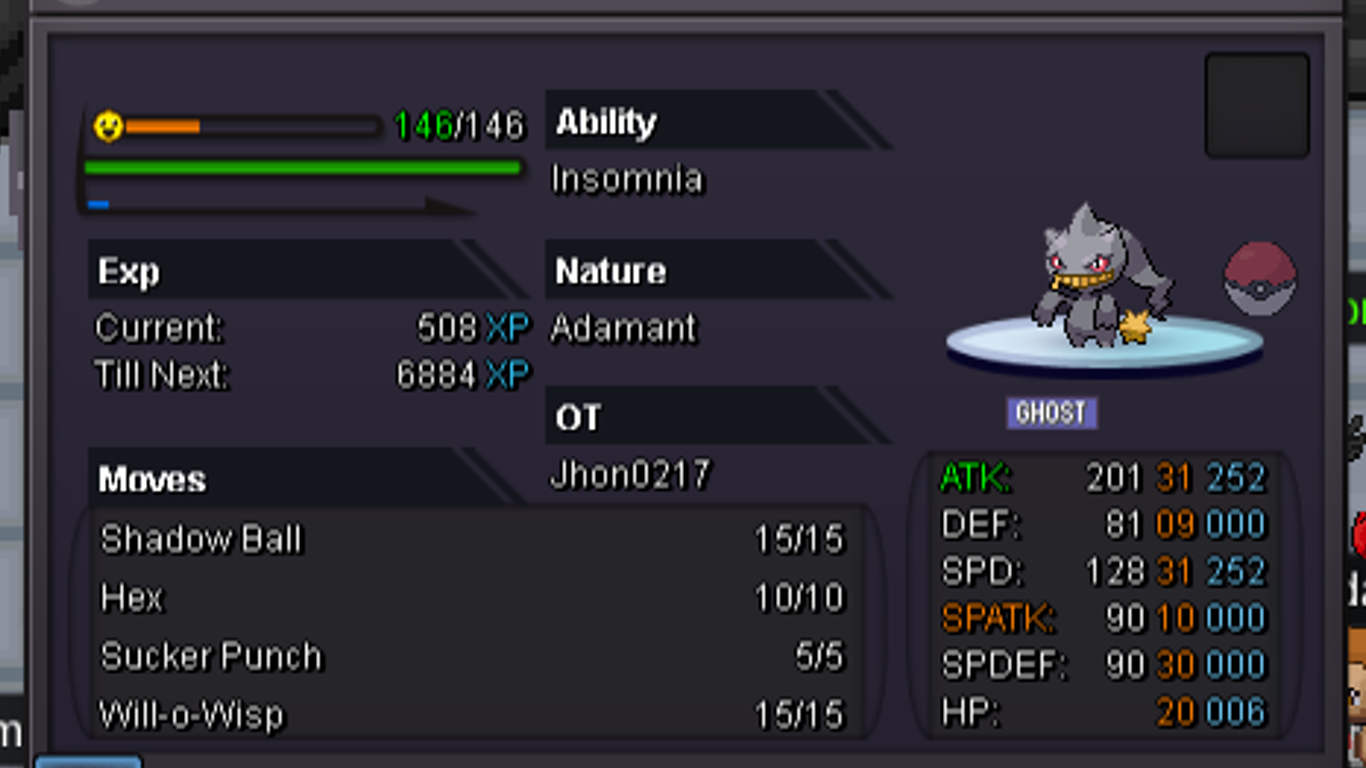
S.O 500k min raise 50k No insta Time = 24 hours after first bid ACCEPTED PAYMENTS: Pokedollars, Coin capsules (1 cc = 400k), IV reroll (1 rr = 500k)
-
SOLD TO GRALAK21, The pokemon will be given when he/she is online in the game. The proof of transaction will be announced publicly. Kindly add hamborger and meet in Vermillion City, Thankyou.
-
1m by Hutao3homa