New Trade Zone
Trade Zone is now live
Use the new Trade Zone for auctions and instant-price trades so Pokemon and item offers are easy to find.


Oobib
Registered User
-
Joined
-
Last visited
-
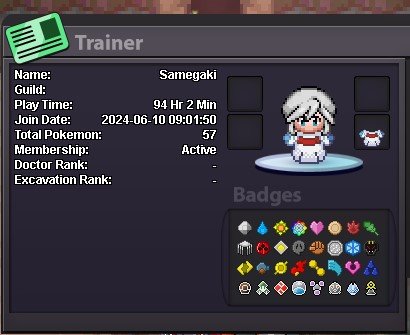
IGN: Samegaki Play time: 94hrs Favorite Generation: Gen VII Interest in PRO: PvE & PvP (slight) Event to look forward the most: Summer & Halloween Dungeon experience: N/A P.S Hi, guild lead ros! idk if you still remember me but I'm Oobib. You invited me over when you lent story mons to me. You probably wonder why not use the other account; well its pc is quite messed-up that's why i made a new one BUT this will be my main now. P.S.S thank you for reading xD
-
-
-
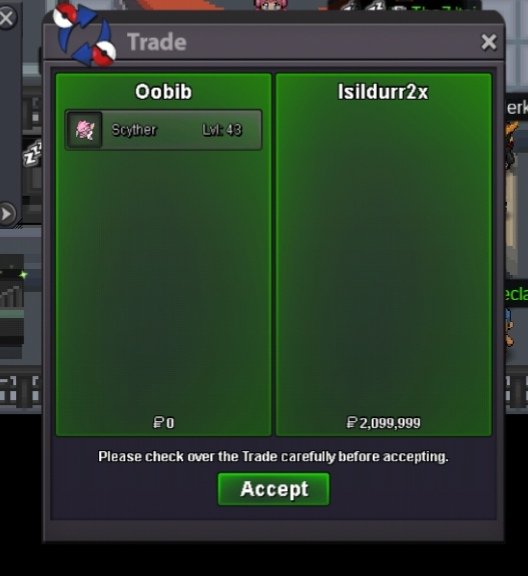
Auction prize has been successfully traded between auctioneer and bidder.
-
congratulations to @Isildurr2x for winning auction please contact me in-game Oobib to claim your winning bid or meet me directly at Vermillion City. Thank you! P.S Isildurr2x is currently not in gold. He will transfer 10hrs later this day and will attach authenticity of pokemon trade afterwards. Thanks!
-
extend 15mins
-
will end in 57mins
-
bump
-
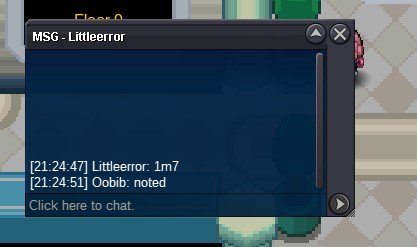
Littleerror
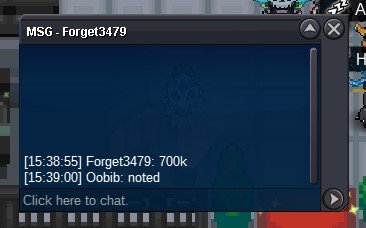
 Forget3479
 donator
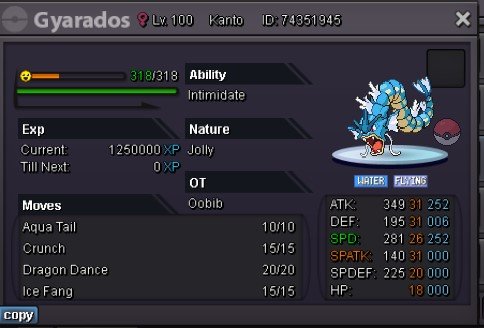
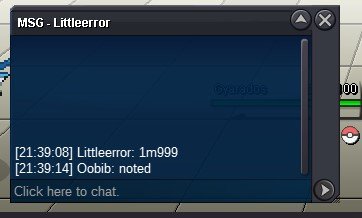
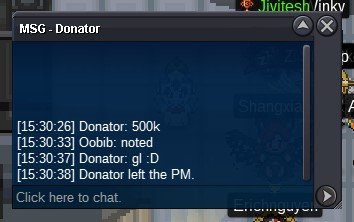 Duration: 24 HOURS Start Offer: 500k Min. Raise: 100k Can accept CC: 400k Insta: 3,000,000 Fake offers will be reported Contacts PRO IGN: Oobib / Samegaki
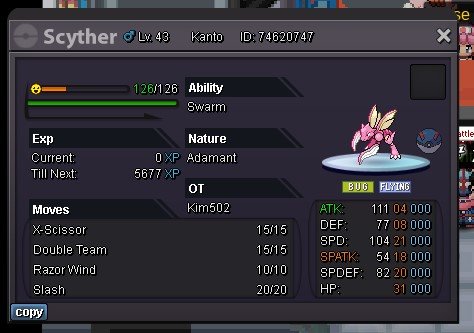 bumpbump