New Trade Zone
Trade Zone is now live
Use the new Trade Zone for auctions and instant-price trades so Pokemon and item offers are easy to find.

Mydrasu
Suspended
-
Joined
-
Last visited
Everything posted by Mydrasu
-
-
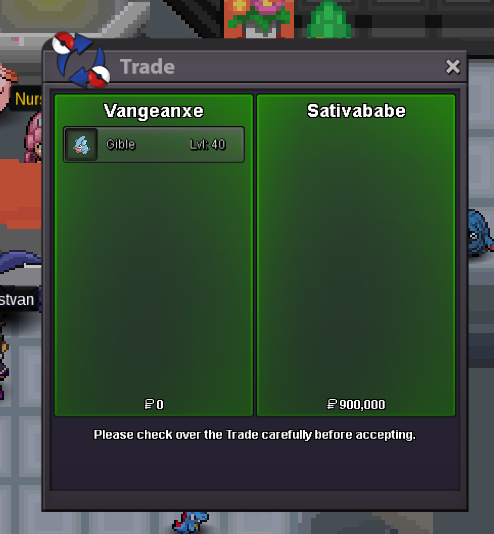
Thanks to everyone for bidding!
-
Auction ended!
-
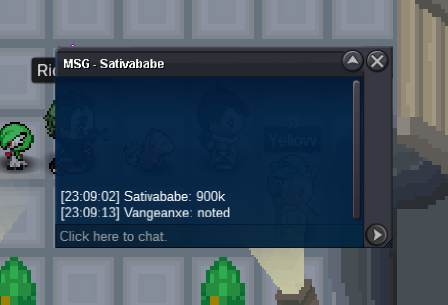
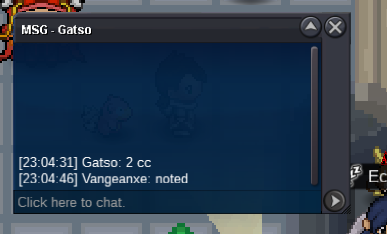
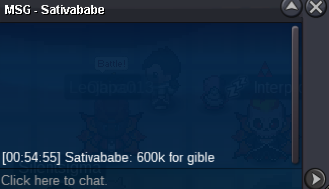
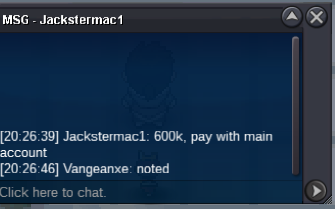
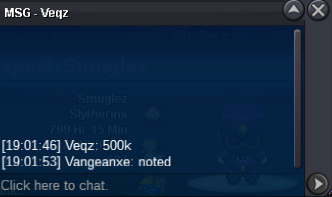
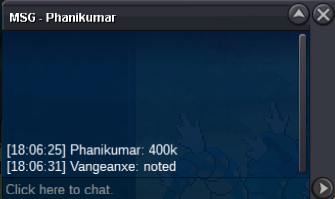
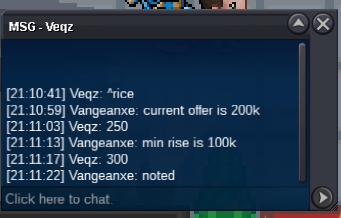
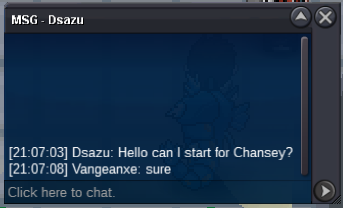
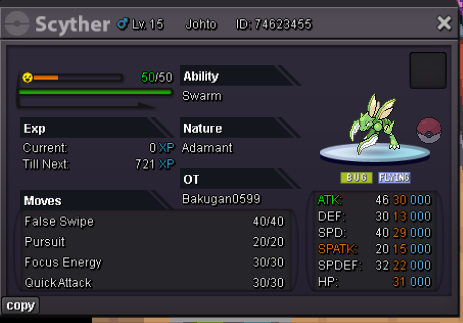
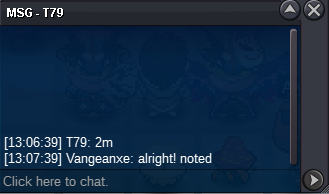
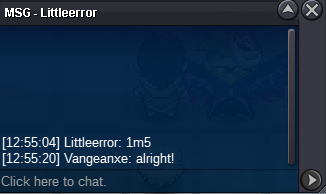
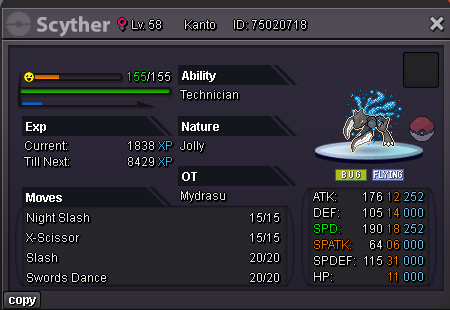
this is a gold server auction if you win from silver server you need to transfer Start price 500k min bid 100k insta n/a Payments: CC 400k / RC 5k / Pokedollars Auction ends 24h after start Countdown goes back to 15 minutes so no one can last second snipe
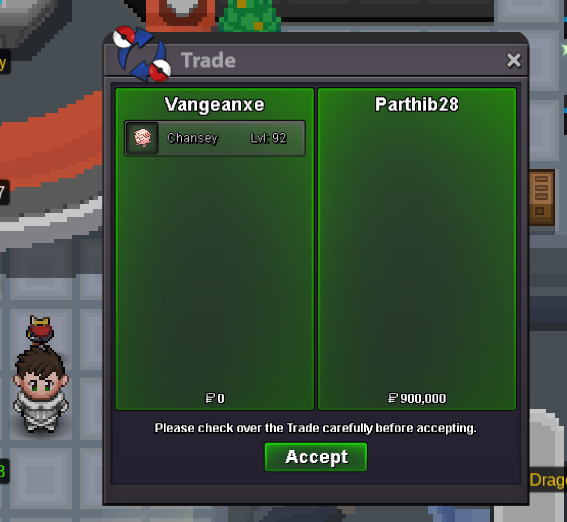
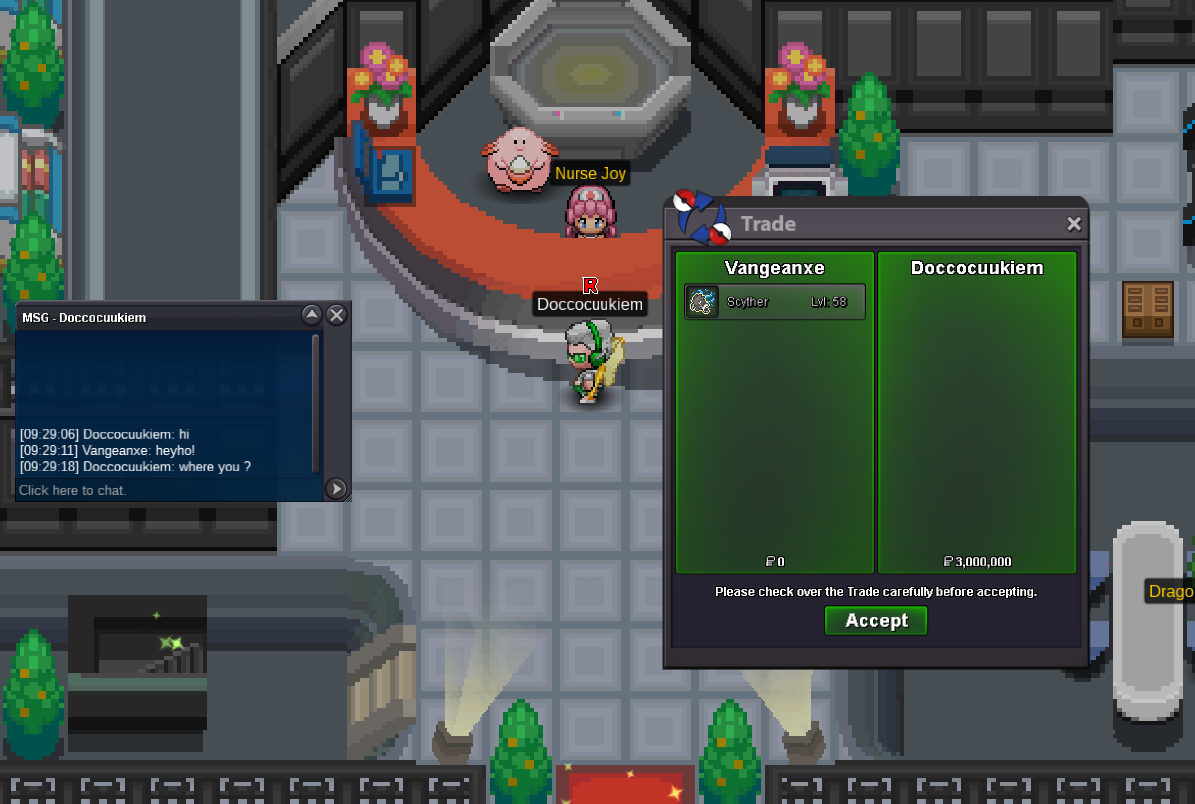
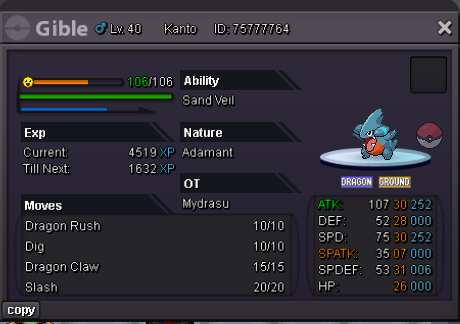 @Parthib28 you won dm me ingame please when you are online: vangeancx or via discord: Mydrasuthis is a gold server auction if you win from silver server you need to transfer Start price 200k min bid 100k insta 2,5m Payments: CC 400k / RC 5k / Pokedollars Auction ends 24h after start Countdown goes back to 15 minutes so no one can last second snipeHey @Doccocuukiem you won ^-^ just message me ingame: vangeancx or via discord: mydrasu when you are online!Auction Time: 24h after start Countdown goes back to 15 minutes so no one can last second snipe Start Price :1m min bid 100k Payments: Coin Capsules 400k and Pokedollars if you win from silver server you need to transfer if you win
 wtb vday shuppet230k
Account
Navigation
Search
Configure browser push notifications
Chrome (Android)
- Tap the lock icon next to the address bar.
- Tap Permissions → Notifications.
- Adjust your preference.
Chrome (Desktop)
- Click the padlock icon in the address bar.
- Select Site settings.
- Find Notifications and adjust your preference.
Safari (iOS 16.4+)
- Ensure the site is installed via Add to Home Screen.
- Open Settings App → Notifications.
- Find your app name and adjust your preference.
Safari (macOS)
- Go to Safari → Preferences.
- Click the Websites tab.
- Select Notifications in the sidebar.
- Find this website and adjust your preference.
Edge (Android)
- Tap the lock icon next to the address bar.
- Tap Permissions.
- Find Notifications and adjust your preference.
Edge (Desktop)
- Click the padlock icon in the address bar.
- Click Permissions for this site.
- Find Notifications and adjust your preference.
Firefox (Android)
- Go to Settings → Site permissions.
- Tap Notifications.
- Find this site in the list and adjust your preference.
Firefox (Desktop)
- Open Firefox Settings.
- Search for Notifications.
- Find this site in the list and adjust your preference.