




New Trade Zone
Trade Zone is now live
Use the new Trade Zone for auctions and instant-price trades so Pokemon and item offers are easy to find.

Sativababe
Registered User
-
Joined
-
Last visited
Everything posted by Sativababe
-
66l
-
61k
-
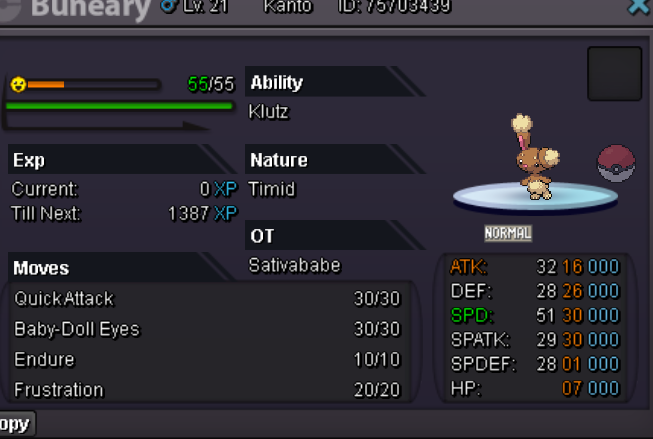
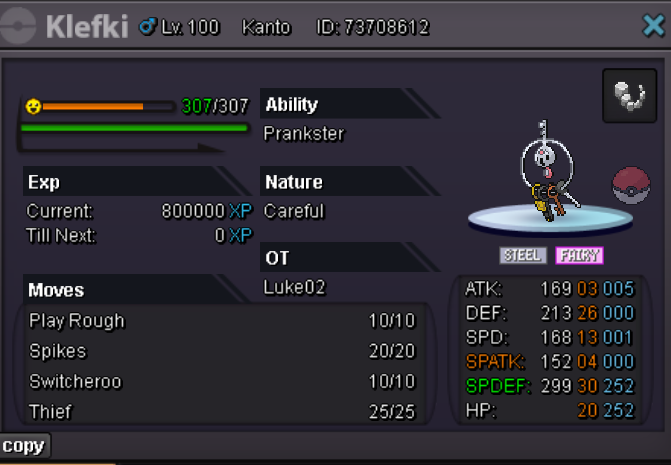
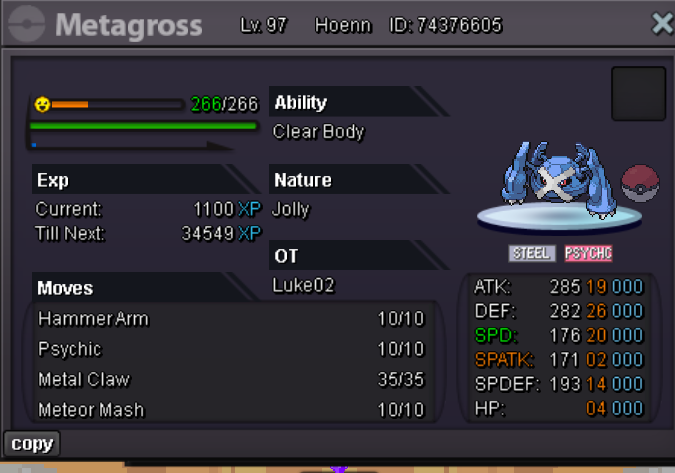
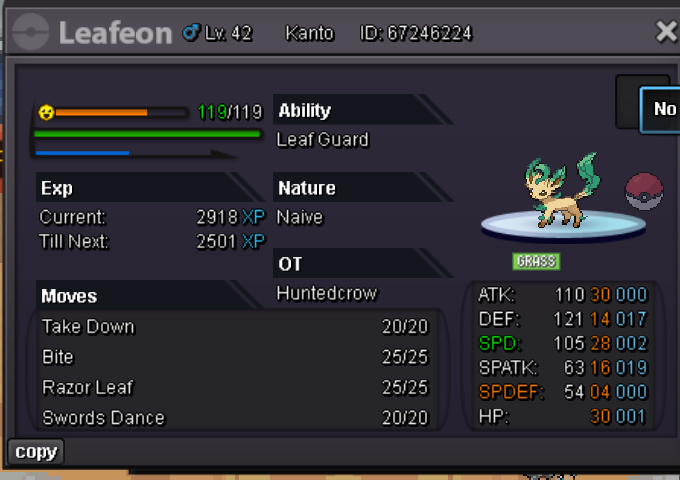
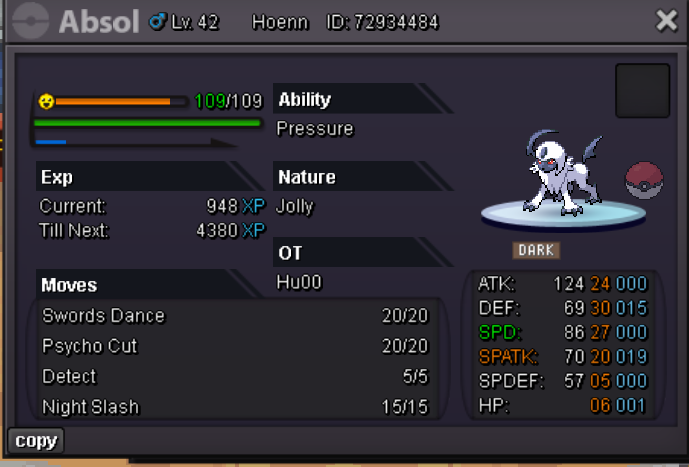
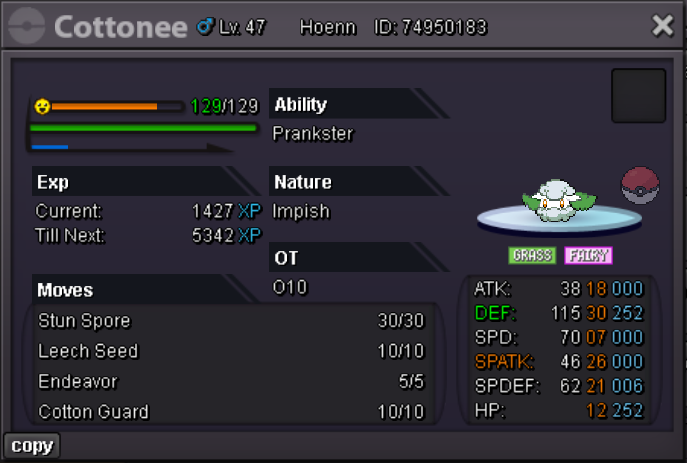
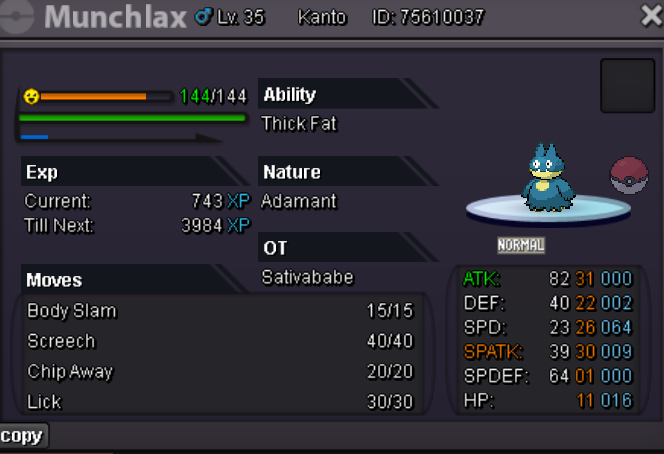
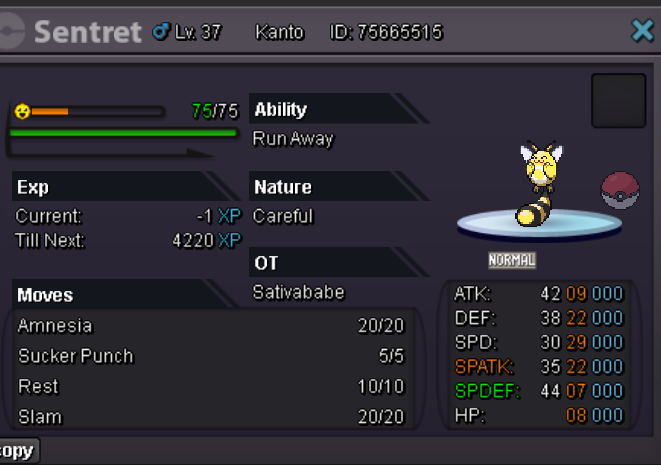
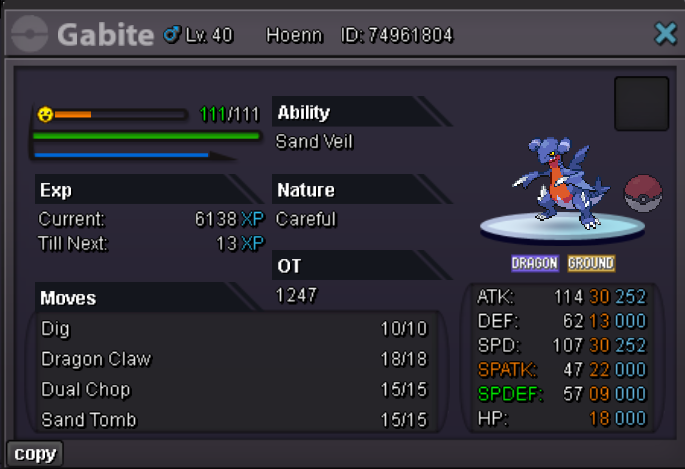
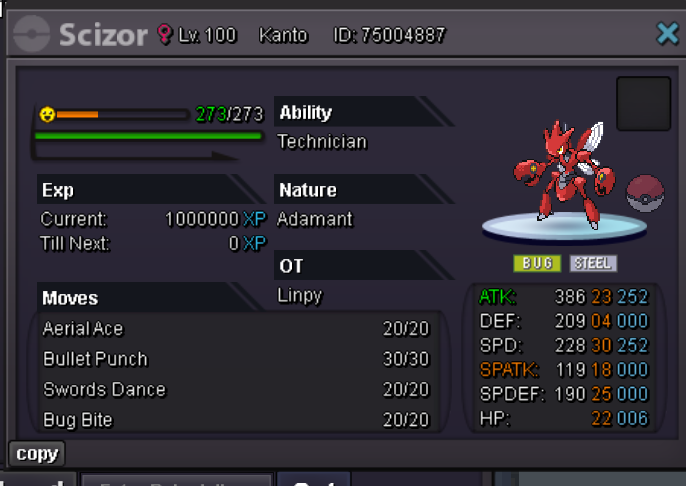
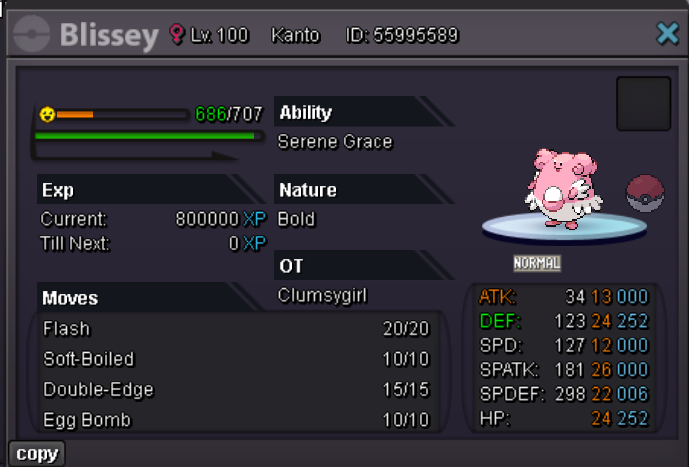
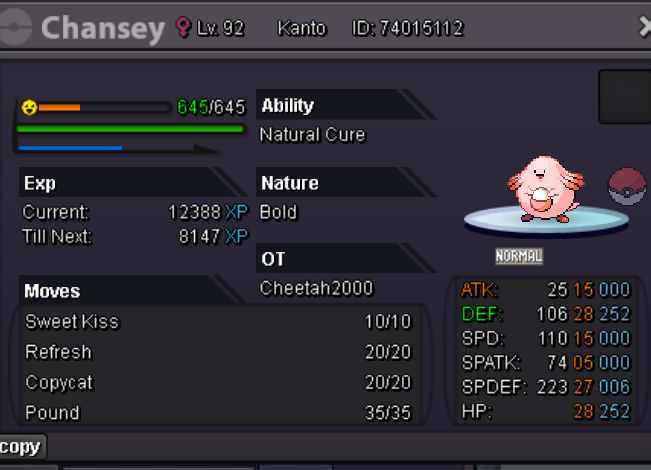
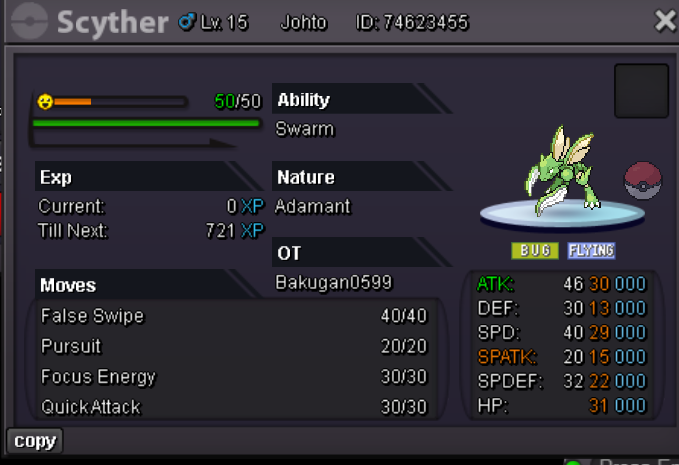
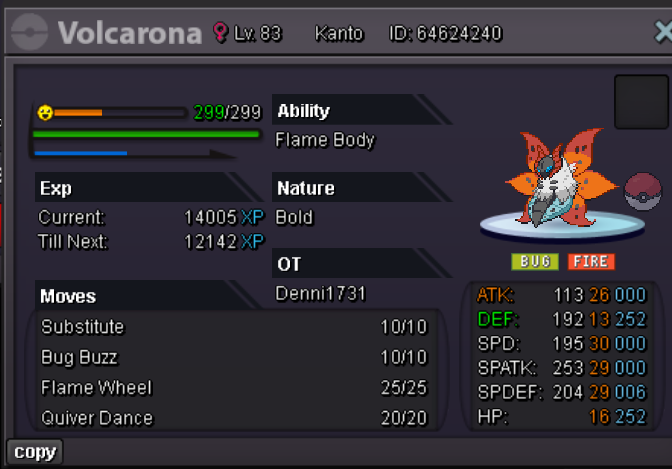
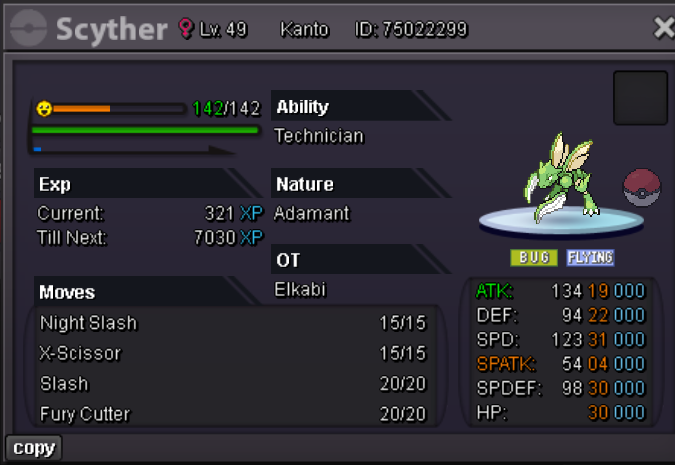
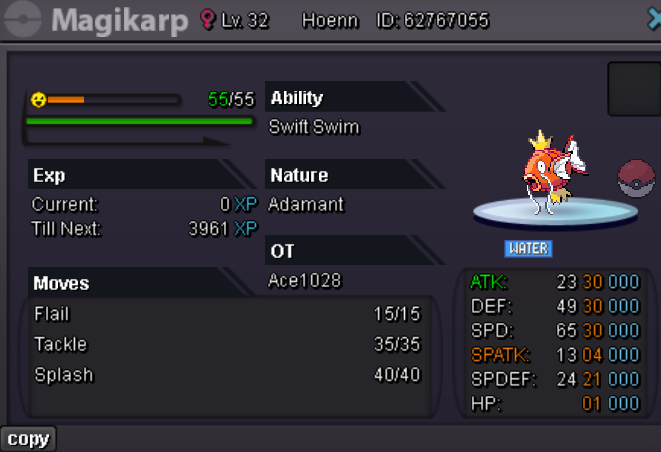
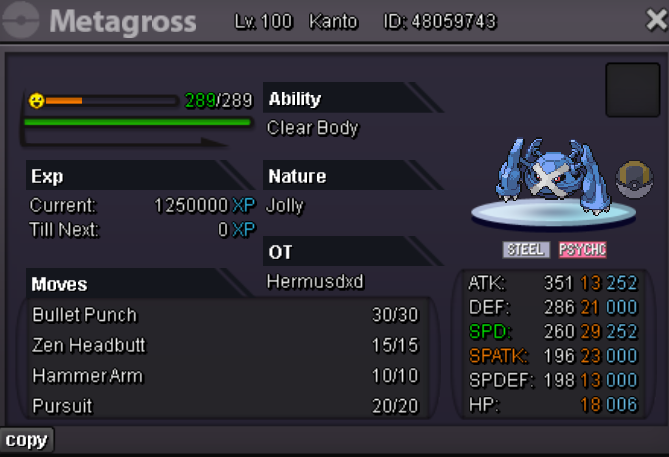
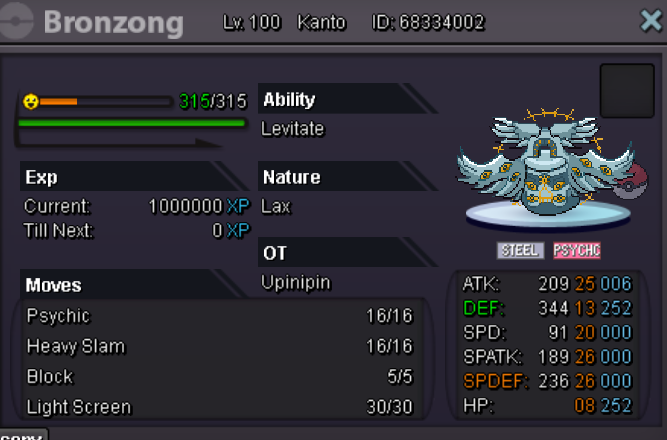
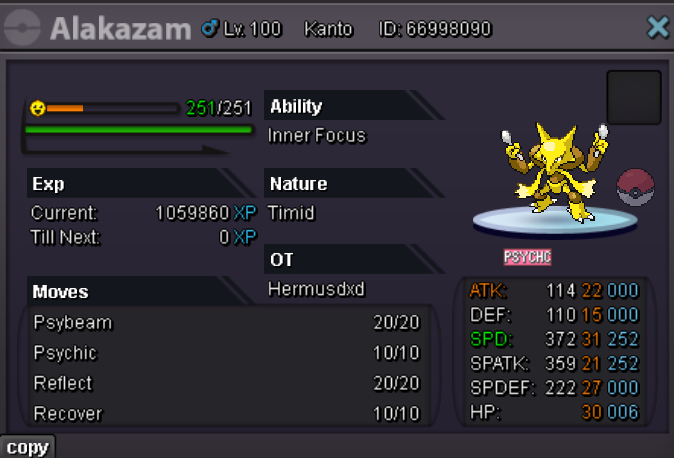
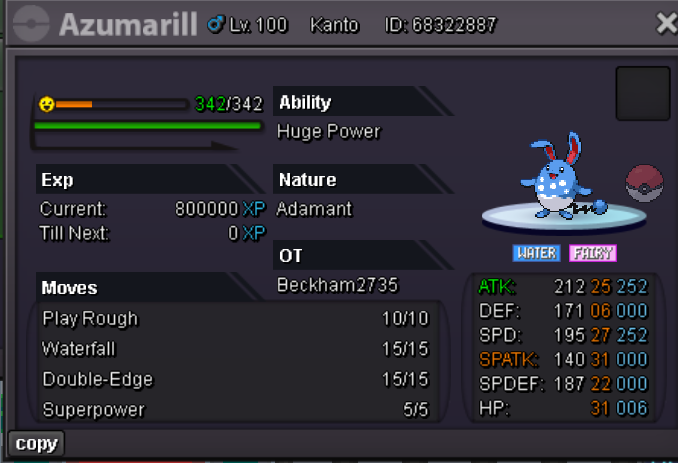
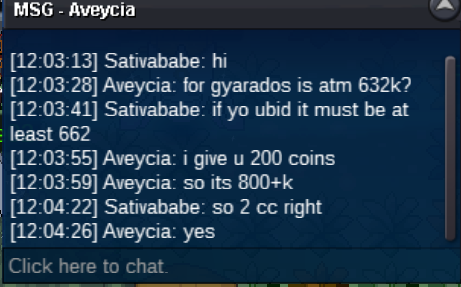
Welcome to my Pokeshop accepted payment cc 400k rc 5k Poke$ Item list Event Shiny Pokemons Lending service 10k Per day Available sync Pokemon for Sale larvitar Garchomp mudkip totodile weavile Beldum Leafeon Metagross buneary Absol Cottonee Munchlax Excadrill New Pokemon bundle deal or sold separately
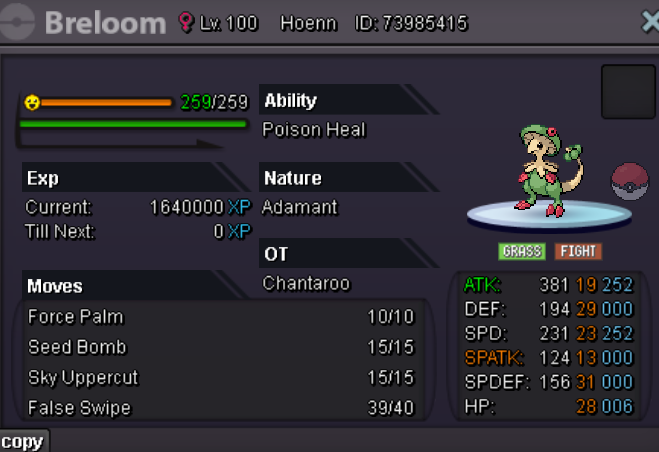
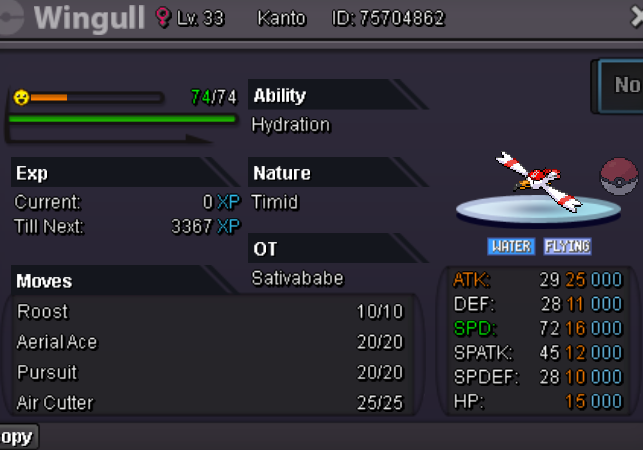
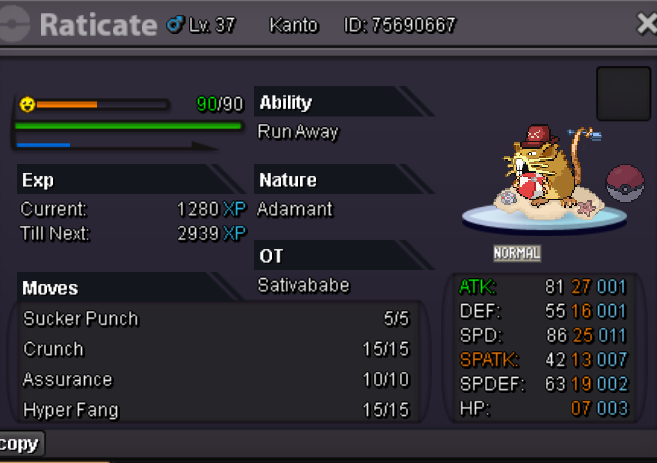
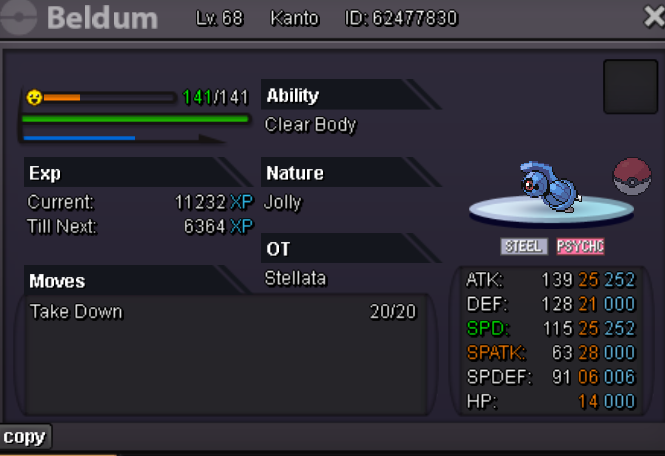
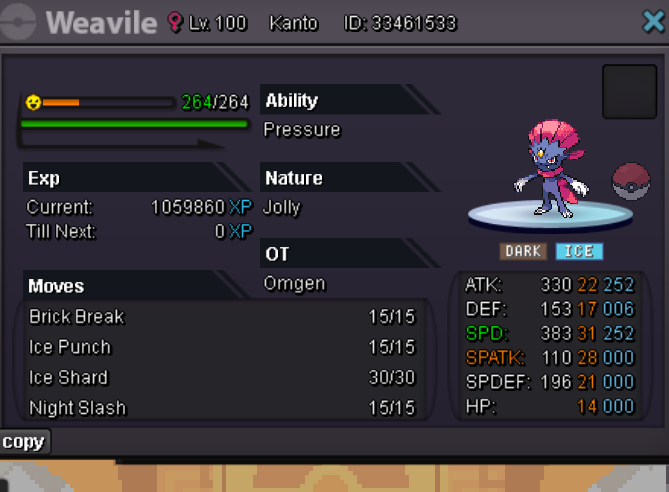
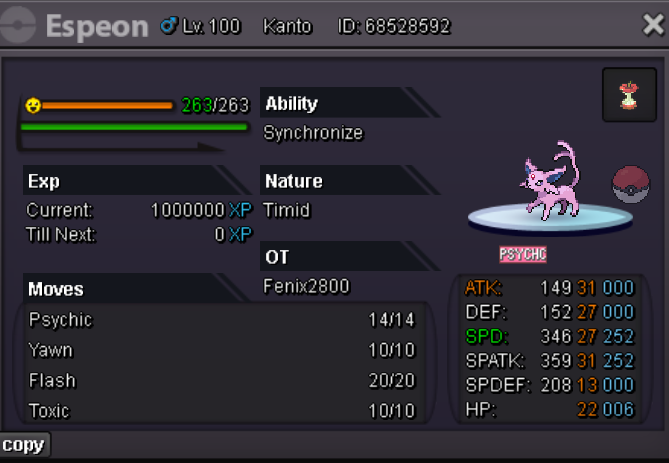
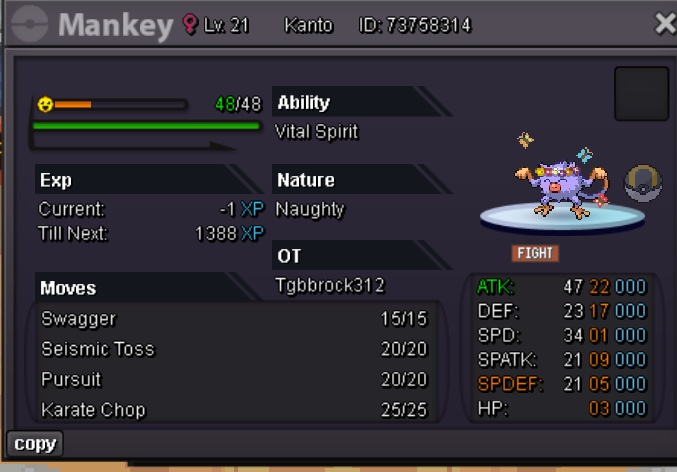
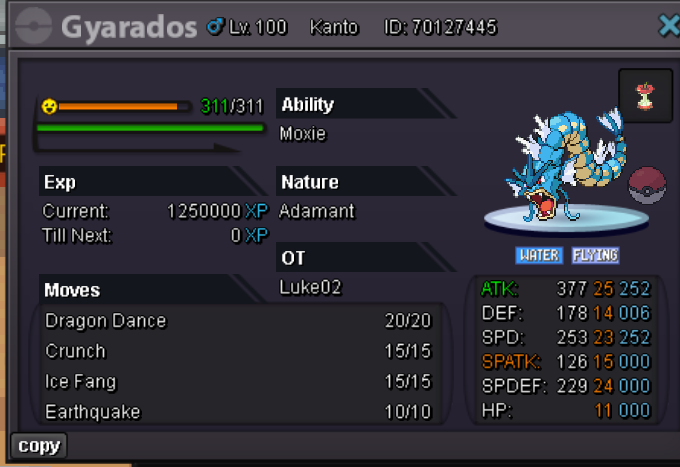
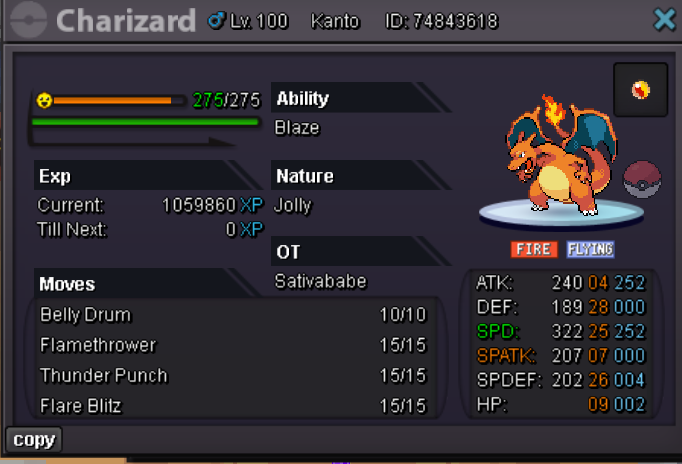
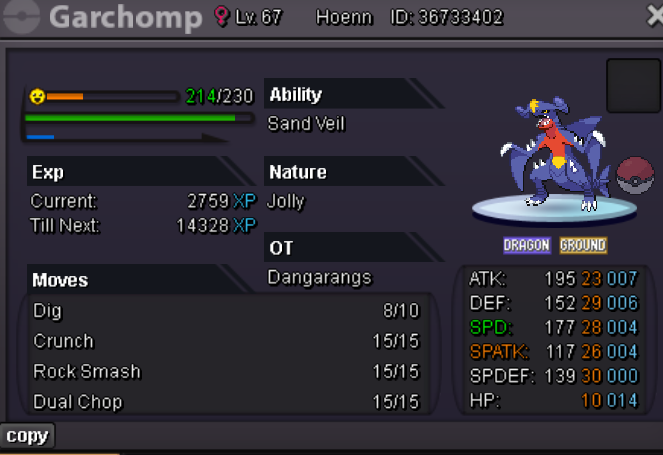
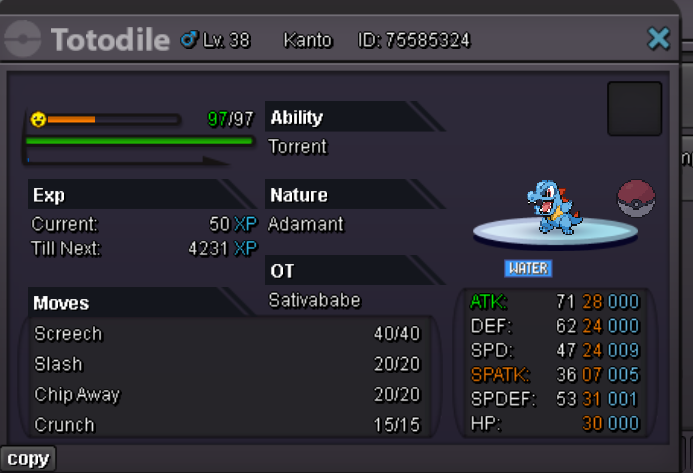
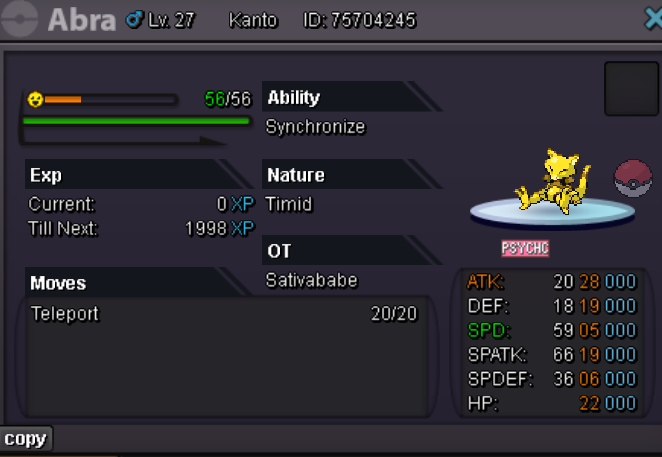
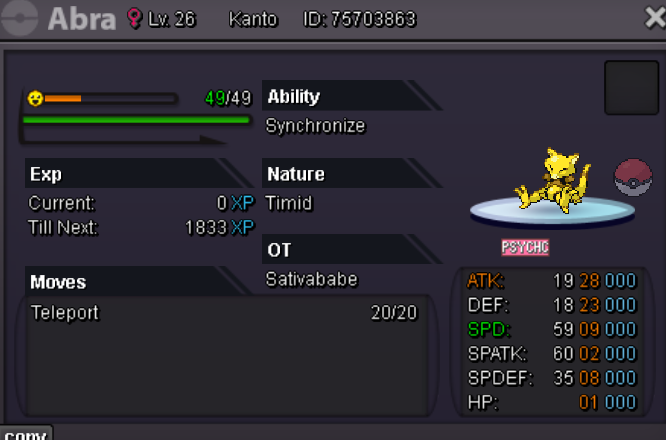
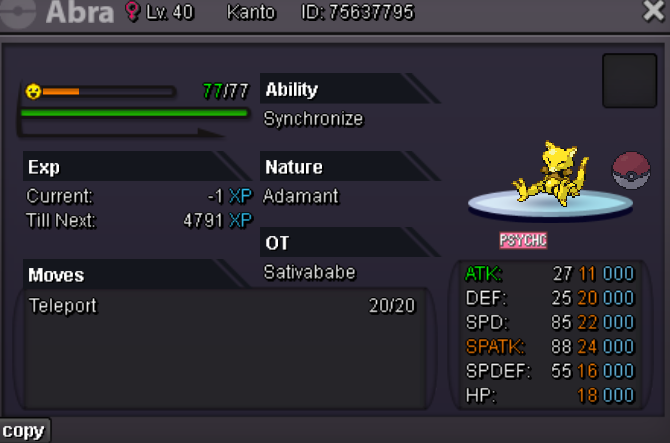
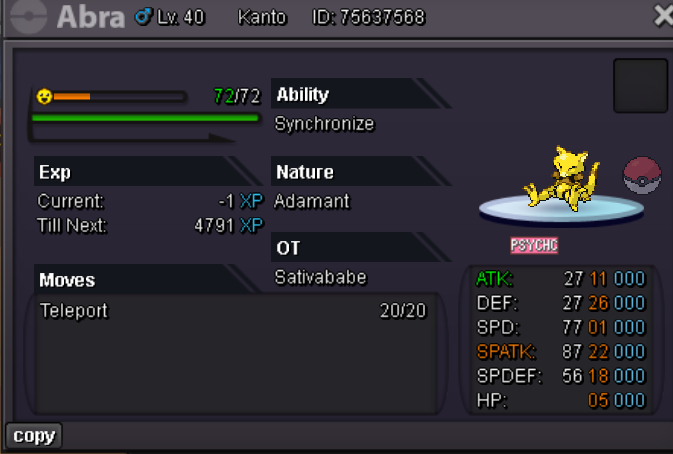
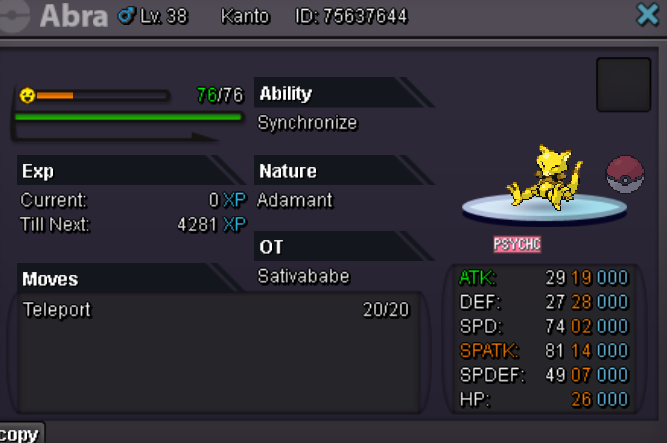
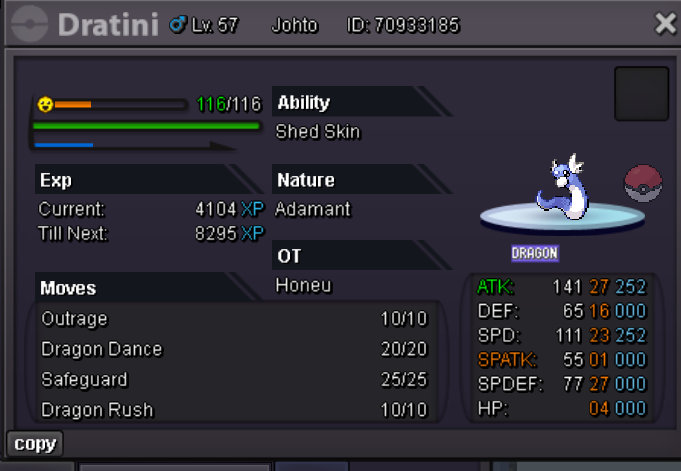
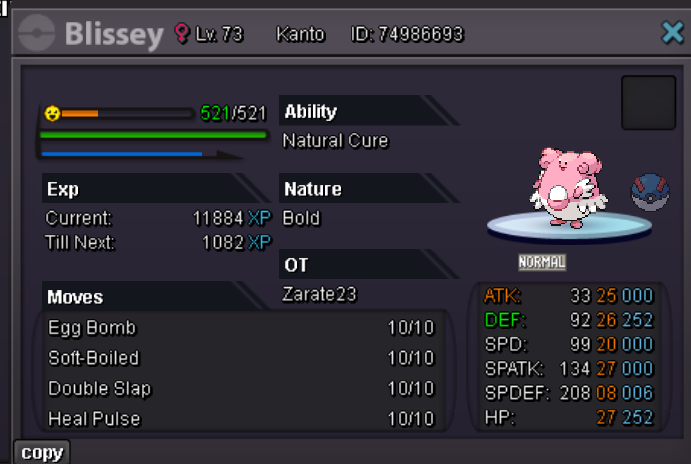
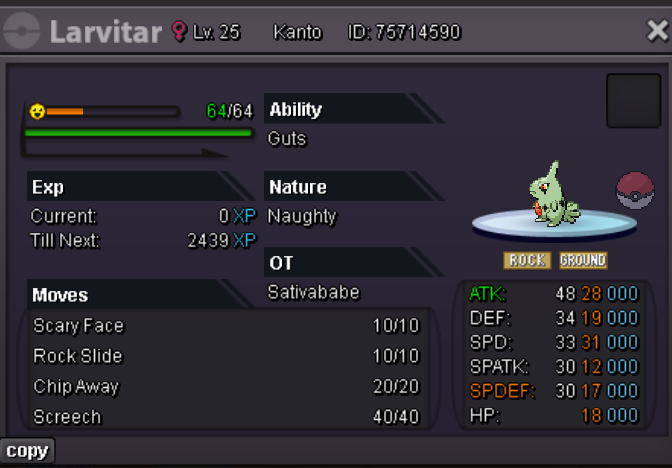
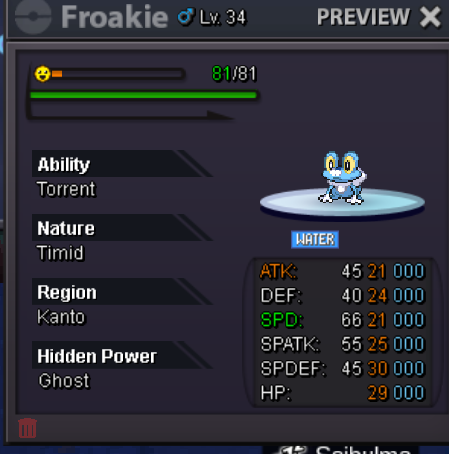
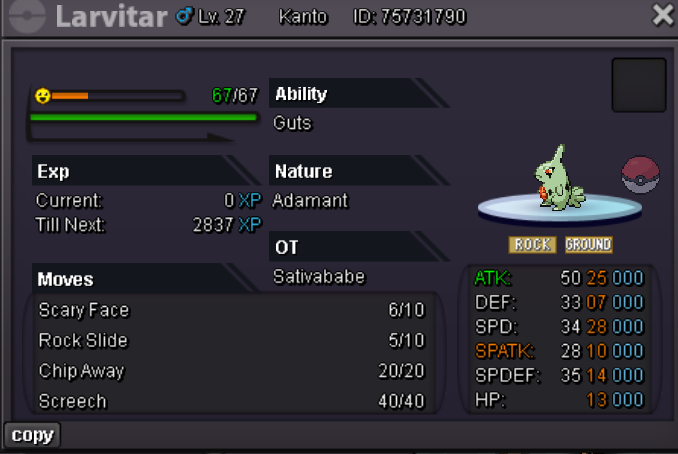
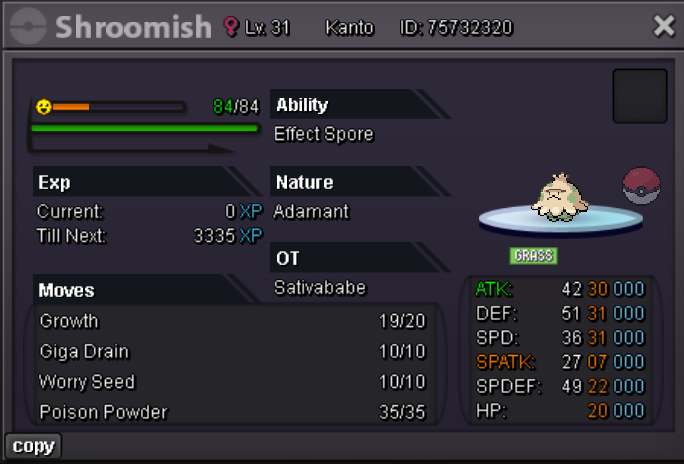
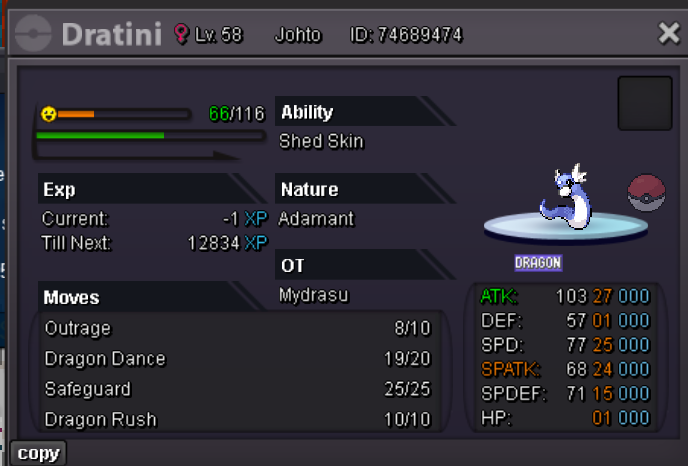
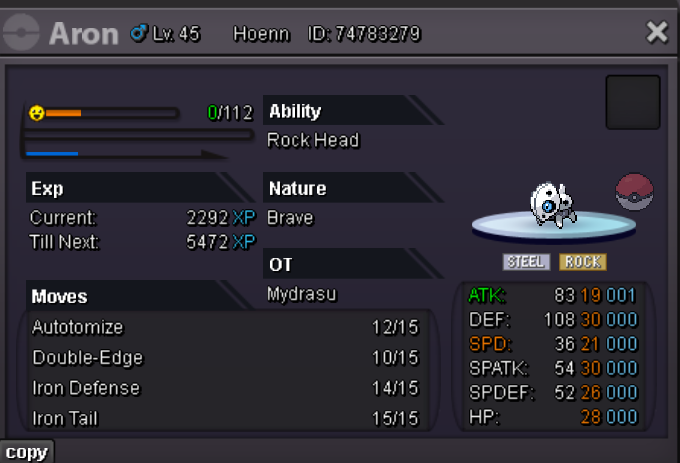
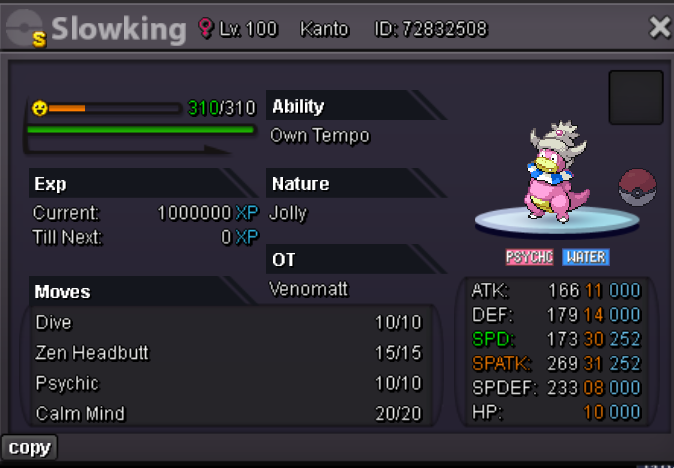
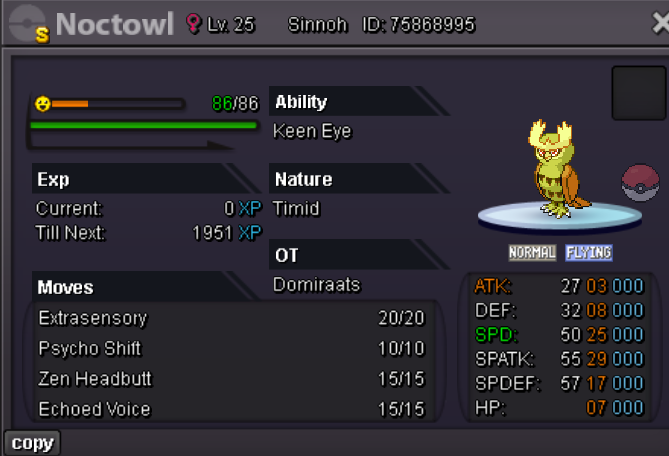
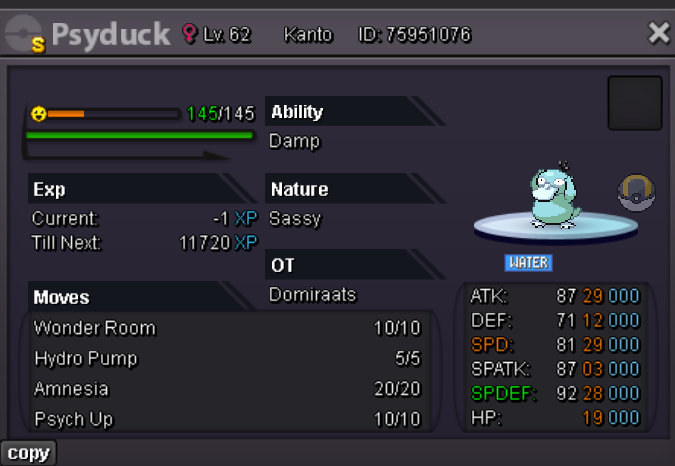
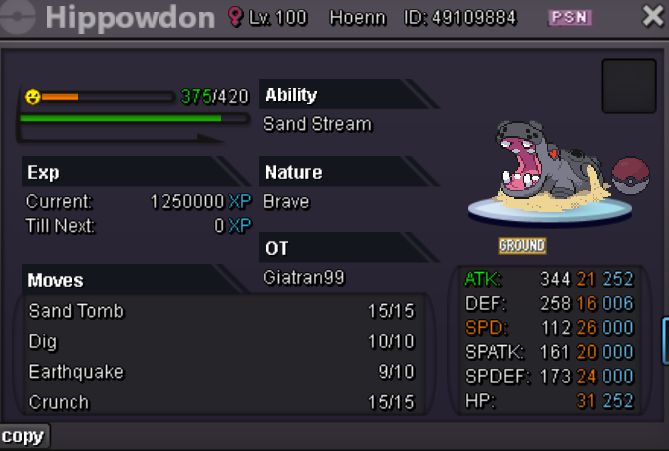
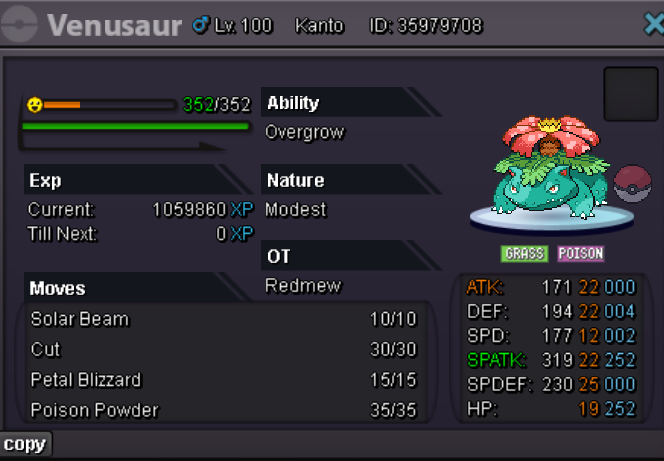
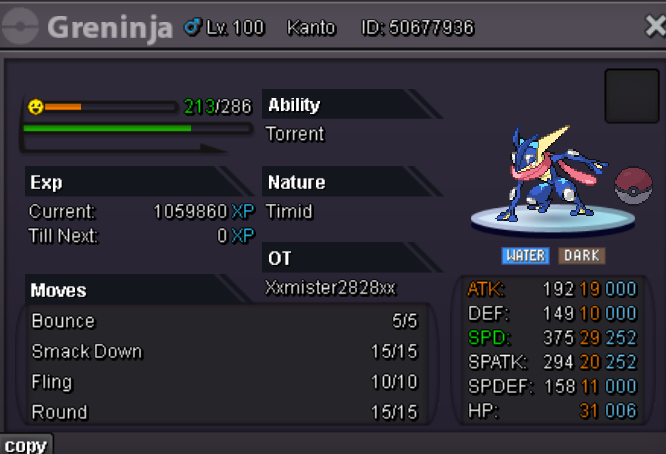
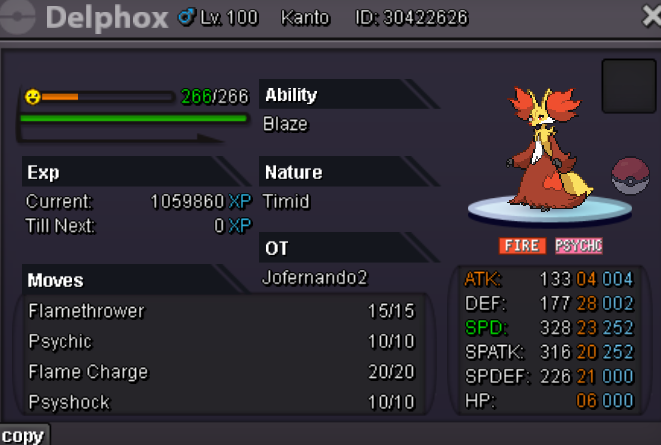
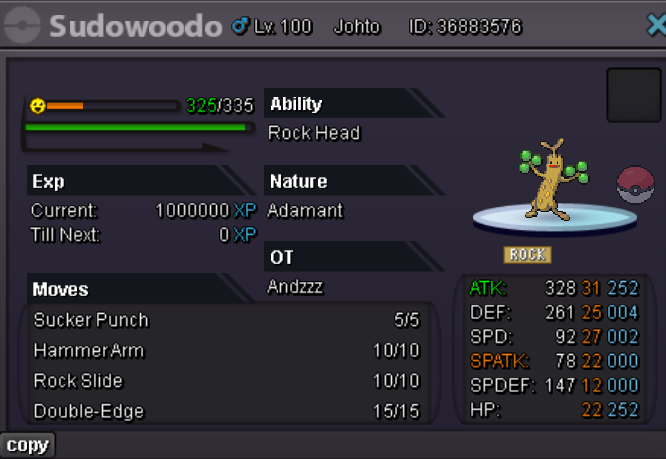

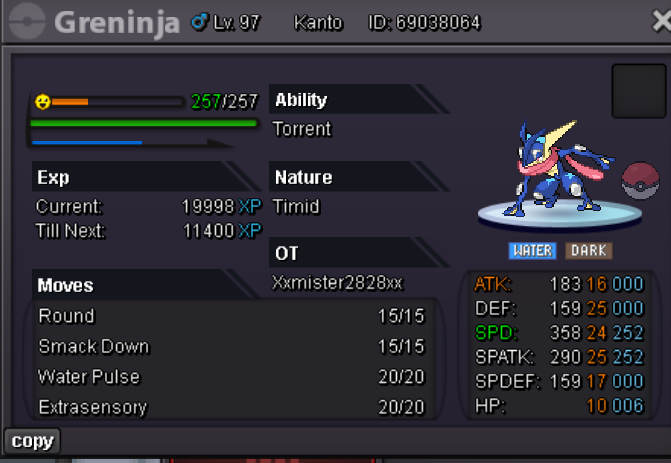
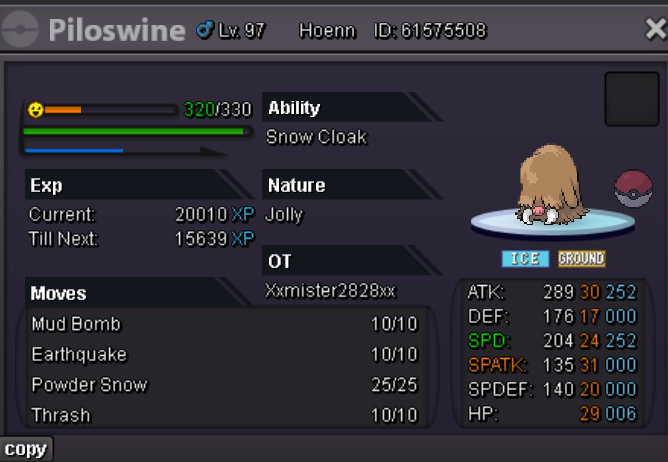
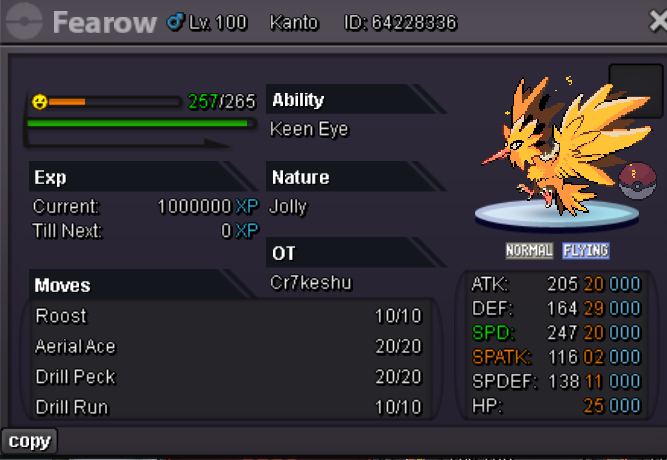
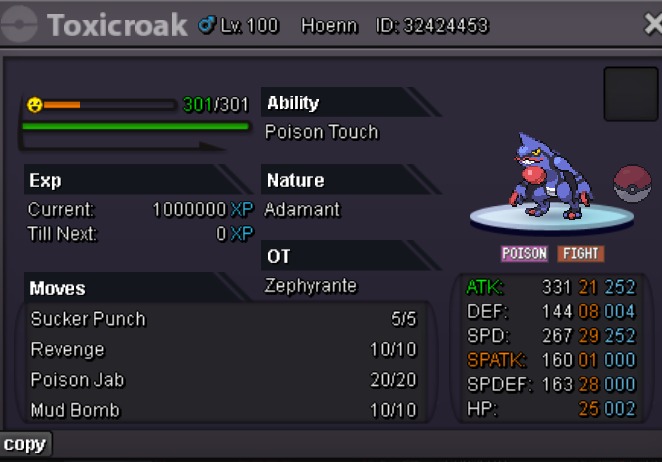
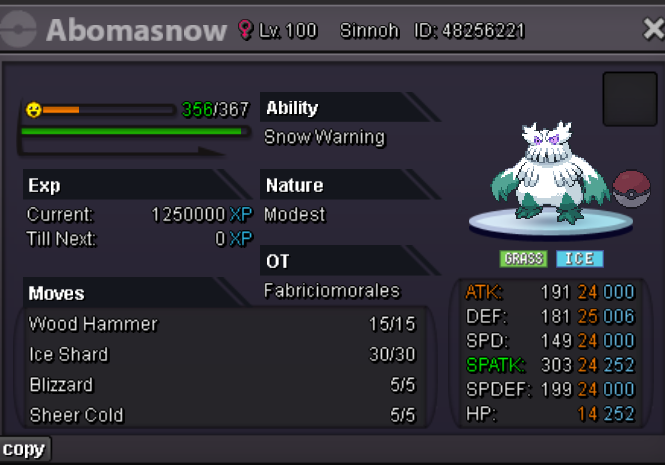
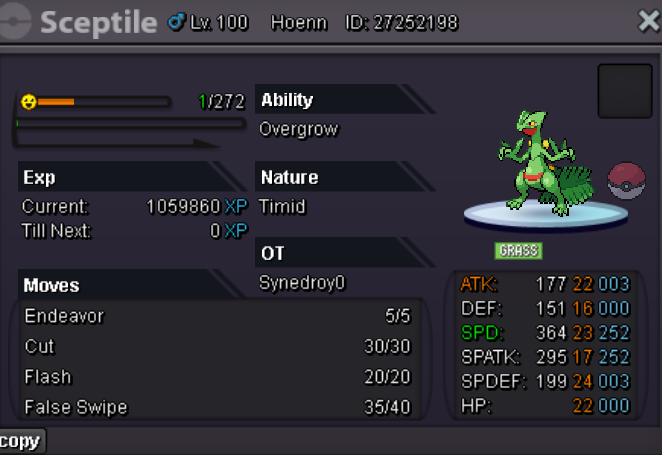
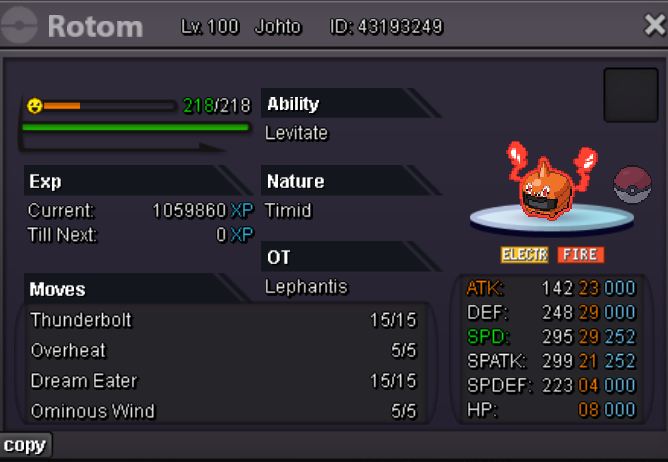
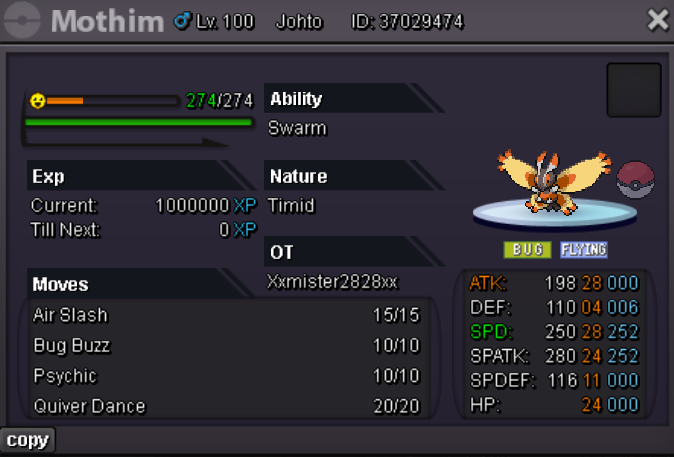
-
Accepted payment CC 400k RC 5k Starting price 500k min raise 100k insta 5m end in 24hr when first bid is placed Cbo:
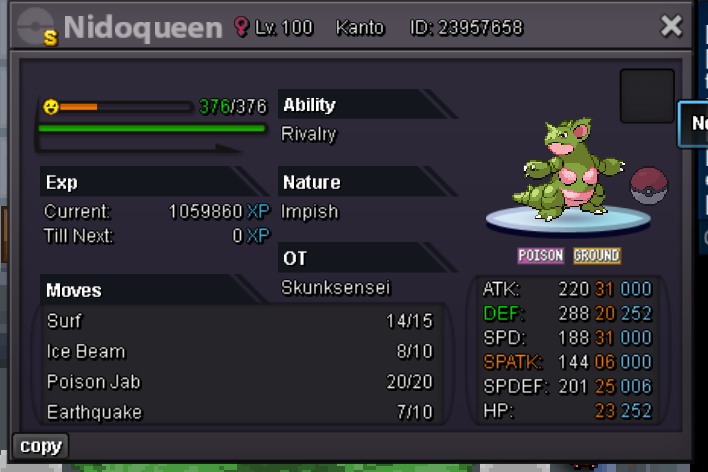
-
48hr auction start at first bid Starting bid !m Current best bidder : Min raise 100k accepted payment poke$ cc coin capsule =400k
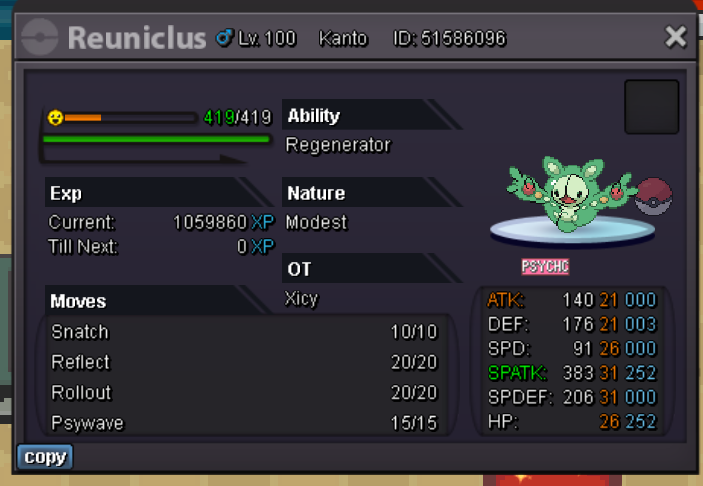
-
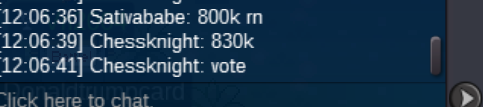
winner chessknight
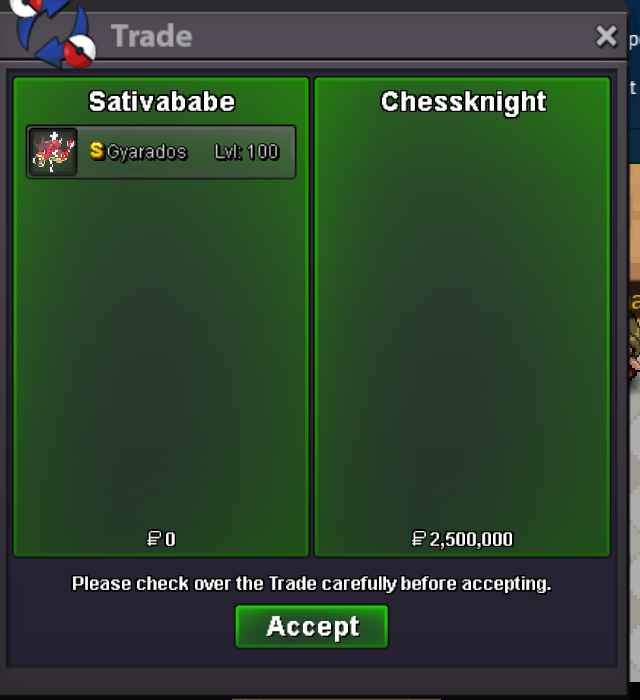
-
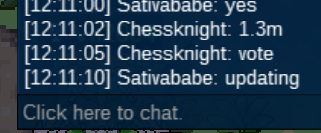
chess knight 632k
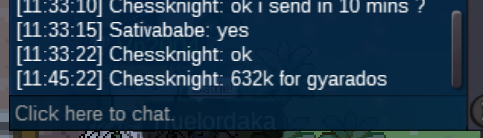 560k tej
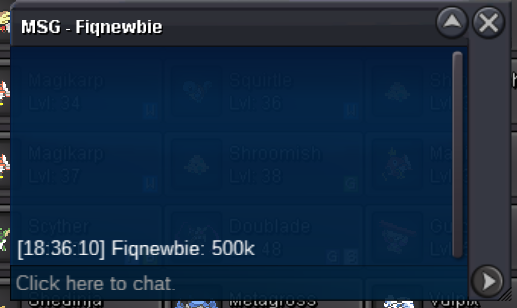
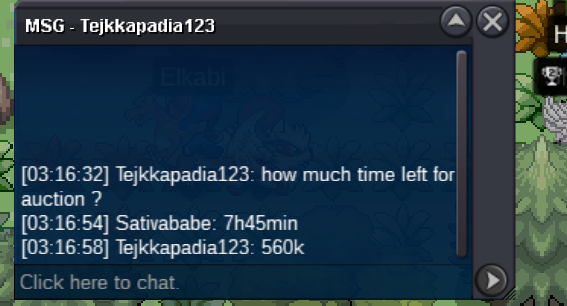 fiqnewbie 500k
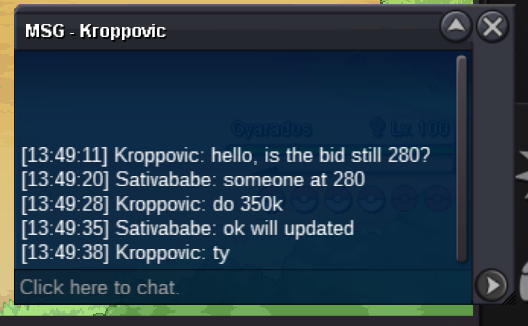
 350k kroppovic
 280k
280k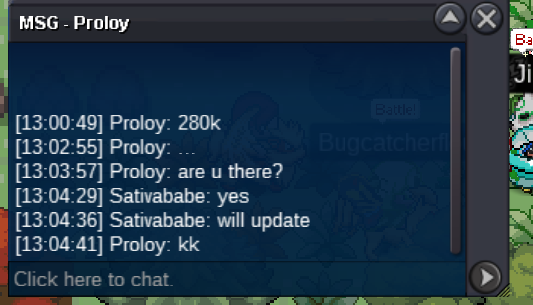 230k by Meetbh
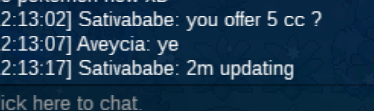
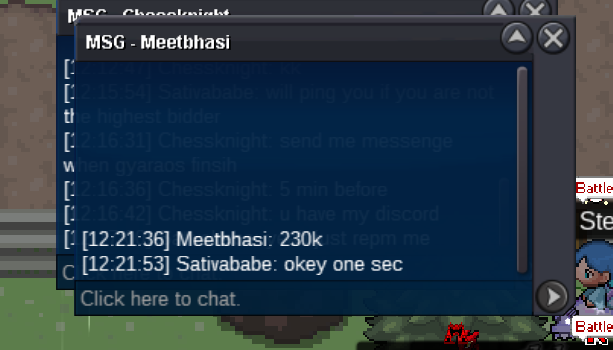 start point 100k min bid 30k current best bidder : last post accepted payment cc 400k and poke$ end in 24hr 07-07 12h nytime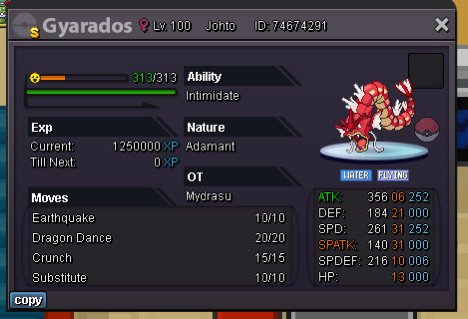




Account
Navigation
Search
Configure browser push notifications
Chrome (Android)
- Tap the lock icon next to the address bar.
- Tap Permissions → Notifications.
- Adjust your preference.
Chrome (Desktop)
- Click the padlock icon in the address bar.
- Select Site settings.
- Find Notifications and adjust your preference.
Safari (iOS 16.4+)
- Ensure the site is installed via Add to Home Screen.
- Open Settings App → Notifications.
- Find your app name and adjust your preference.
Safari (macOS)
- Go to Safari → Preferences.
- Click the Websites tab.
- Select Notifications in the sidebar.
- Find this website and adjust your preference.
Edge (Android)
- Tap the lock icon next to the address bar.
- Tap Permissions.
- Find Notifications and adjust your preference.
Edge (Desktop)
- Click the padlock icon in the address bar.
- Click Permissions for this site.
- Find Notifications and adjust your preference.
Firefox (Android)
- Go to Settings → Site permissions.
- Tap Notifications.
- Find this site in the list and adjust your preference.
Firefox (Desktop)
- Open Firefox Settings.
- Search for Notifications.
- Find this site in the list and adjust your preference.