New Trade Zone
Trade Zone is now live
Use the new Trade Zone for auctions and instant-price trades so Pokemon and item offers are easy to find.

Imkresten0709
Registered User
-
Joined
-
Last visited
-
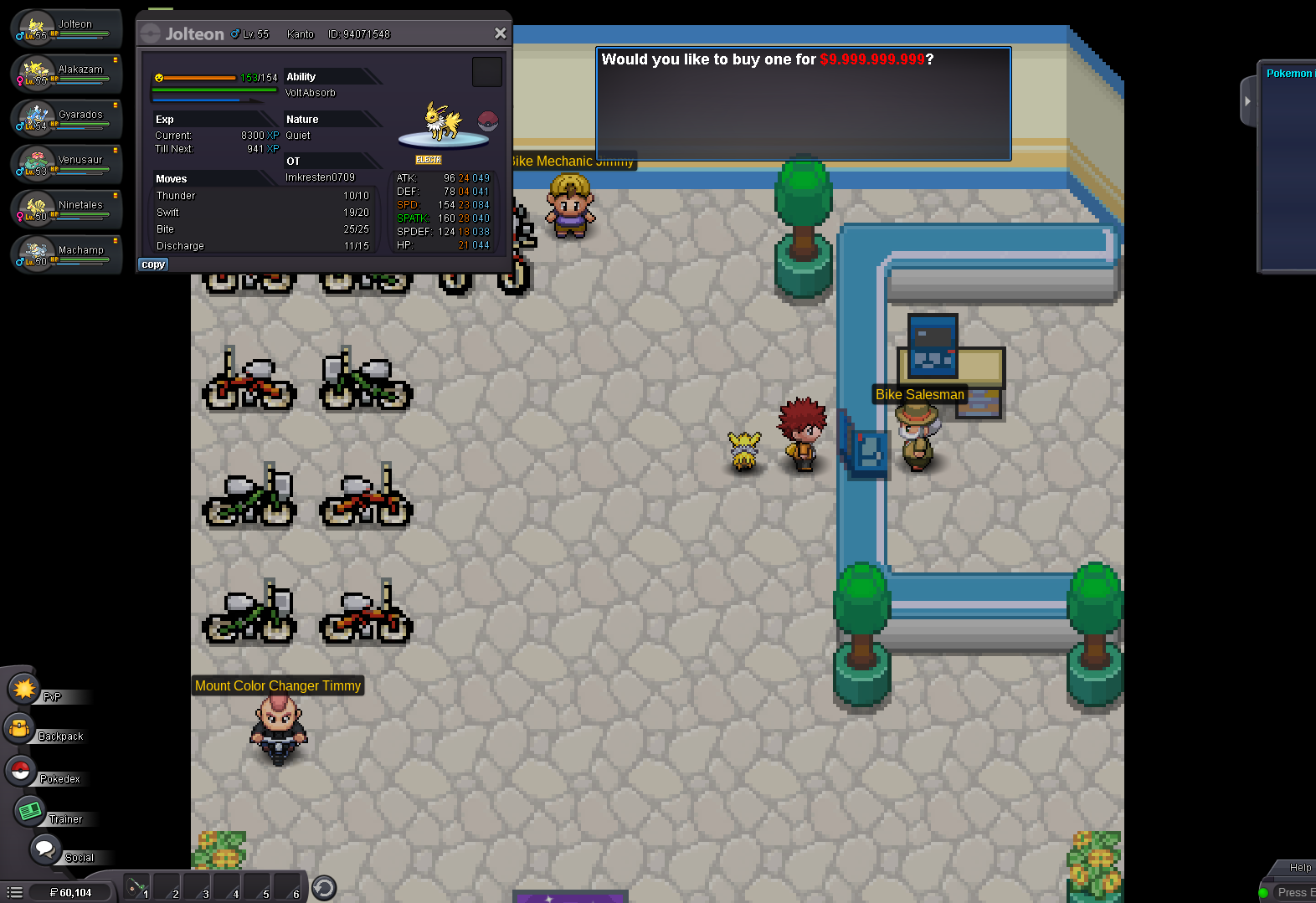
So recently The same thing happened to me. I've been trying to get a bike to access route 17 so I approached the old man and found a ditto for him, but at that time, i didn't have enough money to buy the bike, so I spent a day earning as much as I could and went through so much effort, to then have the bike-seller in cerulean tell me the same old thing. as you can see, he just tells me the normal thing & in the left corner you can see i have the 60k as well. the only thing I can't seem to find is the bike voucher in my inventory, So naturally at this point, I was confused since I straight up did the quest the other day, and thought it was all good but apparently not. and to confirm as you can see on the picture bellow I have caught the ditto and given it to him. so yeah, when I go to the biker, you can see he confirms, me already having given his "ditto a friend" so I honestly don't know what to do, I'm at a point where I genuinely don't have many options to get money besides wild Pokemon, and I really grinded today to get ithe 60k, so naturally i don't know if this is supposed to happen, but from guides I got the impression that this isn't normal or supposed to happen, so If I have to get a further 40k more than that'd would really suck. Any Solutions?