New Trade Zone
Trade Zone is now live
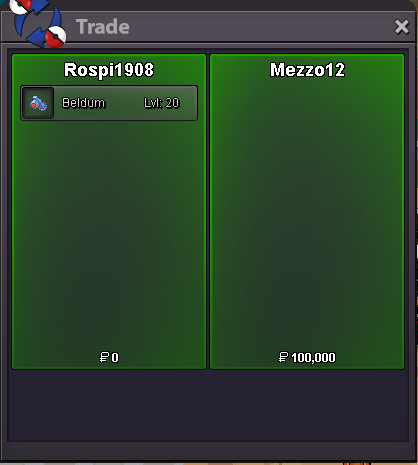
Use the new Trade Zone for auctions and instant-price trades so Pokemon and item offers are easy to find.

Rospi1908
Registered User
-
Joined
-
Last visited
Everything posted by Rospi1908
-
180kStarting Auction : 100k Minimum Bid : 20k No insta Auction will end 48 hrs after s.o. is met Accepted Payment CC : 400k and cash This is a Gold Server auction. If bidding from an alternative server, state that you will transfer upon winning.
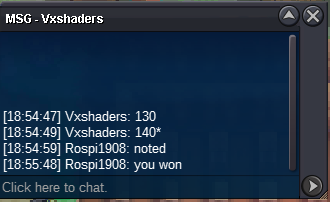
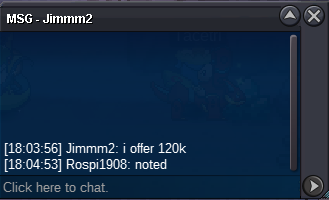
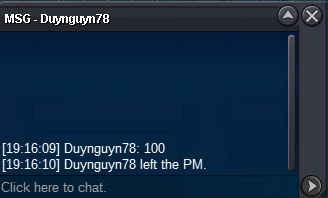
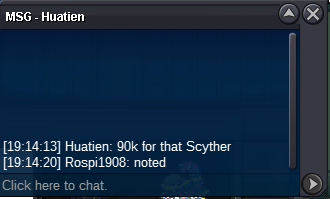
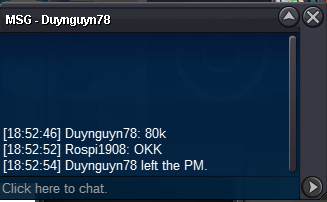
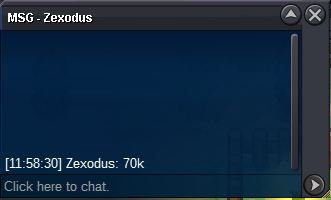
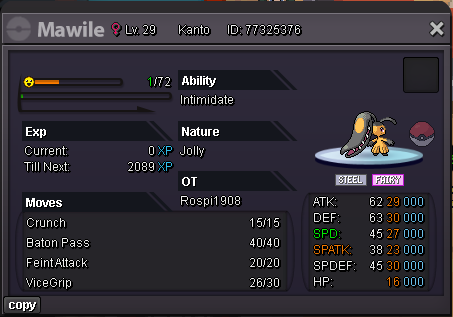 Hi i talk to you in discord , the hours you send me i am in work and the hours i send you dont answer, i am not all day online. I sent to you again in discord to arrange the trade, so lets talk there. Thank youduynguyn78 won for 150kends in 1 hourend in 4 hrswtb 200k skarmory when you in tell mehi bro you still in silver ? i want to negotiate for alolan mukStarting Auction : 60k Minimum Bid : 10k No insta Auction will end in Monday at 23:00 GMT +3 Accepted Payment CC : 400k and cash This is a Gold Server auction. If bidding from an alternative server, state that you will transfer upon winning.
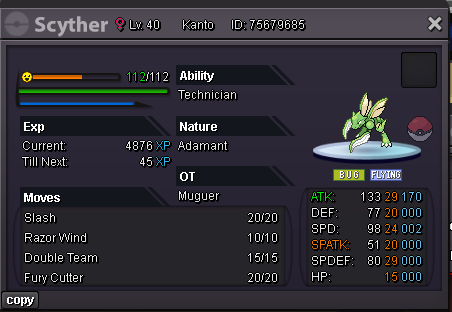 110k90kStarting Auction : 150k Minimum Bid : 20k No insta Auction will end in Tuesday at 23:00 GMT +3 Accepted Payment CC : 400k and cash This is a Gold Server auction. If bidding from an alternative server, state that you will transfer upon winning.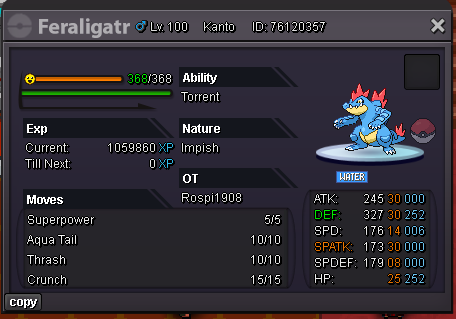
Account
Navigation
Search
Configure browser push notifications
Chrome (Android)
- Tap the lock icon next to the address bar.
- Tap Permissions → Notifications.
- Adjust your preference.
Chrome (Desktop)
- Click the padlock icon in the address bar.
- Select Site settings.
- Find Notifications and adjust your preference.
Safari (iOS 16.4+)
- Ensure the site is installed via Add to Home Screen.
- Open Settings App → Notifications.
- Find your app name and adjust your preference.
Safari (macOS)
- Go to Safari → Preferences.
- Click the Websites tab.
- Select Notifications in the sidebar.
- Find this website and adjust your preference.
Edge (Android)
- Tap the lock icon next to the address bar.
- Tap Permissions.
- Find Notifications and adjust your preference.
Edge (Desktop)
- Click the padlock icon in the address bar.
- Click Permissions for this site.
- Find Notifications and adjust your preference.
Firefox (Android)
- Go to Settings → Site permissions.
- Tap Notifications.
- Find this site in the list and adjust your preference.
Firefox (Desktop)
- Open Firefox Settings.
- Search for Notifications.
- Find this site in the list and adjust your preference.