




New Trade Zone
Trade Zone is now live
Use the new Trade Zone for auctions and instant-price trades so Pokemon and item offers are easy to find.

Shinwonryu
Registered User
-
Joined
-
Last visited
Everything posted by Shinwonryu
-
4 HRS LEFT!
-
11 HRS LEFT
-
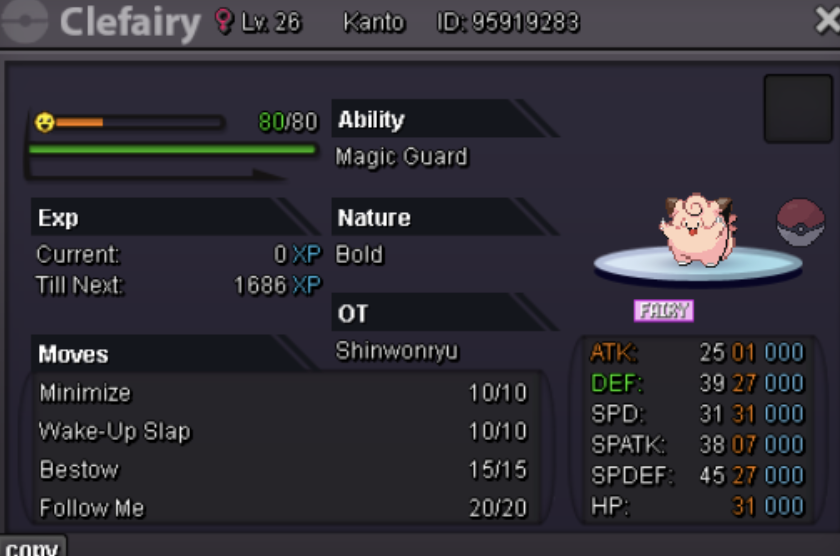
24 HR AUCTION S.o 50k min bid 10k and no insta
-
-
-
Yeah, staff help. Help this clown learn how to count 24 hrs.
-
Nice report clown. Youre the one whos stupid here. 24 HR AUCTION THEN YOU WANT TO EXTEND 15 MORE MINS? CRAZY RULE. MAKE THAT 24 HRS + 15 MINS EXTENSION AUCTION
-
Stupidest auction ive seen in my life. Next time put at the top 24 HR AUCTION + 15 MINS EXTENSION. Dont put specific time if you cant follow your rule.
-
Pawn - atk 31 - 80k
-
Ada 31 atk - 60k
-
I planned to evolve my Electabuzz to Electivire. My Electabuzz is a speed type, I think HASTY After I evolved my Electabuzz suddenly my Electivire nature has changed to CALM. Honestly, I dont know what happened. My Electivire is LVL. 80 and now I dont want to use him anymore because of the nature change. Please fix this. Electivire Level: 82 Calm Nature Ability: Motor Drive EVs: 13 HP / 8 Atk / 4 Def / 231 SpA / 2 SpD / 252 Spe IVs: 3 HP / 6 Atk / 5 Def / 25 SpA / 19 SpD / 25 Spe - Electro Ball - Thunderbolt - Light Screen - Low Kick