New Trade Zone
Trade Zone is now live
Use the new Trade Zone for auctions and instant-price trades so Pokemon and item offers are easy to find.

Gareki99
Registered User
-
Joined
-
Last visited
Everything posted by Gareki99
-
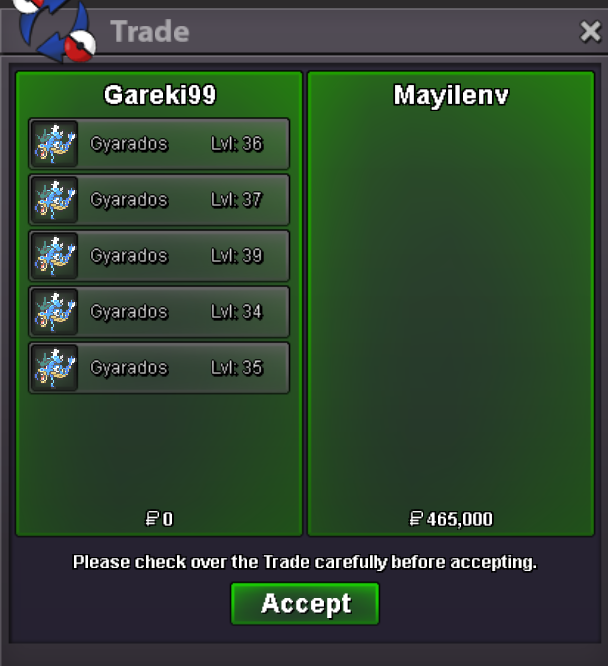
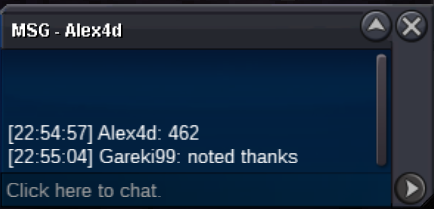
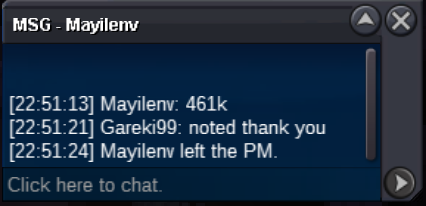
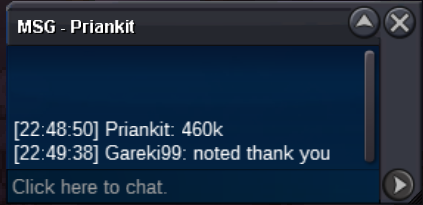
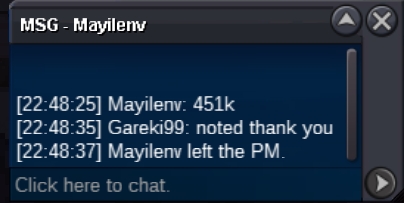
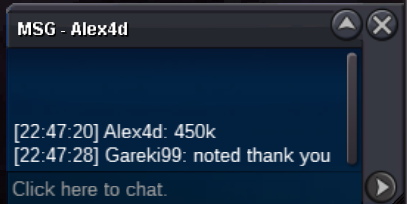
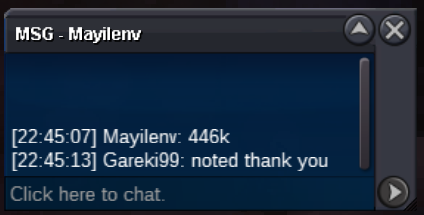
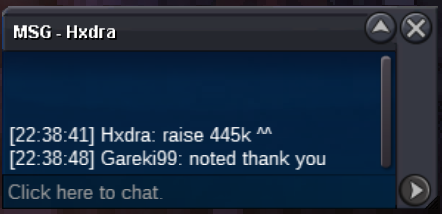
@Mayilenv wins the auction @ 465k. gz431k
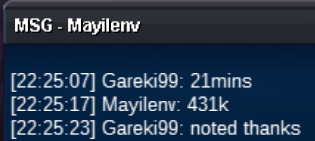 430k
430k 352k
352k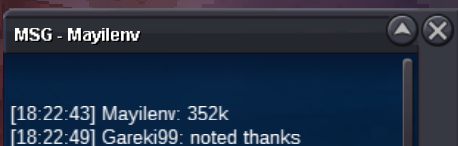 351k
351k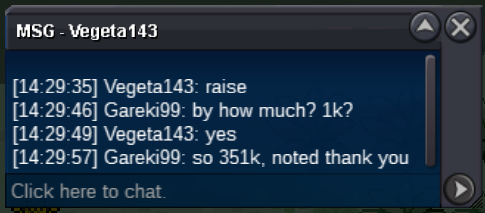 250k
250k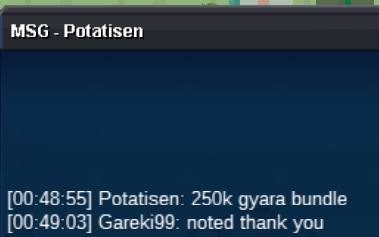 200k
200k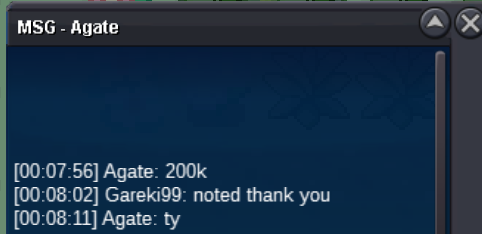 170k
170k 169k
169k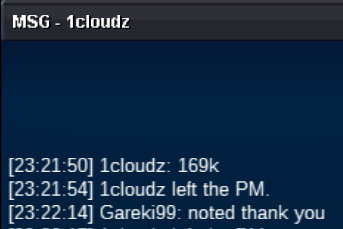 150k
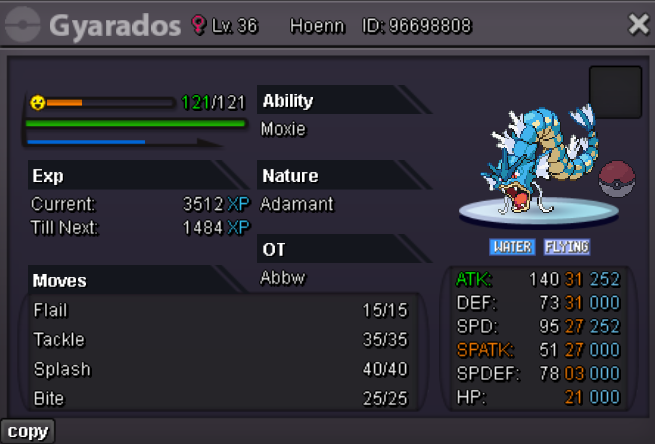
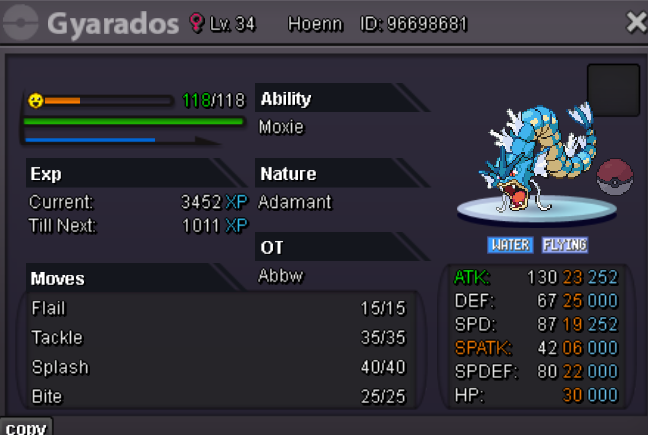
150k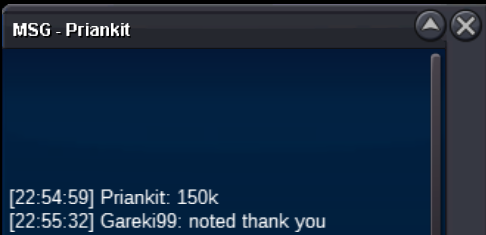 Hi this is sold as a bundle, only 1 bid for all of them please.PVP able moxie Gyarados bundle of 5. EV trained. This is a bundle, only 1 bid for all of them. Thank you. Starting Auction: 1k Min bid: 1k (5M insta) Auction ends 48h after first bid is placed Reminder: - All five (5) gyarados sold as a bundle, this auction will only have 1 winner. - Auction rules: if bid is placed within last 15minutes of the auction, auction end time will be extended by 15mins from that bid.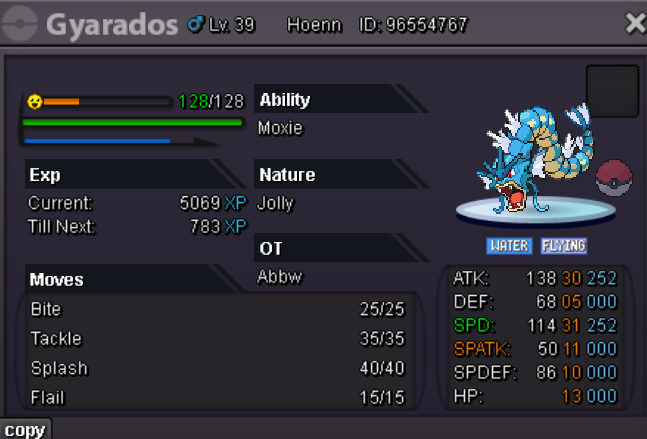
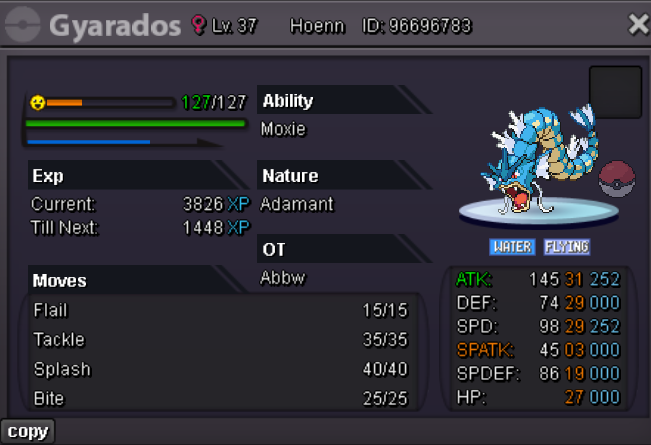
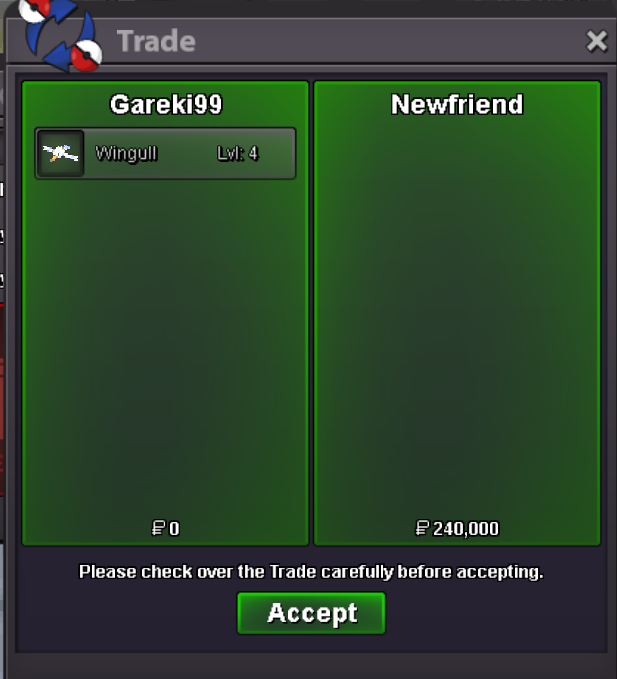
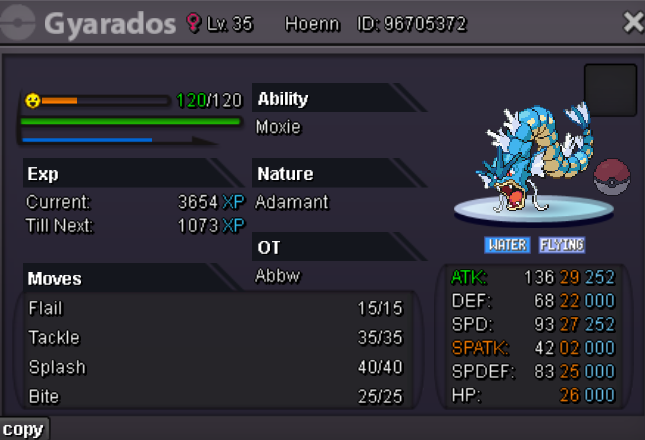 @Newfriend wins Wingull for 240k. pls pm me in game ❤️ ty and gz
Account
Navigation
Search
Configure browser push notifications
Chrome (Android)
- Tap the lock icon next to the address bar.
- Tap Permissions → Notifications.
- Adjust your preference.
Chrome (Desktop)
- Click the padlock icon in the address bar.
- Select Site settings.
- Find Notifications and adjust your preference.
Safari (iOS 16.4+)
- Ensure the site is installed via Add to Home Screen.
- Open Settings App → Notifications.
- Find your app name and adjust your preference.
Safari (macOS)
- Go to Safari → Preferences.
- Click the Websites tab.
- Select Notifications in the sidebar.
- Find this website and adjust your preference.
Edge (Android)
- Tap the lock icon next to the address bar.
- Tap Permissions.
- Find Notifications and adjust your preference.
Edge (Desktop)
- Click the padlock icon in the address bar.
- Click Permissions for this site.
- Find Notifications and adjust your preference.
Firefox (Android)
- Go to Settings → Site permissions.
- Tap Notifications.
- Find this site in the list and adjust your preference.
Firefox (Desktop)
- Open Firefox Settings.
- Search for Notifications.
- Find this site in the list and adjust your preference.