




New Trade Zone
Trade Zone is now live
Use the new Trade Zone for auctions and instant-price trades so Pokemon and item offers are easy to find.

Insany22
Suspended
-
Joined
-
Last visited
Everything posted by Insany22
-
Notes: This is a crossserver auction, if the buyer is from the gold server i will make the transfer. false bids will be reported. If there is a bid with 15 minutes left until the end of the auction, an additional 15 minutes will be added. Payments accepted: CC = 420k / Pokedolar. Start: 200k Min: 100k Insta: N/A This auction will end 48 hours after the first bid. https://www.tickcounter.com/countdown/6051008/auction

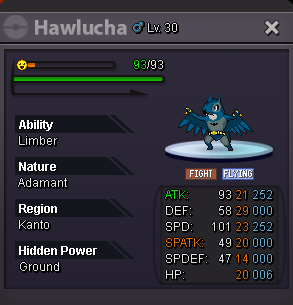 bump@Desp480 Won mr mime with bid of 2.3m
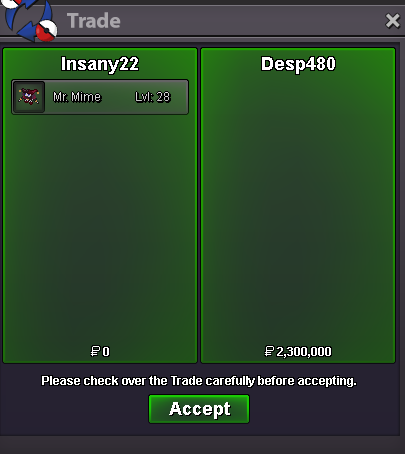 Doanthienan60 won bulba with bid of 1.6m
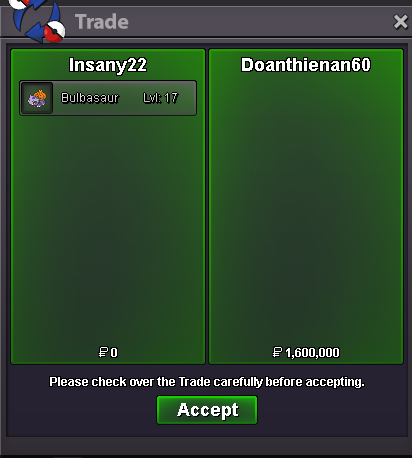 @Doanthienan60Bulba yes, I will send you a message in-game20 min leftthe auction was extended for another 15 minutes, as a bid was made with 12 minutes remainingstart chinglingHello, is the Natu jolly sync still available?Bump, new items and pokemons added to the shop1.5m Mr Mime
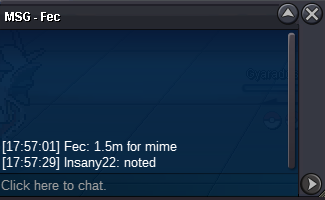 100k1m50k Mr Mime
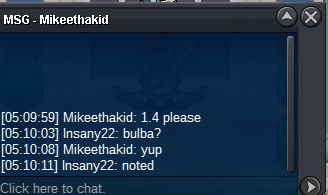
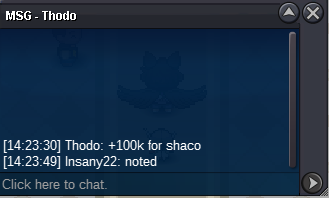 Sorry @Jetfire but your bid is invalid, the minimum is 100k50k1.4m bulba
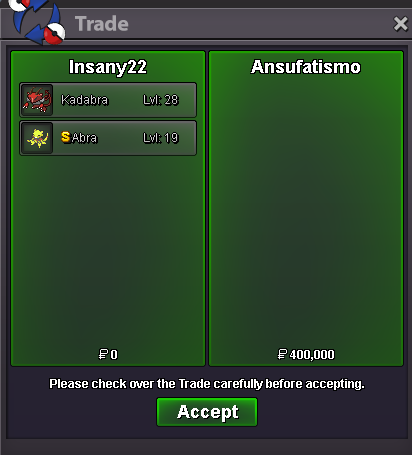
 500k SilverNotes: I am doing this auction for a friend. Both Pokemons are with me and will be delivered by me. Fake bids will be reported. Bids with 15 minutes left to the end of the auction will extend the auction for another 15 minutes. ---------------------------------------------------------------------- Start: 500k Min: 100k Insta: N/A https://www.tickcounter.com/countdown/6033572/auction ---------------------------------------------------------------------- Start: 500k Min: 100k Insta: N/A https://www.tickcounter.com/countdown/6033572/auction Payments accapted for both: CC: 420k Pokedolar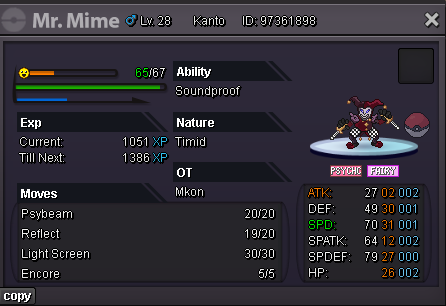
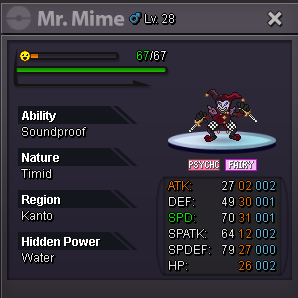
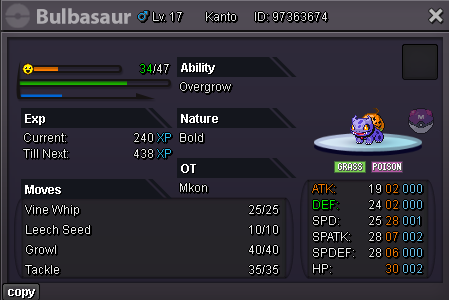
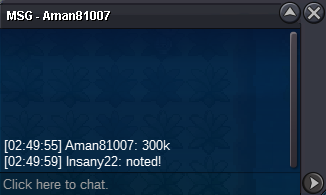
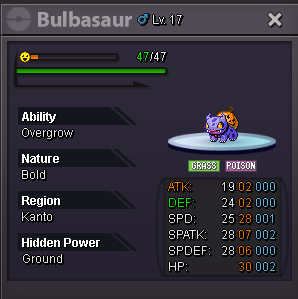 @Ansufatismo won the auction with a bid of 400k, as soon as he is online I will deliver it.
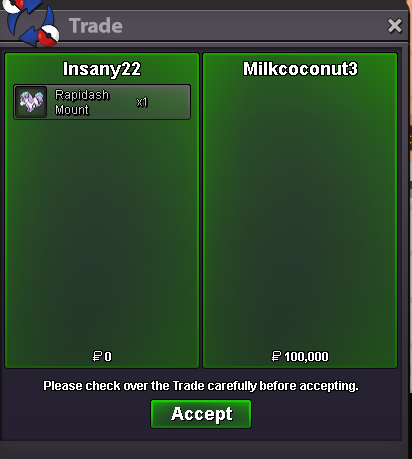
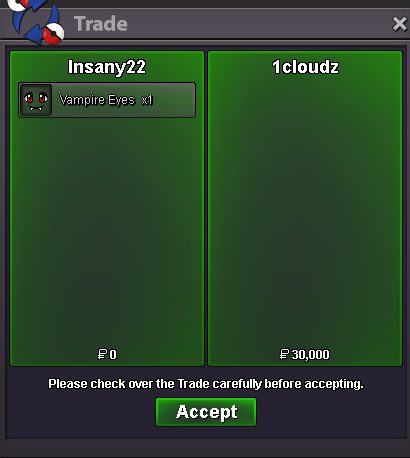

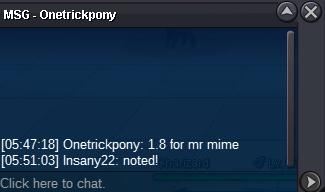

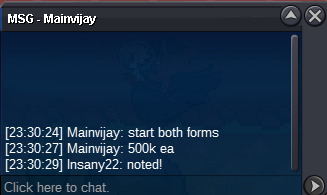
Account
Navigation
Search
Configure browser push notifications
Chrome (Android)
- Tap the lock icon next to the address bar.
- Tap Permissions → Notifications.
- Adjust your preference.
Chrome (Desktop)
- Click the padlock icon in the address bar.
- Select Site settings.
- Find Notifications and adjust your preference.
Safari (iOS 16.4+)
- Ensure the site is installed via Add to Home Screen.
- Open Settings App → Notifications.
- Find your app name and adjust your preference.
Safari (macOS)
- Go to Safari → Preferences.
- Click the Websites tab.
- Select Notifications in the sidebar.
- Find this website and adjust your preference.
Edge (Android)
- Tap the lock icon next to the address bar.
- Tap Permissions.
- Find Notifications and adjust your preference.
Edge (Desktop)
- Click the padlock icon in the address bar.
- Click Permissions for this site.
- Find Notifications and adjust your preference.
Firefox (Android)
- Go to Settings → Site permissions.
- Tap Notifications.
- Find this site in the list and adjust your preference.
Firefox (Desktop)
- Open Firefox Settings.
- Search for Notifications.
- Find this site in the list and adjust your preference.