




New Trade Zone
Trade Zone is now live
Use the new Trade Zone for auctions and instant-price trades so Pokemon and item offers are easy to find.

Insany22
Suspended
-
Joined
-
Last visited
Everything posted by Insany22
-
Start: 100k Min: 50k Insta: 10m Auction ends 24h after first bid. Accepted Payments: Pokedollar CC: 450k
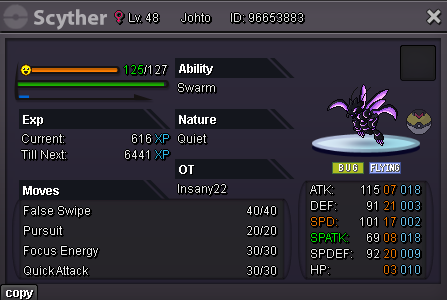 Start@Patomilenar won for 3m As soon as he goes online I will deliver it.Bump 2 hours leftStart: 1M Min: 200k Ends 24 hours after first bid. Accepted Payments: Pokedollar CC: 450k
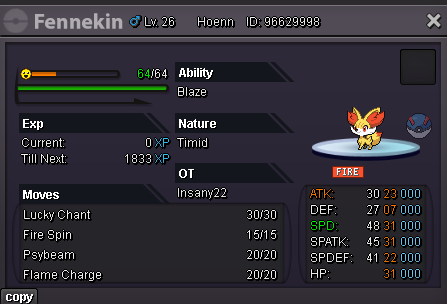 auction ended early, winner jirensupremo 150k
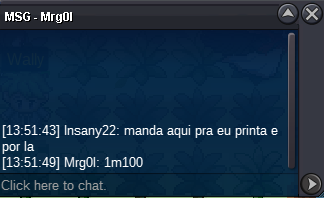
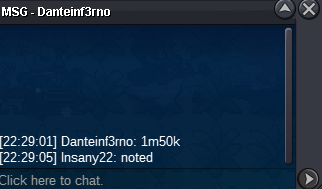
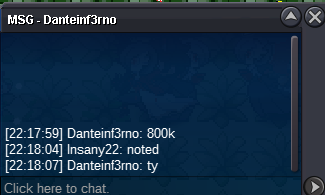
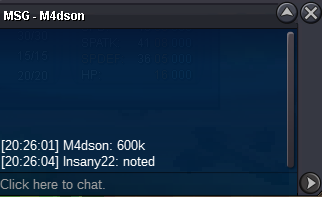
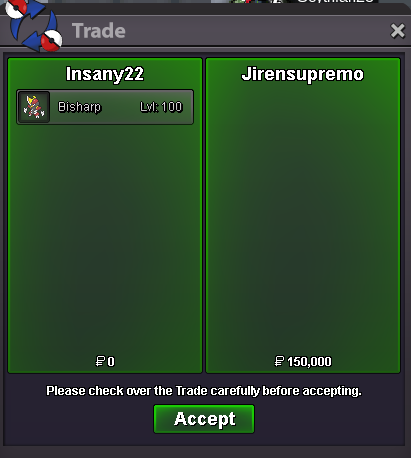 Lastrial won by 600k (I forgot the print, buyer can confirm receipt if necessary.)Bisharp 1 Start: 100k Min: 50k Insta: 800k Ends 24 hours after first bid. ---------------------------------------------------- Bisharp 2 Start: 150k Min: 50k Insta: 1m Ends 24 hours after first bid. ---------------------------------------------------- Accepted Payments: Pokedollar CC: 400k Rare Candy: 5k ---------------------------------------------------- When bidding please type bisharp 1 or 2 depending on which one you want.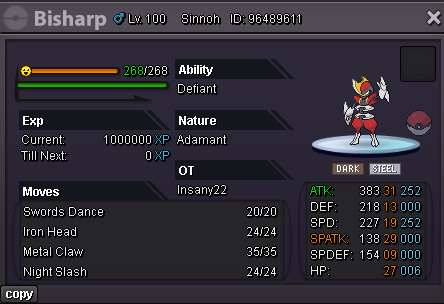
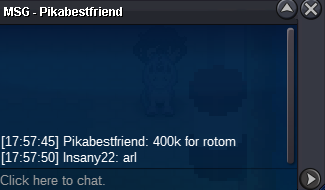
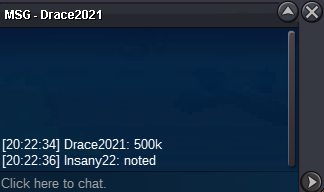
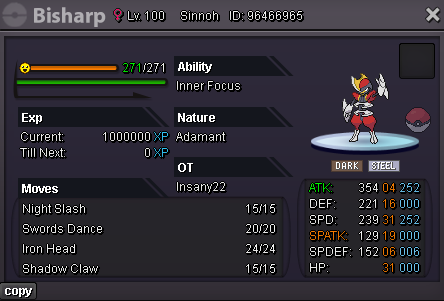 Auction endedPikabestfriend 400k
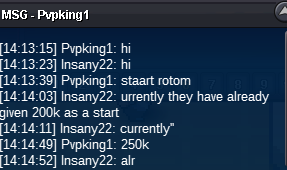
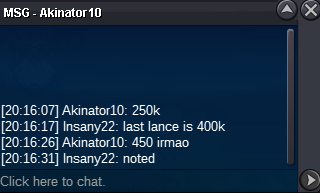
 PvpKing1 250k
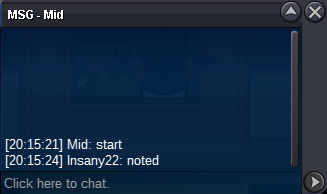
 Ahnnjghello22 start
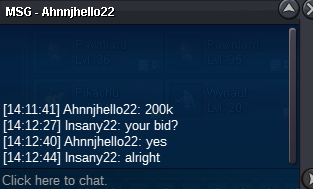 Start: 100k Min: 20k Ends 24 hours after first bid. No Insta. Accepted Payments: Pokedollar CC: 400k Rare Candy: 5k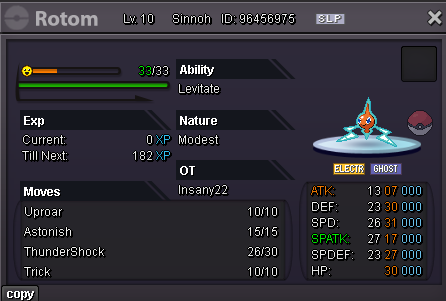
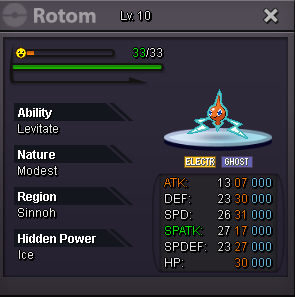 Start: 100k Min: 10k Ends 24 hours after first bid. ------------------------------------- Start: 80k Min: 5k Ends 24 hours after first bid. ------------------------------------- To make it easier to recognize which one was the bid, please type blaze or magician. Accepted Payments: Pokedollar CC: 400k Rare Candy: 5k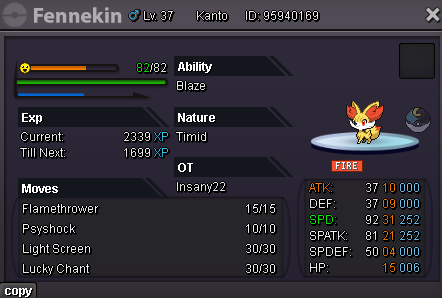
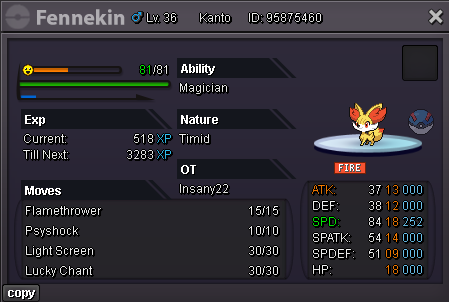 Auction closed, winner Itsharuka.Bump - 4 hours remaining


Account
Navigation
Search
Configure browser push notifications
Chrome (Android)
- Tap the lock icon next to the address bar.
- Tap Permissions → Notifications.
- Adjust your preference.
Chrome (Desktop)
- Click the padlock icon in the address bar.
- Select Site settings.
- Find Notifications and adjust your preference.
Safari (iOS 16.4+)
- Ensure the site is installed via Add to Home Screen.
- Open Settings App → Notifications.
- Find your app name and adjust your preference.
Safari (macOS)
- Go to Safari → Preferences.
- Click the Websites tab.
- Select Notifications in the sidebar.
- Find this website and adjust your preference.
Edge (Android)
- Tap the lock icon next to the address bar.
- Tap Permissions.
- Find Notifications and adjust your preference.
Edge (Desktop)
- Click the padlock icon in the address bar.
- Click Permissions for this site.
- Find Notifications and adjust your preference.
Firefox (Android)
- Go to Settings → Site permissions.
- Tap Notifications.
- Find this site in the list and adjust your preference.
Firefox (Desktop)
- Open Firefox Settings.
- Search for Notifications.
- Find this site in the list and adjust your preference.