




New Trade Zone
Trade Zone is now live
Use the new Trade Zone for auctions and instant-price trades so Pokemon and item offers are easy to find.

Tin2207
Suspended
-
Joined
-
Last visited
Everything posted by Tin2207
-
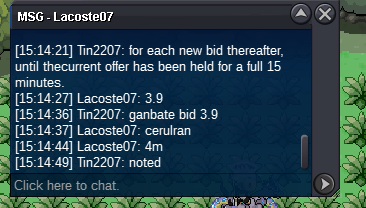
Start Price: 1M (15:05 GMT+7 END) End Point: 24 hours (after start price is met) Insta Price: N/A Minimum Raise: 100k Start Price: 1M (20:27 GMT+7 END) End Point: 24 hours (after start price is met) Insta Price: N/A Minimum Raise: 100k Start Price: 1M (17:27 GMT +7 END) End Point: 24 hours (after start price is met) Insta Price: N/A Minimum Raise: 100k Important Reminders: If a bid is received in the final 15 minutes of the auction, the end point will be delayed by 15 minutes from that bid, and will be delayed by 15 minutes for each new bid thereafter, until thecurrent offer has been held for a full 15 minutes.
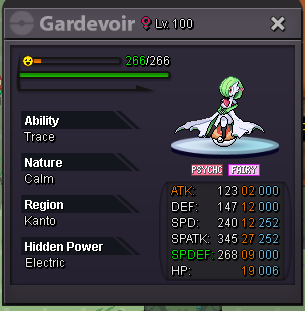
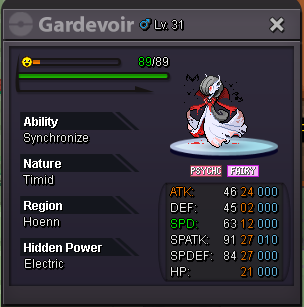
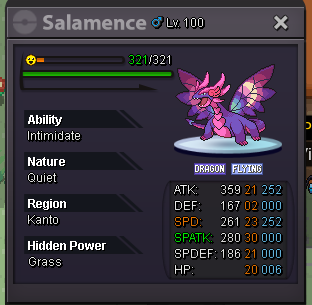
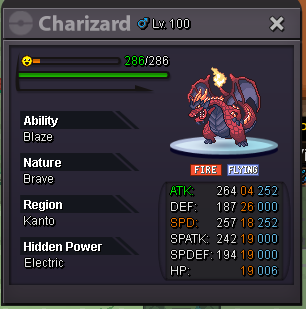
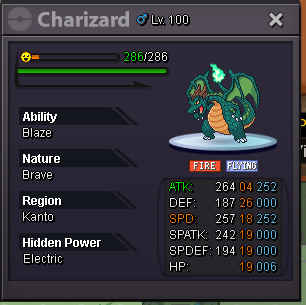
-
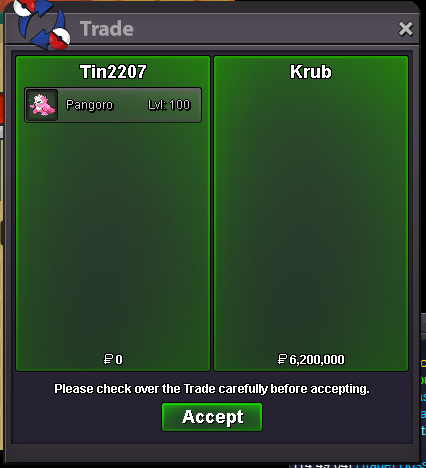
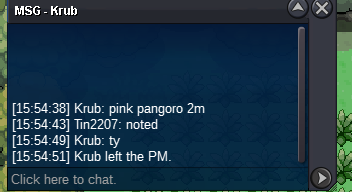
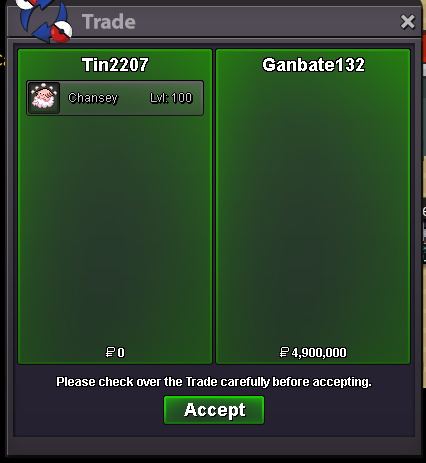
@Krub u won pangoro pm me ing Tin2207 or discord truntinz@Codyful u won chansey pm me ing: Tin2207 or discord truntinz@Codyfulu won smear pm me ing: Tin2207 or discord truntinz5min left smearpangoro40 min left smear 1h left pangoro, chanseyToday: Smear, pangoro, chansey 4h left right now gardevoir 7h leftBumpBumpBumpAccepted payment(s): Pokedollars Coin Capsule = 450k IV Reroll = 500k Nature Reroll = 220k Start Price: 3M (16:18 3/28/2025 GMT +7 END) End Point: 48 hours (after start price is met) Insta Price: N/A Minimum Raise: 100k Important Reminders: If a bid is received in the final 15 minutes of the auction, the end point will be delayed by 15 minutes from that bid, and will be delayed by 15 minutes for each new bid thereafter, until thecurrent offer has been held for a full 15 minutes.
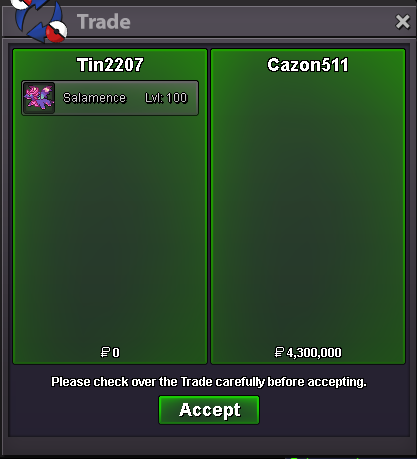
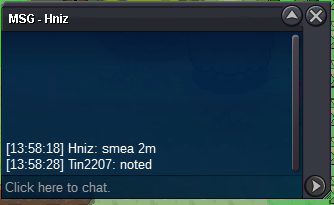
 @Cazon511 @Ganbate132 won auction/ pm me ing: Tin2207 or discord: truntinz. Thank you, everyone.13min left chansey 15min left salamancesala
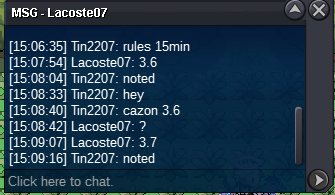
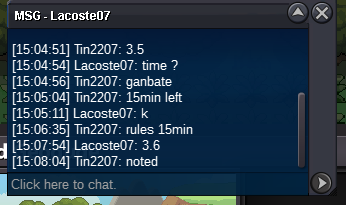 Rules for salamance 15min left right now chansey 13min leftsalamance
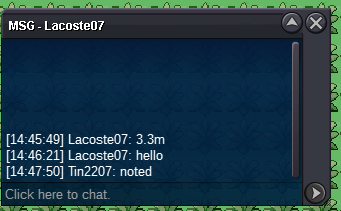 43min left

Account
Navigation
Search
Configure browser push notifications
Chrome (Android)
- Tap the lock icon next to the address bar.
- Tap Permissions → Notifications.
- Adjust your preference.
Chrome (Desktop)
- Click the padlock icon in the address bar.
- Select Site settings.
- Find Notifications and adjust your preference.
Safari (iOS 16.4+)
- Ensure the site is installed via Add to Home Screen.
- Open Settings App → Notifications.
- Find your app name and adjust your preference.
Safari (macOS)
- Go to Safari → Preferences.
- Click the Websites tab.
- Select Notifications in the sidebar.
- Find this website and adjust your preference.
Edge (Android)
- Tap the lock icon next to the address bar.
- Tap Permissions.
- Find Notifications and adjust your preference.
Edge (Desktop)
- Click the padlock icon in the address bar.
- Click Permissions for this site.
- Find Notifications and adjust your preference.
Firefox (Android)
- Go to Settings → Site permissions.
- Tap Notifications.
- Find this site in the list and adjust your preference.
Firefox (Desktop)
- Open Firefox Settings.
- Search for Notifications.
- Find this site in the list and adjust your preference.