New Trade Zone
Trade Zone is now live
Use the new Trade Zone for auctions and instant-price trades so Pokemon and item offers are easy to find.

Sbongos
Suspended
-
Joined
-
Last visited
Everything posted by Sbongos
-
16m250k will transfer if i win.
-
alright me too! pm me
-
auction finished
-
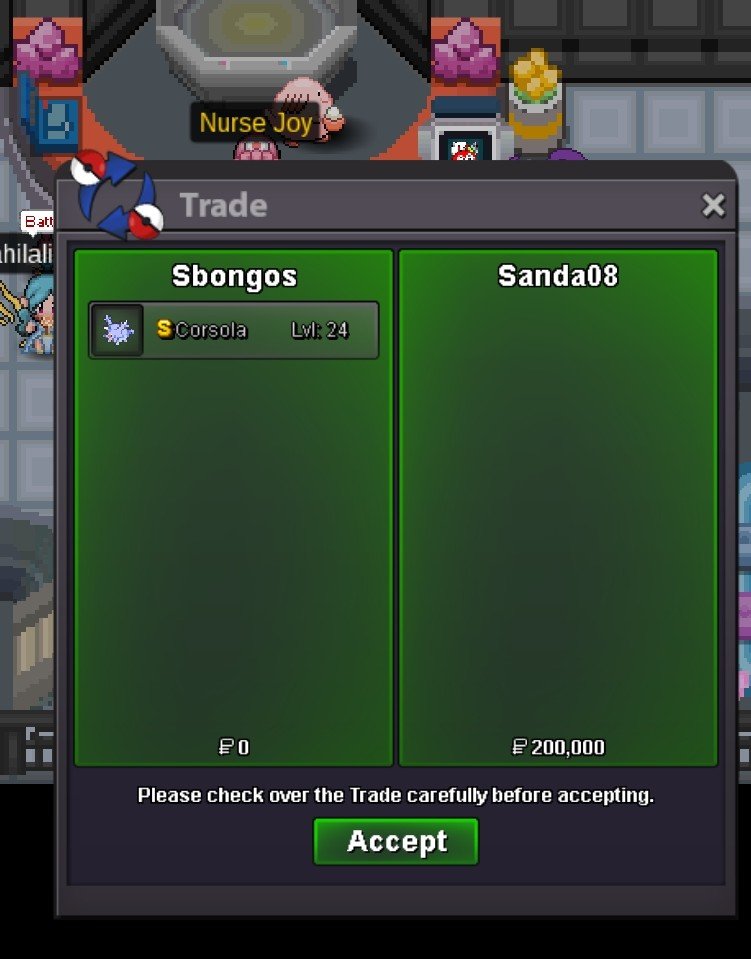
The trade was reverted @Sanda08 pm me in game to get the corsola for 200k
-
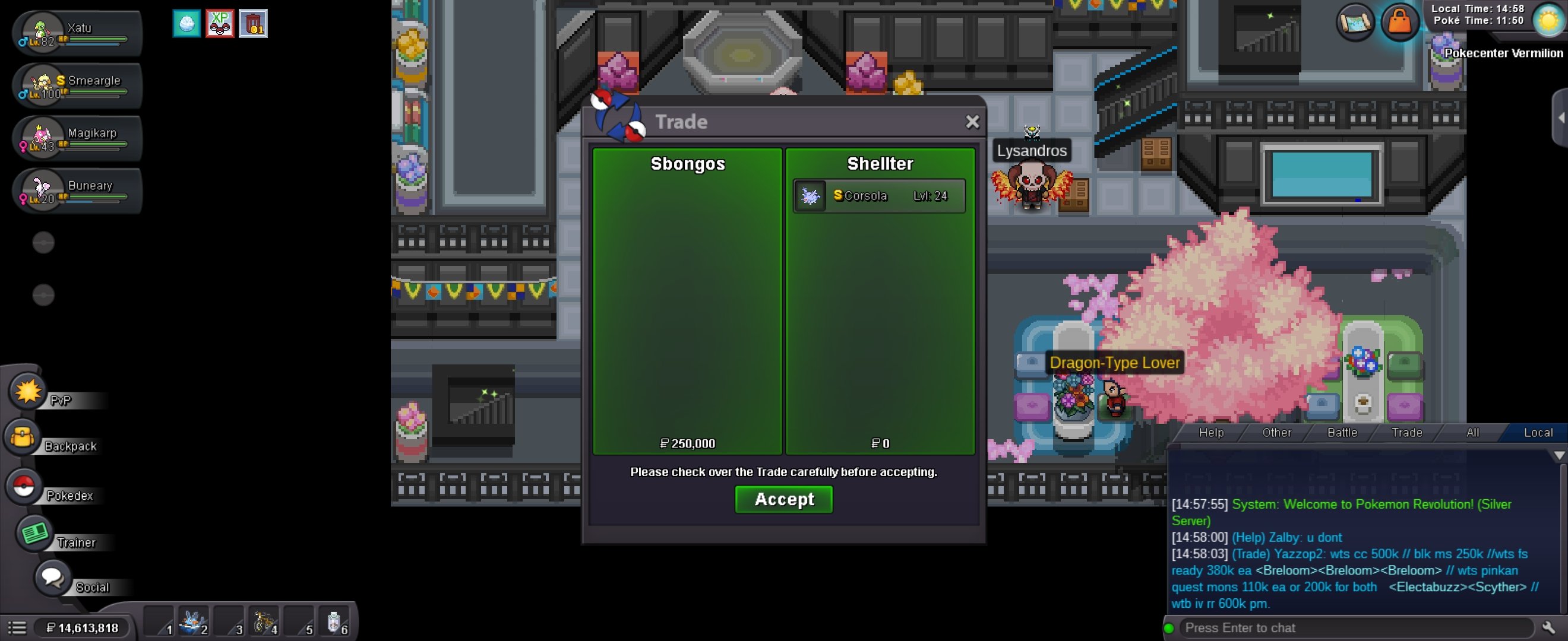
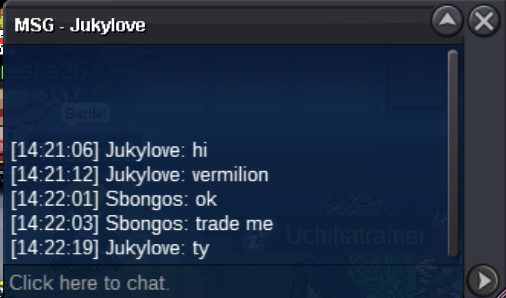
trade completed (forgot to ss the trade)
-
oh.. you are right. I mishandled this. Let me communicate with @Shellter to try and fix this.trade completed
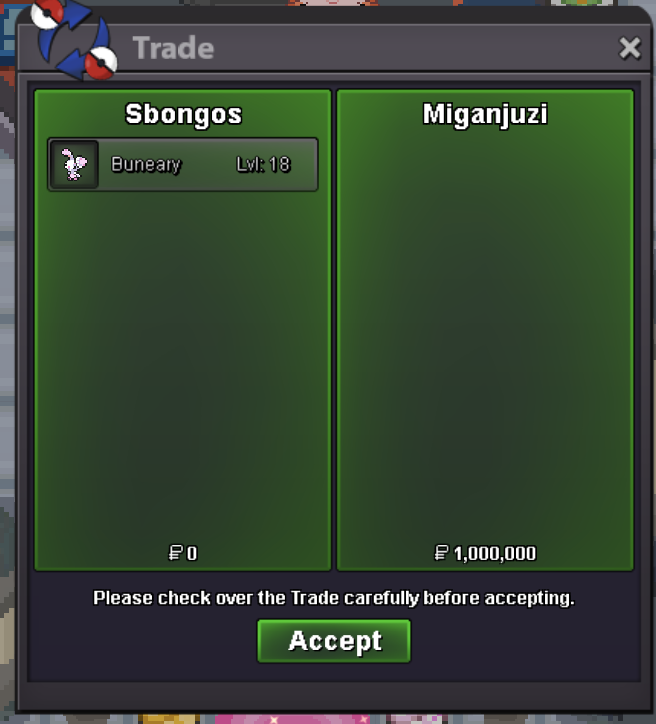
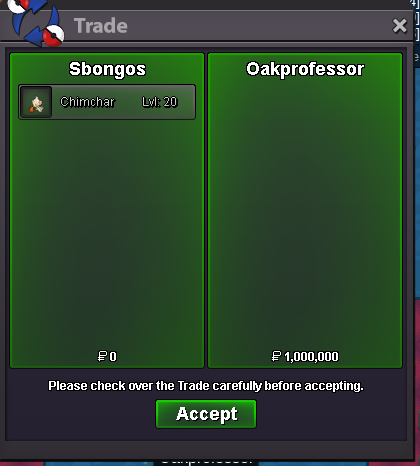
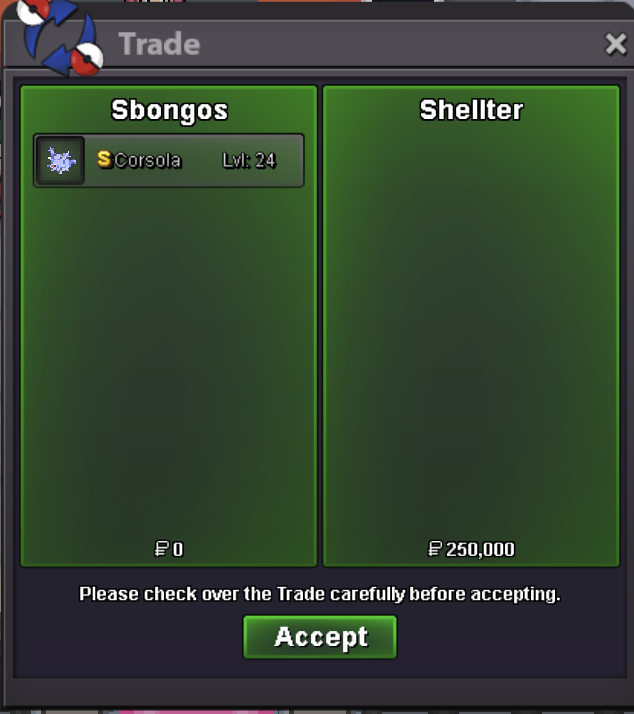 @Shellter you have won! I am online if you want to trade@Oakprofessor congrts you have won! I am online, we can tradeIf you are online pm me@Miganjuzi Congrats yiu have won! pm me here, discord (Sbongos) or in game to trade!s.o 100k min bid 50k ends 24h after first bid
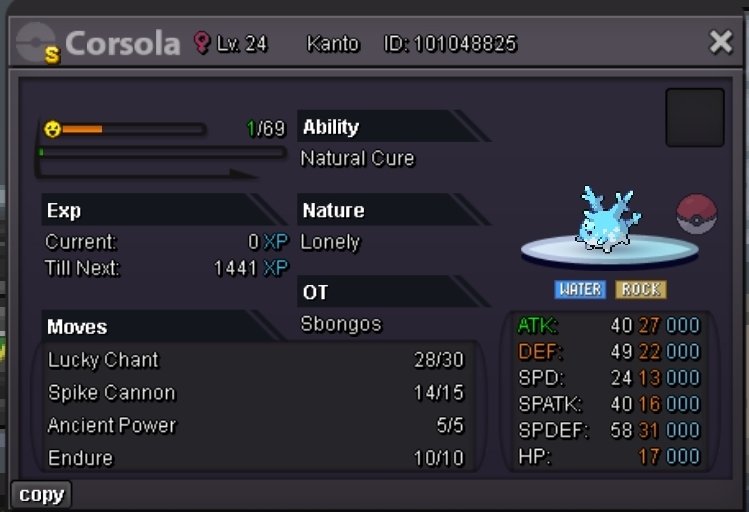 s.o 100k min bid 100k ends 24h after first bid
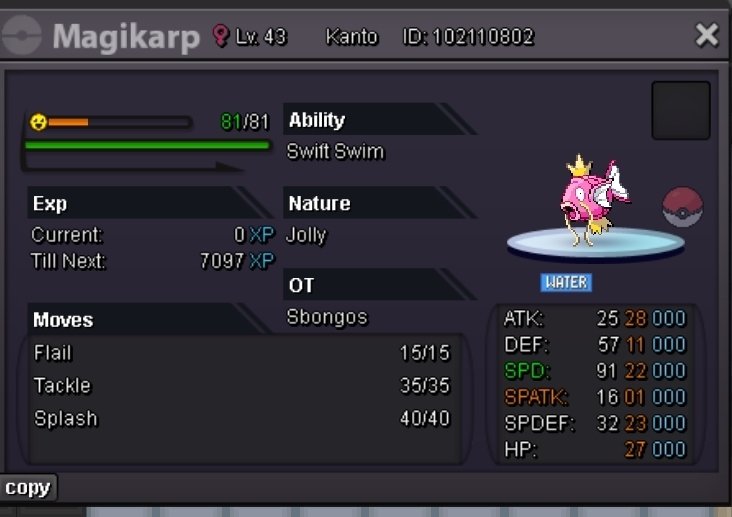 @Sebajun Congrats you have won! pm me here or in game to make the tradeS.O 500k min bid 100k ends 24h after first bid
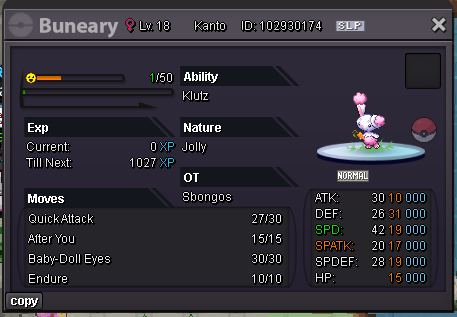 S.O 4M min bid 100k ends 24h after first bid
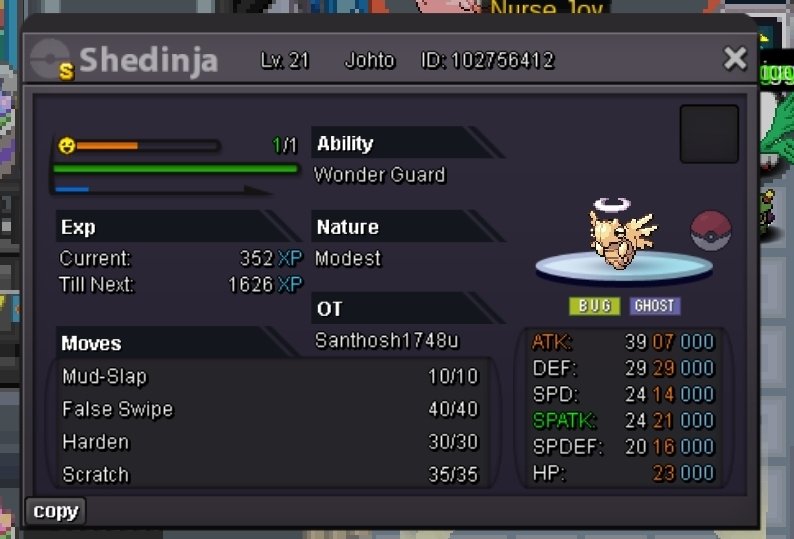 @Oakprofessor Yes you have won. I can be online for the. next hours, pm me here or if you find me in game to make the trade.changed start pricestart bid: 1m min bid: 100k ends 24h after first bid
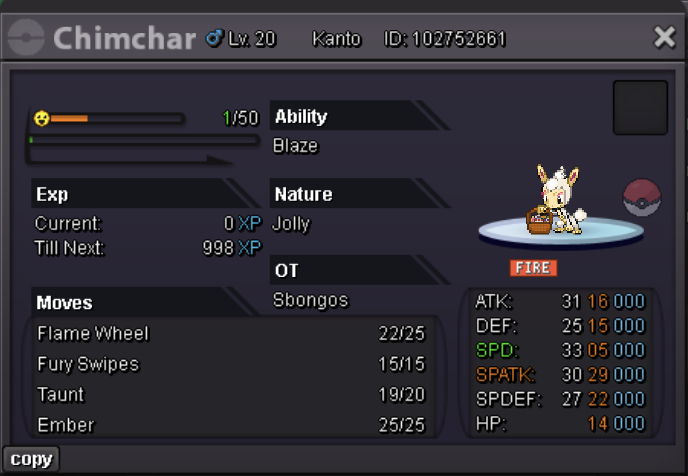 instatrade completed
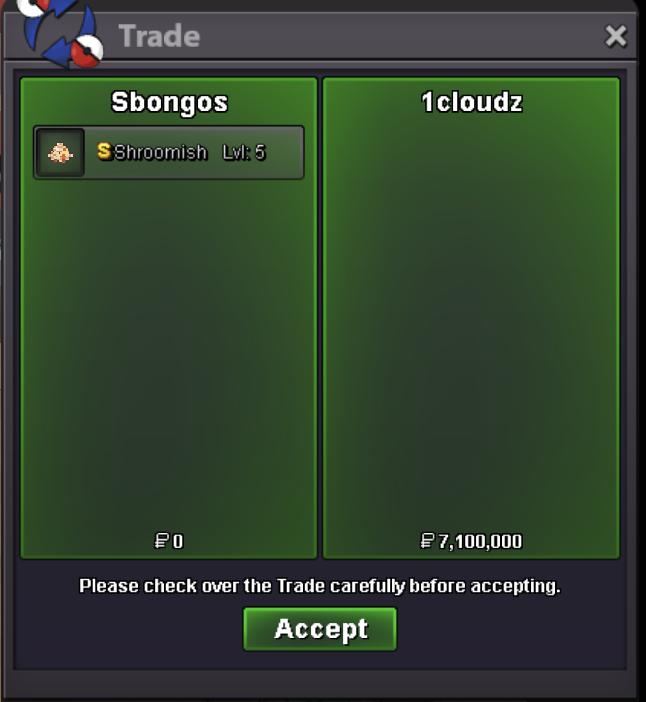 @1cloudz Congrats you won the auction. I will find you online to make the trade @Codyful I am sorry but @1cloudz made their offer in the last 15 minutes and held it for more than 15 minutes, making them the winner.