




New Trade Zone
Trade Zone is now live
Use the new Trade Zone for auctions and instant-price trades so Pokemon and item offers are easy to find.

Roblettin
Registered User
-
Joined
-
Last visited
Everything posted by Roblettin
-
2.1m
-
850k
-
700k
-
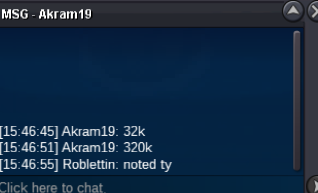
@Akram19
-
start
-
afk sorry
-
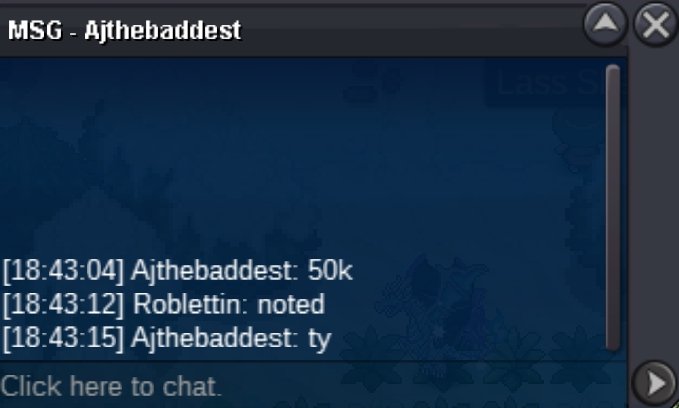
@Ajthebaddest50k
-
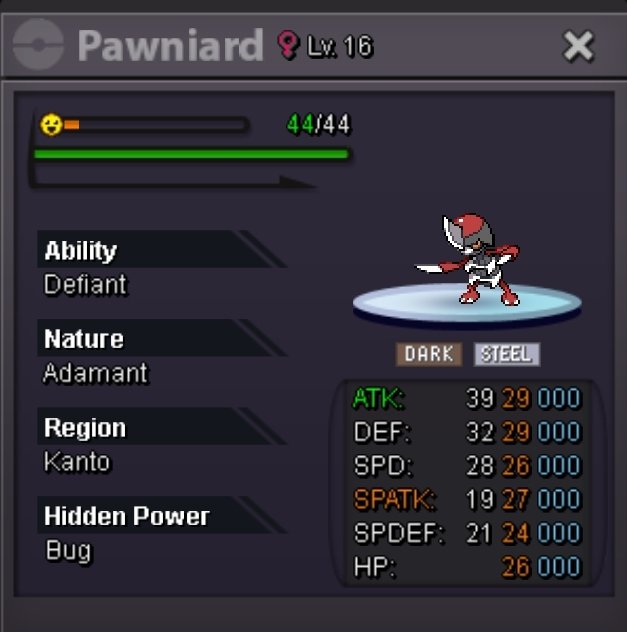
S.O: 10k Min Bid: 10k CC 450k Accept 15 Min Rule Auction starts after first bid have 72 hours of time limit İGN: Roblettin DC: roblettin
-
and the last one goes
-
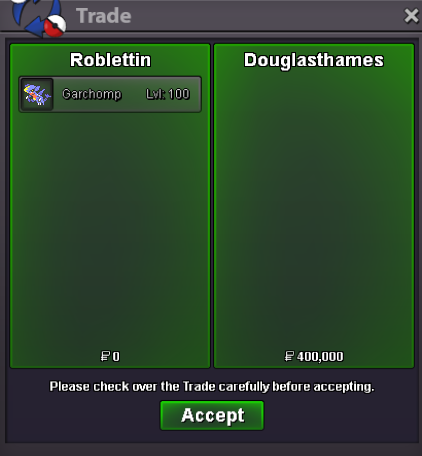
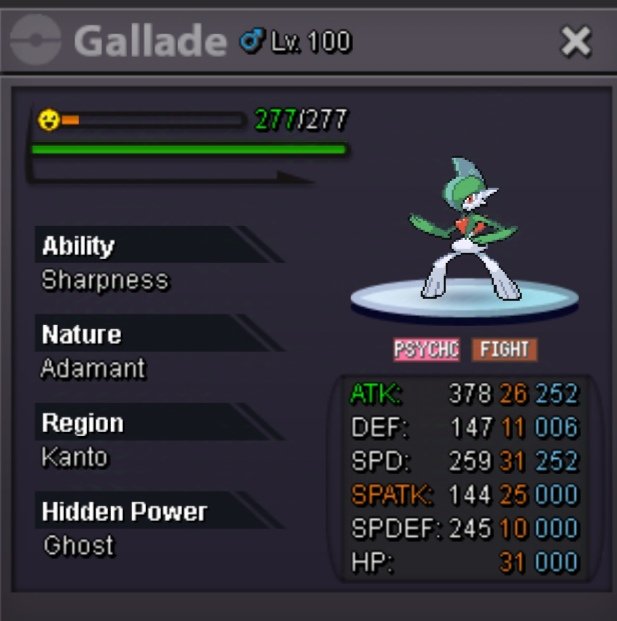
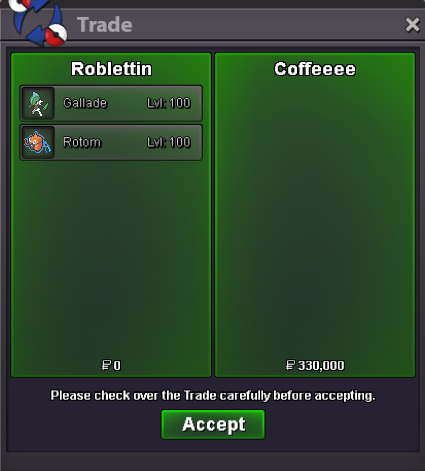
@Douglasthamesyou won the garchomp auction add me on discord for meeting dc:roblettinrotom ended @Coffeeeealso skarmory ended congrats @Kaori101 you can add me in discord for meetingauction ended for gallade @Coffeeeecongrats for winning you can add in discord for meeting Dc:roblettinoh i see sorry mb so you won you can add me for meeting @Zenfallensorry you bid after it ended48 hours passed for charizard not early@Zenfallencongrats you won please add me in discord for meeting dc:roblettin300k SO from @azzu
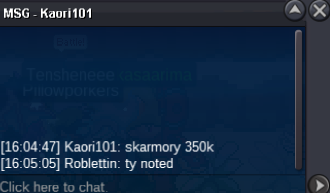
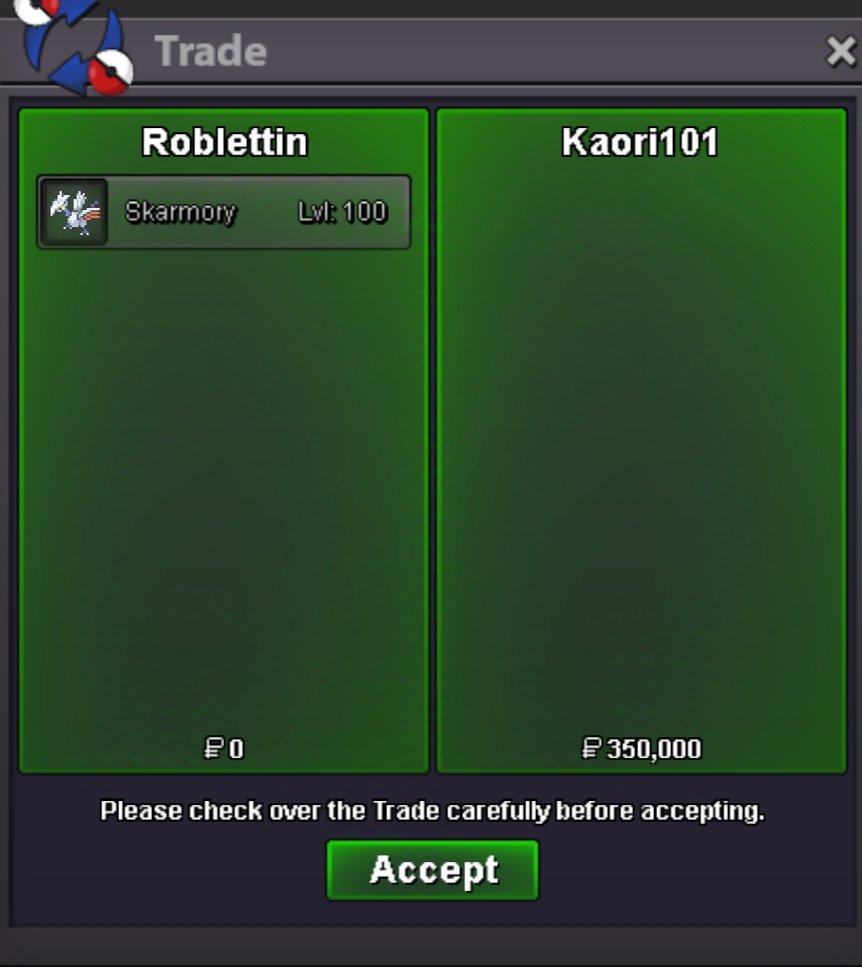
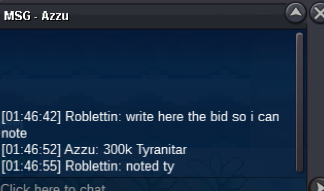 @Coffeeeeskarmory already 350k bid350k bid on skarmory by @Kaori101
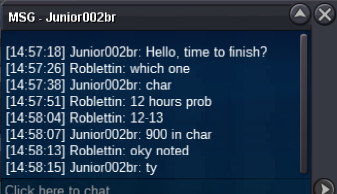
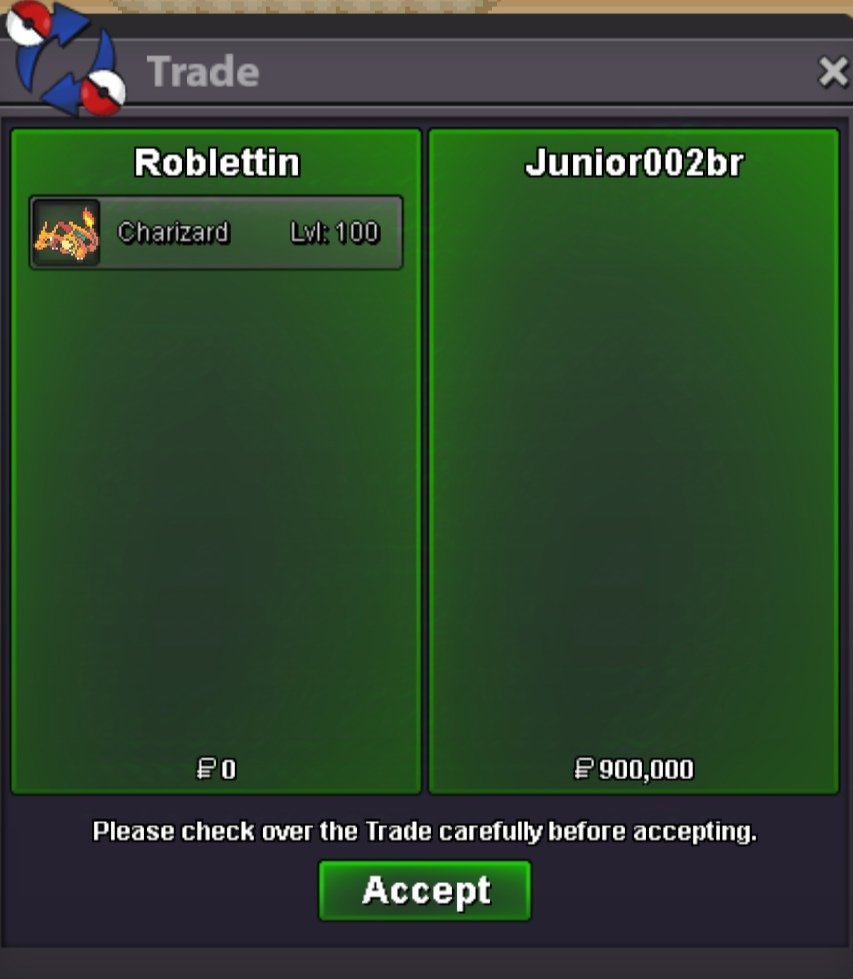
 char 900k by @Junior002br
 Each of them have 48 hours of time limit after first bid goodluck ! (Not a bundle remind) CC ACCEPT (450K) Skarmory Relaxed C.O 350k Min Bid 50k (SOLD) Garchomp Jolly C.O 400k Min Bid 50k (SOLD) Charizard Timid C.O 900K Min Bid 100k (SOLD) Tyranitar Careful C.O 300K Min Bid 50k (SOLD) Rotom-Wash Timid C.O 300K Min Bid 50k (SOLD) Gallade Adamant C.O 350K Min Bid 50k (SOLD) İGN:Roblettin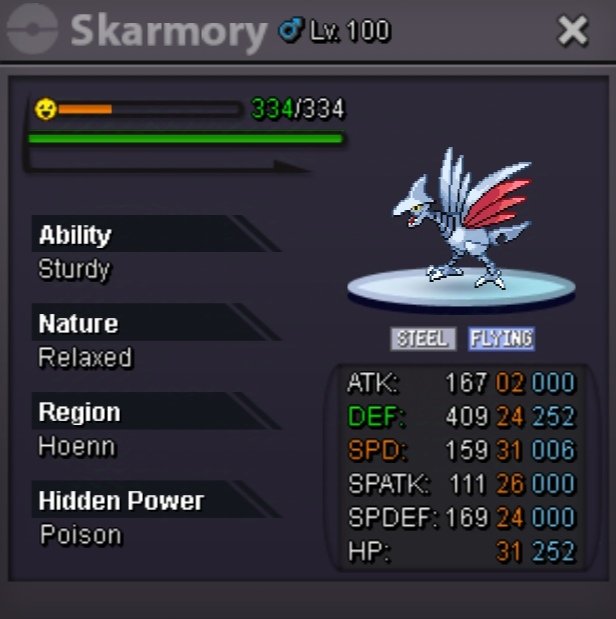
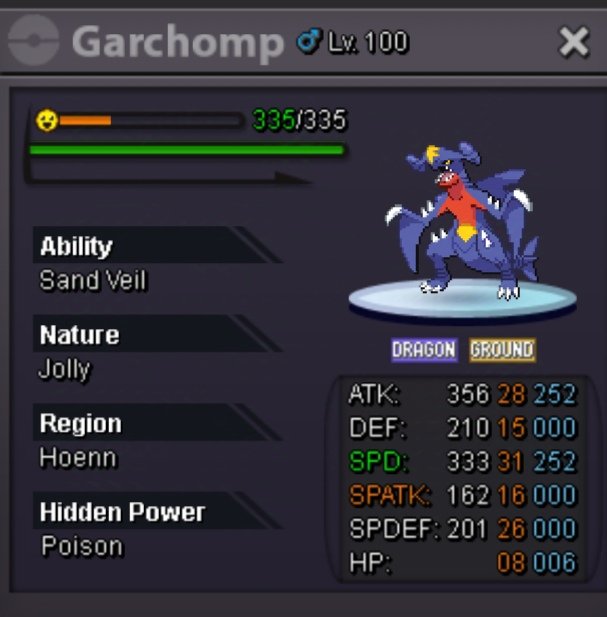
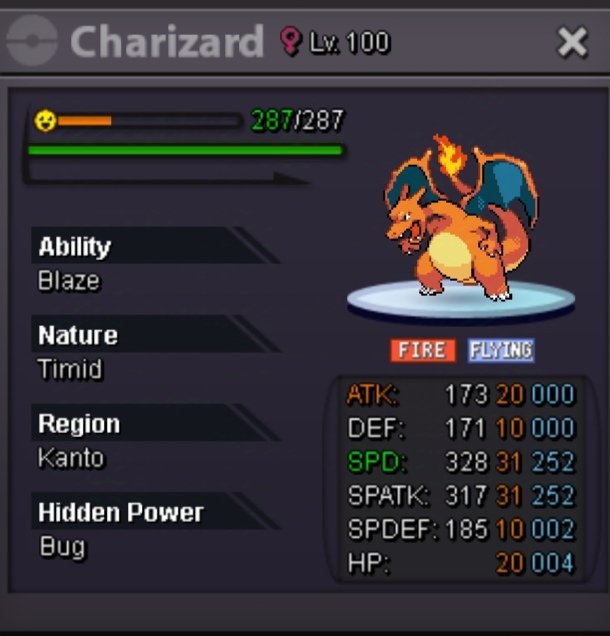
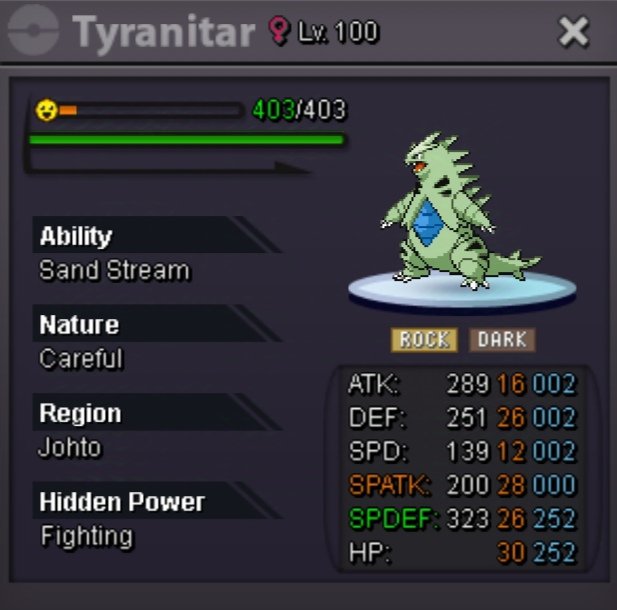
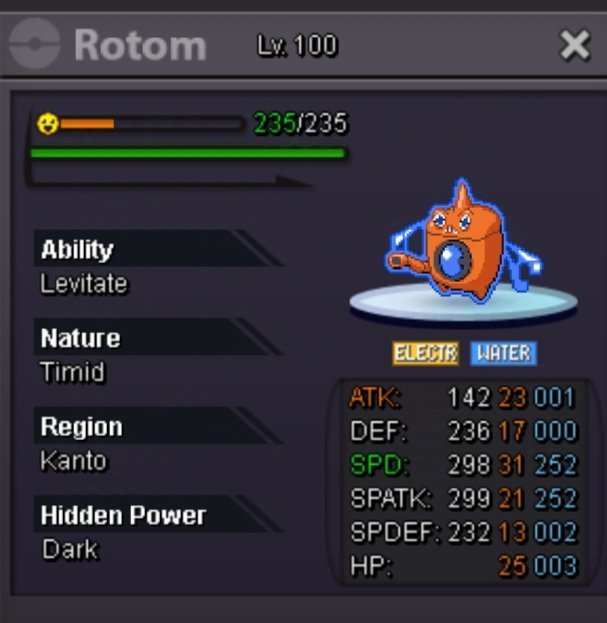
 50k kangaskhan


Account
Navigation
Search
Configure browser push notifications
Chrome (Android)
- Tap the lock icon next to the address bar.
- Tap Permissions → Notifications.
- Adjust your preference.
Chrome (Desktop)
- Click the padlock icon in the address bar.
- Select Site settings.
- Find Notifications and adjust your preference.
Safari (iOS 16.4+)
- Ensure the site is installed via Add to Home Screen.
- Open Settings App → Notifications.
- Find your app name and adjust your preference.
Safari (macOS)
- Go to Safari → Preferences.
- Click the Websites tab.
- Select Notifications in the sidebar.
- Find this website and adjust your preference.
Edge (Android)
- Tap the lock icon next to the address bar.
- Tap Permissions.
- Find Notifications and adjust your preference.
Edge (Desktop)
- Click the padlock icon in the address bar.
- Click Permissions for this site.
- Find Notifications and adjust your preference.
Firefox (Android)
- Go to Settings → Site permissions.
- Tap Notifications.
- Find this site in the list and adjust your preference.
Firefox (Desktop)
- Open Firefox Settings.
- Search for Notifications.
- Find this site in the list and adjust your preference.