New Trade Zone
Trade Zone is now live
Use the new Trade Zone for auctions and instant-price trades so Pokemon and item offers are easy to find.

Supa41
Registered User
-
Joined
-
Last visited
Everything posted by Supa41
-
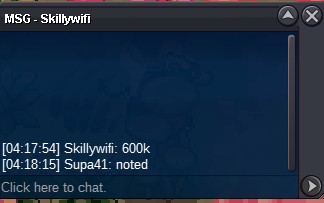
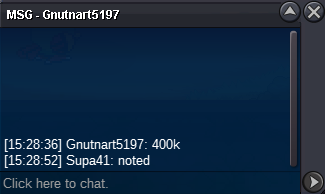
Start : 200k Min bid : 50k ENDS 24 HOURS AFTER FIRST BID
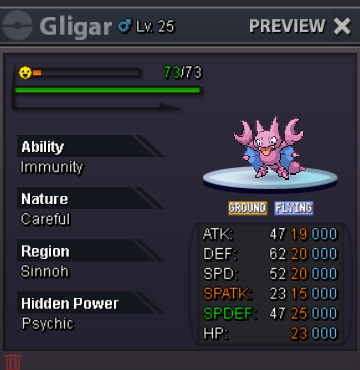 Start : 300k Min bid : 50k Ends 26th january 9 p.m GMT
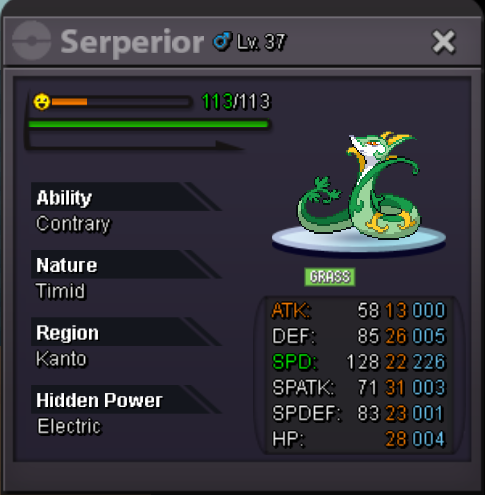 Start : 300k Min bid : 50k Start : 300k Min bid : 50k NOT A BUNDLE. AUCTIO ENDS 25th january AT 7.30 PM GMT.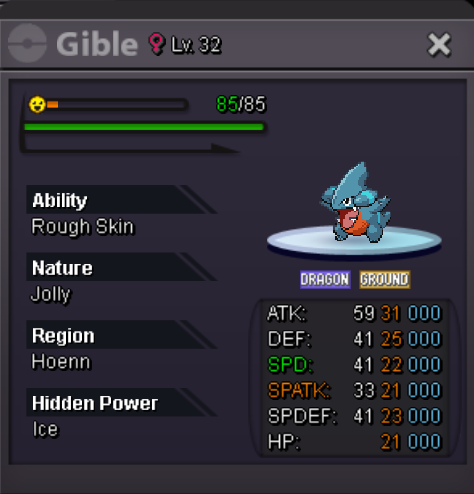
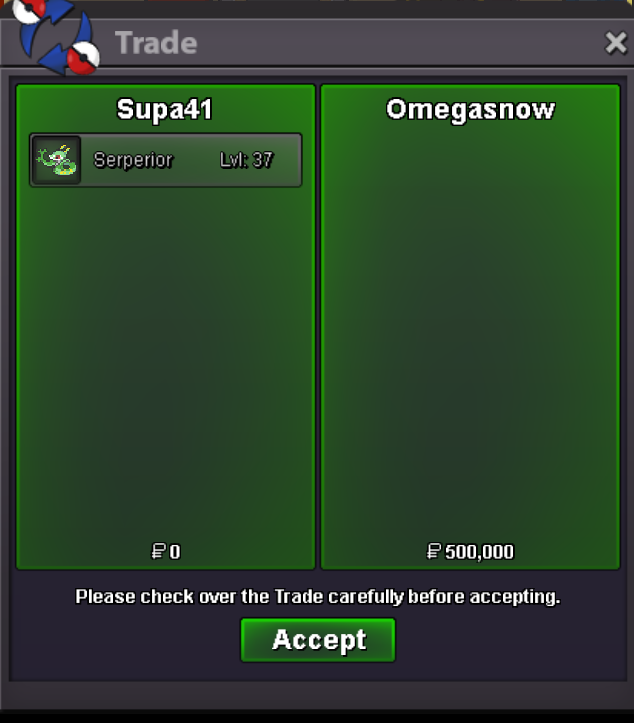
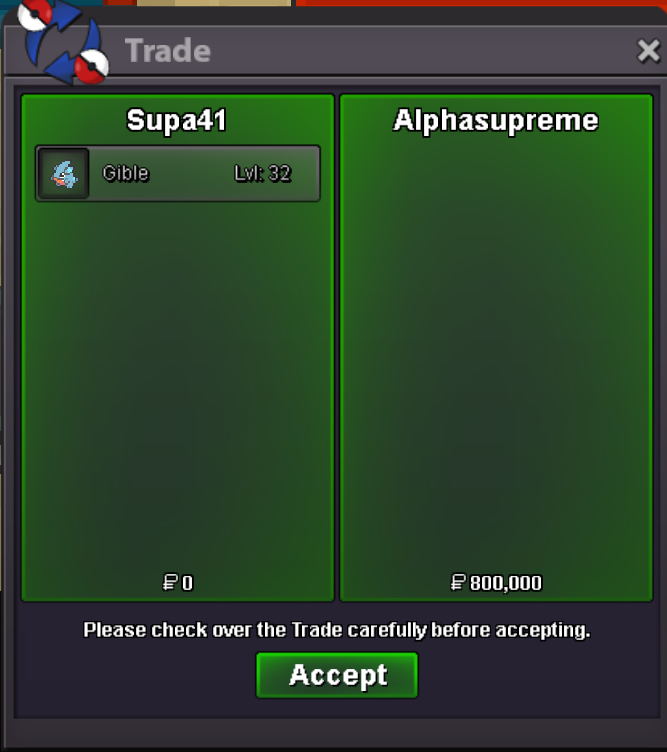
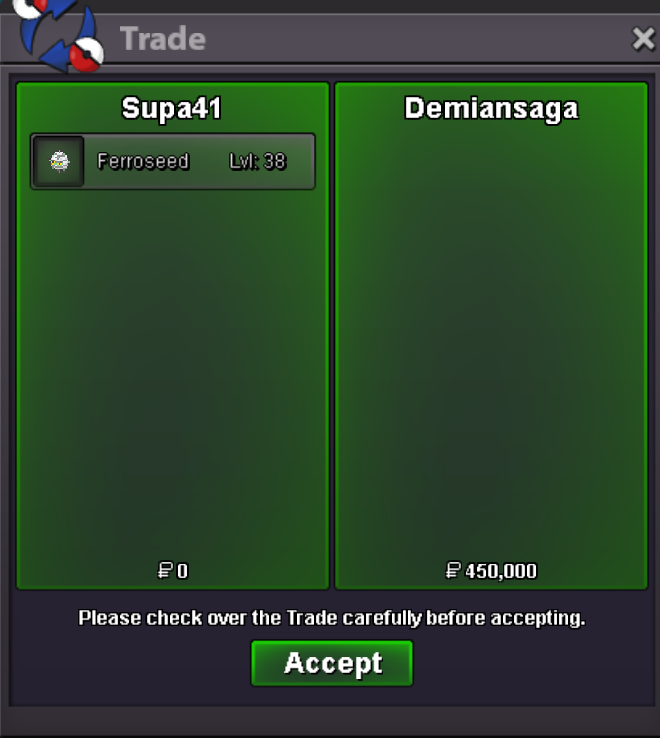
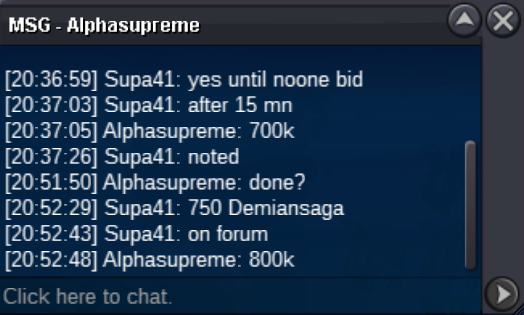
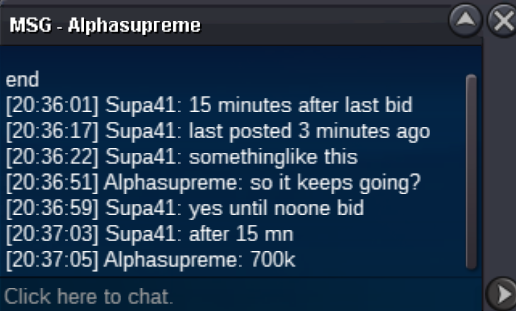
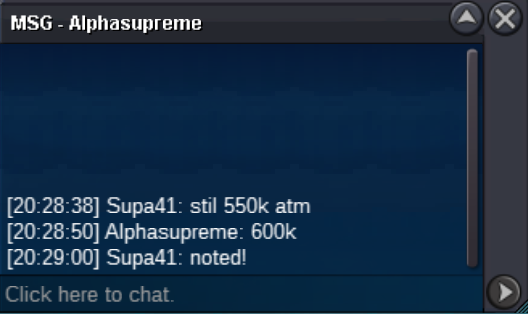
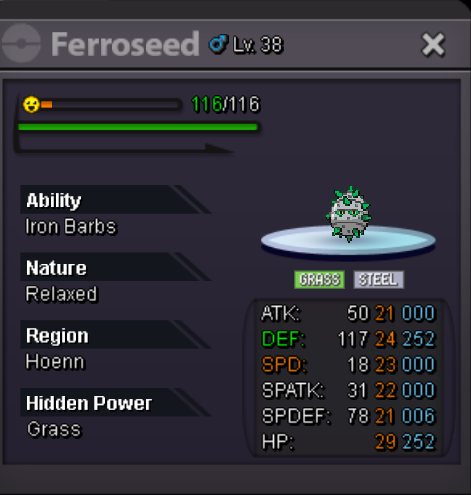 thanks for trade !
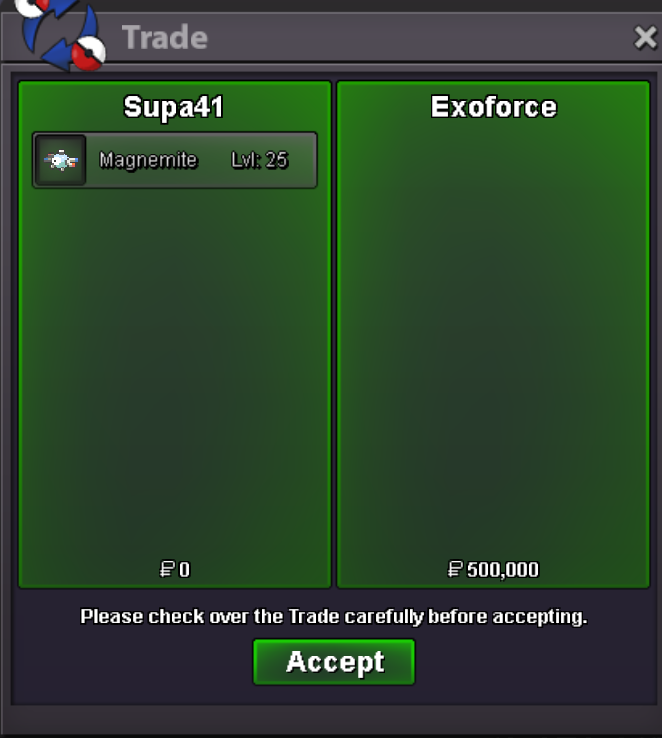 can be closed
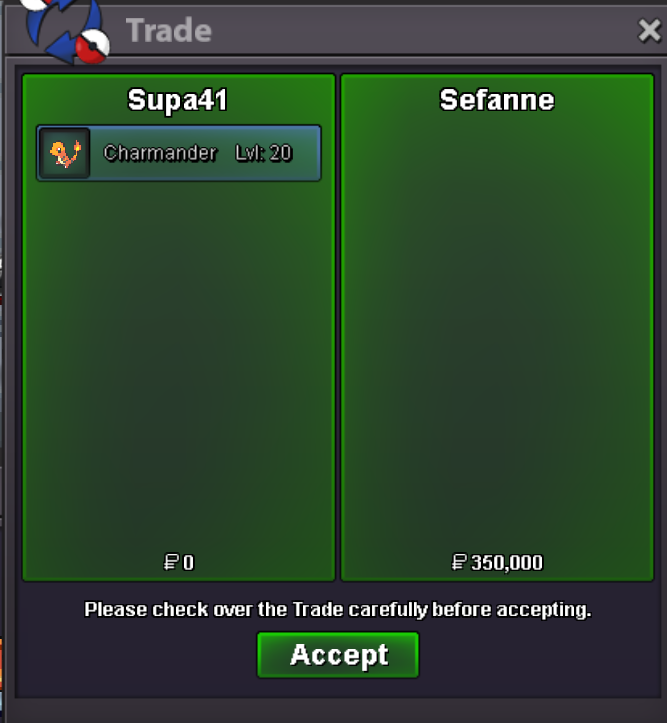 Start : 300k Min bid : 50k Auction ends 19/01 9pm gmt +1
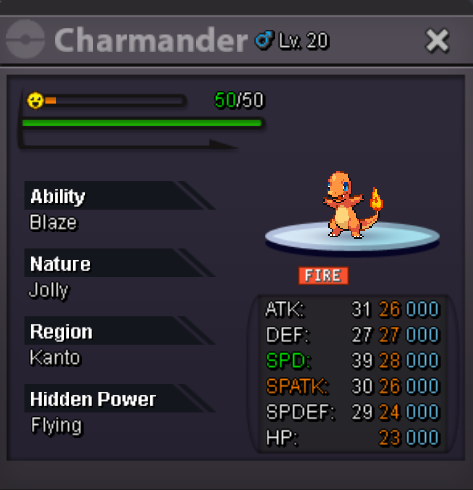 Start : 500k Min bid : 100k Auction ends Sunday 18th January 2025 at 11:59 p.m GMT+1
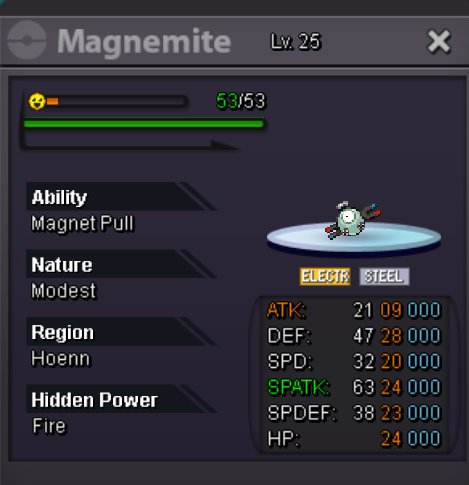 thanks for trade glhf
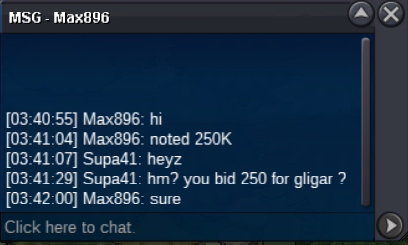
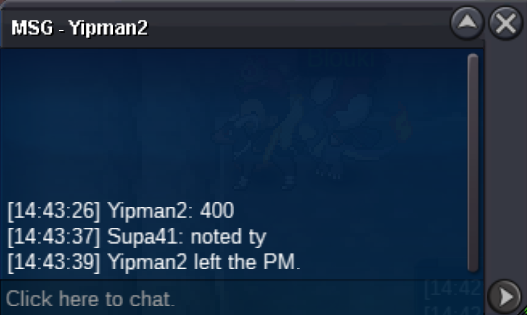
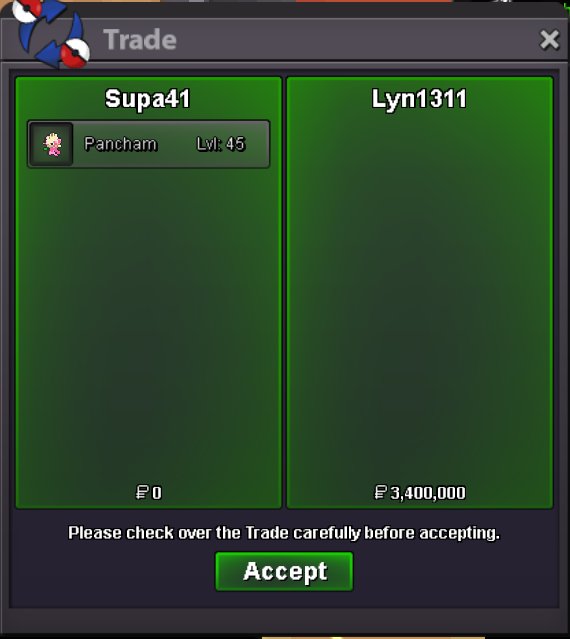 thanks for trade forgot to take screenshot, not used to sorryStart : 300k Min bid : 100k Auction ends Sunday 1st December 2024 at midnight GMT+1 the +15 min rule in the end of auction is applied
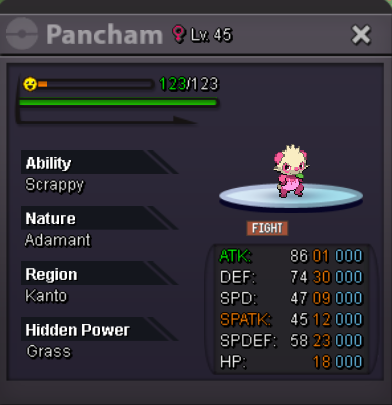 how do i block you so i dont have do deal with you in the future edit : i found out
Account
Navigation
Search
Configure browser push notifications
Chrome (Android)
- Tap the lock icon next to the address bar.
- Tap Permissions → Notifications.
- Adjust your preference.
Chrome (Desktop)
- Click the padlock icon in the address bar.
- Select Site settings.
- Find Notifications and adjust your preference.
Safari (iOS 16.4+)
- Ensure the site is installed via Add to Home Screen.
- Open Settings App → Notifications.
- Find your app name and adjust your preference.
Safari (macOS)
- Go to Safari → Preferences.
- Click the Websites tab.
- Select Notifications in the sidebar.
- Find this website and adjust your preference.
Edge (Android)
- Tap the lock icon next to the address bar.
- Tap Permissions.
- Find Notifications and adjust your preference.
Edge (Desktop)
- Click the padlock icon in the address bar.
- Click Permissions for this site.
- Find Notifications and adjust your preference.
Firefox (Android)
- Go to Settings → Site permissions.
- Tap Notifications.
- Find this site in the list and adjust your preference.
Firefox (Desktop)
- Open Firefox Settings.
- Search for Notifications.
- Find this site in the list and adjust your preference.