New Trade Zone
Trade Zone is now live
Use the new Trade Zone for auctions and instant-price trades so Pokemon and item offers are easy to find.

Derkuzii
Registered User
-
Joined
-
Last visited
Everything posted by Derkuzii
-
noo Kubrick there is the problem i was already there in lilycove there is a little girl protecting the cave and she will only disappear when i cleared the jagged pass. i did not finish the jagged pass. so im stuck rn. like i already said in my first message i was already there and tried to do the next steps but it is not possible. i cant enter jagged pass and i did not finish it.
-
Hello Kubrick, i did that already i spoke with all 4 of them at the top of mt pyre and still cant enter the pass.
-
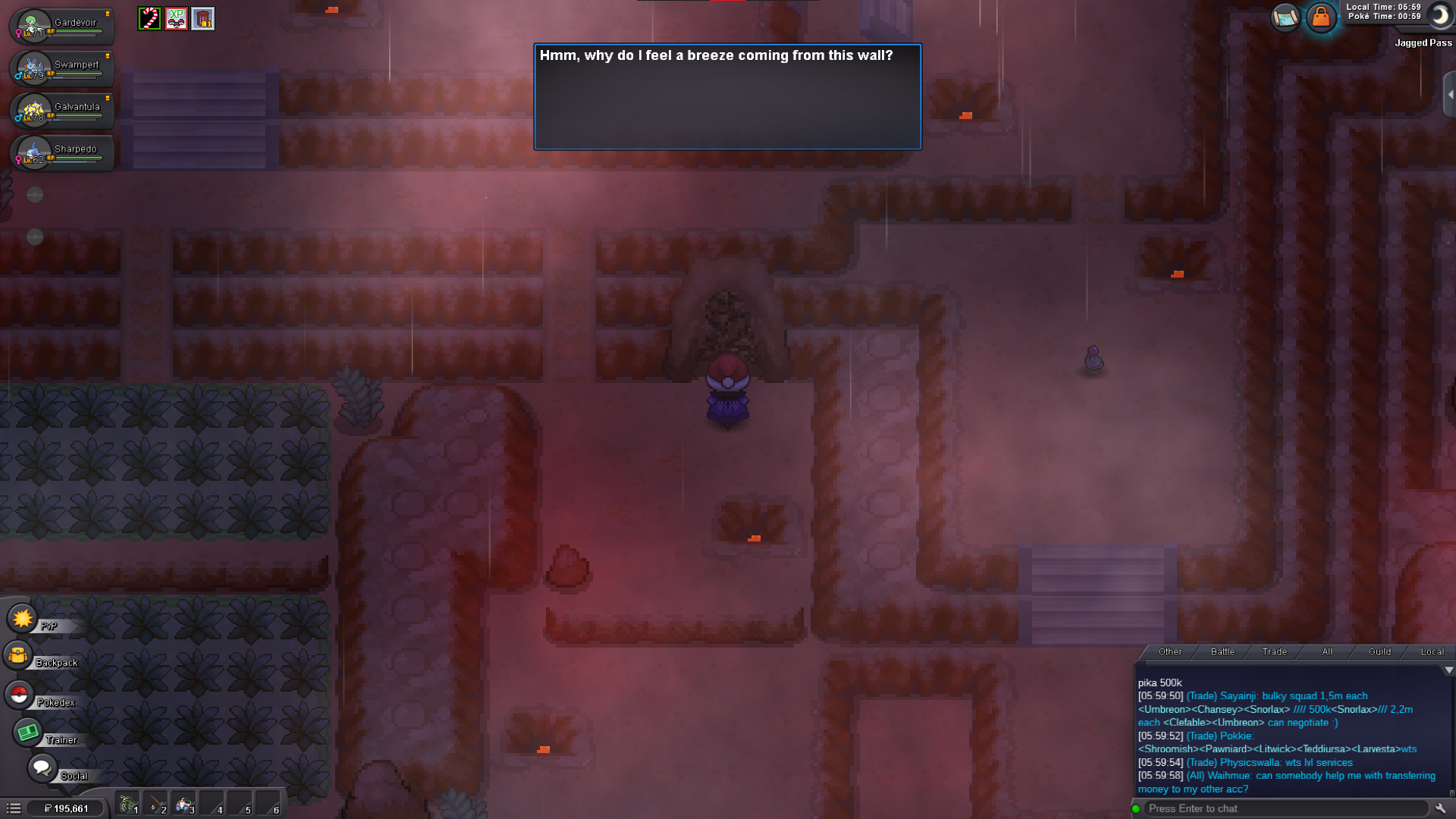
Hello Admins, my main problem is that i was already in the Team Aqua hideout (the Jagged Pass one in Hoenn), but i left the cave because i wanted to heal my pokemons..(i only fought like 2 or 3 aqua members i wasnt far in) after that i wanted to go back to the hideout and i see this message. my next step was visiting the old man at MT Pyro to talk to him and come back to the pass, still the same cant enter the pass. so i thought maybe the game thinks i finished the pass and i wanted to go to the next steps to continue my story but i couldnt enter the next step, th diving cave step because the Aqua hideout is not finished yet and im stuck now cant continue the story please help. 😞