




New Trade Zone
Trade Zone is now live
Use the new Trade Zone for auctions and instant-price trades so Pokemon and item offers are easy to find.

Fermentedfruit
Registered User
-
Joined
-
Last visited
-
yo like for real whats going its been days now????????
-
when is the money or coins supposed to go back to my account???????
-
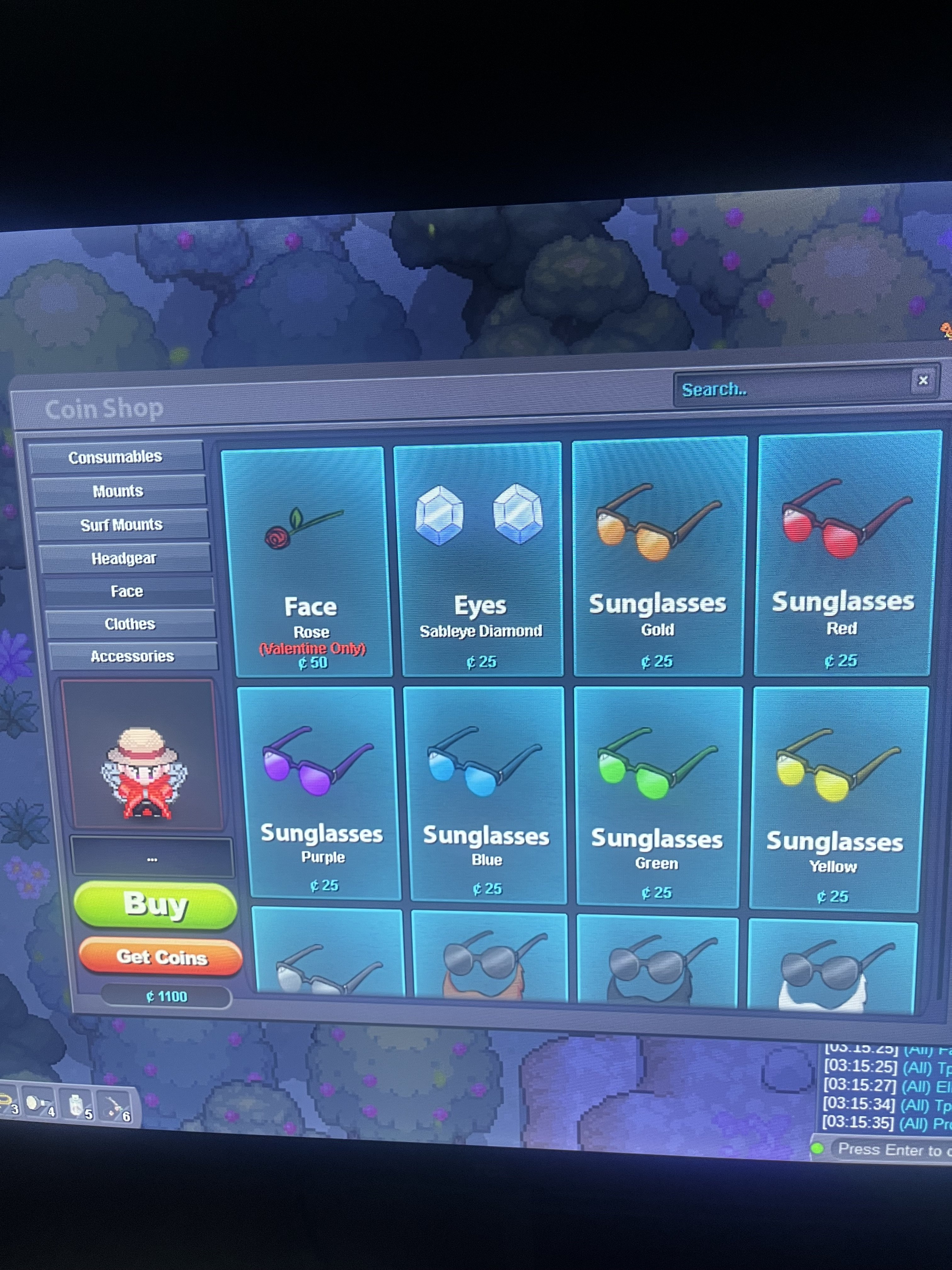
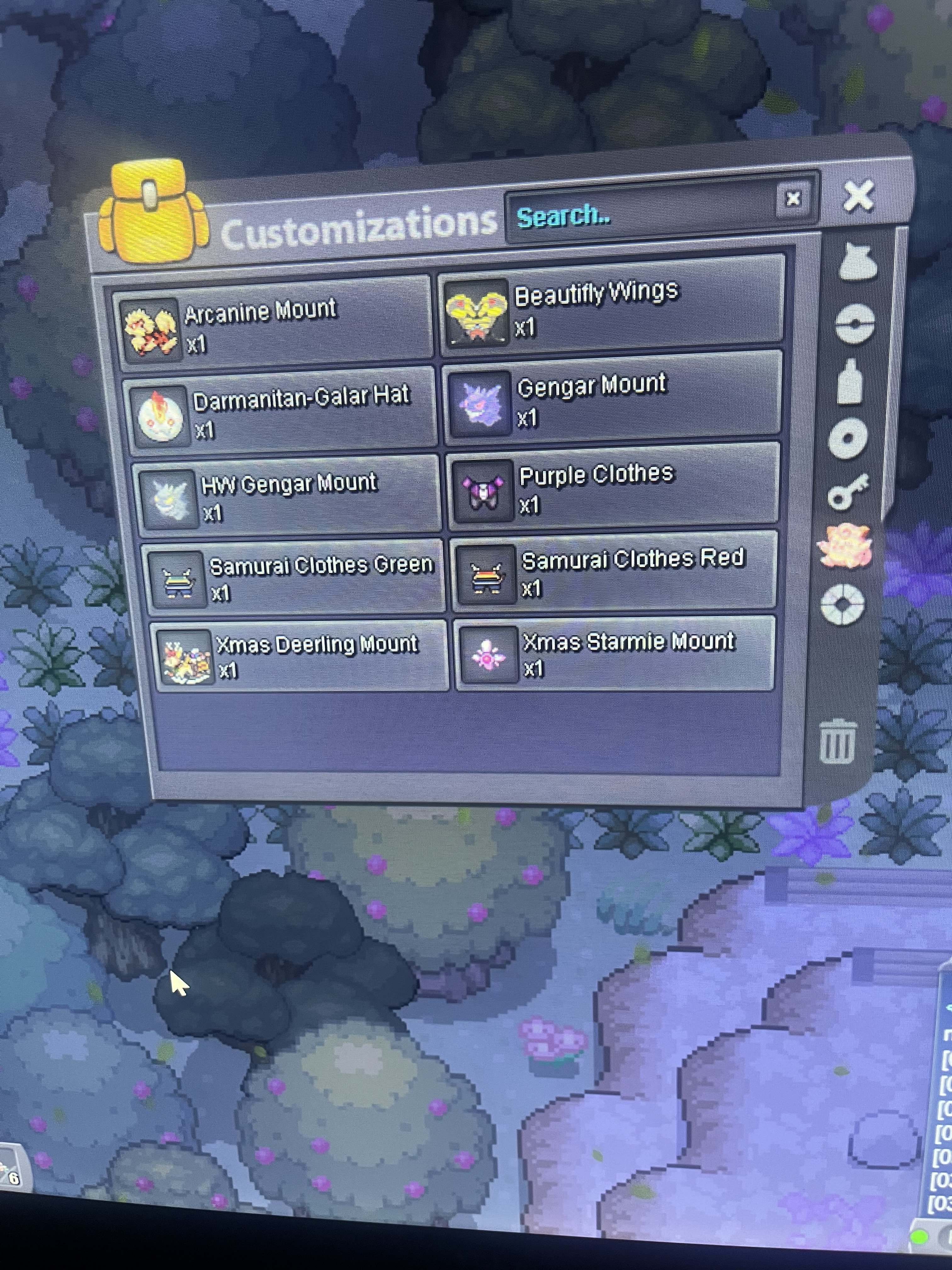
Did my money get refunded or did the 100 coins get refunded???? Because I’m still sitting at 1100 with no wings
-
thank you very much hope you have a great night/day!
-
hi my username is fermentedfruit and i spent 100 coins on the vday wings for ninetales and then my game crashed and i logged back in and they werent there anymore i started with 800 bought 400 more today and then bought the wings so i should be at 1100 with wings but, i only have the 1100 and no wings. thank you
-
??????
-
where do i meet you
-
200k Ninetale_Alolan
-
50k beedrill
-
200k
-
why
-
380K
-
320K
-
260K

