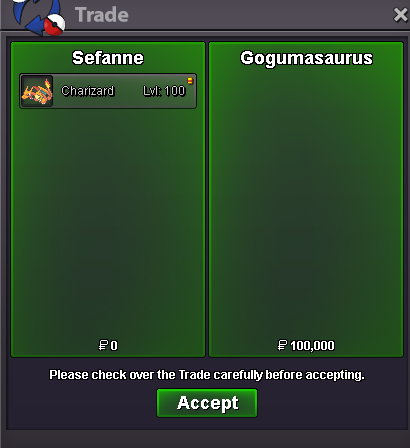
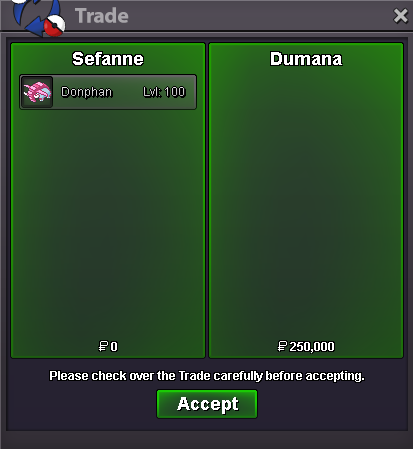
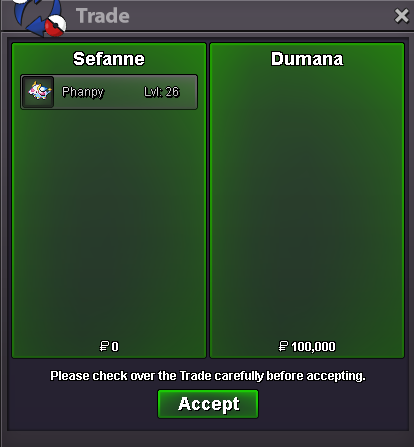
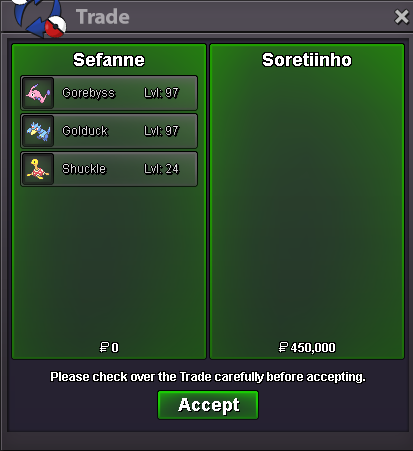
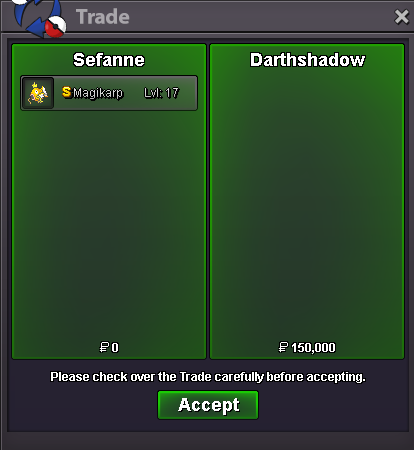
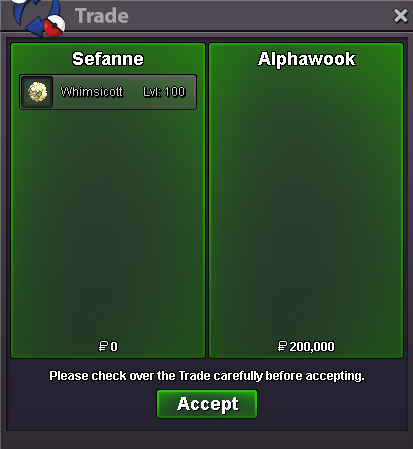
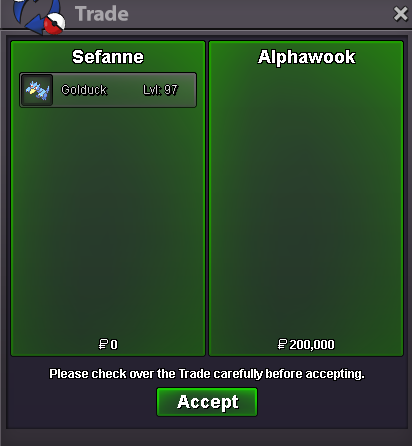
New Trade Zone
Trade Zone is now live
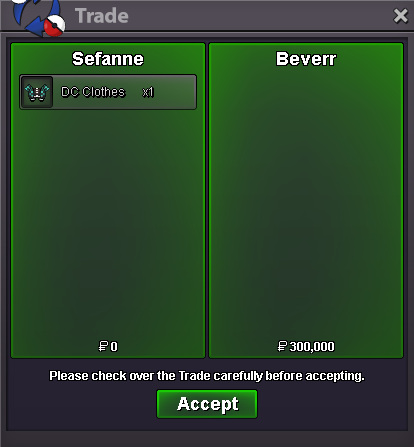
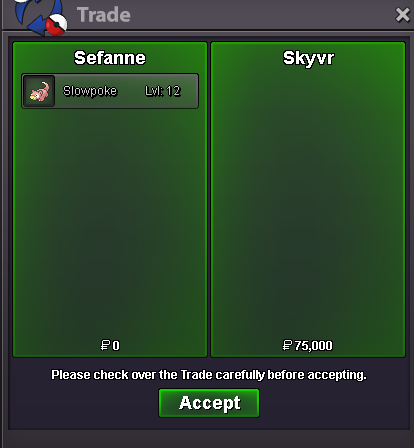
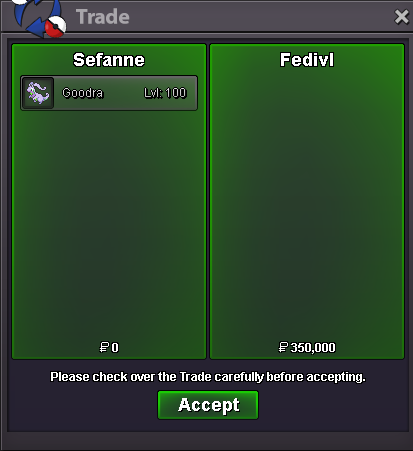
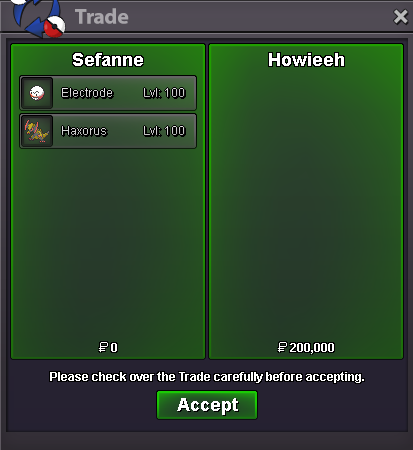
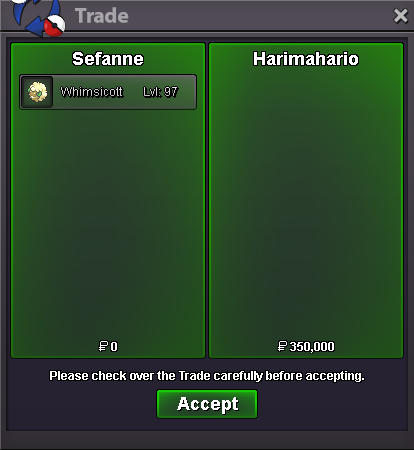
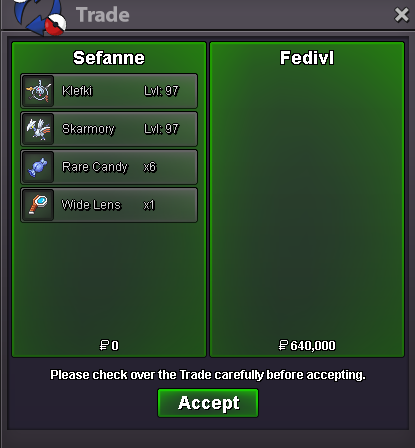
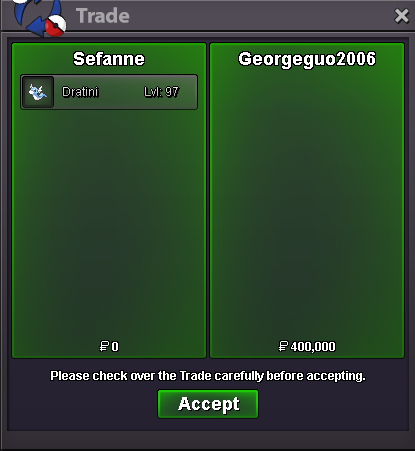
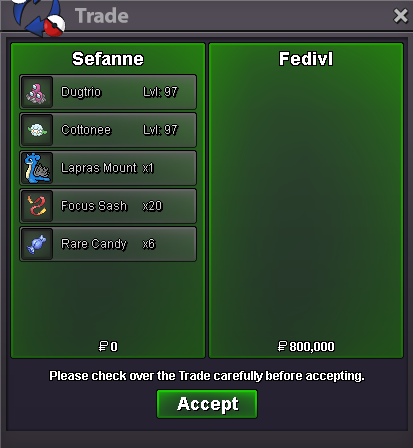
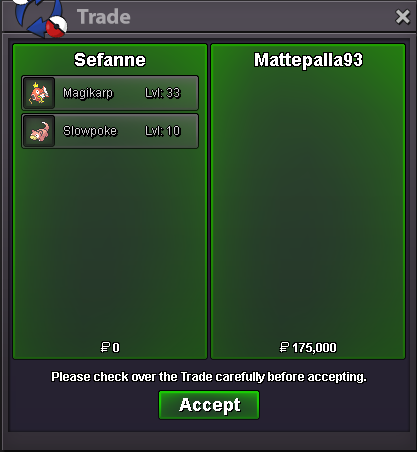
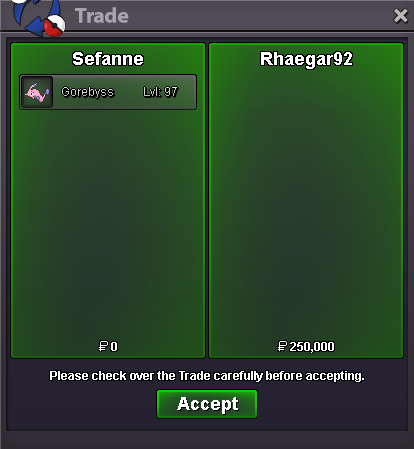
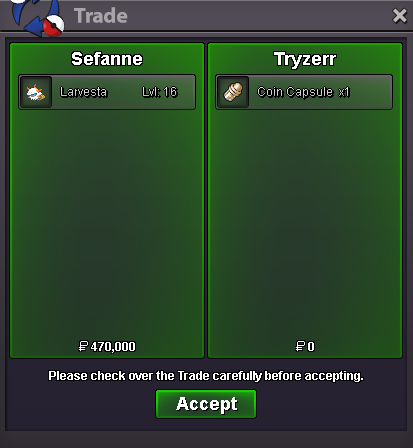
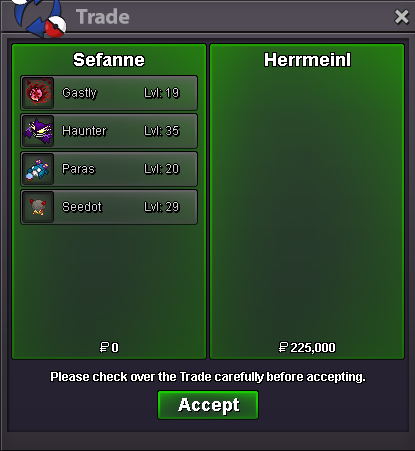
Use the new Trade Zone for auctions and instant-price trades so Pokemon and item offers are easy to find.


Everything posted by Sefanne
-
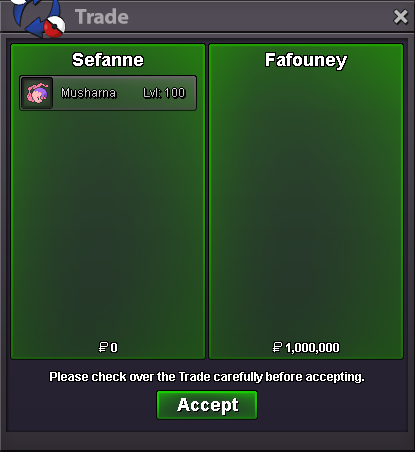
Auction will end Sunday the 16th 21:15 GMT+1Start offer 1m Min bid 100k Auction duration: 4 days +5 minutes rounded up after the first bid (for example if the auction started 19:27 it will will end 4 days later at 19:30) Insta: 25m Alternative payments Item Value Rare Candy 6k Coin Capsule (CC) 500k IV Reroll 550k Nature Reroll 250k Bidding can be done via this forum post or PM ingame Sefanne on the Silver server (if online ofcourse) Good luck!
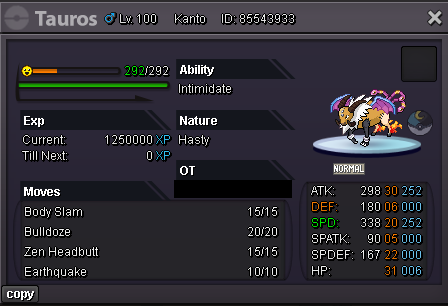 Congratz to the winner @Fafouney !
 wtb pm me, ingame Sefanne. If not online pls pm me on the forumsBumpey, wtb and Im online rn, ingame SefanneWtb this, my ingame name is SefanneStart offer 1m Min bid 100k Auction last for 48h after the start offer Insta: Not applicable Note: This timer ends at 13:00 GMT+1, while the auction ends 13:02 GMT+1 > Auction started 13:02 Monday GMT+1 < Standard auction rules applies (15 minutes extention if someone offers within the last 15 minutes and beyond) Alternative Payments Item Value Rare Candy 6k Coin Capsule(CC) 500k IV Reroll 550k Nature Reroll 250k Bidding can be done via this forum post or PM ingame Sefanne (if online) Good luck!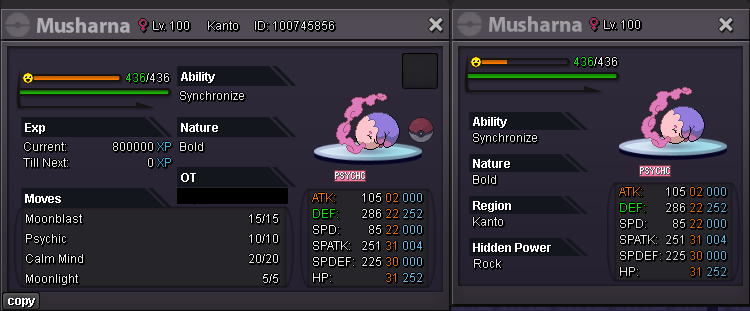
Account
Navigation
Search
Configure browser push notifications
Chrome (Android)
- Tap the lock icon next to the address bar.
- Tap Permissions → Notifications.
- Adjust your preference.
Chrome (Desktop)
- Click the padlock icon in the address bar.
- Select Site settings.
- Find Notifications and adjust your preference.
Safari (iOS 16.4+)
- Ensure the site is installed via Add to Home Screen.
- Open Settings App → Notifications.
- Find your app name and adjust your preference.
Safari (macOS)
- Go to Safari → Preferences.
- Click the Websites tab.
- Select Notifications in the sidebar.
- Find this website and adjust your preference.
Edge (Android)
- Tap the lock icon next to the address bar.
- Tap Permissions.
- Find Notifications and adjust your preference.
Edge (Desktop)
- Click the padlock icon in the address bar.
- Click Permissions for this site.
- Find Notifications and adjust your preference.
Firefox (Android)
- Go to Settings → Site permissions.
- Tap Notifications.
- Find this site in the list and adjust your preference.
Firefox (Desktop)
- Open Firefox Settings.
- Search for Notifications.
- Find this site in the list and adjust your preference.